

Computer help in Stockholm and across Sweden
Computer help for homes and businesses – Mac, Windows, data and security
With computer help from Dator Hjälp we move you between Windows and Mac, recover data from crashed computers and remove trojans. We also restore access when nobody knows the password, for example after a change of ownership or a death, and we move Mobile BankID and authenticator apps to new phones.
- Computer help on site in Stockholm and also remotely across Sweden
- More than 30 years of experience with Windows, macOS, Linux and IT security
- Direct mobile: +46 (0)70 55 444 08
- You can also contact us viaWhatsApp and FaceTime
- Also part of Datorkirurgen AB
From €200 per hour excluding VAT
You receive an estimate of time and cost before we start. In addition, we finish many cases within one to two hours.
RUT tax deduction for private individuals in Sweden. Pay half the labour costApplies to work on site in your home, according to the Swedish Tax Agency’s rules.
Contact Dator Hjälp
Latest articles
News from Dator Hjälp
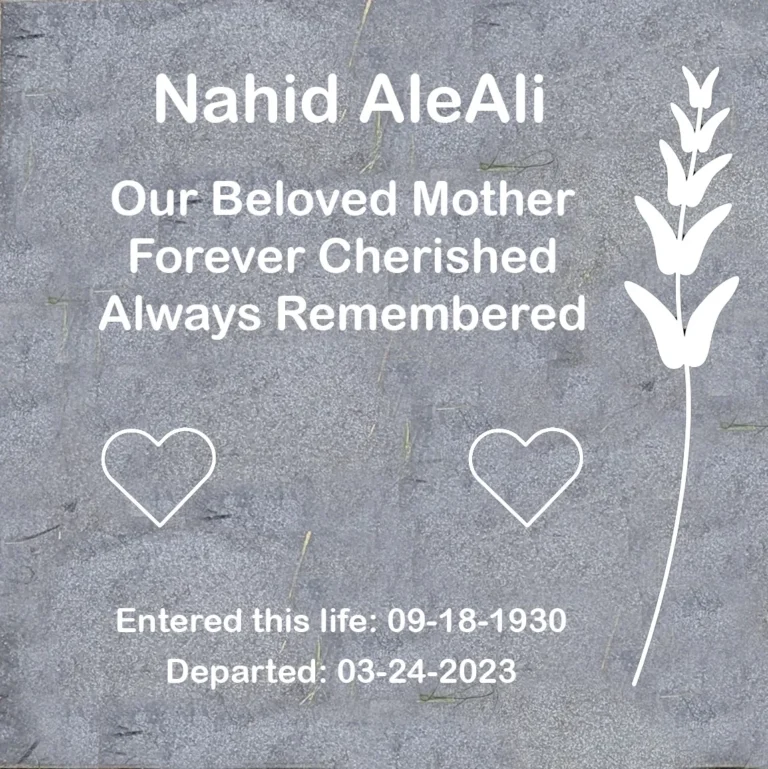
QR codes and memorial pages
QR code on a headstone – a memorial page with photos, videos and the life story
22 November 2026
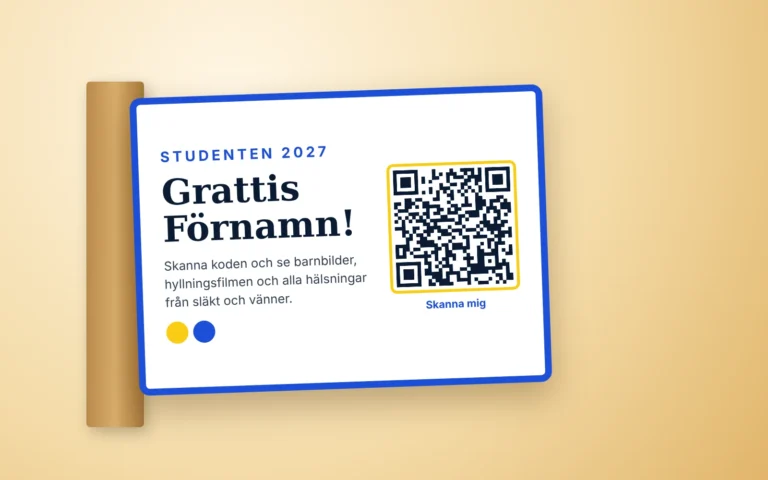
QR codes and memorial pages
QR code for graduation, birthdays and weddings – and a digital CV afterwards
22 November 2026
Phone, car and Bluetooth
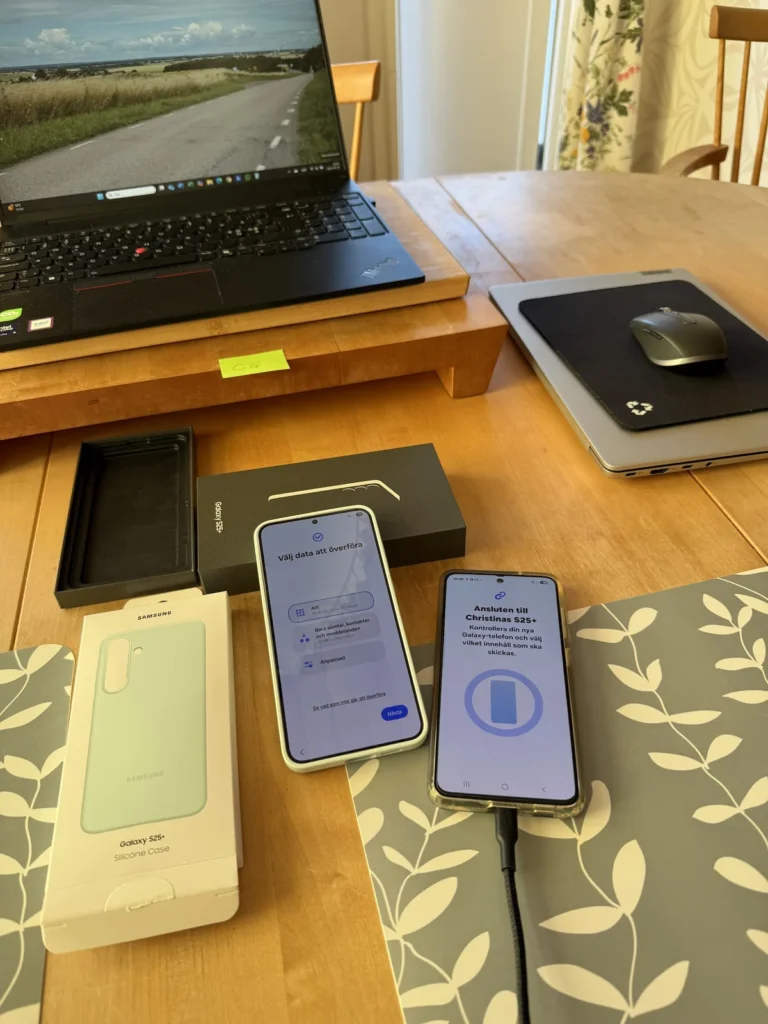
Phone for seniors – an ordinary smartphone set up simply and safely
22 November 2026
Cloud and backup
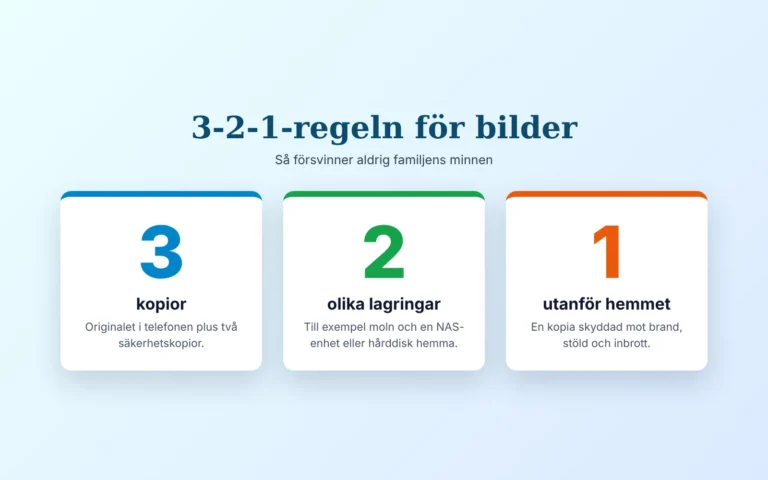
Back up photos and family memories automatically – in the cloud and at home
22 November 2026
Children and family
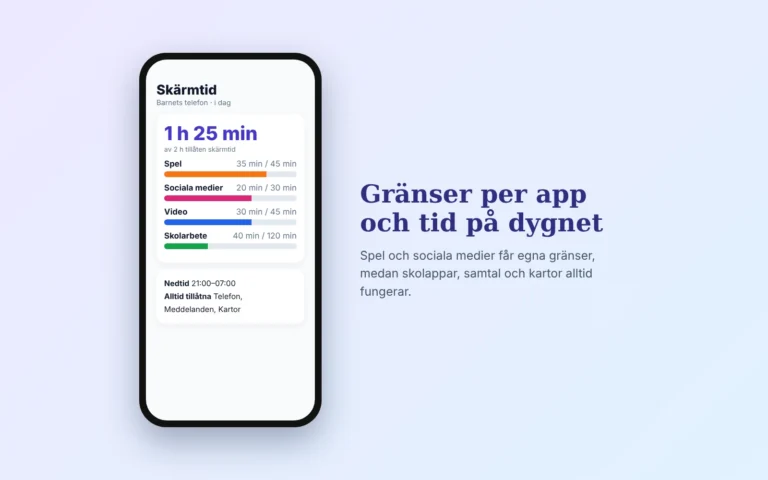
Parental controls – screen time, filters and a safe phone for children
22 November 2026
Phone, car and Bluetooth
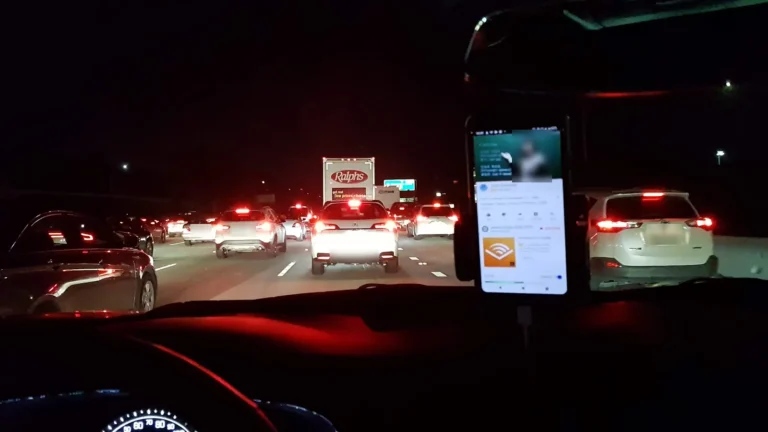
Learn languages in the car with your phone – audio courses, audiobooks and podcasts
22 November 2026
Computer help when you cannot access the computer, the files or the accounts
A crashed hard drive, an unknown administrator password or a new phone without BankID can stop both work and everyday life. That is why we first find out what can actually be saved, and then we solve the problem with respect for privacy and ownership.
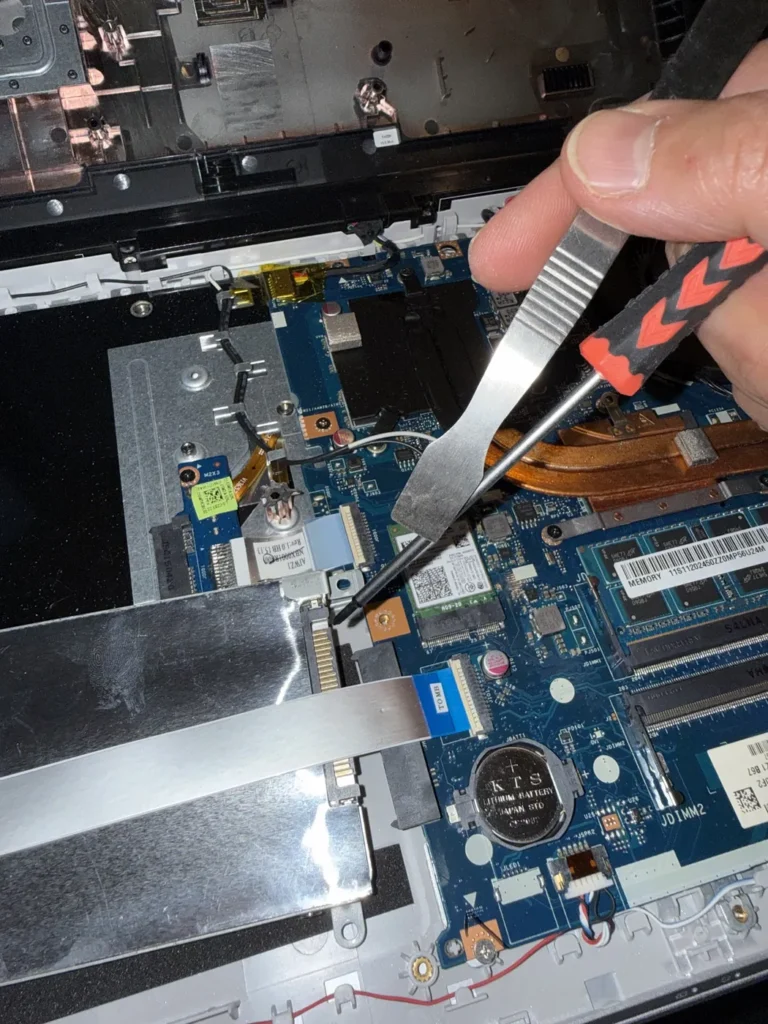
Data recovery
We recover photos, documents and email from computers that have crashed, show a blue screen or will not start, and we always work on a copy of the disk.
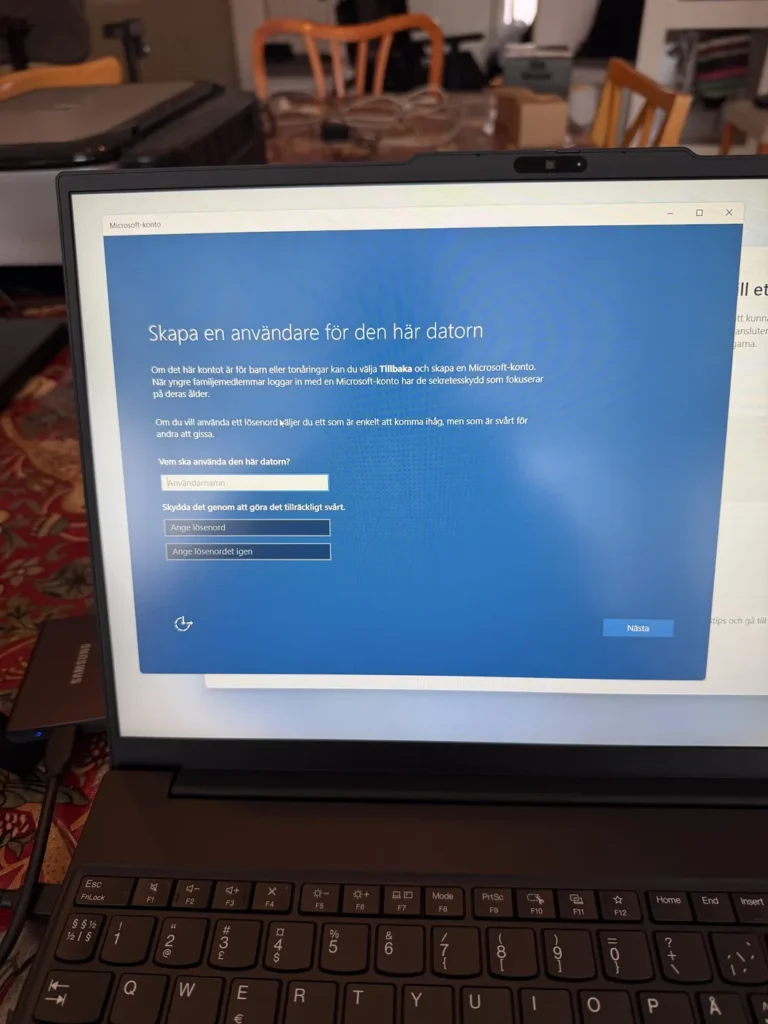
Unknown admin password
Have you taken over a clinic or firm without passwords? We restore administrator access while all the files stay in place.
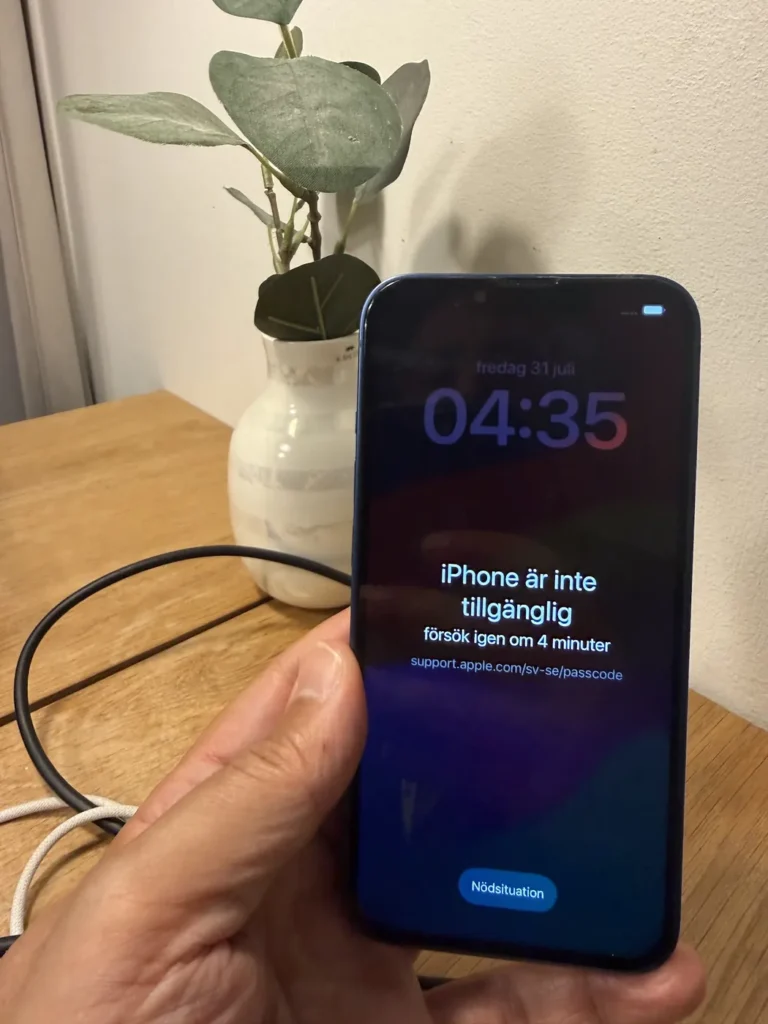
After a death
We help relatives reach photos, documents and email, and close or take over accounts with Apple, Microsoft and Google.
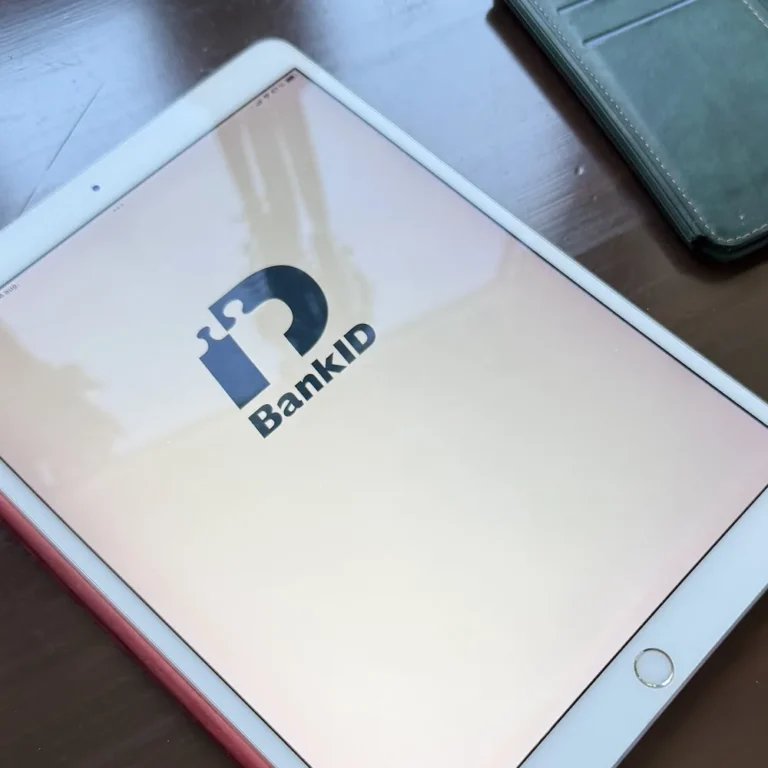
Mobile BankID
We move Mobile BankID to the new phone, with a passport, ID card or your existing BankID, and we also arrange a backup.
Computer help when changing computer, system and cloud without lost files
Changing computer or cloud service rarely takes time because of the technology itself. What takes time, on the other hand, is bringing along files, accounts, licences and habits. That is why we plan the switch first, then move everything and finally check the result together with you.
From Windows to Mac, and back
We move documents, photos, email and calendars with Migration Assistant and by hand. After that, we set up the iPhone, iPad, printers and screens, so that everything works from the very first day.
Between iCloud, OneDrive and Google Drive
First, we download everything in its original format, then we move photos, documents and contacts in either direction between iCloud, OneDrive and Google Drive, and finally we compare the number of files. As a result, nothing disappears on the way between the clouds.
From Windows 10 to Linux
Can your computer not run Windows 11? Then we switch to Linux Mint, move files and email and in this way give the older computer security updates for several more years.
Authenticator apps and two-step verification
We install and back up the Google, Microsoft, Adobe and Oracle authenticator apps. We also save backup codes, so that you are never locked out when you change phone.
More guides on computer help and security
Trojans and intrusive ads. How we map hidden programs in system files, temporary files and the browser cache. More in the guide →
Passwords after a death. What you can do with the computer, the phone and the accounts when someone has died. More in the guide →
Our services
Click a service to read how we work. The images come from our own assignments for private individuals, clinics and offices.
Mobile BankID
We move Mobile BankID to the new phone, with a passport, ID card or your existing BankID, and we also arrange a backup.
More → about Mobile BankID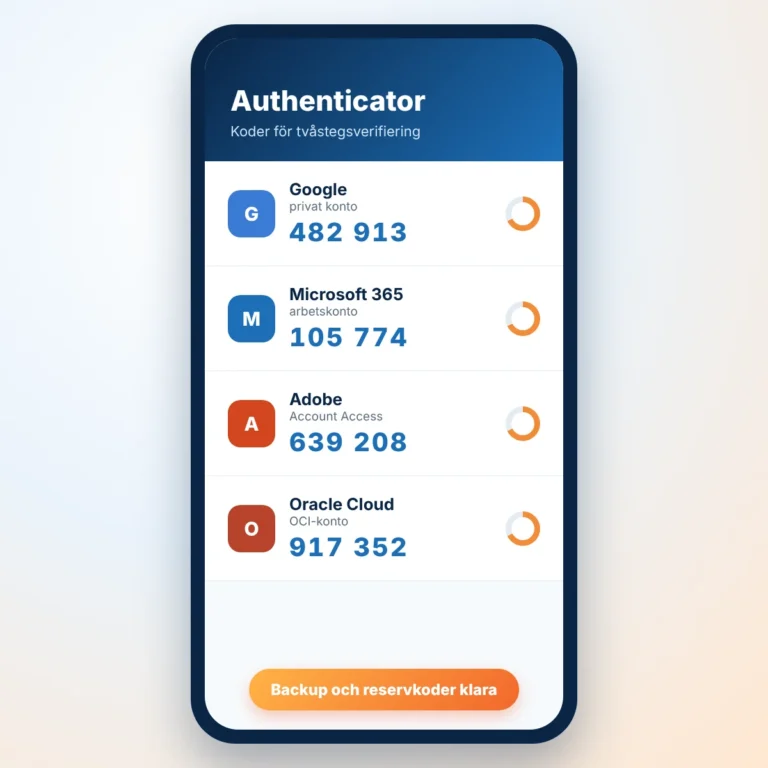
Authenticator apps
We install and back up the Google, Microsoft, Adobe and Oracle authenticator apps and save backup codes for every account.
More → about Authenticator apps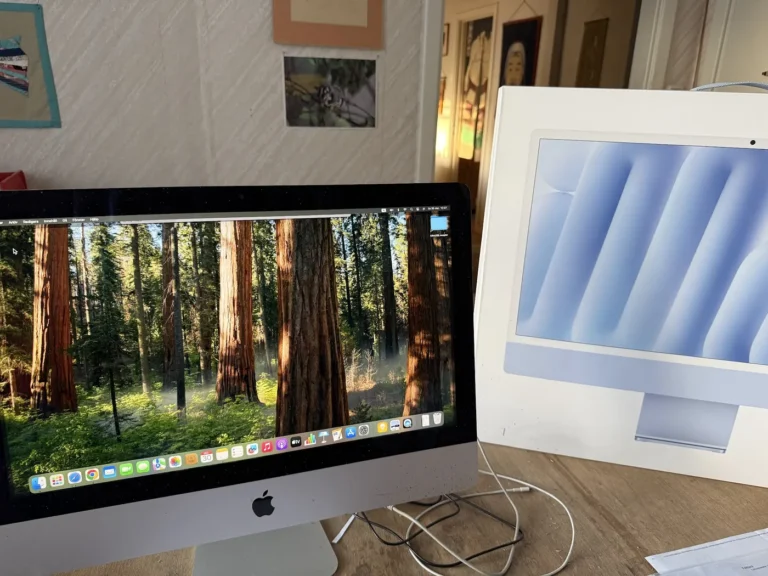
From Windows to Mac
We move files, email, photos and programs from Windows to Mac or the other way round, and then we set up the iPhone, iPad and printers.
More → about From Windows to Mac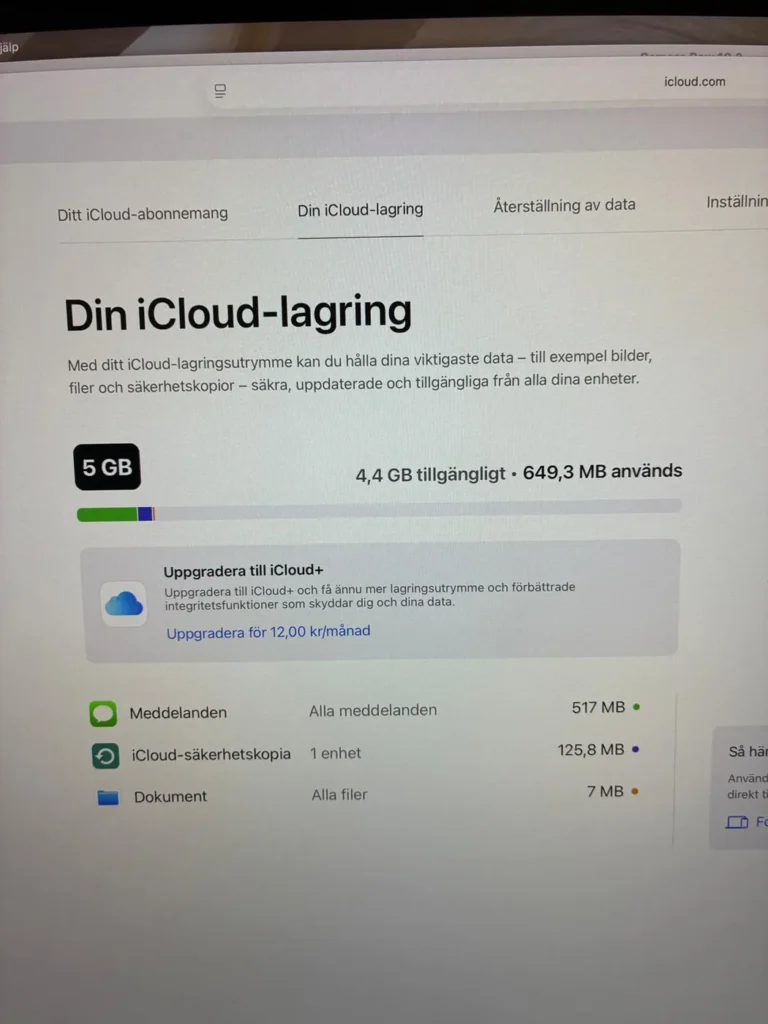
iCloud and OneDrive
We move photos, documents and contacts between iCloud, OneDrive and Google Drive in either direction, and we check that nothing is lost.
More → about iCloud and OneDrive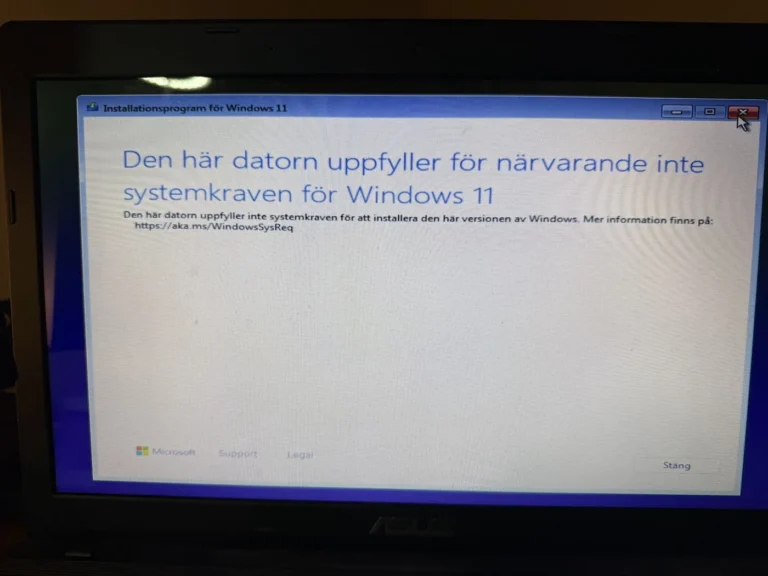
From Windows 10 to Linux
Can your computer not run Windows 11? We switch to Linux Mint, move files and email and give the older computer years of security updates.
More → about From Windows 10 to Linux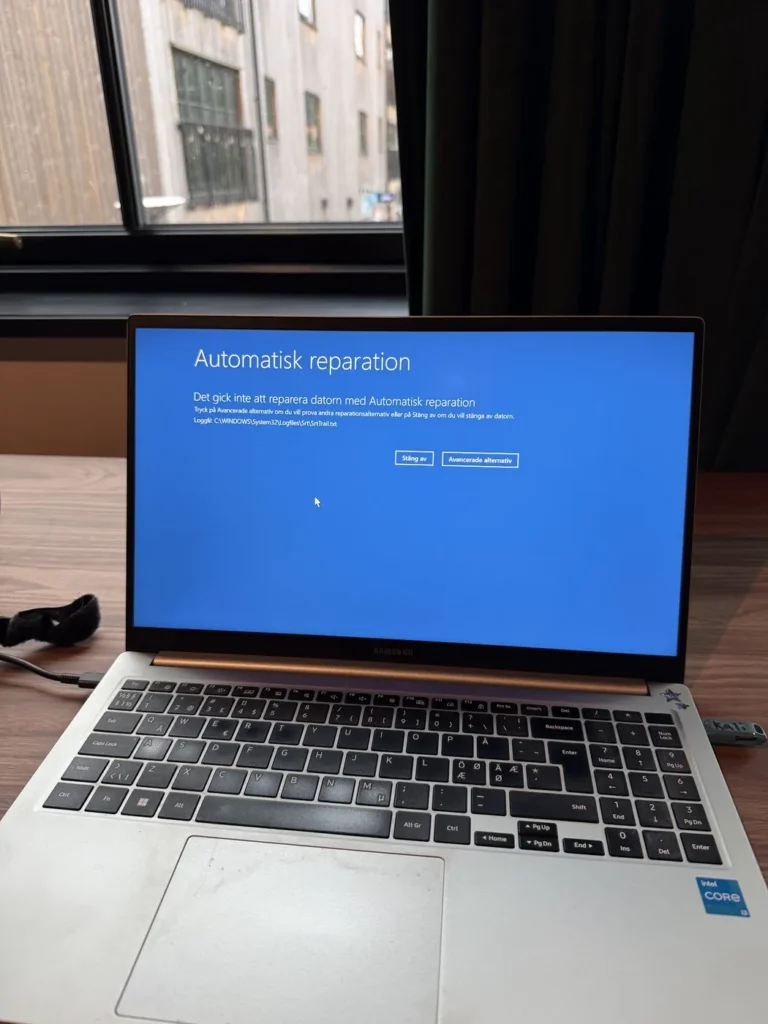
Data recovery
We recover photos, documents and email from computers that have crashed, show a blue screen or will not start, always from a copy of the disk.
More → about Data recoveryUnknown admin password
Have you taken over a clinic or firm without passwords? We restore administrator access while all the files stay in place.
More → about Unknown admin passwordAfter a death
We help relatives reach photos, documents and email, and close or take over accounts with Apple, Microsoft and Google.
More → about After a death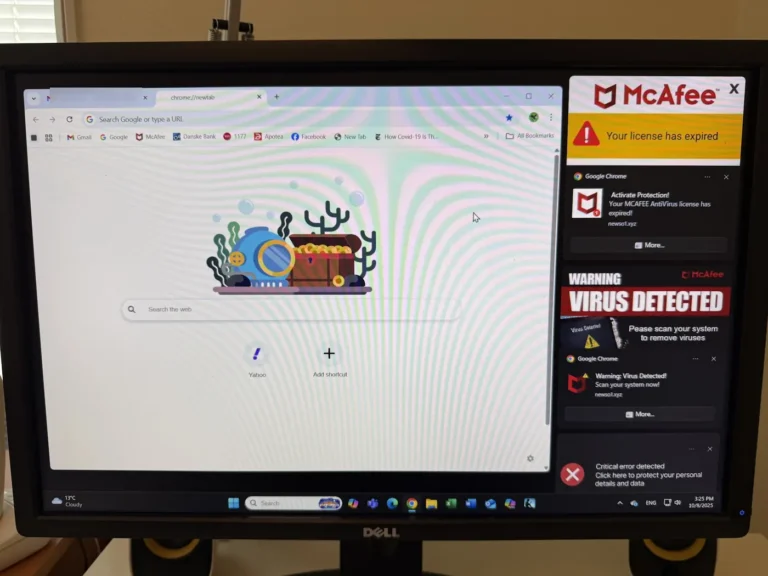
Trojans and ads
We map hidden programs in system files, temporary files and the browser cache, remove trojans and protect the computer afterwards.
More → about Trojans and adsComputer help for every computer and phone
Every device has its own pitfalls, for example encrypted disks in new computers, Activation Lock on an iPhone and codes that do not follow you to a new phone. So choose a device or topic and see how we solve it.
macMac and iMacSwitching from Windows and moving datawin10Windows 10Linux instead of a new computerdiskHard drive and SSDData recovery and a disk imagevirusTrojans and adsClean-up and protection afterwardsComputer help for phones, accounts and logins
bankidMobile BankIDNew phone and a backupmfaAuthenticator appsBackup and backup codescloudiCloud, OneDrive and Google DriveMoving without lost filesestateAfter a deathComputer, phone and accountsComputer help for businesses and organisations

About Dator Hjälp
Dator Hjälp is part of Datorkirurgen AB and brings together our experience of Mac, Windows, Linux, phones and IT security. We help private individuals, elderly relatives, clinics, law firms and other businesses, both at home and in the office. In addition, the images on the site are our own photos from real assignments, which is why we have masked names, email addresses and other sensitive details.
When a case concerns another area, we refer you to the right specialist within Datorkirurgen AB. Business IT Support helps businesses with IT support and Microsoft 365, for example, Wi-Fi Problem solves wireless networks and Linux Service takes care of servers and databases. In this way, you always get help from the people who know the area best.

Computer help when the computer has crashed
Turn off the computer and wait before trying again, because every restart can damage a weak disk. Contact us instead, and we will first recover the files and then fix the fault.
Dator Hjälp is part of Datorkirurgen AB, which also helps businesses with IT support, networks, Linux, cloud services and IT security across Sweden.
Part of Datorkirurgen AB
The same experts, different specialist areas. Choose the one that suits your needs. Links to our other websites, which are mostly in Swedish, open in a new tab.