
Are you missing passwords after a death in the family? Photos, documents and important details often sit on a computer or phone that nobody can open. We help relatives and estates reach the content with respect, and then sort out the accounts.
It is a difficult situation. At the same time, some practical matters cannot wait: bills in the email, agreements on the computer and family photos that only exist on the phone. We take the time to understand what you need. After that, we explain what we can do with the computer, the phone and the accounts with Apple, Microsoft and Google. We have worked with computers and passwords for more than 30 years. For this reason, we know where the limits lie, and we never promise more than what actually works.
First: who has the right to the content?
Before we open anything, we check that you have the right to represent the estate. This can be a death certificate and a family tree, a power of attorney from the other heirs or a certificate from the person appointed to administer the estate. We then draw up a simple order together. This protects both you and the privacy of the deceased. In addition, it makes the work easier when we need to contact Apple, Microsoft or a bank.
Passwords after a death on the computer: the files are often within reach
In most cases, we can open a Windows computer with a local account, and afterwards all the files remain. If BitLocker encrypts the computer, we need the recovery key. It often sits in the Microsoft account of the deceased, so getting hold of it can take time. A Mac with FileVault works in a similar way. Once the computer is open, we copy photos, documents and email to an external disk that you keep. If the computer does not start at all, we take out the disk instead and recover the files. Our guide on data recovery tells you more about that.
Passwords after a death on the phone: the rules here are stricter
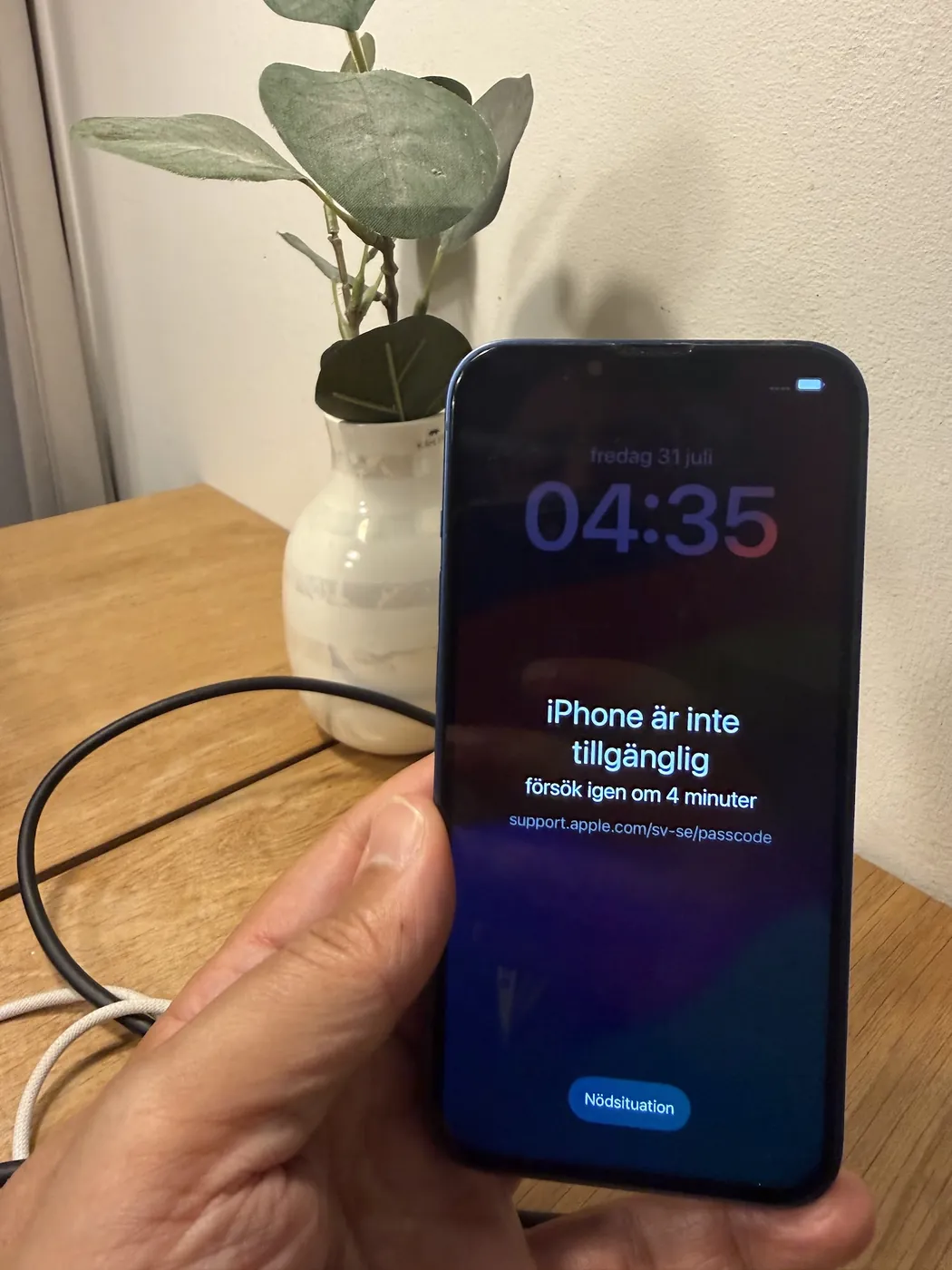
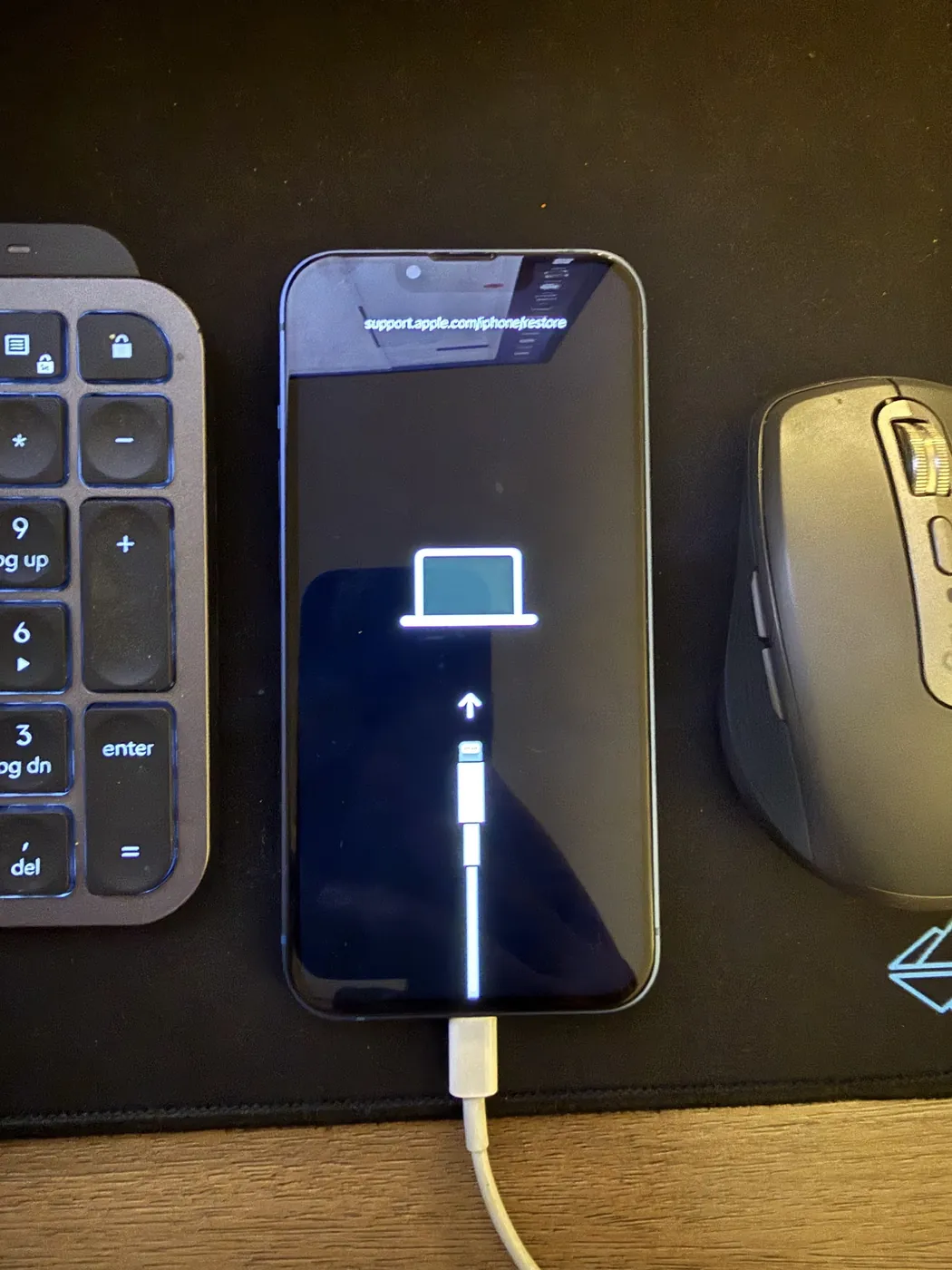
We cannot open an iPhone or Android phone with an unknown passcode without erasing the phone. This is a deliberate security feature, after all. We therefore first try to find the passcode in notes, in a password manager or with someone in the family. At the same time, we check whether the photos sit in iCloud, Google Photos or OneDrive, because you may then reach them through the account instead. If someone else is going to use the phone, we reset it. In that case, however, Apple must help with Activation Lock, and Apple wants to see documents that prove the death.
Passwords after a death with Apple, Microsoft and Google
Apple has a feature called Digital Legacy. If the deceased added a Legacy Contact, that person can request access with an access key and the death certificate. Without a Legacy Contact, Apple requires legal documents instead, and Apple describes the route in its guide on how to request access to a deceased family member’s Apple Account. Microsoft does not hand out passwords. However, Microsoft freezes Outlook.com and OneDrive after a long period of inactivity, and after that Microsoft deletes the content. It is therefore important to act in time. Google has its own form for relatives. We help you fill in the applications and gather the documents.
- Apple: Digital Legacy with a Legacy Contact, otherwise legal documents.
- Microsoft: freezing after a long time without sign-in, so it pays to act early.
- Google: a form for relatives, sometimes with the option of getting data out.
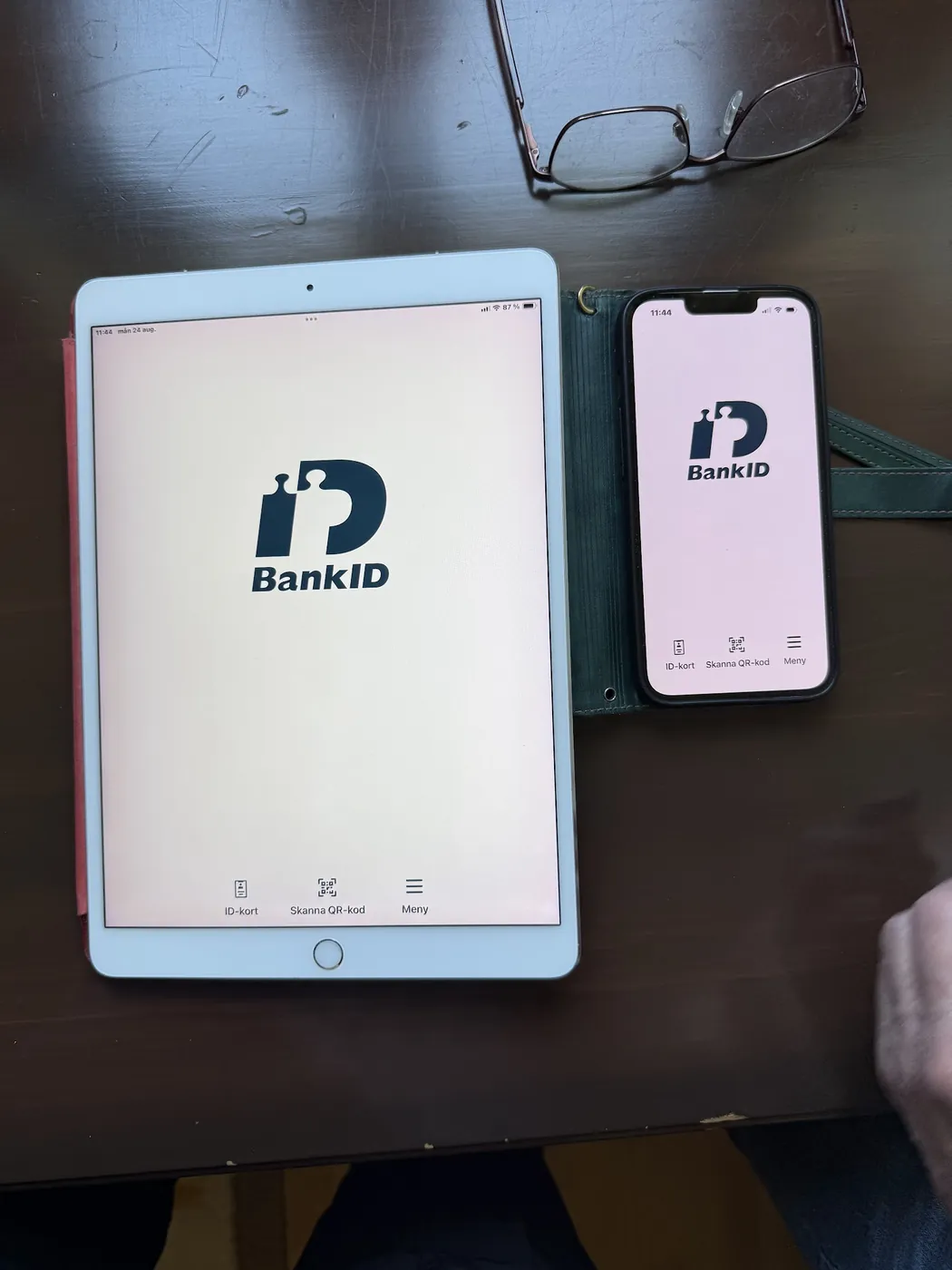
- BankID: nobody may use it after the death, because the bank handles the estate directly.
Email, subscriptions and social media
The email often holds bills, agreements and subscriptions that you need to cancel. Once we have access to the email, we therefore make a list of recurring payments. Moreover, we check cloud storage, streaming services and apps with monthly fees. You can often turn social media accounts into memorial accounts or close them. We help you choose what suits the family. Finally, we make sure that no unauthorised person can sign in, because fraudsters sometimes target the accounts of people who have died.
Get help with a relative’s computer and phone
Tell us which devices it concerns and what you need to retrieve, and we will explain what is possible. We can come to your home in Stockholm or help remotely across Sweden. Prices from €200 per hour excluding VAT. Dator Hjälp is part of Datorkirurgen AB. If you want to prepare your own accounts, our guide on how to move from iCloud to OneDrive also describes backups.
Frequently asked questions about passwords after a death
Questions about the computer
- Can you open the computer of a person who has died?
- Are the files still there when you open the computer?
- What do you do when the computer is encrypted?
- Where do we find the BitLocker key?
- Can you open a Mac after a death?
- Can you recover files when the computer will not start?
- Do we get a copy of the photos on a disk?
- Can you retrieve email from the computer?
- What do we do with the computer afterwards?
- Can you wipe the computer before we sell it?
Questions about the phone and the accounts
- Can you open an iPhone with an unknown passcode?
- Is it possible to open an Android phone after a death?
- How do we reach the photos in iCloud?
- What is Digital Legacy at Apple?
- What is a Legacy Contact?
- How do you remove Activation Lock?
- What happens to Outlook.com and OneDrive?
- How do we handle the Google account?
- May we use the BankID of the deceased?
- Can you close social media accounts?
Estates, price and practical questions
- Which documents do we need to show?
- Must all heirs sign a power of attorney?
- How long does it take to get access?
- What does your help cost?
- Can you come to our home?
- Can you help remotely as well?
- How do we find subscriptions that we need to cancel?
- How do we protect the accounts against fraudsters?
- Can you help several siblings at the same time?
- How do I prepare my own accounts for the future?