
Data recovery is about getting back what you cannot buy again: photos, documents, email and accounts. We recover files from computers that have crashed, show a blue screen or will not start at all.
The first piece of advice is therefore simple. Turn off the computer and avoid trying again and again. Every new start can damage a weak hard drive even further. You should also avoid programs that promise to fix everything with one click, because they often write to the same disk that you want to recover. We have worked with data recovery for more than 30 years. For this reason, we know that calm and the right order often decide whether the files can be saved. We receive computers from both private individuals and businesses, in Stockholm and across Sweden.
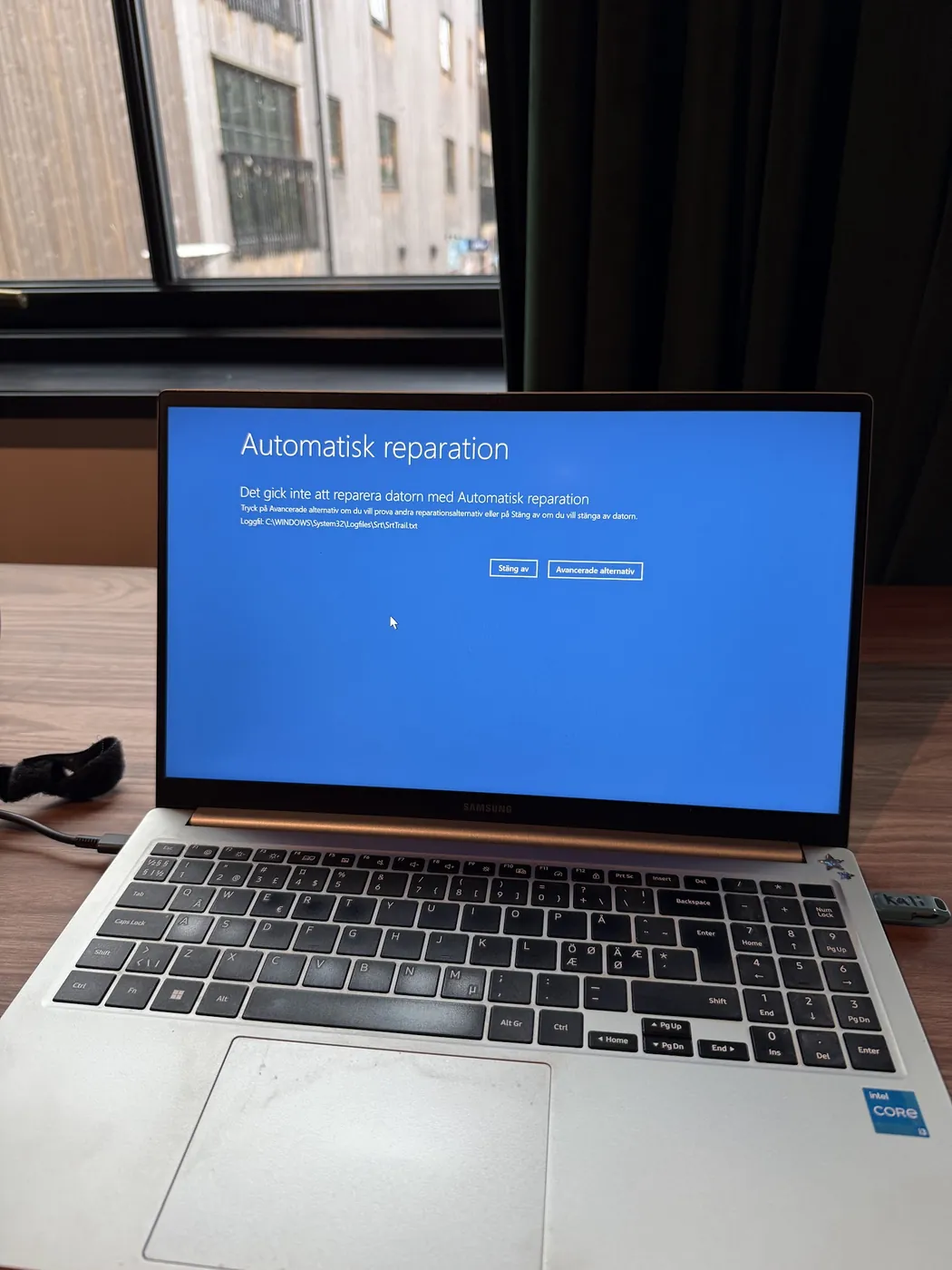
Common reasons why a computer crashes
There are mainly three types of fault. The first is a software fault, for example a failed update or a damaged Windows. In that case, the files are almost always still there. The second, on the other hand, is a fault in the storage, in other words the hard drive or the SSD. The third is a fault elsewhere in the computer, for example the motherboard, the charger or the screen. In that case, the disk is often healthy, and therefore we can read it in another computer. Before we do anything else, we find out which type of fault it is.
- Blue screen and start-up errors: often a system fault, where we can save the files.
- Clicking or silent hard drive: a mechanical fault that needs careful handling.
- The computer does not start at all: often the power supply or motherboard, while the disk is intact.
- Deleted files: we can often restore them if nobody has used the disk afterwards.
How data recovery works
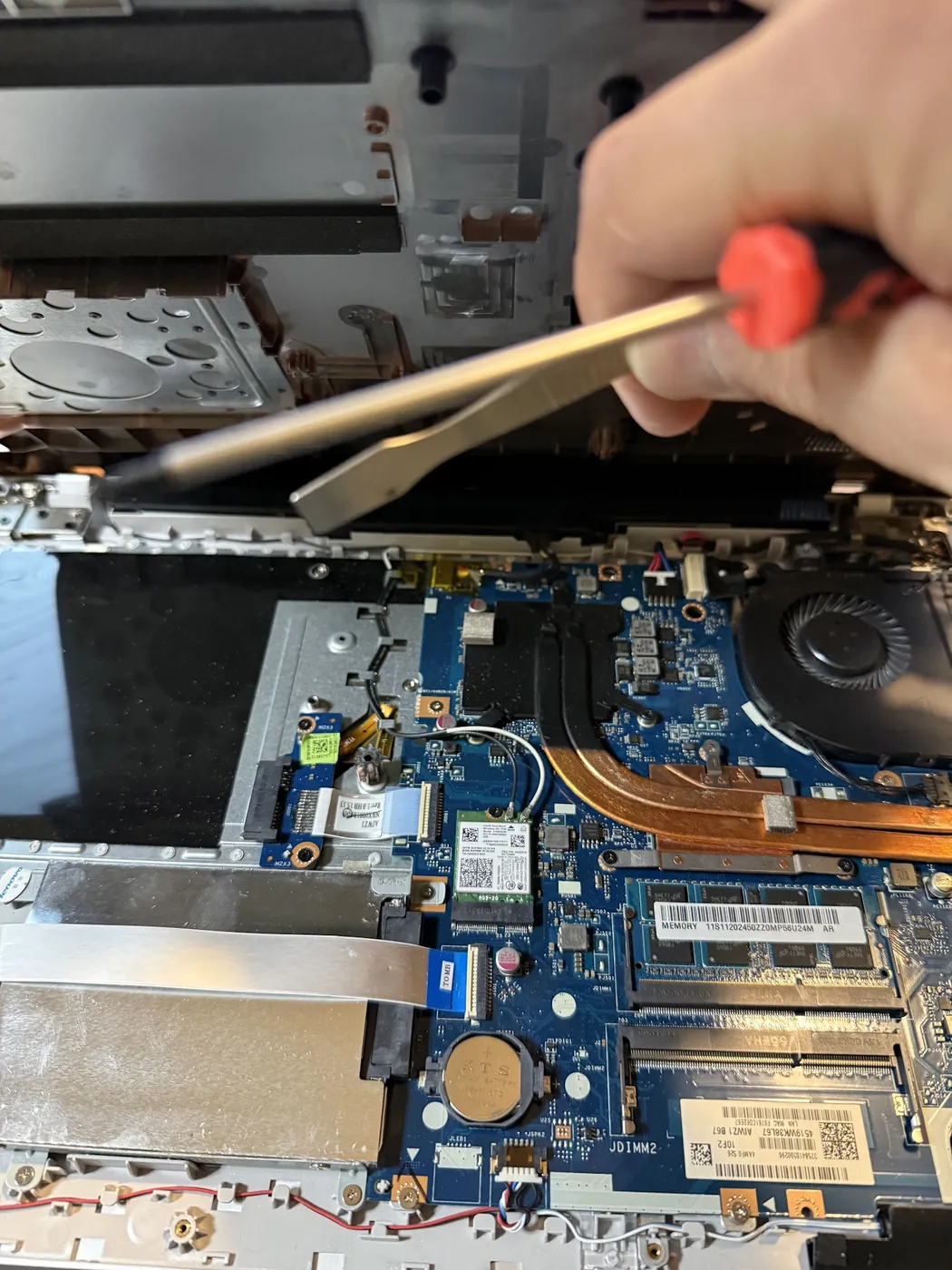
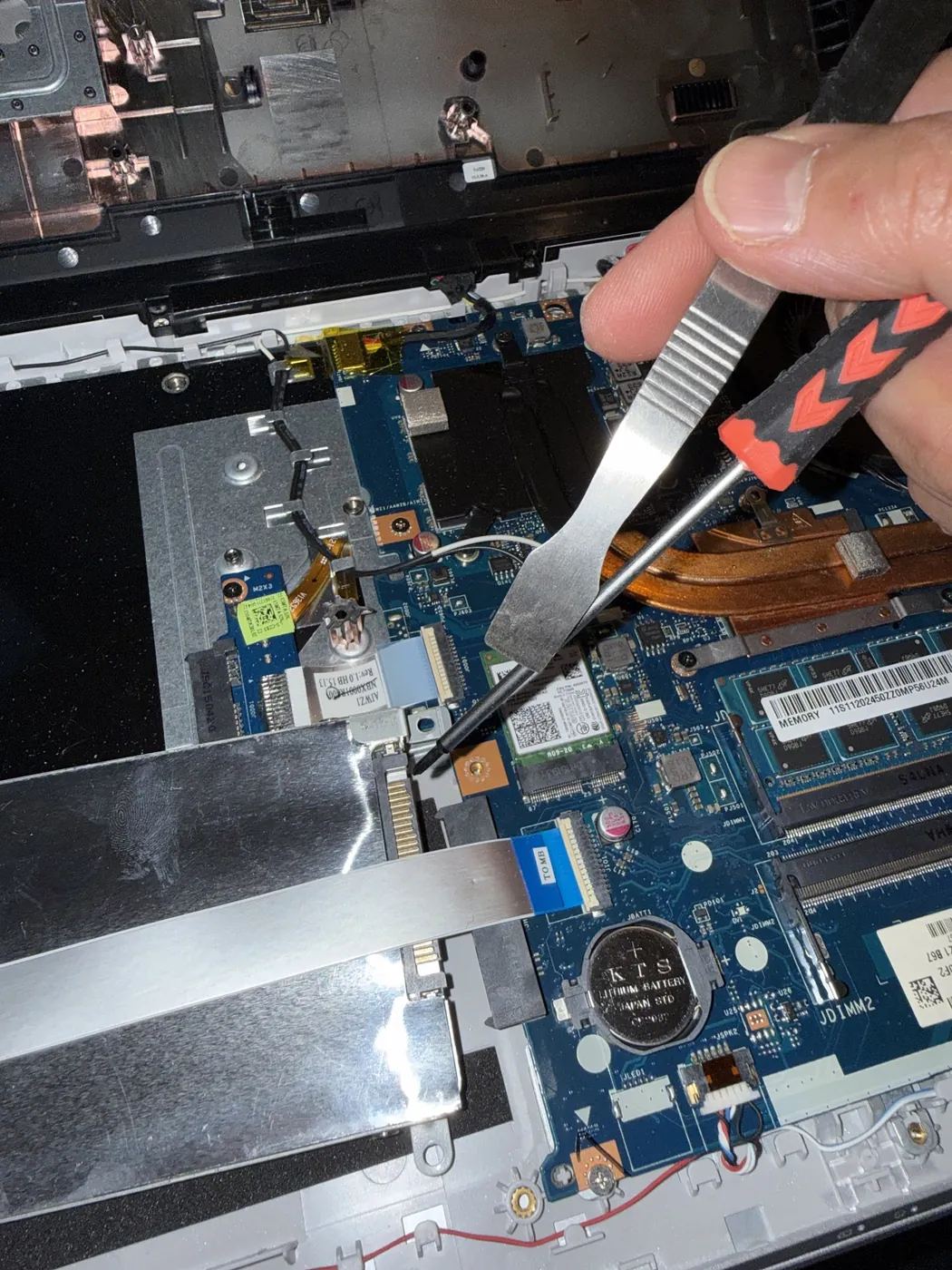
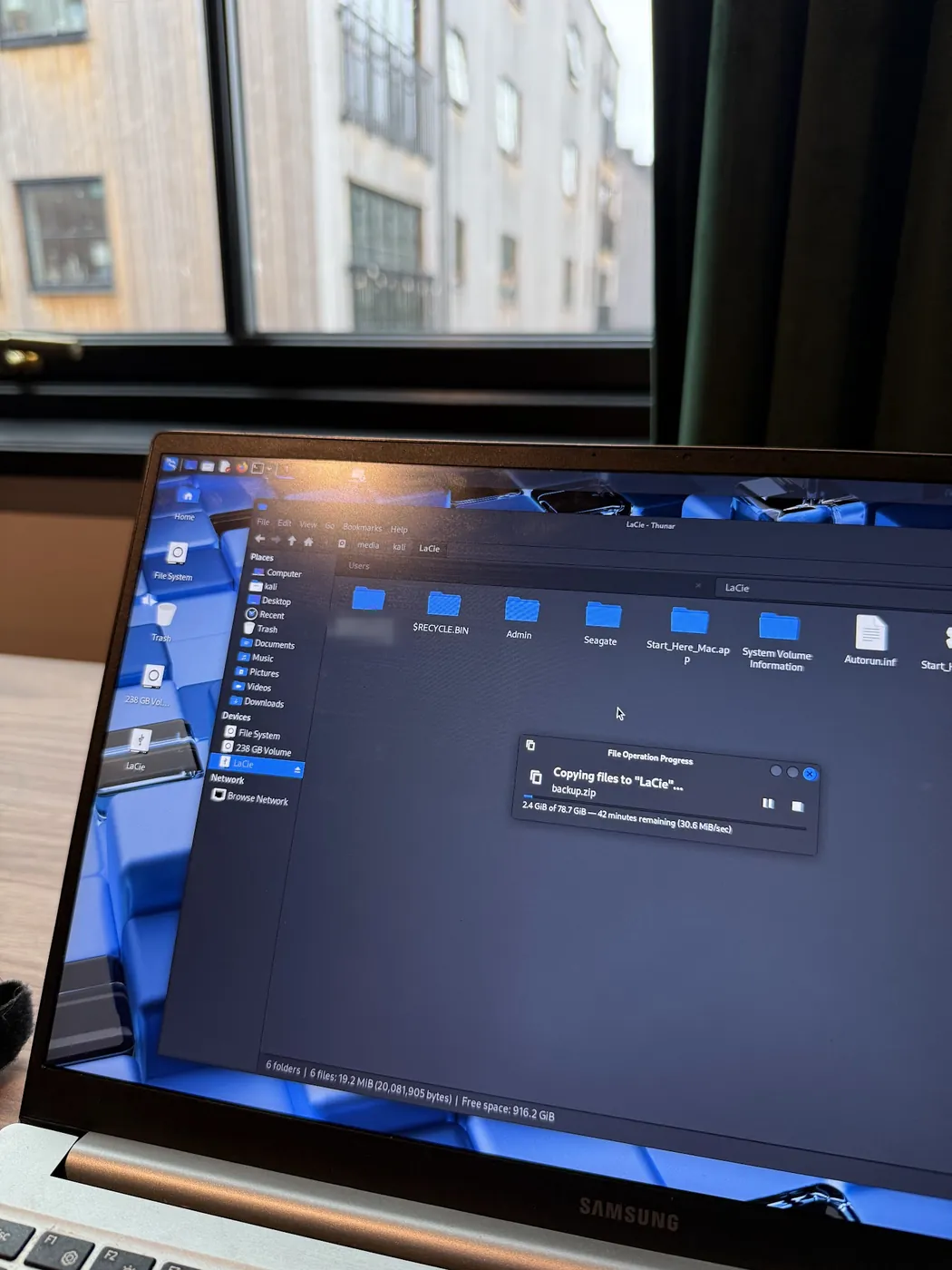
First, we take the disk out of the computer. In a laptop, this often means opening the entire casing. Next, we connect the disk to a dedicated workstation through a write blocker, so that nothing can change on the original. Then we make an exact copy, a so-called image, of the entire disk. From that point on, all further work happens on the copy. In this way, we never put the original at risk again. Once the copy is ready, we search for files, folders and email, and after that we sort out what you need.
Old computers, older disks and encrypted storage
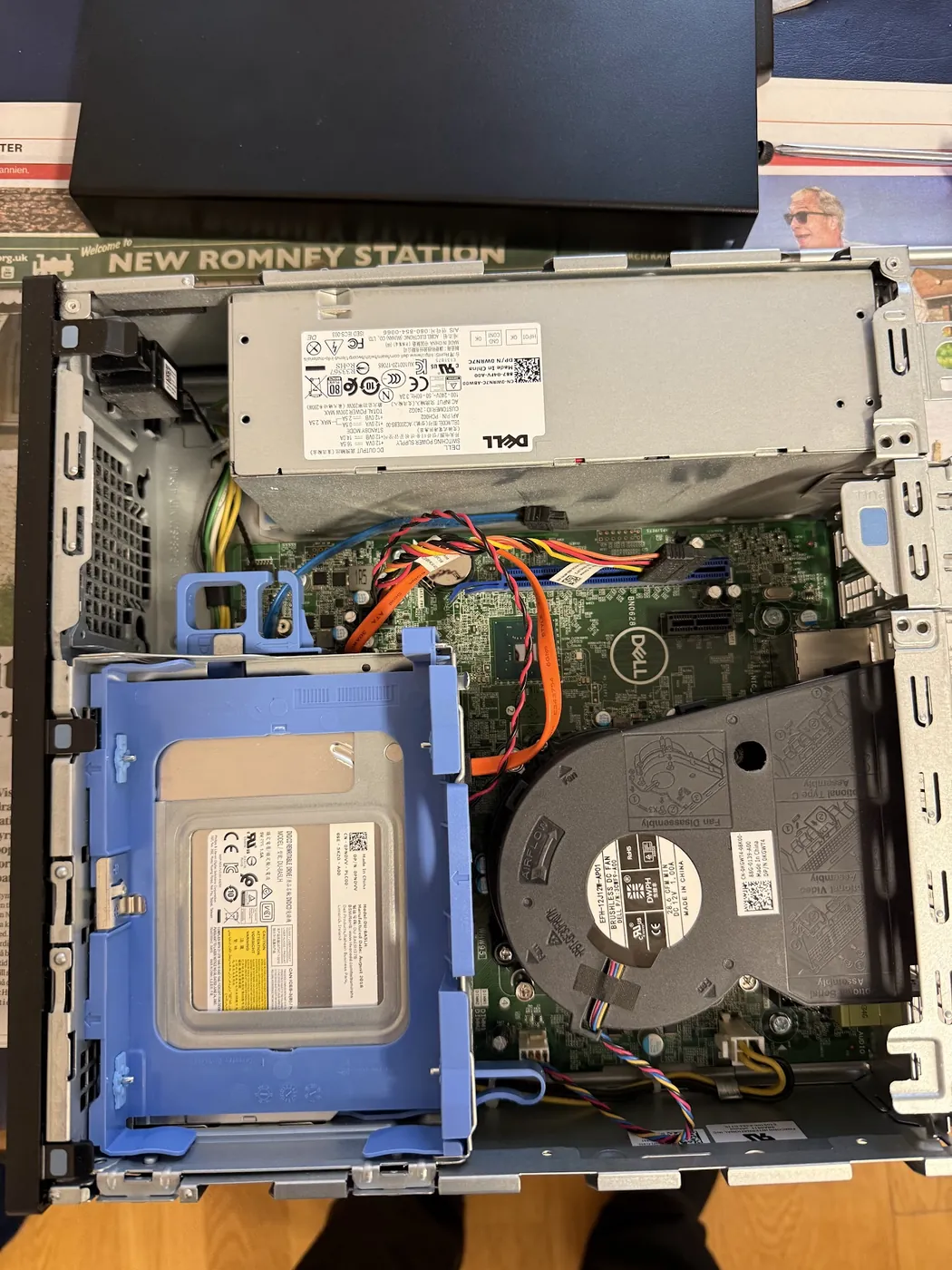
We also recover data from really old computers, for example desktop computers with IDE disks and laptops with Windows XP or Windows 7. At the same time, newer computers are harder, because the storage is often encrypted. Windows uses BitLocker or device encryption, and the Mac uses FileVault. In that case, we need the recovery key, which you can often find in your Microsoft or Apple account. We help you locate it. Moreover, on computers where the storage is soldered onto the motherboard, the motherboard must work, so we repair it first whenever possible.
When the files are recovered
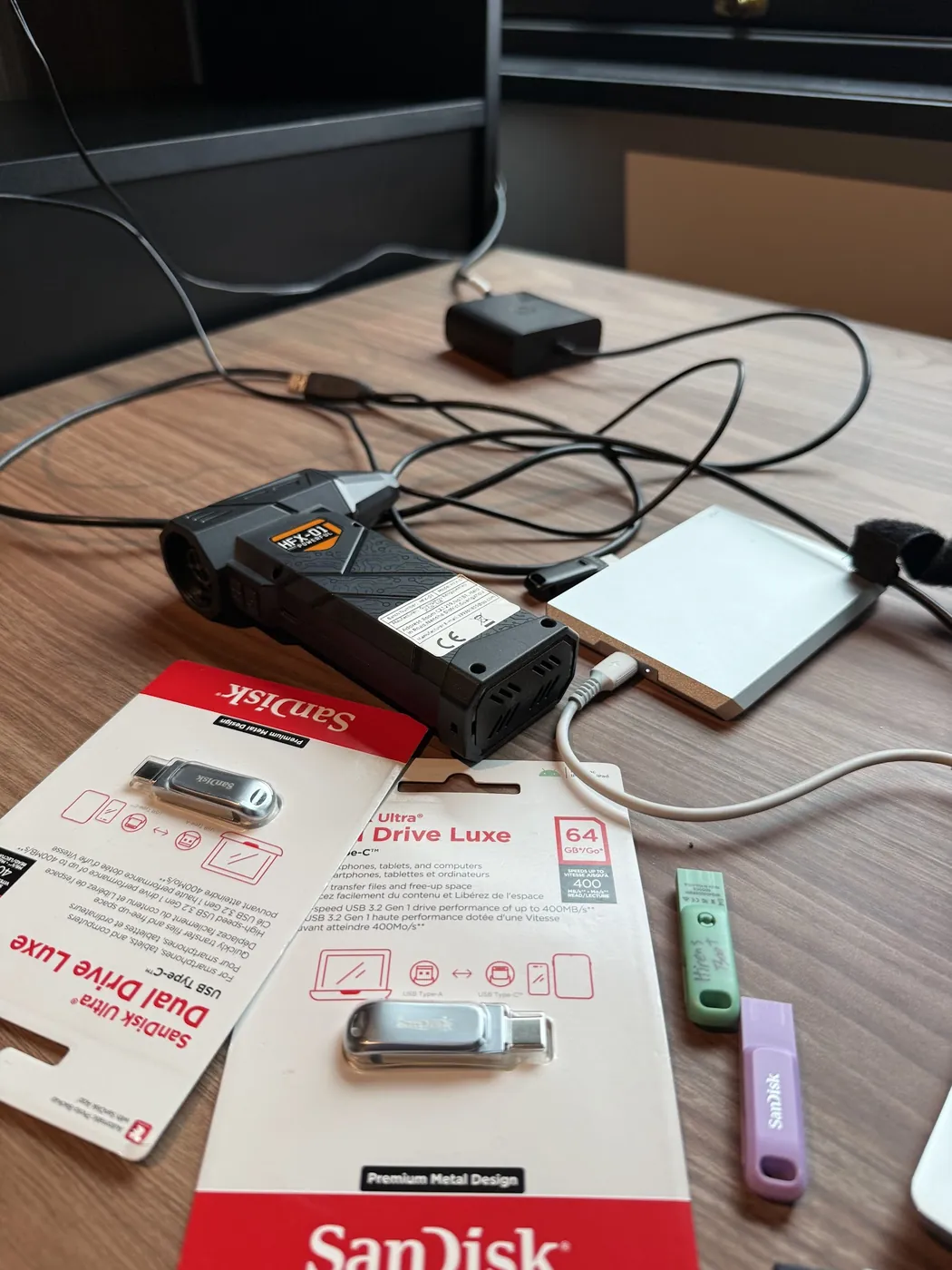
When the recovery is complete, we copy the files to a new external disk or a USB stick. You also receive a list of what we found and what we could not save. After that, we help you arrange a backup, so that you avoid the same worry next time. A good setup follows the 3-2-1 rule: three copies, on two different types of storage, with one of them outside the home or office. The cloud can serve as the third copy. You can read more about the cloud in our guide on how to move from iCloud to OneDrive.
Businesses, accounts and sensitive data
For businesses, this applies in particular to accounts, customer registers or patient records. We handle such data under confidentiality and never hand anything over to anyone other than the client. When the disk contains personal data, we also sign a short agreement on how we handle it. After the assignment, we securely delete our working copy. If an intrusion caused the fault, we work together with Datorkirurgen AB, which writes about security threats from your own employees and forensic investigation.
Get help with data recovery
First, describe what happened, which computer it concerns and what you need to recover. After that, you receive an assessment before we start. We receive computers in Stockholm and by courier from all over Sweden. Prices from €200 per hour excluding VAT. Dator Hjälp is part of Datorkirurgen AB.
Frequently asked questions about data recovery
Questions about data recovery
- Is it possible to recover files from a computer that will not start?
- What do I do when the computer shows a blue screen?
- Is it possible to recover files from a hard drive that clicks?
- Is it possible to recover deleted files?
- Can you recover photos from an old laptop?
- How long does data recovery take?
- What does data recovery cost?
- Does data recovery also work on an SSD?
- Should I turn off the computer when it acts up?
- Can I run a recovery program myself?
Encrypted and older computers
- What is BitLocker and how does it affect the recovery?
- Where do I find the BitLocker key?
- Can you recover data from a Mac with FileVault?
- Does recovery also work for Windows XP and Windows 7?
- What do you do when the storage is soldered onto the motherboard?
- Is it possible to recover data from a USB stick?
- Can you recover files from a memory card?
- How do you recover email from Outlook?
- Is it possible to recover data after water damage?
- Can you recover data after a virus?
After the recovery and for businesses
- How do I get my recovered files back?
- Do you delete your copy afterwards?
- How do I back up in the future?
- What is the 3-2-1 rule?
- Can businesses hand in computers with sensitive data?
- Do you sign agreements on personal data?
- Can you recover accounts and customer registers?
- Do you accept computers sent by courier?
- Can you collect the computer in Stockholm?
- What happens if the files cannot be recovered?