
Can your computer not run Windows 11? Then you can go from Windows 10 to Linux instead of buying a new one. We install a modern Linux, move your files and show you how everything works.
Microsoft ended regular support for Windows 10 in October 2025. Computers enrolled in Extended Security Updates receive security updates until October 2027, but after that the extension ends as well. In addition, many computers from 2012 to 2018 do not meet the requirements for Windows 11. Even so, they still work excellently for email, the web, documents and photos. With Linux, they get a system that keeps receiving updates for several more years, without any licence cost. We have worked with Windows and Linux for more than 30 years, and therefore we know which computers suit the switch and which do not.
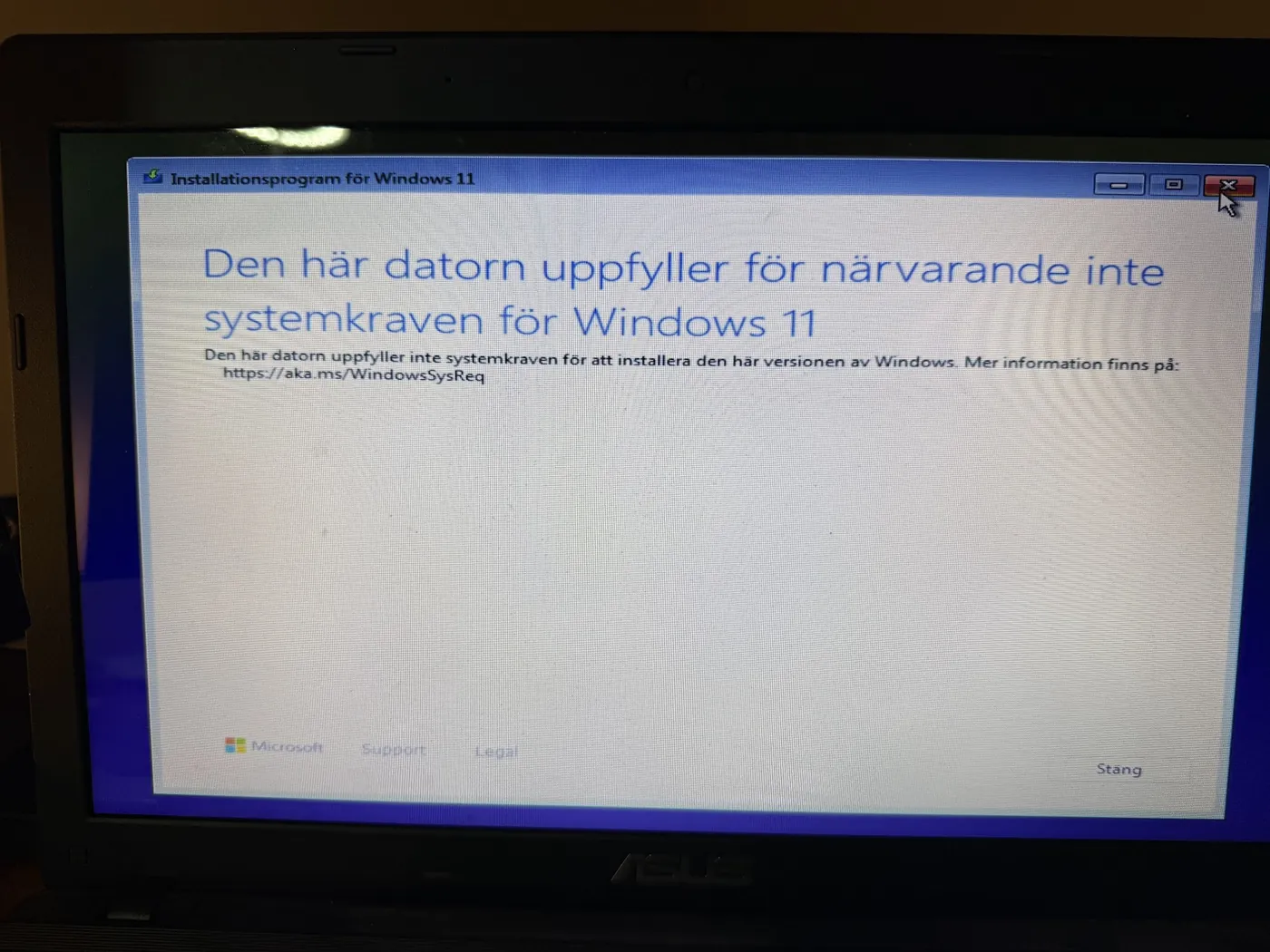
When does it pay off to go from Windows 10 to Linux?
First, we check the condition of the computer: hard drive, memory, battery and fan. A computer with a mechanical hard drive also gets an SSD, because that makes the biggest difference in speed. After that, we go through the programs you use. Browsers, email, LibreOffice, image viewers and music work straight away in Linux. Microsoft 365 runs in the browser. However, some programs only exist for Windows, for example certain accounting programs and special software for machines. In that case, we suggest a different solution. In this way, you only switch when it actually works for you.
- Suits well: email, the web, documents, photos, music, video calls and schoolwork.
- Often works: printers, scanners, Wi-Fi and most USB devices.
- Needs checking: industry programs, some games and older special equipment.
Why we choose Linux Mint for homes and small businesses
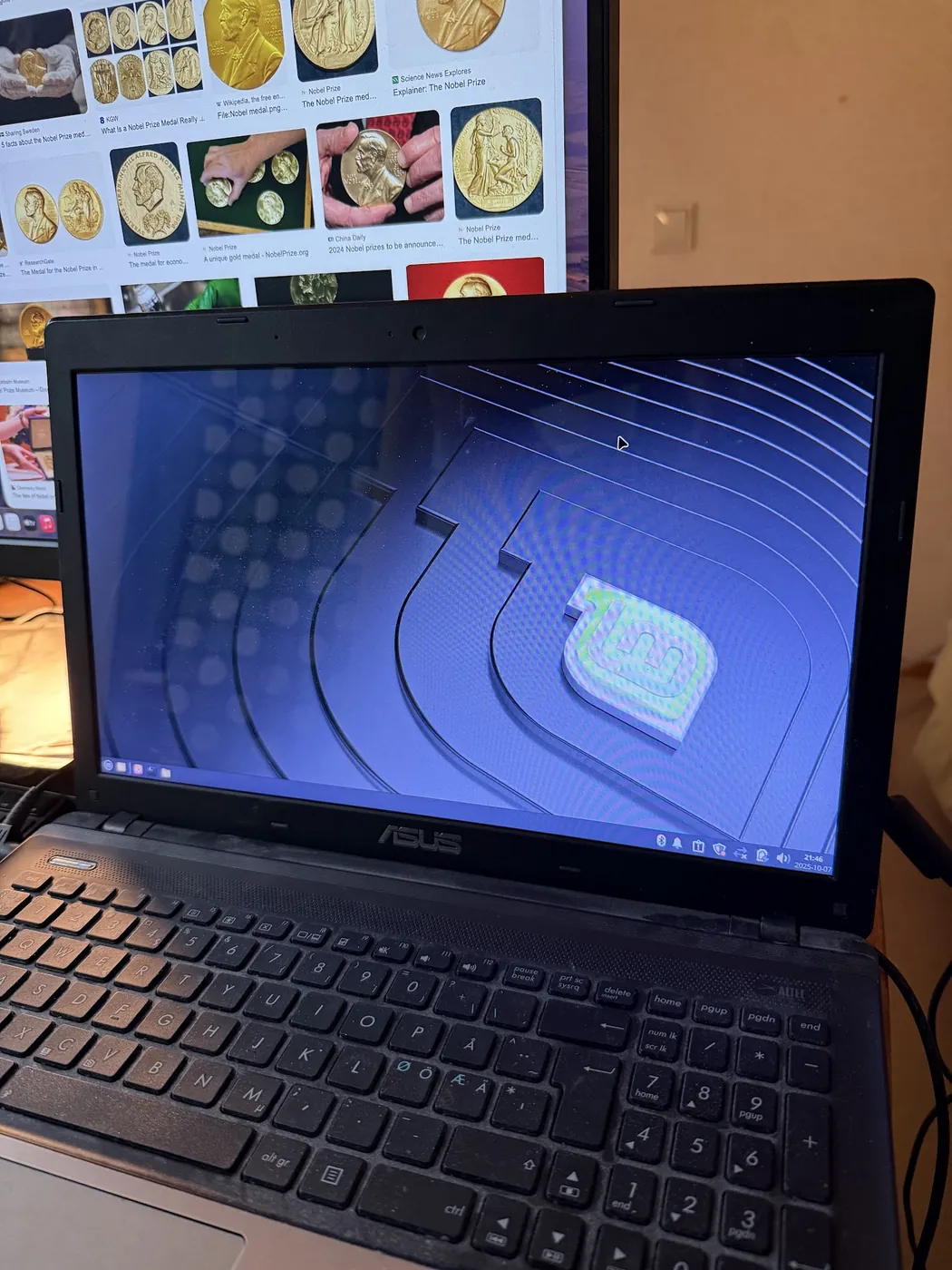
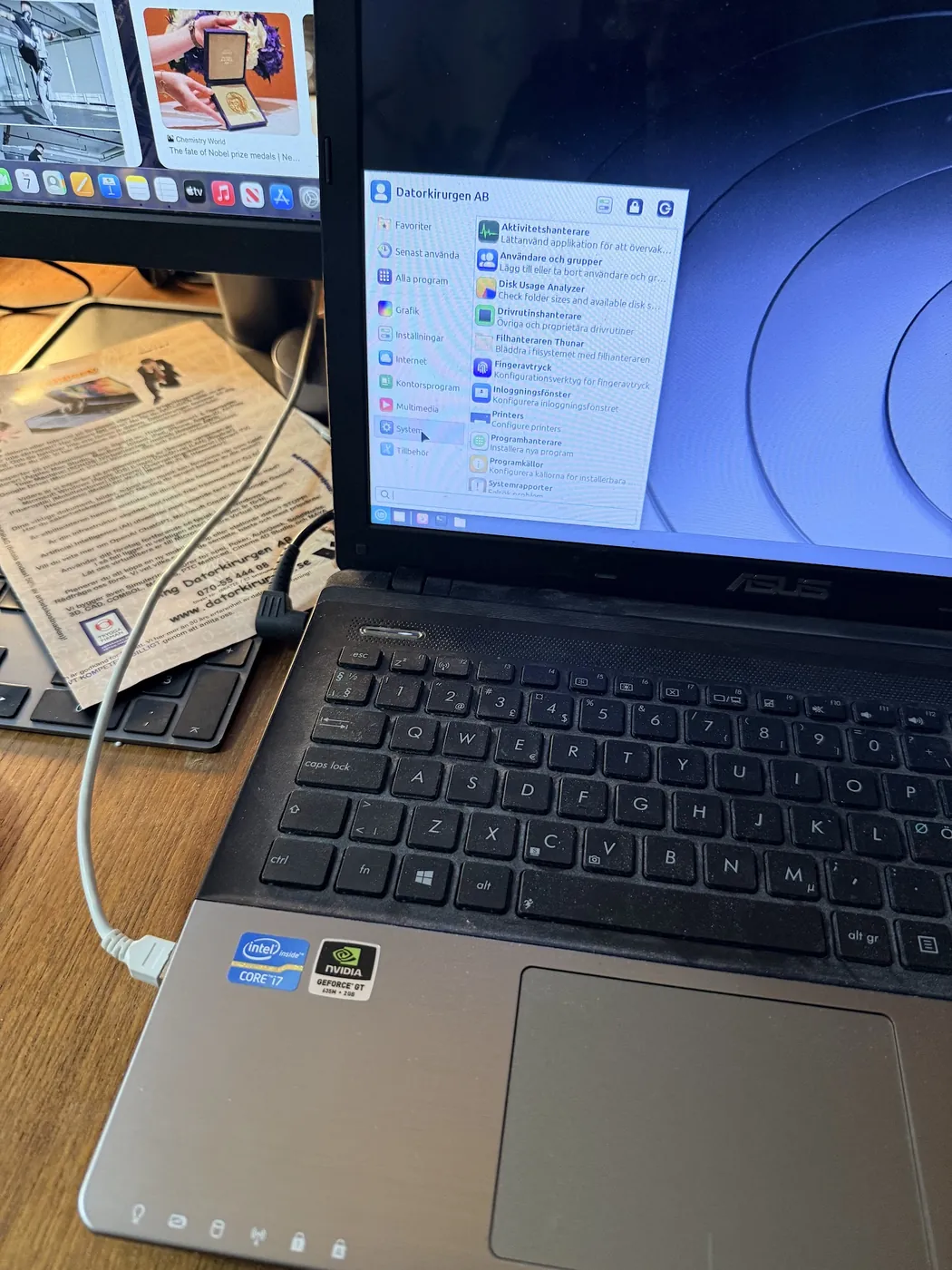
There are many Linux distributions, but for people coming from Windows we usually choose Linux Mint. The menu, the taskbar and the file manager resemble Windows, after all. Linux Mint 22.3 builds on Ubuntu 24.04 LTS and receives security updates until 2029, and the next version, Linux Mint 27, is due in December 2026 on Ubuntu 26.04 LTS. You install the updates with one click, so you do not need to hunt for drivers. Furthermore, the system is light, so a computer with 4 GB of memory works well. You can find more about the versions at Linux Mint. For servers and advanced environments, we refer you to our sister site Linux Service instead.
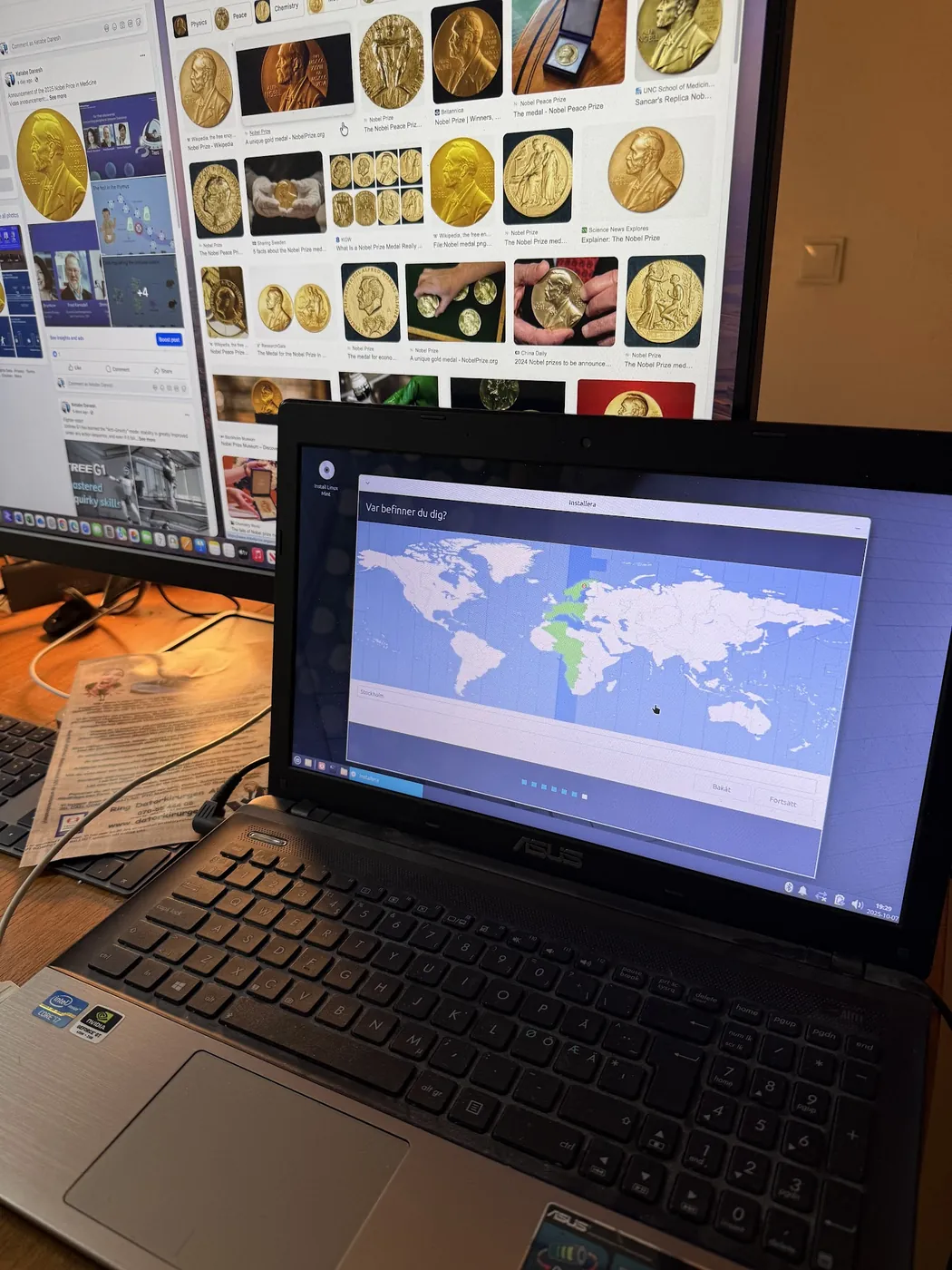
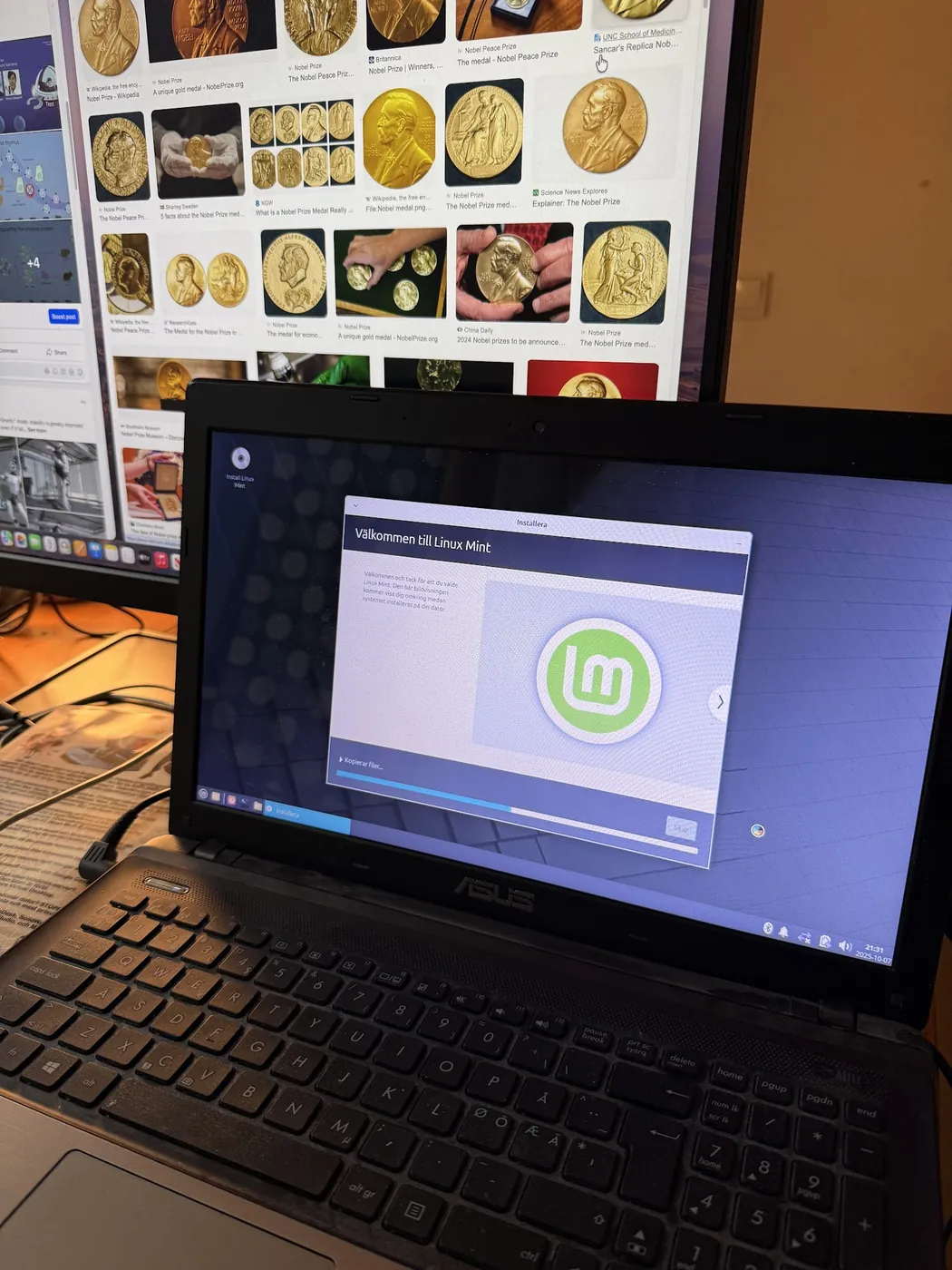
How we move your files from Windows 10 to Linux
Before the installation, we make a full backup of the entire Windows disk. Then we move documents, photos, music and bookmarks to the right folders in Linux. Email from Outlook or Windows Mail goes to Thunderbird, which also handles calendars and contacts. Passwords from the browser come along when you sign in to Firefox or Chrome. If you wish, we can also keep Windows on a separate part of the disk. You then choose the system when the computer starts. Nevertheless, we recommend a clean switch, because otherwise an insecure Windows remains on the same computer.
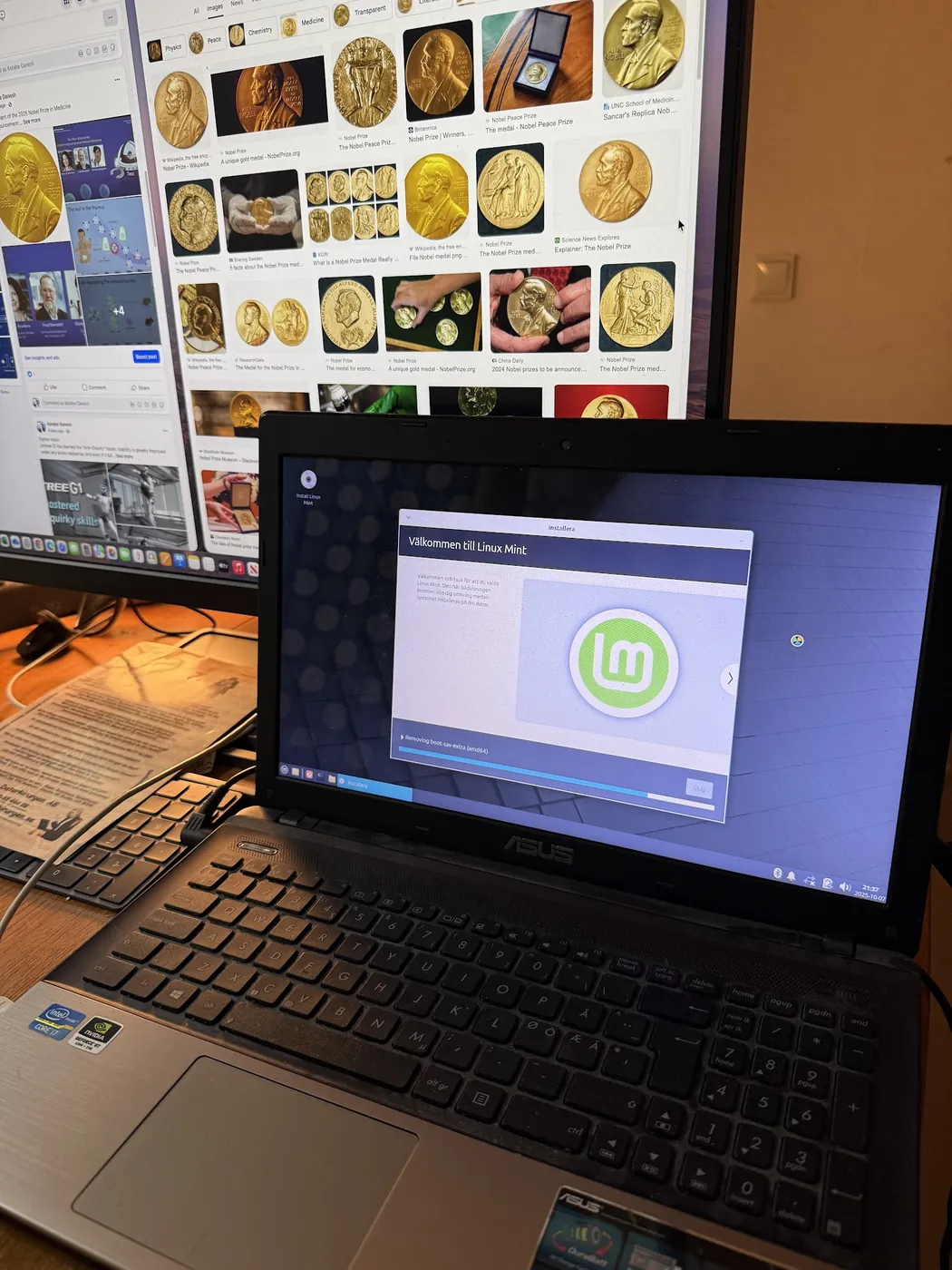
Security after the switch
Linux is not immune to attacks, but common viruses and adware target it far less. We turn on the firewall and automatic updates. At the same time, we create an ordinary user account and a separate administrator password. In this way, nobody can install programs without your approval. In addition, we set up Timeshift, which takes snapshots of the system. If an update ever causes trouble, you can therefore go back to yesterday’s state.
For businesses with older computers
An office with ten computers that cannot run Windows 11 faces a large cost. Often, some of the computers can get Linux instead and serve for email, the web and Microsoft 365 in the browser. We test one computer first, and after that we switch the rest at a steady pace. Computers that must have Windows, we replace. As a result, the business saves money, while all computers receive security updates.
Get help switching to Linux
Tell us which computer you have and what you use it for, and we will assess whether the switch suits you. We help you on site in Stockholm or remotely across Sweden. Prices from €200 per hour excluding VAT. Dator Hjälp is part of Datorkirurgen AB.
Frequently asked questions about switching from Windows 10 to Linux
Questions about switching from Windows 10 to Linux
- Can my computer go from Windows 10 to Linux?
- What happens to my files when you install Linux?
- Can I keep Windows alongside Linux?
- How long does Linux Mint receive security updates?
- Does Linux cost anything?
- Does Microsoft 365 work in Linux?
- Does my printer work with Linux?
- Can I use BankID on a Linux computer?
- Do Zoom and Teams work in Linux?
- Is Linux hard to learn?
Older computers and Windows 10
- Why can my computer not run Windows 11?
- When does Windows 10 stop receiving updates?
- What are Extended Security Updates?
- Is it dangerous to keep using Windows 10?
- Does an old computer become faster with Linux?
- Does the computer need an SSD?
- How much memory does Linux Mint need?
- Can you replace Windows 7 and 8 with Linux too?
- What do you do when the computer will not start from USB?
- Which computers do not suit Linux?
Security, price and businesses
- Do I need antivirus in Linux?
- How do updates work in Linux Mint?
- What is Timeshift?
- What does it cost to switch to Linux?
- Can you switch to Linux remotely?
- Can you switch several computers in an office?
- How do I move email from Outlook to Thunderbird?
- Can I go back to Windows later?
- Can you help after the switch as well?
- When should I buy a new computer instead?