
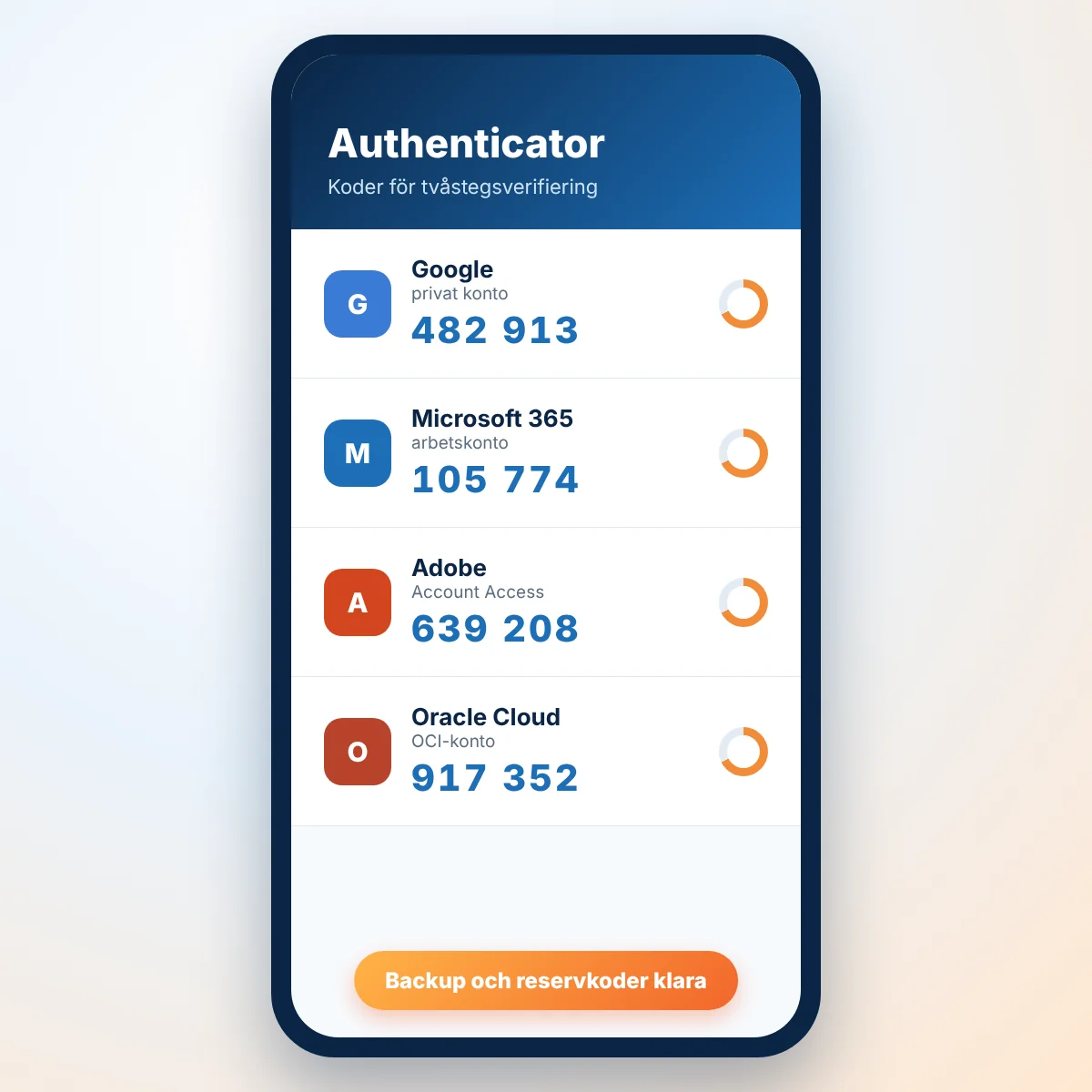
An authenticator app protects your accounts with an extra code or an approval on the phone. We install and configure Google Authenticator, Microsoft Authenticator, Adobe Account Access and Oracle Mobile Authenticator. In addition, we arrange a backup, so that you are not locked out when you change phone.
Two-step verification is one of the best protections against hijacked accounts. At the same time, it is a common reason why people get locked out. This usually happens when the old phone breaks, gets stolen or when someone resets it before moving the codes. Moreover, each app works in its own way. Some save a copy in the cloud, while others have no backup at all. That is why we go through every account you have, and then we choose the right app and the right fallback. We have worked with security and sign-in for many years, both for private individuals and for businesses with Microsoft 365, Adobe and Oracle.
How an authenticator app works
First, the app creates a new six-digit code every 30 seconds. The code builds on a secret key that you receive when you scan a QR code on the account’s security page. As a result, the codes work even without internet access. Many apps can also send a notification in which you approve the sign-in, often by choosing the right number. Both the code and the notification therefore require you to hold the phone in your hand. Consequently, it becomes much harder for a fraudster who has got hold of your password.
- Google Authenticator: codes for Google and thousands of other services, with sync to the Google account.
- Microsoft Authenticator: codes, approvals and passkeys for Microsoft accounts and work or school accounts.
- Account Access from Adobe: sign-in to the Adobe account, replacing the older Adobe Authenticator app.
- Oracle Mobile Authenticator: codes and approvals for Oracle Cloud and Oracle accounts.
Google Authenticator: sync and transfer
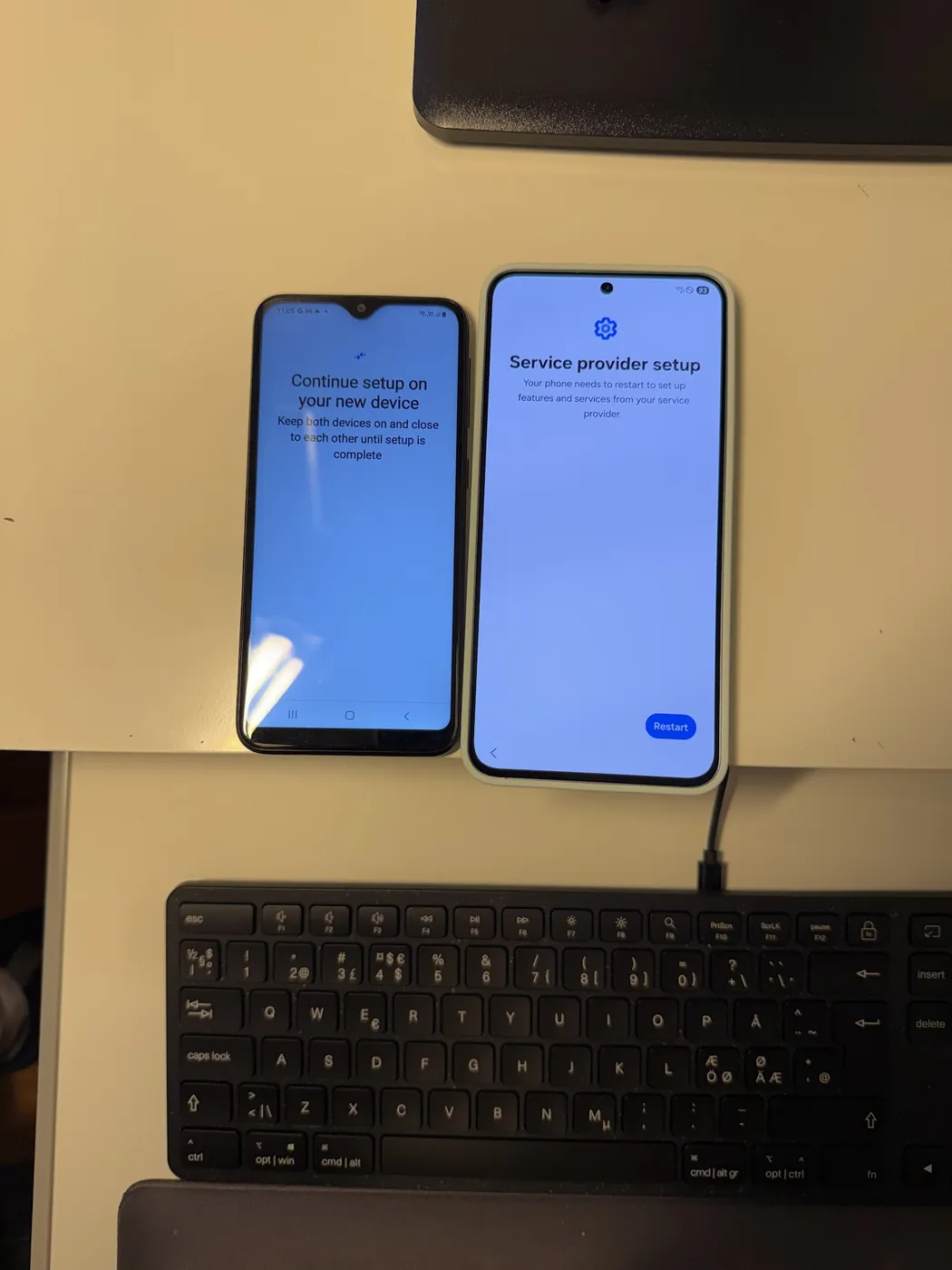
In Google Authenticator, you can first sign in with your Google account. The codes then sync to the account, and therefore they reappear on a new phone. We first check that sync is actually switched on, because many people use the app without signing in. Without sync, we move the codes with the feature for transferring accounts. The old phone then shows a QR code that the new one scans. At the same time, we protect the Google account with extra care, since it now carries your codes too.
Microsoft Authenticator: backup for iPhone and Android
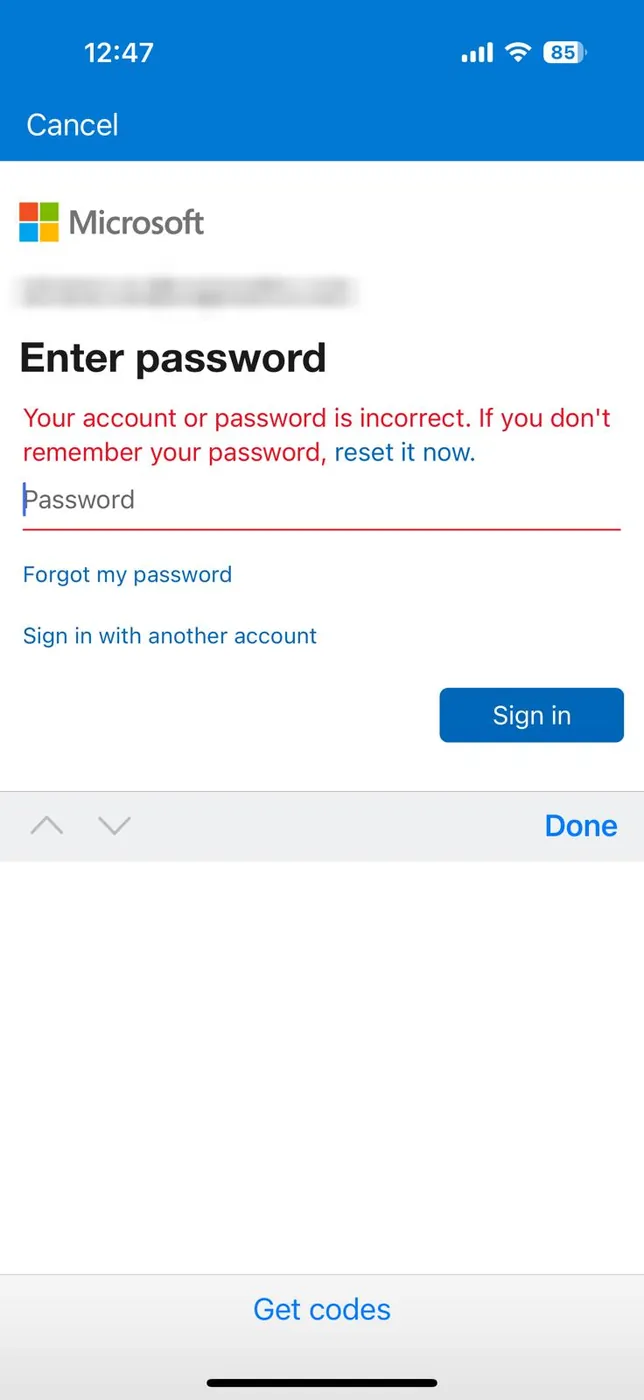
Microsoft Authenticator, on the other hand, has its own backup. On an iPhone, it goes to iCloud, so iCloud Drive, Keychain and the iCloud backup must be switched on. On Android, by contrast, it goes to the cloud through your personal Microsoft account. However, the backup only works within the same platform, in other words from iPhone to iPhone or from Android to Android. You also need to register work and school accounts again after the move. We do this through Microsoft’s security info page, and then we test a sign-in. Microsoft describes the steps in its guide on how to move Microsoft Authenticator to a new phone.
Adobe Account Access and Oracle Mobile Authenticator
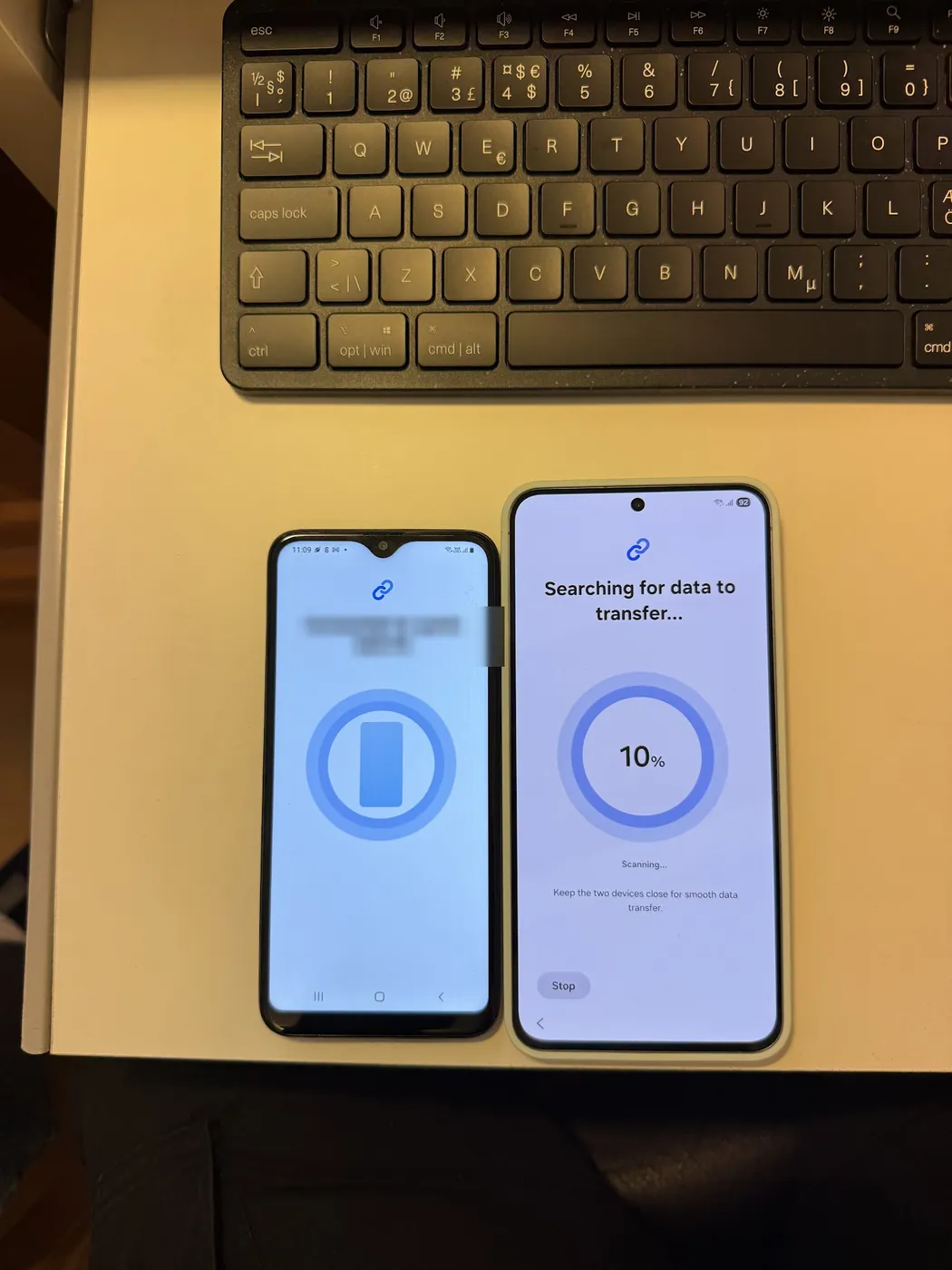
Adobe has replaced Adobe Authenticator with the Adobe Account Access app, which can both show codes and approve sign-ins. At the same time, Adobe only allows one authenticator app at a time for the account. We therefore remove the old one first and then connect the new one. Oracle Mobile Authenticator covers, among other things, sign-in to Oracle Cloud Infrastructure. The app lacks a simple cloud backup, though, so we have to register the new phone again with Oracle. Before the switch, we therefore save backup codes or add a second method. For servers and cloud environments at Oracle, we work together with our sister site Linux Service.
Security: backup codes, two devices and fake approvals
First, print the backup codes for every account and keep them in a safe place. You should also add a second device or a security key. Never take a screenshot of the QR code, however, because it contains the secret key. Lock the authenticator app with Face ID or fingerprint as well. Above all, never approve a sign-in that you did not start yourself. Fraudsters sometimes send many requests in a row and hope that you press yes out of sheer fatigue. For more on protection against fraud, see the guide on how to remove trojans, and for electronic identification, the guide on how to move Mobile BankID.
For businesses with Microsoft 365, Adobe and Oracle
In businesses, the authenticator app is particularly often a requirement for Microsoft 365, Adobe Creative Cloud and Oracle services. When an employee changes phone or leaves, we therefore need to register the methods again or remove them. We help with both parts and document which accounts use which method. For larger environments, we work together with Business IT Support, which handles Microsoft 365 and security for businesses.
Get help with your authenticator app
Tell us which accounts you have and which phone you are switching to, and then we will plan the move. We also help you remotely across Sweden or on site in Stockholm. Prices from €200 per hour excluding VAT. Dator Hjälp is part of Datorkirurgen AB.
Frequently asked questions about the authenticator app
Installing an authenticator app and changing phone
- Which authenticator app should I choose first?
- How do I move Google Authenticator to a new phone?
- Does Google Authenticator sync to my Google account?
- Can I move Microsoft Authenticator from an iPhone to Android?
- Why does my backup not show up in Microsoft Authenticator?
- Do I have to register my work account again after the switch?
- What is the difference between Adobe Authenticator and Adobe Account Access?
- Is it possible to have two authenticator apps on the Adobe account?
- Does Oracle Mobile Authenticator have a backup?
- How do I register Oracle Mobile Authenticator on a new phone?
Backup, backup codes and lock-outs
- What do I do if the phone with the codes has disappeared?
- Where do I find backup codes for my account?
- Can I have the codes on two phones at the same time?
- Does the authenticator app work without internet access?
- Why does the code from the app not match when I sign in?
- How do I reset two-step verification at Microsoft?
- What is a passkey?
- Do I need a security key as a backup?
- Should I save the QR code as a screenshot?
- How do I lock the app with Face ID?
Security, businesses and help
- What is MFA fatigue and how do I protect myself?
- Why do I get approval requests that I did not start?
- Are SMS codes worse than an authenticator app?
- Do you help businesses with Microsoft 365 and MFA?
- Can you remove an employee’s authenticator when they leave?
- Do you help with Adobe Creative Cloud for businesses?
- Can you also move all the codes remotely?
- What does help with authenticator apps cost?
- How do I prepare before changing phone?
- Will you come and help at home in Stockholm?