
Are you missing the administrator password after taking over a dental practice, clinic or law firm? We remove the unknown password and give you full access to the computers, the files and the programs.
This is more common than many people think. The previous owner has retired, the IT consultant is no longer around, or nobody ever wrote the passwords down. The computers start, but nobody can install programs, change printers or take a backup. At the same time, patient records, accounts and client files remain on the disks. We have worked with Windows and Mac for more than 30 years, and therefore we solve this without the files disappearing. In addition, we document everything, so that the next change of ownership becomes easier.
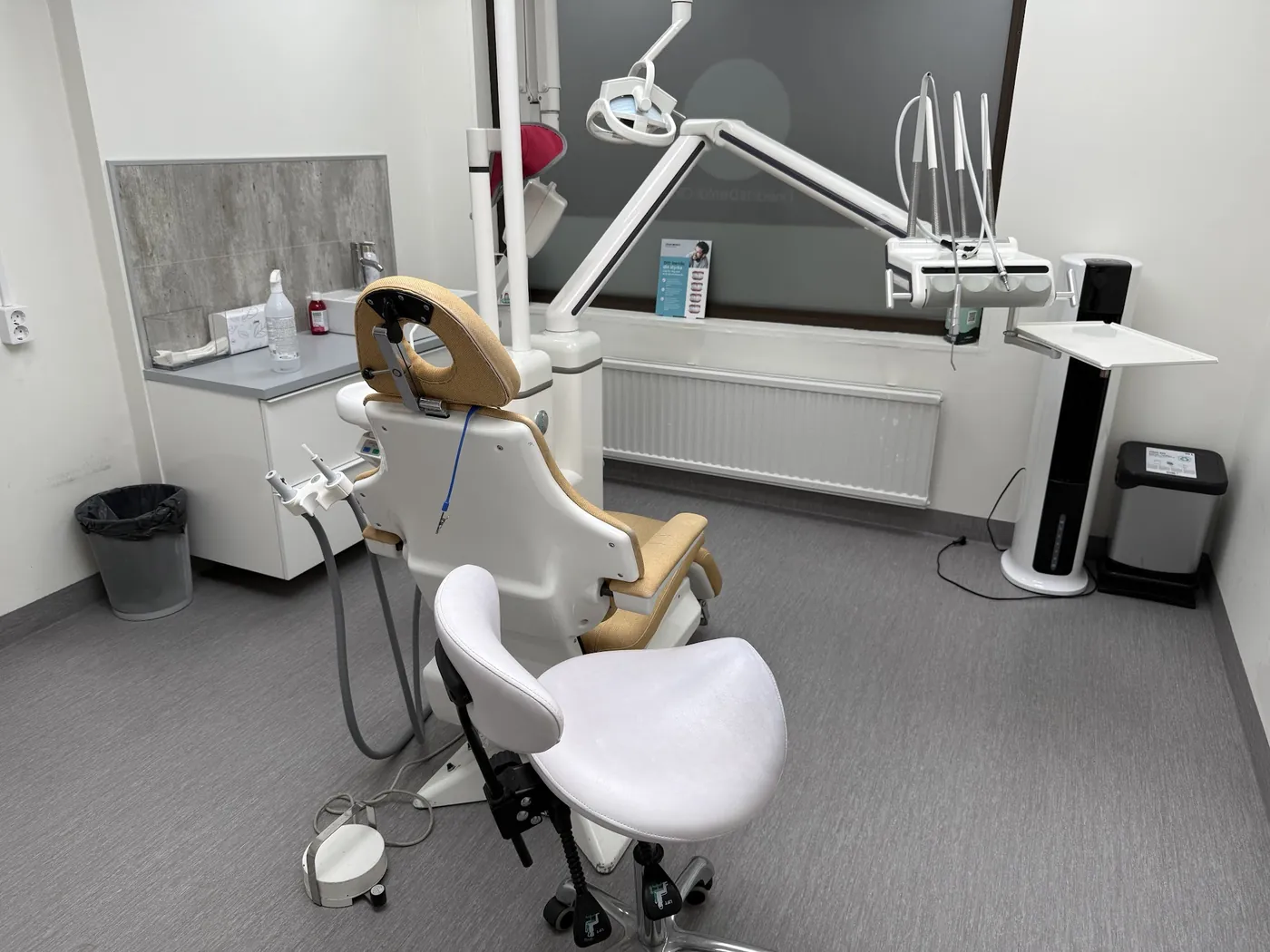
First, we check that you own the computers
Before we do anything, we make sure that you have the right to the equipment. This can be a purchase agreement for the business, an inventory list or minutes from the company. After that, we draw up a short order in which you confirm that you control the computers. This matters, because someone could otherwise misuse the same technique. In other words, we never remove passwords on behalf of anyone who cannot show that they own the computer. Once the documents are ready, on the other hand, the work moves quickly.
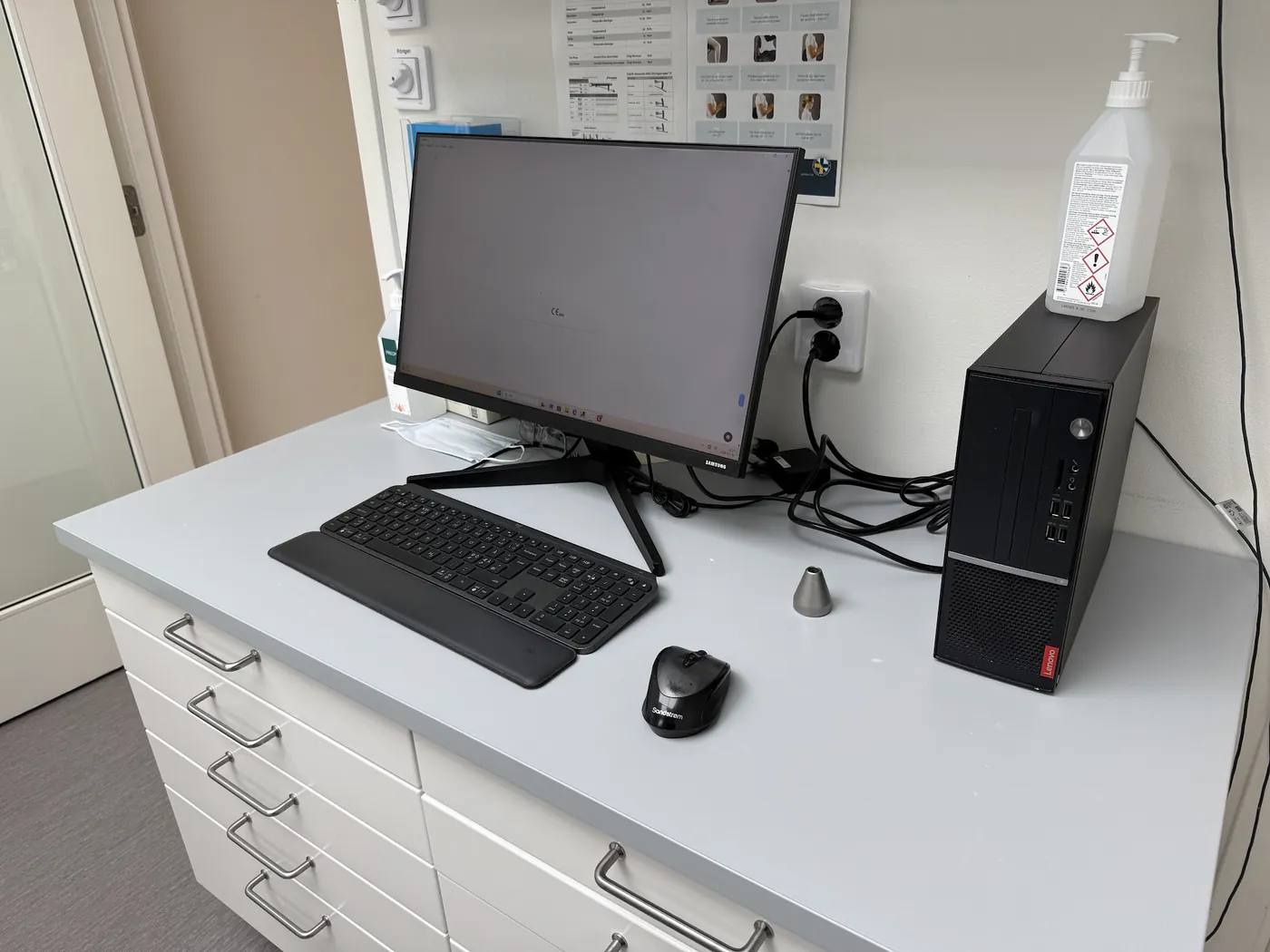
How we reset the administrator password in Windows
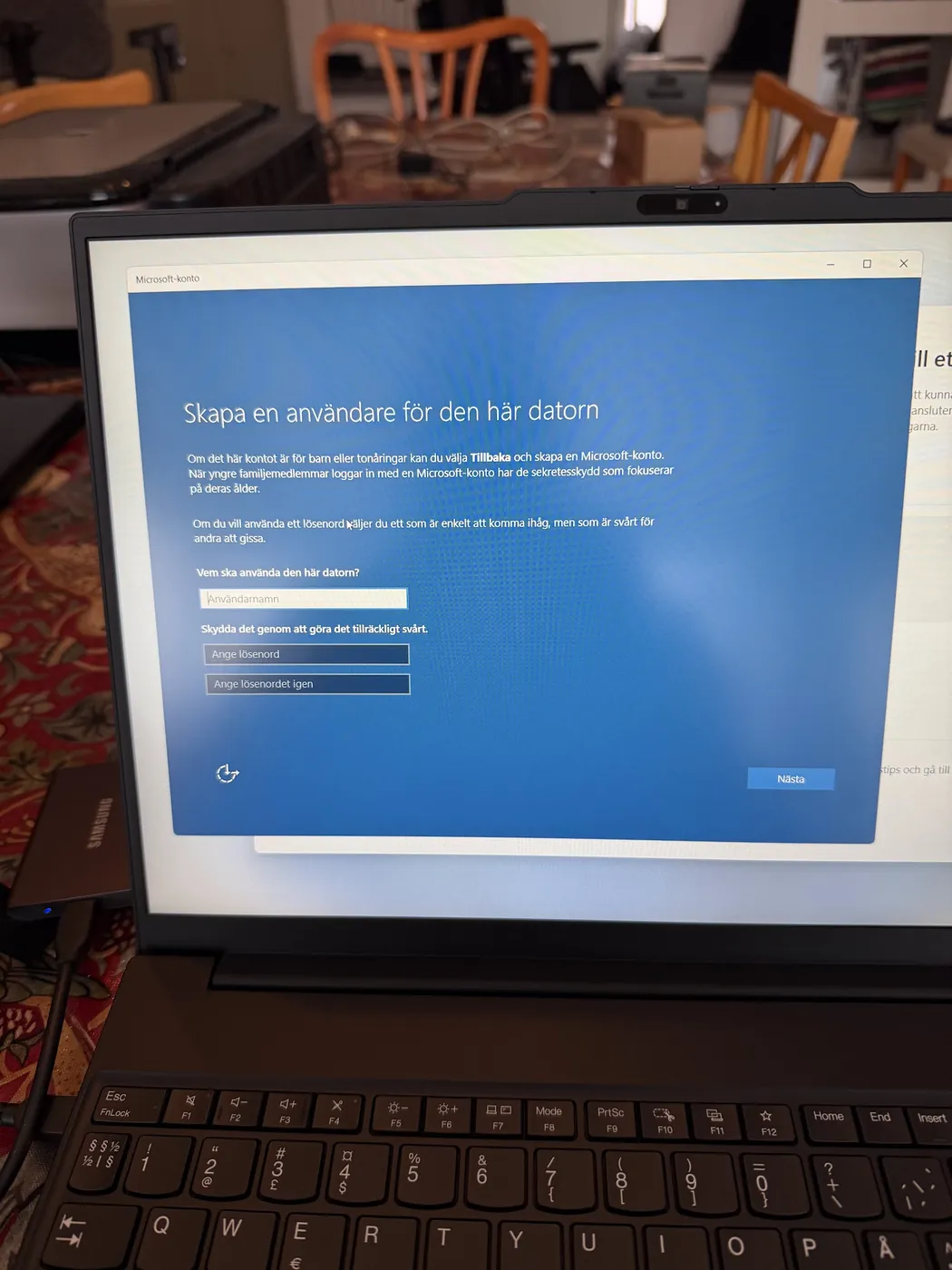
On a Windows computer with a local account, we start the computer from our own tool and add a new administrator account. Next, you sign in with the new account, and then we change the password on the old accounts. We leave the files untouched. If the account is a Microsoft account instead, we reset the password through Microsoft, provided that we can reach the email address or phone number. Computers joined to a domain or Microsoft Entra ID need a different route. In that case, we take over the domain or move the computers to your own environment.
Administrator password on encrypted computers and Macs
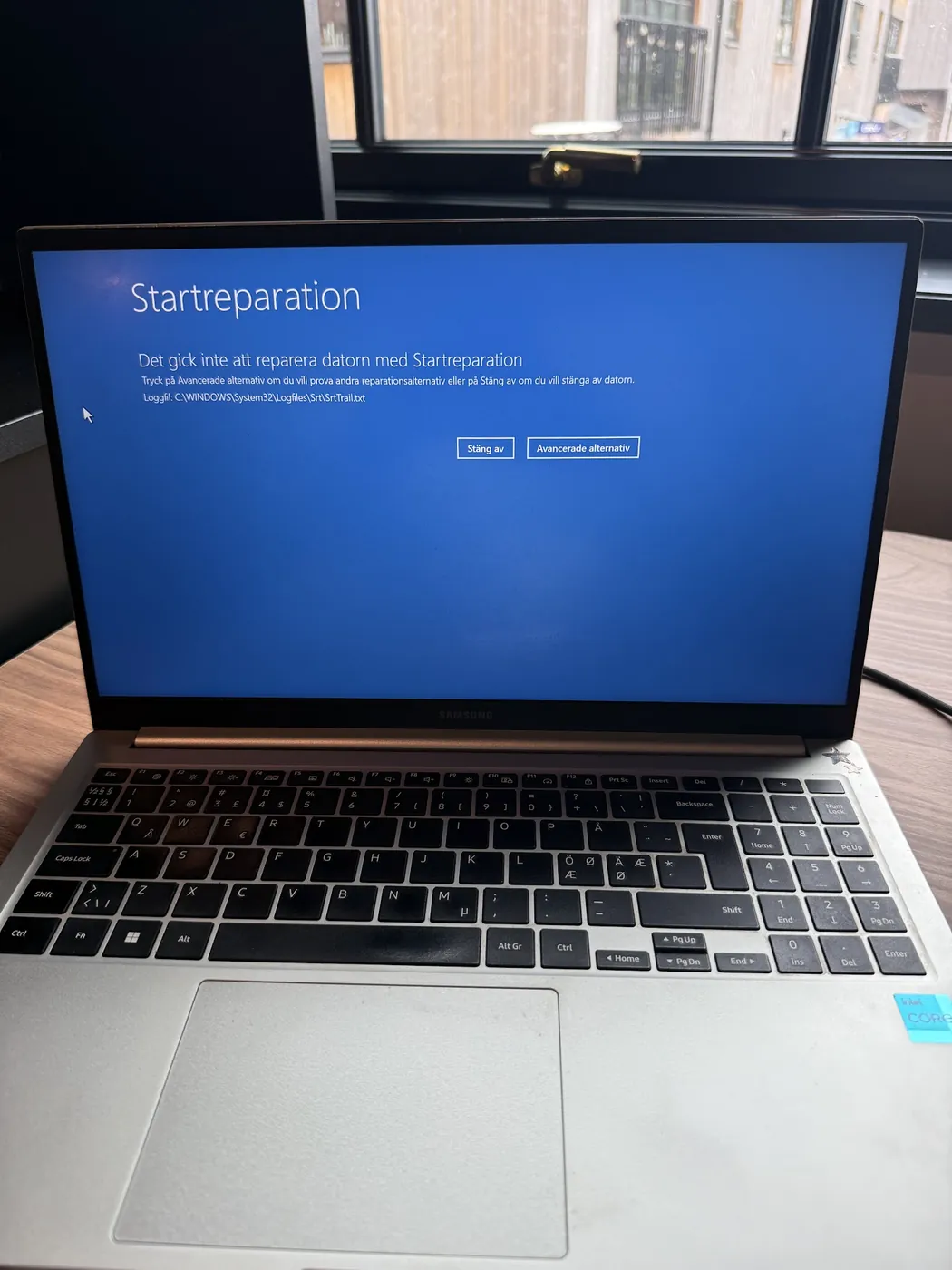
Many newer computers use BitLocker or device encryption. Adding an account is then not enough, because the files stay locked without the recovery key. The key often sits in the previous owner’s Microsoft account or with the old IT supplier. We help you request it. On a Mac, FileVault works in a similar way, and moreover Activation Lock may require Apple to confirm ownership with a receipt. We are honest about what is possible: without the key, nobody can open an encrypted disk. That is why we find this out during the very first call.
- Unencrypted Windows computer: we restore access and all files remain.
- BitLocker or FileVault: we need the recovery key, which we help you find.
- Domain or Entra ID: we take over the administration or move the computers.
- Mac with Activation Lock: Apple removes the lock once you have proven ownership.
Patient records, patient data and confidentiality
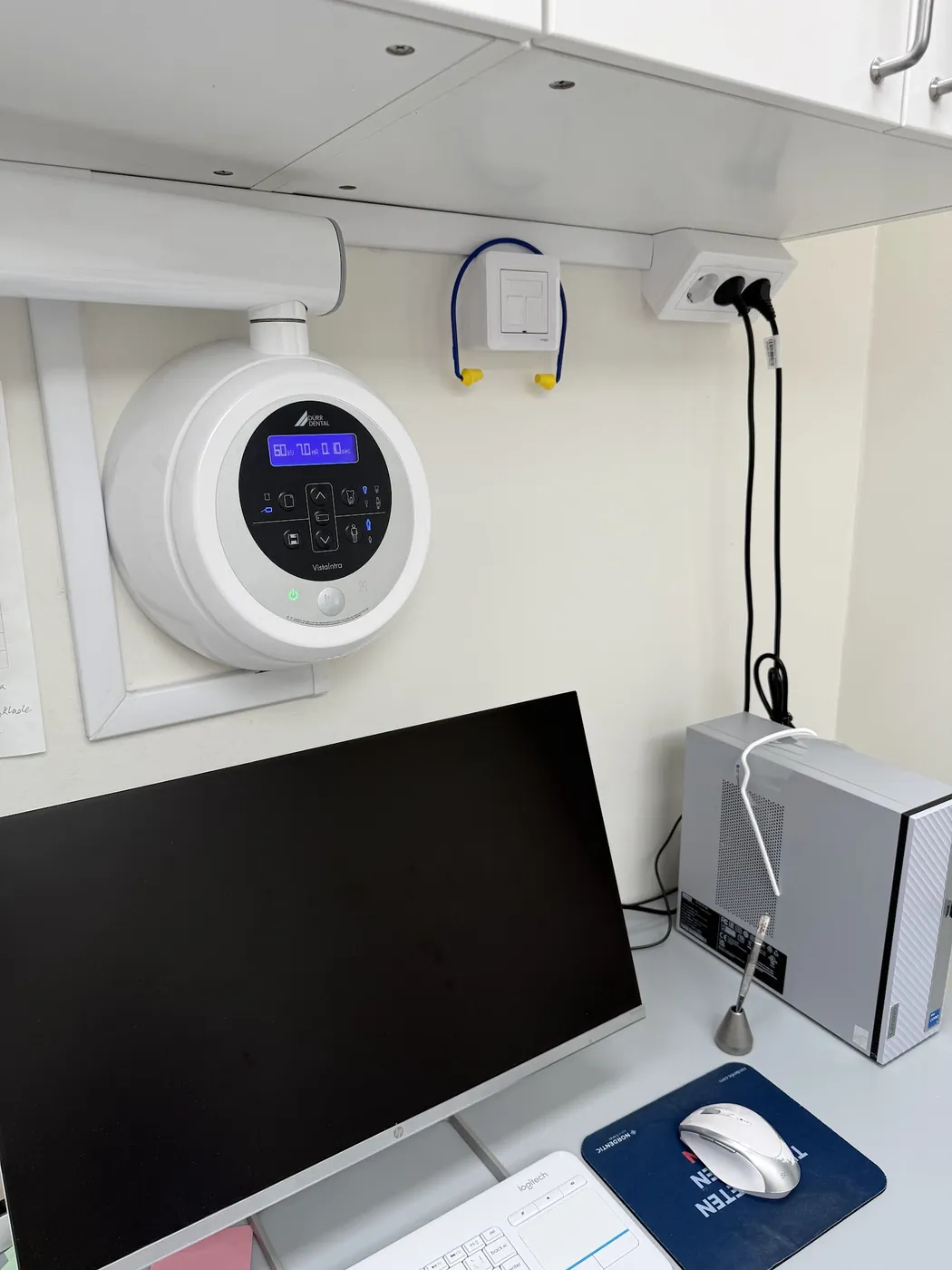
At a clinic, sensitive data sits in the patient record system and in folders on the computers. We work under confidentiality and open no files unnecessarily. At the same time, we check that the licence and database of the record system pass on to the new owner. X-ray programs and imaging systems often require administrator rights of their own. For this reason, we coordinate with the supplier when needed. Finally, we change all passwords, including email, Wi-Fi and printers, so that the previous owner no longer has access.
After the fix: documentation and security
When access is restored, we hand over a register of computers, accounts, licences and keys. You keep it in a locked cabinet or in a password manager. Furthermore, we set up backups and two-step verification. As a result, you are not left without passwords the next time someone leaves. For larger offices with Microsoft 365 and many users, we work together with Business IT Support, which provides ongoing IT support for businesses. If a computer has also crashed, our guide on data recovery explains the next step.
Get help with unknown passwords
Tell us which business you have taken over and how many computers it concerns, and we will suggest a plan. We come to you in Stockholm and help businesses across Sweden. Prices from €200 per hour excluding VAT. Dator Hjälp is part of Datorkirurgen AB.
Frequently asked questions about an unknown administrator password
Questions about the administrator password and access
- Can you remove an unknown administrator password?
- Do the files disappear when you reset the password?
- How do we show that we own the computers?
- How long does it take per computer?
- Can you reset the password for a Microsoft account?
- What do you do when the computer is joined to a domain?
- Can you take over Microsoft Entra ID from the old owner?
- What happens if BitLocker encrypts the computer?
- Where do we find the BitLocker key?
- Can you open a Mac with an unknown password?
Clinics, firms and confidentiality
- Do you help dental practices and healthcare clinics?
- Do you help law firms and accounting firms?
- Does the patient record system come along with the change of ownership?
- Can you move licences to the new owner?
- Are you bound by confidentiality?
- Do you open patient records?
- Can you change the passwords for email and Wi-Fi too?
- How do we lock out the previous owner?
- Can you help with X-ray computers?
- Can you sign agreements on personal data?
Price, location and afterwards
- What does it cost to restore access?
- Will you come to our clinic in Stockholm?
- Can you help businesses outside Stockholm?
- Can you do part of the work remotely?
- Do we get a list of all accounts and passwords?
- How do we store the passwords securely?
- Can you set up backups?
- Can you look after our IT on an ongoing basis afterwards?
- What do you do with computers we will not keep?
- Can you wipe old computers securely?