
A phone for seniors does not need to be a special phone. Usually, it is enough for us to set up an ordinary iPhone or Android phone correctly, with larger text, fewer apps and safe settings. We come to your home, do the work at a calm pace and leave instructions that you can follow even after we have gone.
Why an ordinary phone works well for seniors
Special senior phones admittedly have large buttons, but they often lack BankID, Swish, video calls and healthcare apps. That is why most people today choose an ordinary smartphone, which we simplify so that only the essentials show. In this way, the same phone works for calls with the grandchildren, payments and digital visits to the healthcare provider.
In addition, the family can help remotely when the phone is the same kind as their own. We therefore usually recommend a phone with a long period of updates, a sturdy case and a charger that is easy to find.
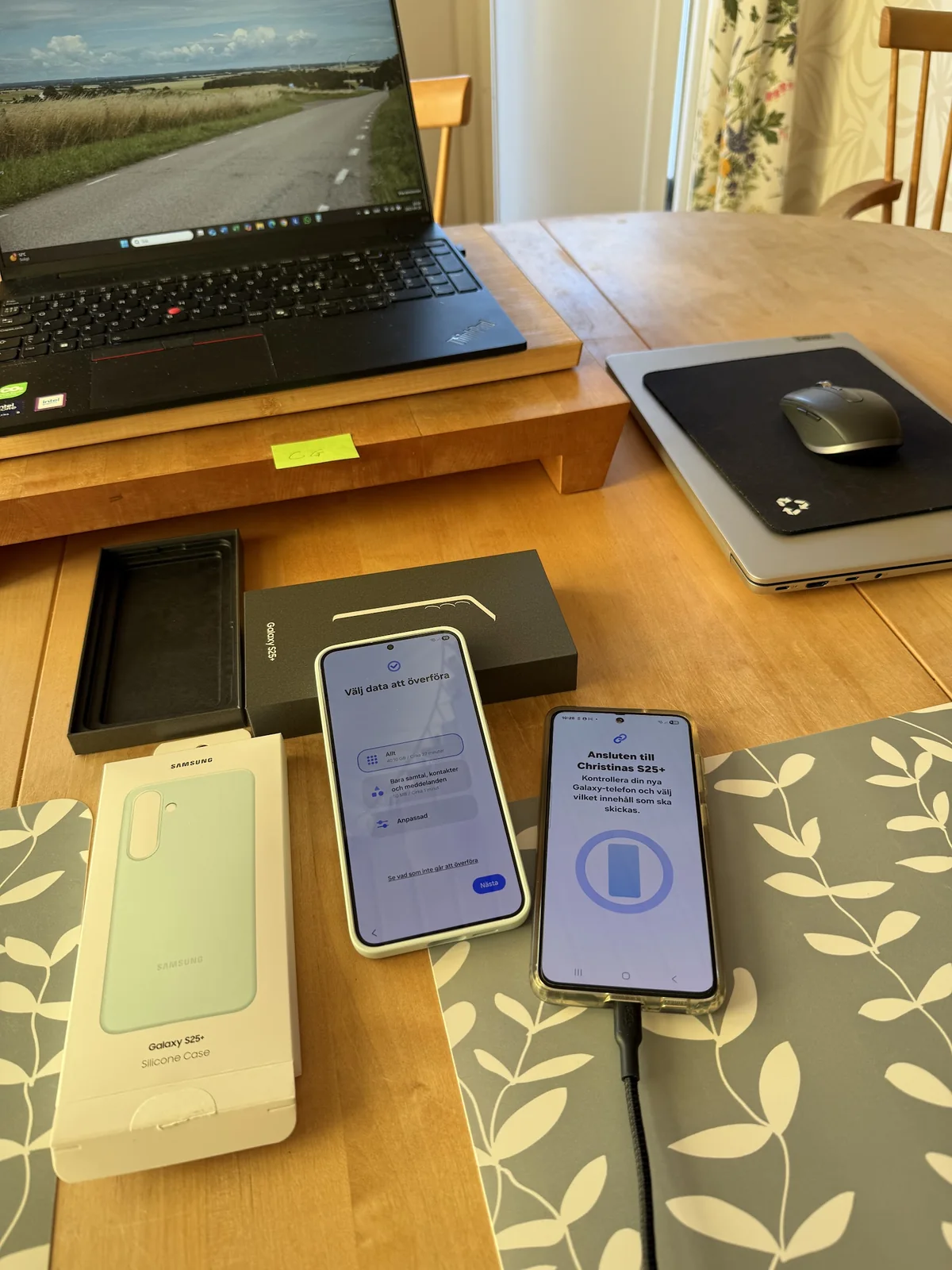
How we set up a phone for seniors
First, we enlarge text and icons and remove apps that you never open. Samsung has Easy mode, and the iPhone has Assistive Access, which shows a few large buttons for calls, messages, the camera and photos. After that, we put favourite contacts with pictures on the home screen, so that the people who call often are always one tap away.
We also set up emergency contacts, emergency calls and the feature for finding the phone if it gets lost. Finally, we connect hearing aids or headphones, which we describe in more detail in the article on how to pair Bluetooth with hearing aids and headphones.
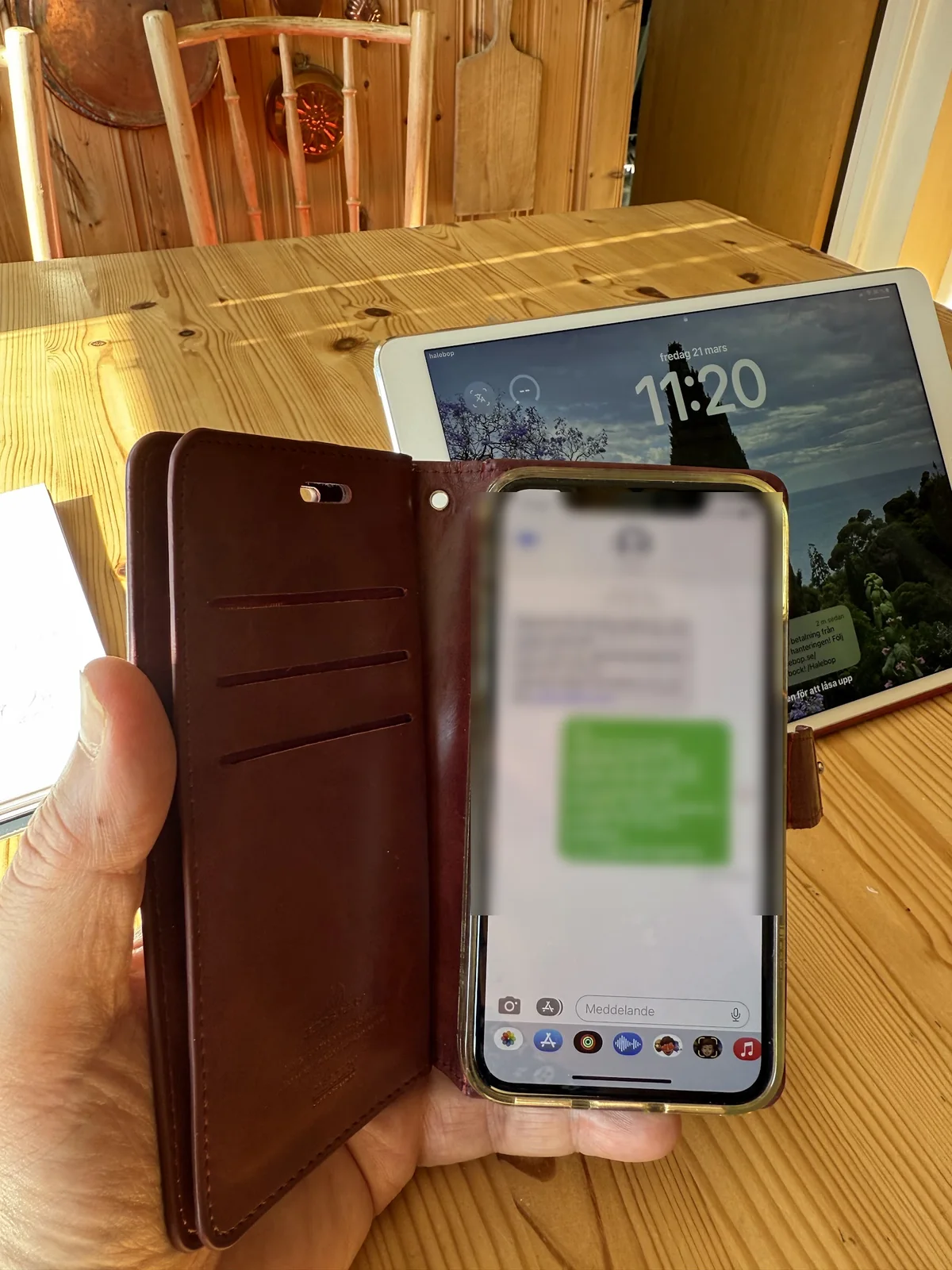
Passcodes, passwords and BankID
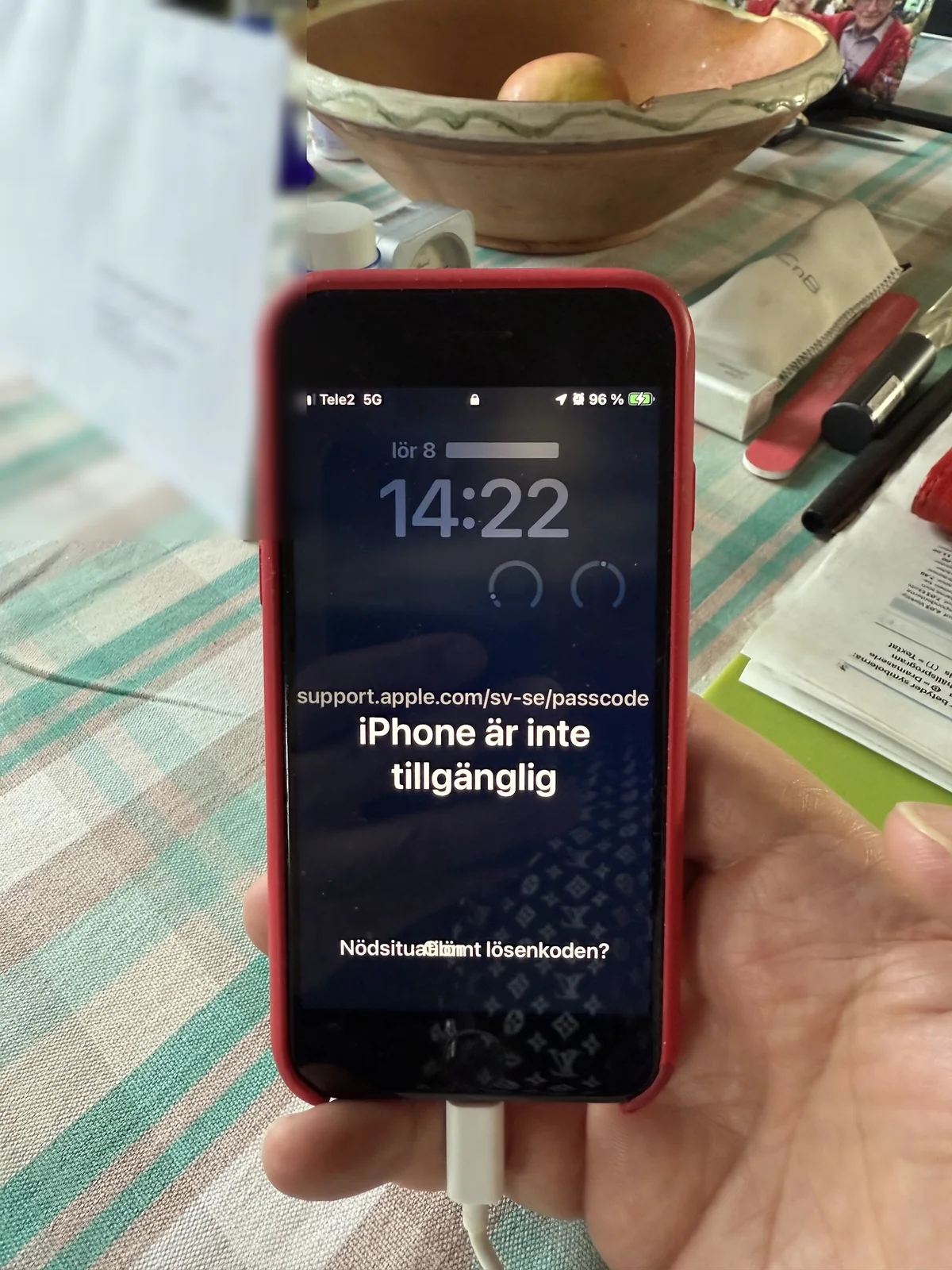
Many problems begin with a forgotten passcode, for example. After too many wrong attempts, the iPhone shows the message that it is unavailable, and in that case we may need to reset it. We therefore write down passcodes and passwords together and keep them in a safe place at home, or with a relative you trust.
We also install BankID and show you how identification and Swish work, step by step. At the same time, we go through how fraudsters try to trick older people by phone, because the best protection is to recognise a fraud attempt before it happens.
Computer, tablet and TV in the same visit
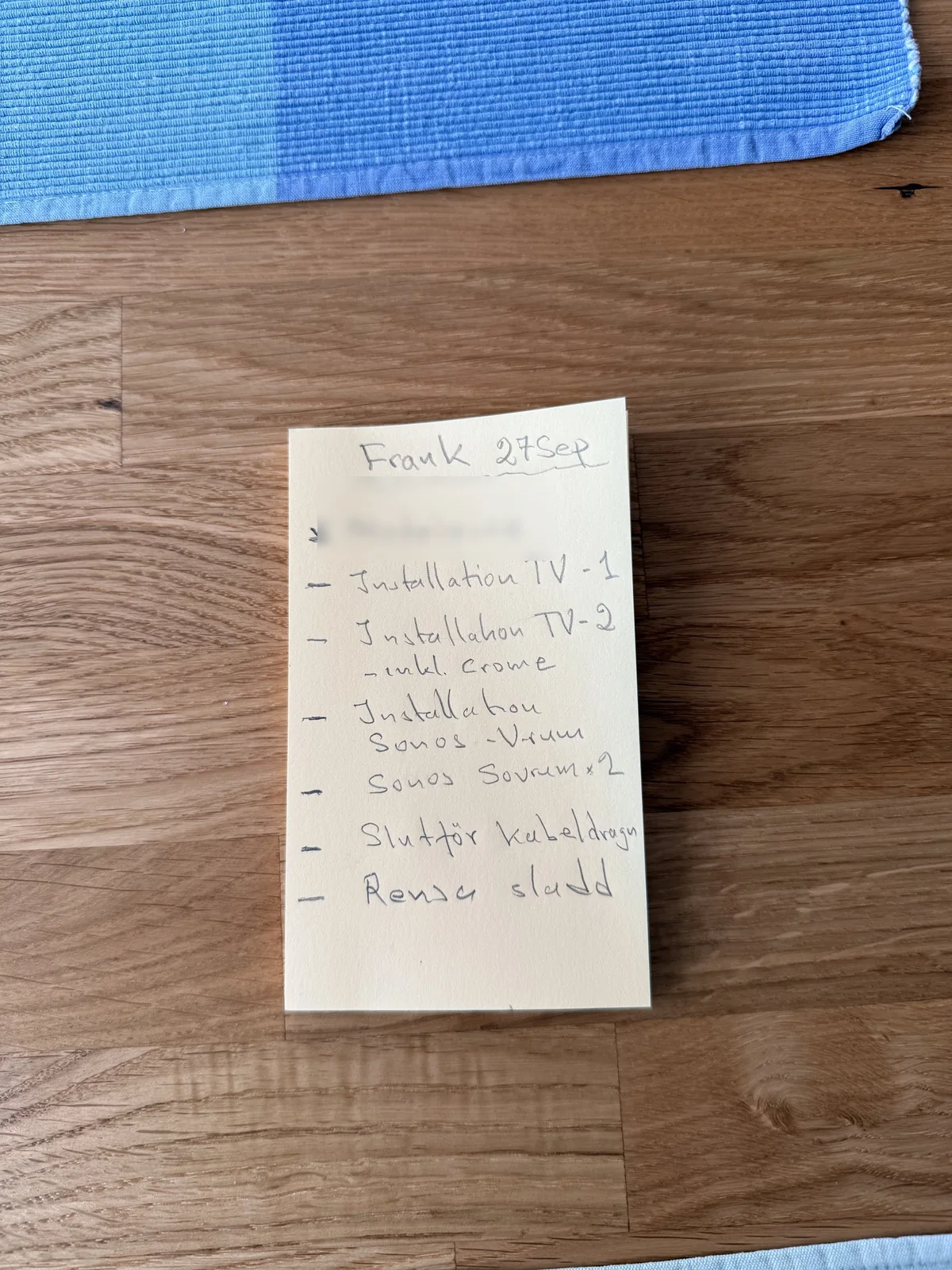
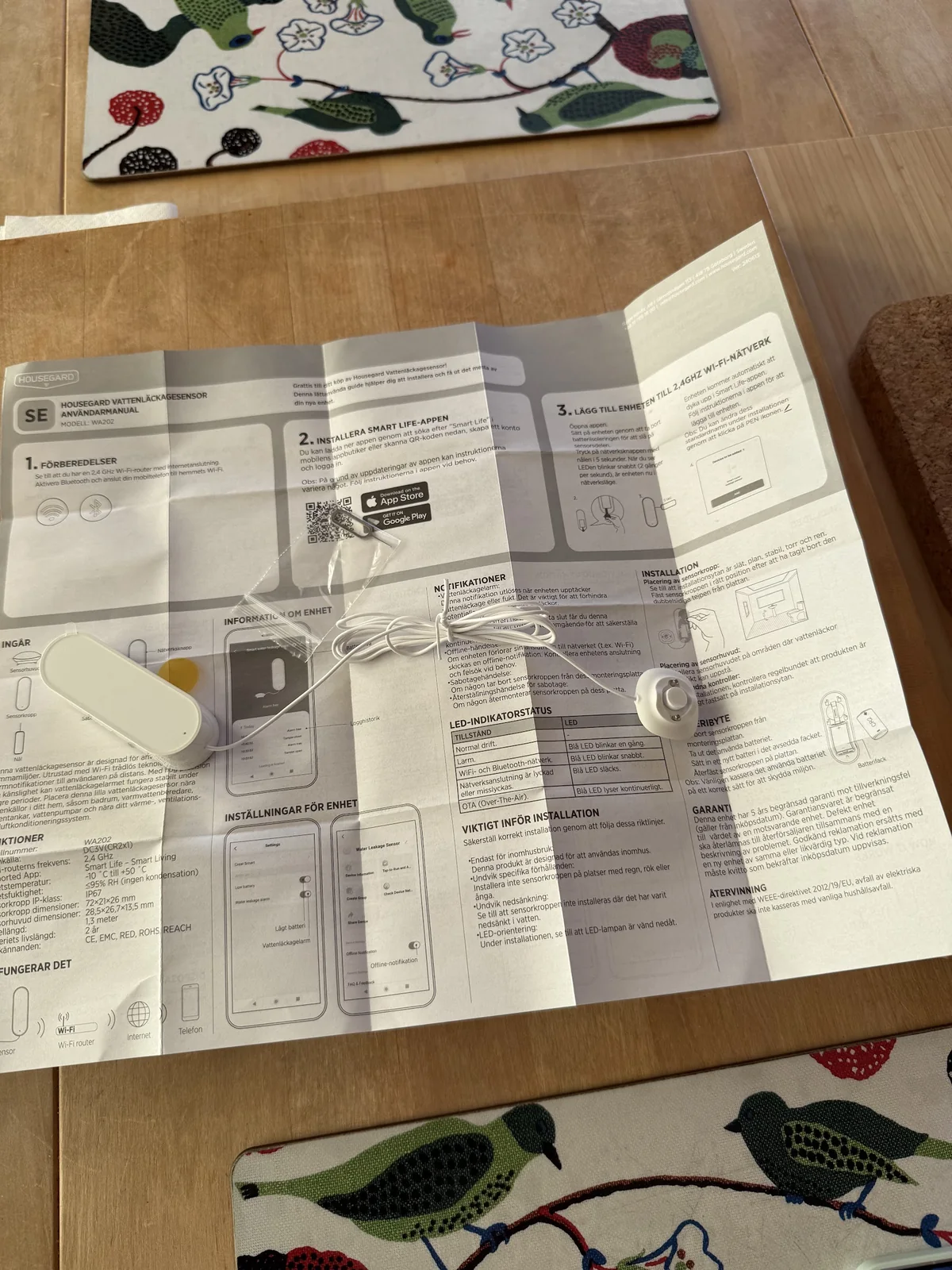
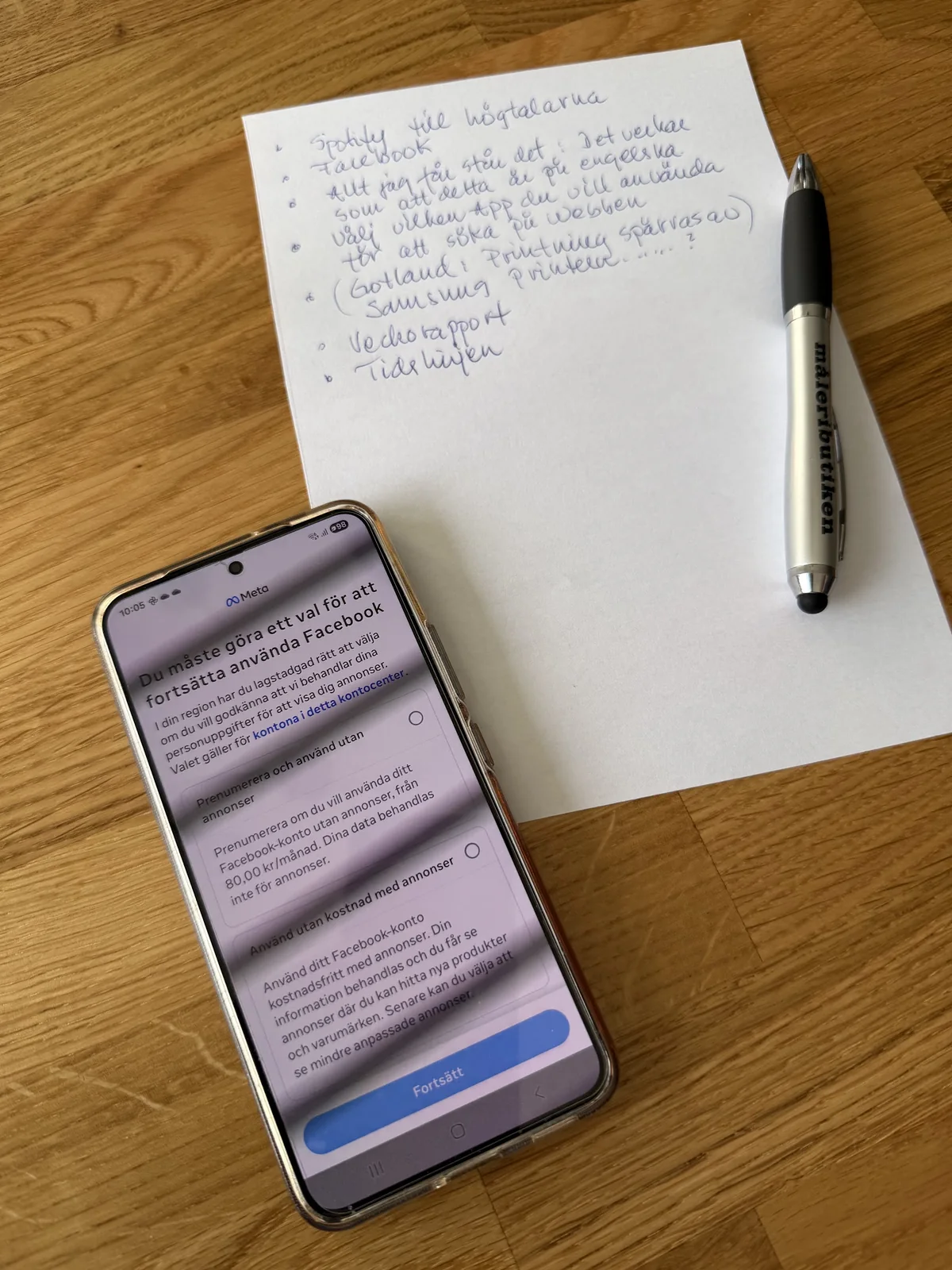
A home visit, however, is rarely only about the phone. We therefore usually write a list together before we start, for example a new TV box, an update of the computer, a printer that does not work and a tablet that should get the same contacts as the phone.
After that, we take the points one by one and tick them off when each thing works. We also install and test new equipment on site, so that you avoid reading the manual and still know how everything works.
Instructions on paper and remote help
Before we leave, we write short instructions on paper in your own words, for example how to answer a video call or send a photo. The note then sits next to the phone, and as a result you can follow the steps even much later.
If questions come up afterwards, we can help remotely by phone or remote support, but only when you call us yourself. We can also show relatives how to help, so that the whole family knows how the phone and computer are set up.
Book help with a phone for seniors
We come to your home in the Stockholm area and work at a calm pace, with time for questions. Relatives are welcome to take part, on site or by phone.
Prices start from €200 per hour excluding VAT, and as a private individual in Sweden you can claim the RUT tax deduction for work in the home. Apple describes the feature in its guide to Assistive Access on the iPhone. Dator Hjälp is part of Datorkirurgen AB.
Frequently asked questions about a phone for seniors
Phone and settings
- Which phone suits seniors best?
- Is an ordinary smartphone too difficult?
- What is Assistive Access on the iPhone?
- How does Easy mode work on Samsung?
- Can you make the text larger on the phone?
- How do I put favourite contacts on the home screen?
- Can you set up emergency contacts?
- How do I find the phone if it gets lost?
- Can you connect hearing aids to the phone?
- Which case protects the phone best?
Passcodes, BankID and safety
- What do I do if I have forgotten the passcode to the phone?
- Why does it say that the iPhone is unavailable?
- Where should I keep my passwords?
- Can you install BankID on the phone?
- How does Swish work for a beginner?
- How do I recognise a fake call?
- Can relatives help me remotely?
- Is remote support safe?
- Can you move photos from the old phone?
- How do I make video calls with the grandchildren?
Home visits and price
- Will you come to my home?
- How long does a visit take?
- Can you help with the computer and TV at the same time?
- Do you write instructions on paper?
- May my children take part by phone?
- Does the RUT tax deduction apply to your help?
- What does the help cost?
- Can you come back if something acts up?
- Do you work throughout the Stockholm area?
- How do I book a visit?