
When you move from Windows to Mac, you want to bring everything along: documents, photos, email, calendars and passwords. At Dator Hjälp, we carry out the move for you and then show you how the new computer works.
Many people choose a Mac because they already own an iPhone or iPad. Others switch back to Windows because an industry program only runs there. Whichever direction you take, the computer itself is not what takes time. Instead, the time goes into everything around it, for example files, accounts, licences, printers and habits. That is why we always start by going through what you use today and what should come along. We have worked with both Apple and Microsoft for more than 30 years, so we know where data tends to hide. In addition, we take care of the details that otherwise stop your work during the first week.
How a move from Windows to Mac works
First, we make a backup of the old computer, so that nothing can get lost. Next, we update both Windows and macOS. Apple has its own tool, Migration Assistant, which copies accounts, documents, email and calendars from a Windows computer to a Mac. We install the tool on the Windows computer, and then the two computers connect to each other over the network. Apple describes the process in its guide on how to move from a PC to a Mac with Migration Assistant. At the same time, we check that the hard drive in the old computer is free of faults, because disk errors often stop the transfer halfway. If the assistant is not enough, we move the rest by hand with an external disk or a network share.
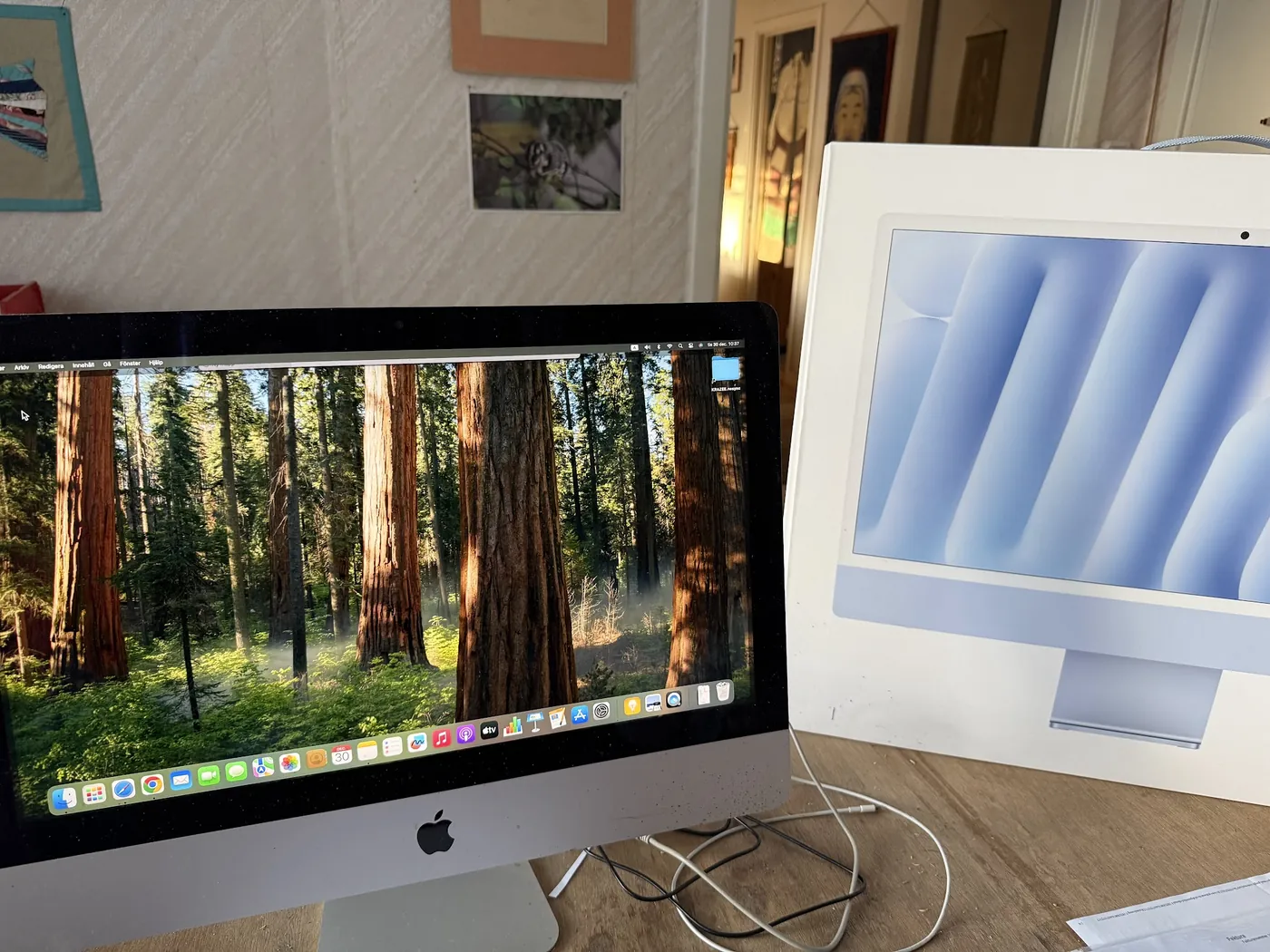
What comes along from Windows to Mac, and what we do by hand
Migration Assistant moves a lot, but not everything. For example, Windows programs stay behind, since they do not run on macOS. We therefore get the right Mac version of Microsoft 365, Adobe and other programs and move the licences. Bookmarks and saved passwords in the browser often need a step of their own. Moreover, email accounts with old settings sometimes have to be set up again. Photos from the Windows Photos app end up in a folder, and after that we import them into Photos on the Mac.
- Comes along: documents, photos, music, contacts, calendars and most email accounts.
- We do by hand: programs, licences, password managers, printers and network devices.
- We check afterwards: that the files open, that email sends and that the backup works.
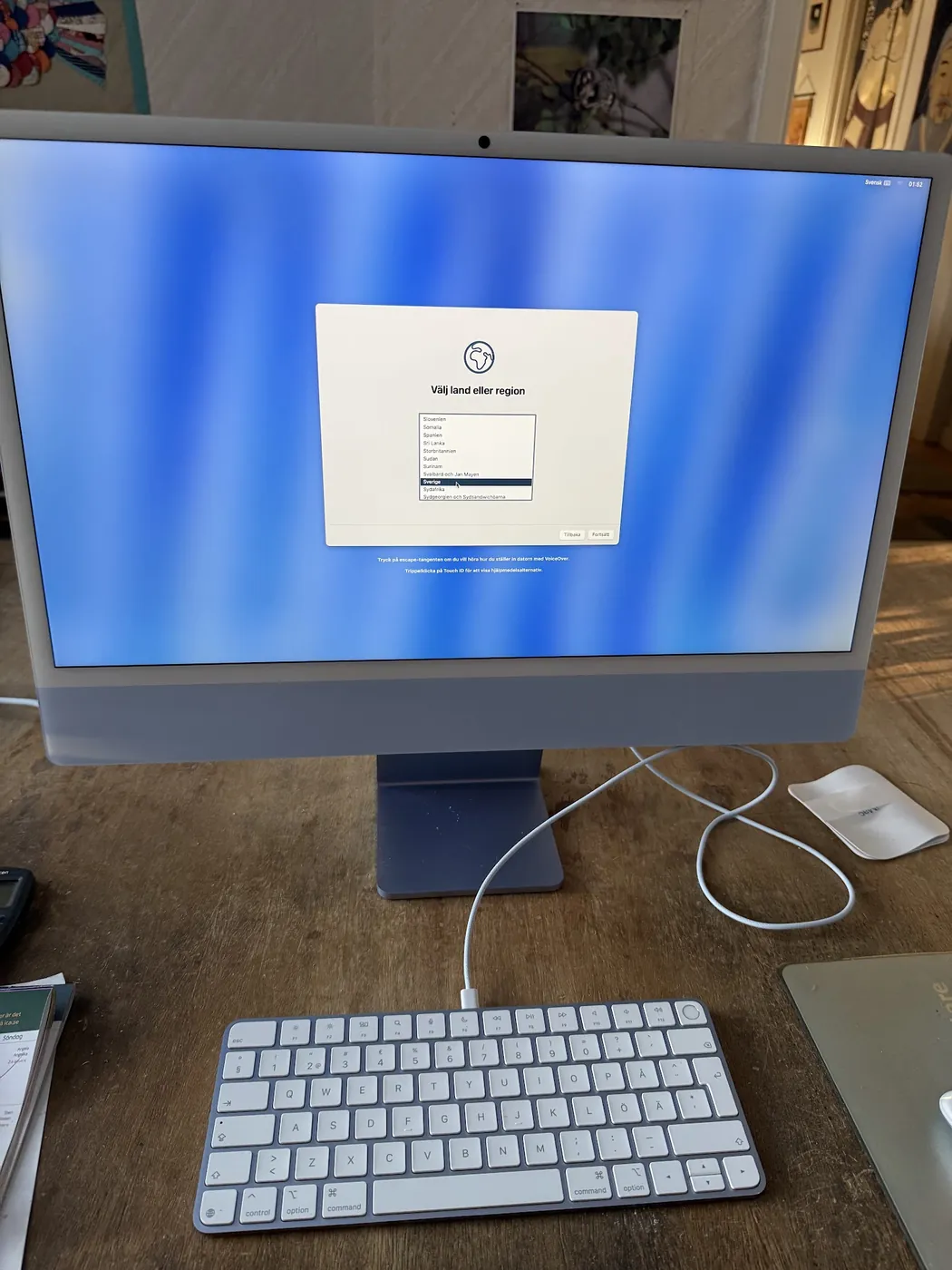
From Mac to Windows: the same care in the other direction
Apple offers no equivalent tool when you go back from Mac to Windows. Therefore, we move the files with an external disk or through the cloud, and then we export contacts, calendars and email in formats that Windows can read. We export photos from the Photos app in their original format, so that dates and location data come along. We also install iCloud for Windows when you want to keep your iPhone, because photos and passwords then continue to sync. Finally, we check that documents from Pages and Numbers open. Otherwise, we convert them to Word and Excel.
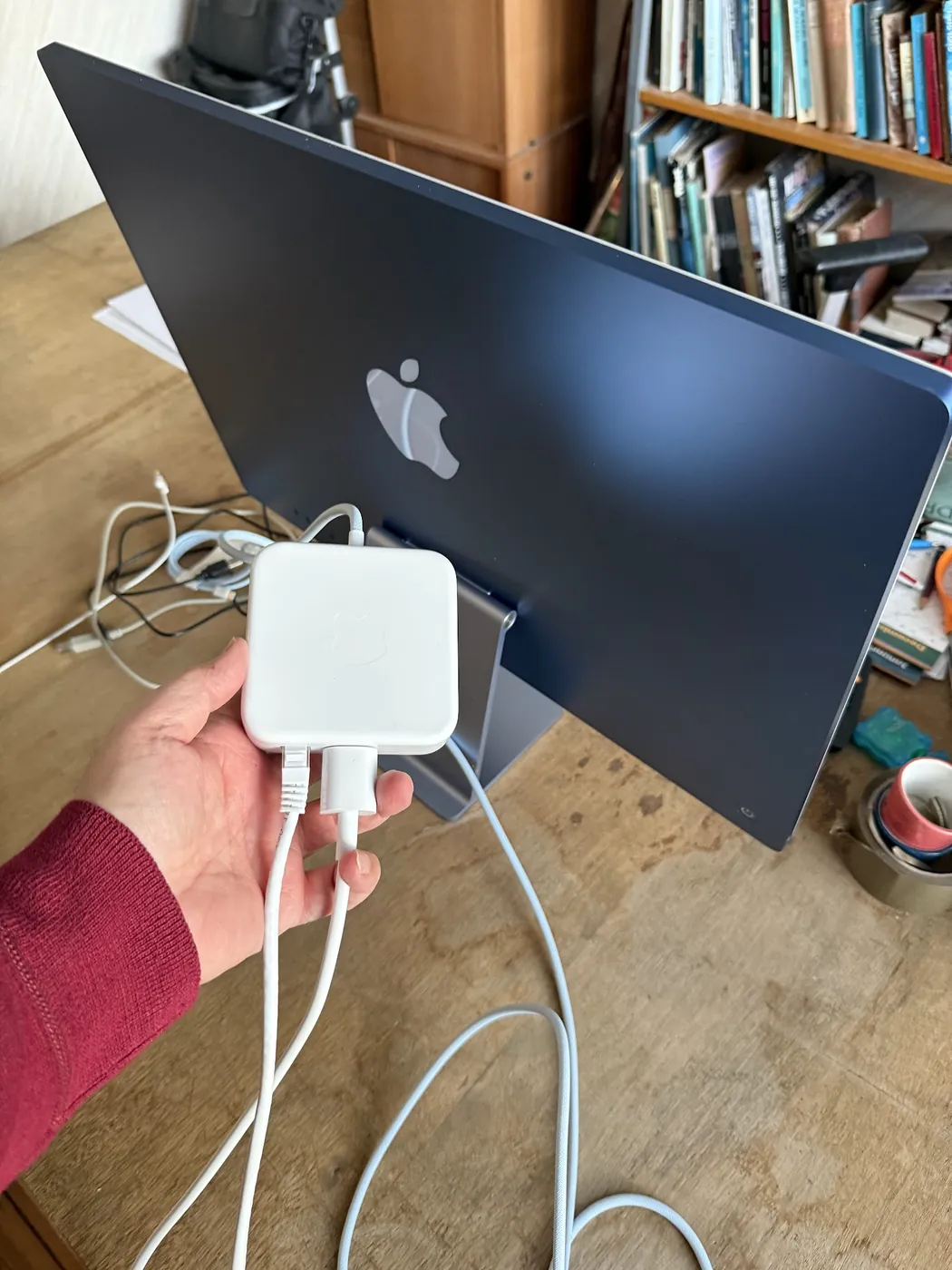
Mac, iPhone and iPad working together
The big advantage of a Mac is that it works together with your iPhone and iPad. When everything is set up correctly, you can copy text on the phone and paste it on the computer. You can also answer calls and text messages from the computer. For this reason, we set up the same Apple Account, two-step verification and iCloud on all devices. At the same time, we go through how much storage you need, so that a full iCloud does not stop the backups. If you want to move files between iCloud and Microsoft, our guide on how to move from iCloud to OneDrive explains the steps.
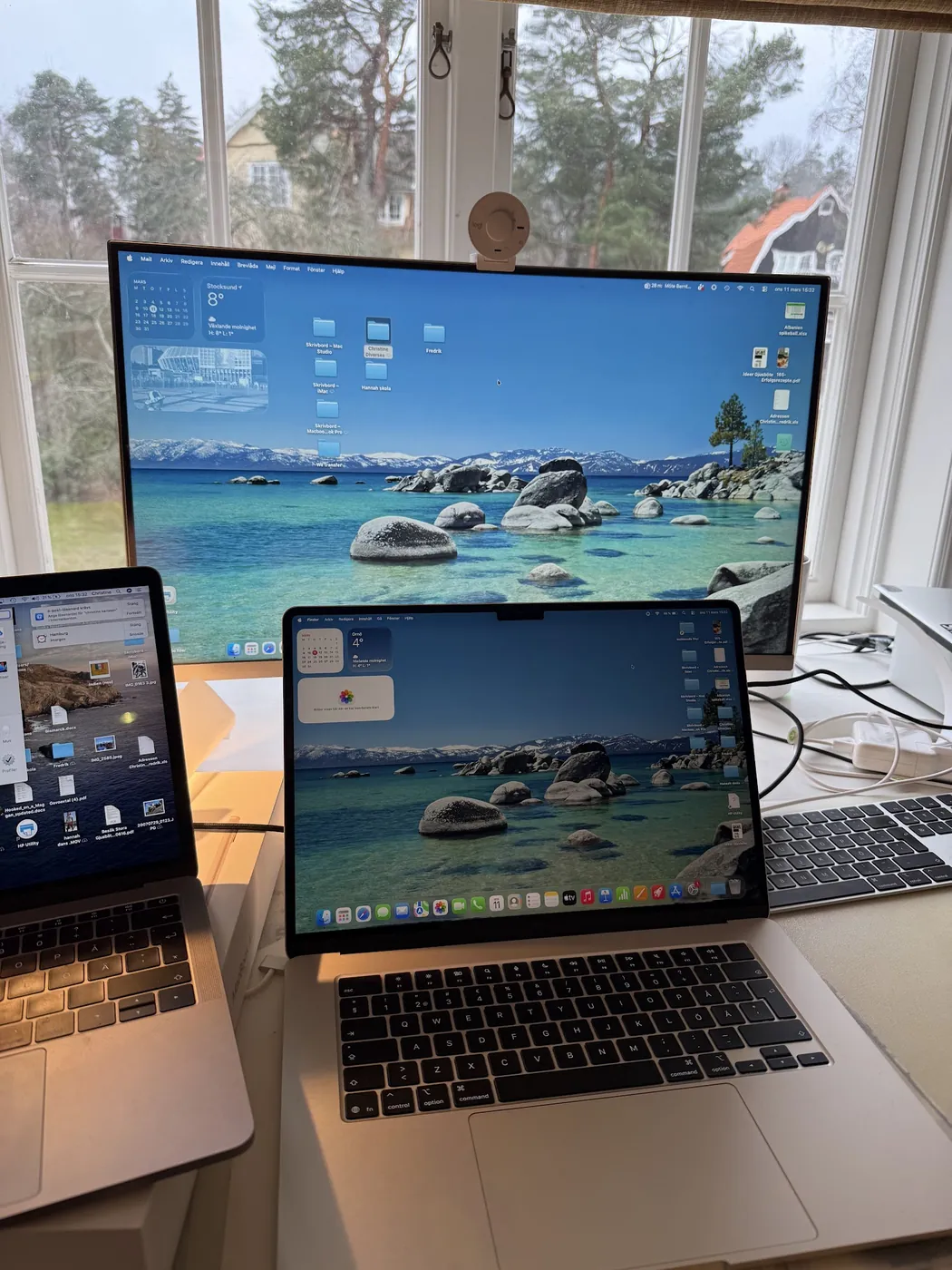
Common pitfalls when changing computer
The most common mistake is returning or selling the old computer too early. We therefore recommend that you keep it for a few weeks after the move. Another mistake is forgetting two-step verification, since the codes often sit in an app on the old computer or phone. In addition, many people lose licence keys for older programs. Finally, the keyboard is a matter of habit: the Command key on a Mac corresponds to Ctrl in Windows. Before we leave, we show you the most important keyboard shortcuts. As a result, the first working day with the new computer becomes an ordinary day.
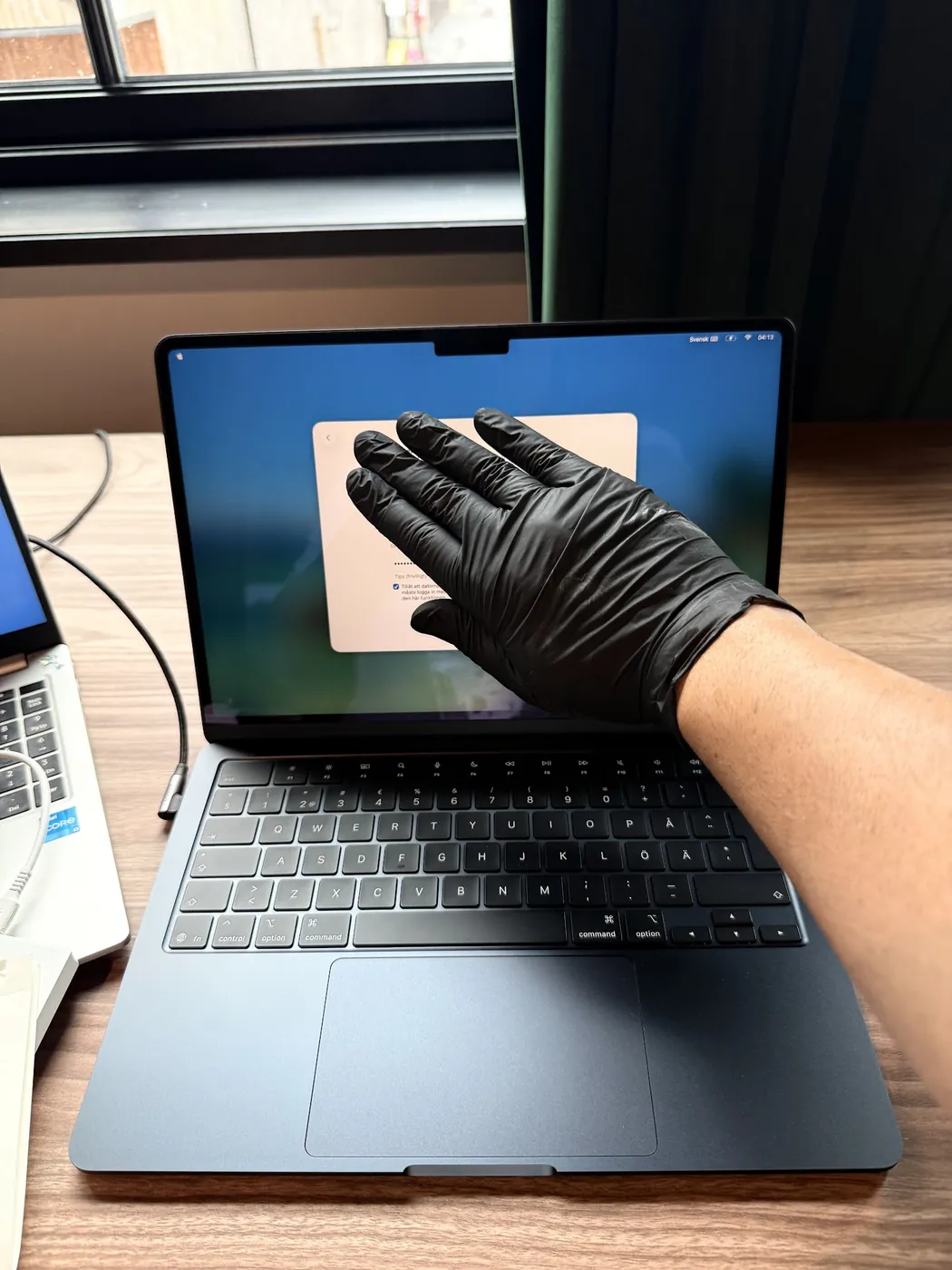
For businesses that change several computers
When an office switches from Windows to Mac, or the other way round, we plan the change computer by computer. Before we start, we draw up a list of programs, shared folders and printers. After that, we move one user at a time, so that the business can keep running in the meantime. For larger environments with Microsoft 365, Intune and shared storage, we work together with our sister site Business IT Support, which offers IT support for businesses across Sweden.
Get help changing computer
Tell us which computer you have today and which one you are switching to, and we will suggest a plan. We help you on site in Stockholm or remotely across Sweden. Prices from €200 per hour excluding VAT. Dator Hjälp is part of Datorkirurgen AB.
Frequently asked questions about moving from Windows to Mac
Questions about the move from Windows to Mac
- How long does it take to move from Windows to Mac?
- Do my programs come along when I switch to Mac?
- Can you move email from Outlook to a Mac?
- Do my photos come along when I move to a Mac?
- What happens to the passwords in the browser?
- Can you move data even when the old computer is broken?
- Do I need an Apple Account before the move?
- Can you move from Mac to Windows as well?
- Does Microsoft 365 work on a Mac?
- Can I keep Windows programs on a Mac?
Mac, iPhone and iPad
- How do I connect my Mac and iPhone?
- Do I need to buy more iCloud storage?
- Can I answer text messages from the Mac?
- How does backup with Time Machine work?
- What do I do when iCloud is full?
- Can you set up two-step verification for me?
- Does my printer work with a Mac?
- Can you connect an external screen and a docking station?
- Which key on a Mac corresponds to Ctrl?
- Can you teach me the basics of macOS?
Price, location and businesses
- What does help with changing computer cost?
- Can you help remotely?
- Will you come to my home in Stockholm?
- How do I prepare before you arrive?
- Can you change the computers in a whole office?
- Do you help businesses move from Windows to Mac?
- What do you do with the old computer afterwards?
- Can you wipe the old computer securely?
- How long should I keep the old computer?
- Can you help after the move as well?