
Do ads, fake virus warnings or new tabs that you never opened keep appearing? Then the computer may have trojans or adware. We map where they hide, remove them and close the routes in.
Such programs are built to be as invisible as possible, however. They often hide in system files, in the folder for temporary files and in the browser cache. There they wait, and then they start again when you think the computer is clean. That is why running an antivirus program once is rarely enough. We have worked with viruses and intrusions for more than 30 years. In addition, we work together with Datorkirurgen AB, which investigates intrusions in businesses. As a result, even a private computer gets the same thorough clean-up.
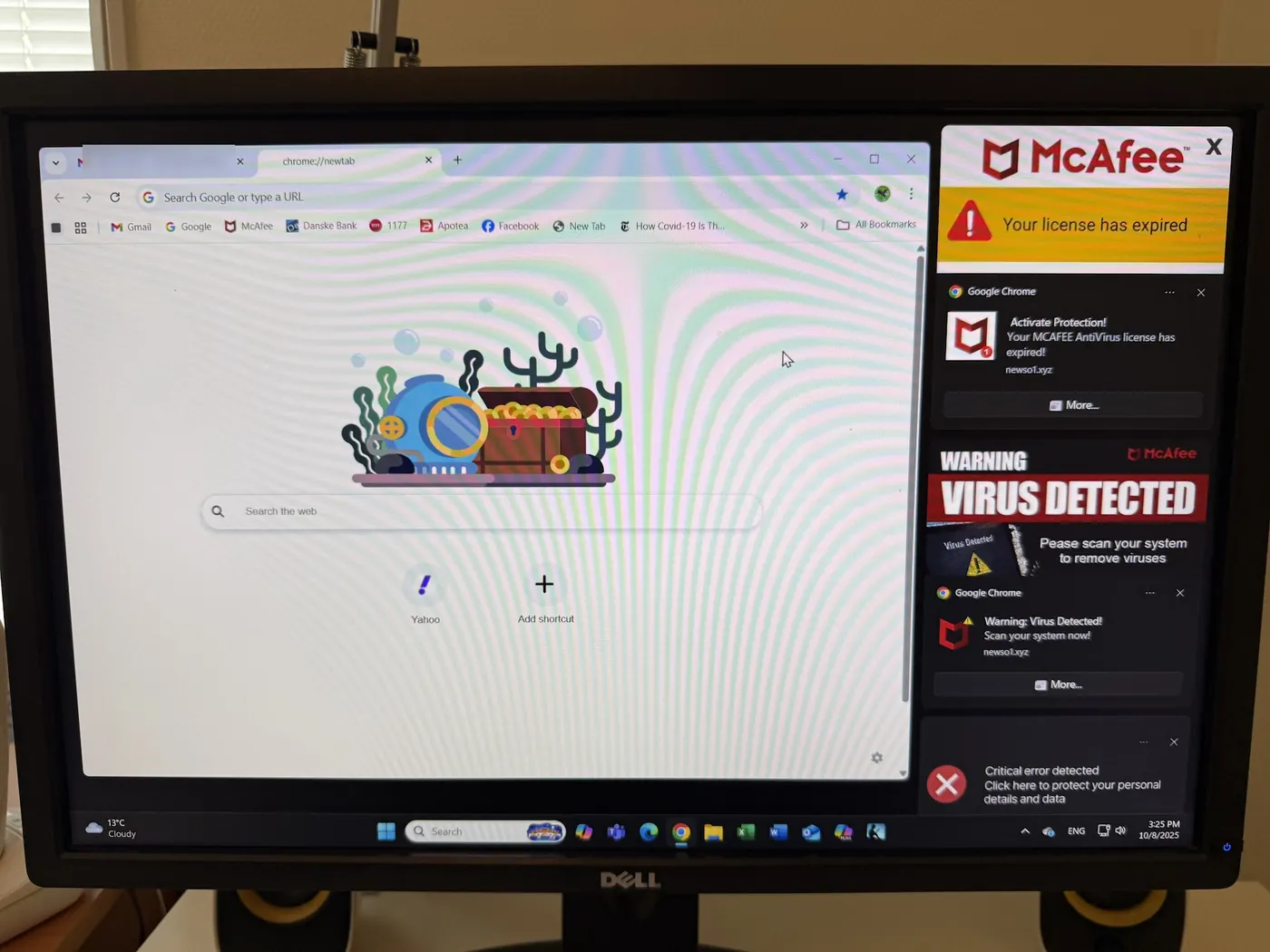
Common signs of trojans and adware
The most common sign is ads that pop up in the corner of the screen, even when the browser is closed. Another sign is that someone has replaced the home page or the search engine. Moreover, the computer may become slow, the fan may run all the time or new programs may appear in the list. Fake warnings that a licence has expired are also common. They try to get you to pay or call a number. For this reason, never enter card details in a window that pops up by itself.
- Notifications from websites: ads and fake virus warnings in the corner of the screen.
- Hijacked browser: a new home page, a new search engine or extensions you do not recognise.
- Hidden programs: processes that start with the computer and contact unknown servers.
- Fake support numbers: windows that urge you to call and pay.
How we remove trojans step by step
First, we disconnect the computer from the network, so that nothing can leave it during the work. Next, we go through everything that starts automatically: services, scheduled tasks and the registry. Then we check the extensions, notifications and settings in the browsers, because a lot of advertising comes from there. At the same time, we empty the folder for temporary files and the browser cache. Finally, we scan the entire disk with two different tools. If we find anything that points to an intrusion, for example stolen passwords, we change the passwords for email, banking and social media.
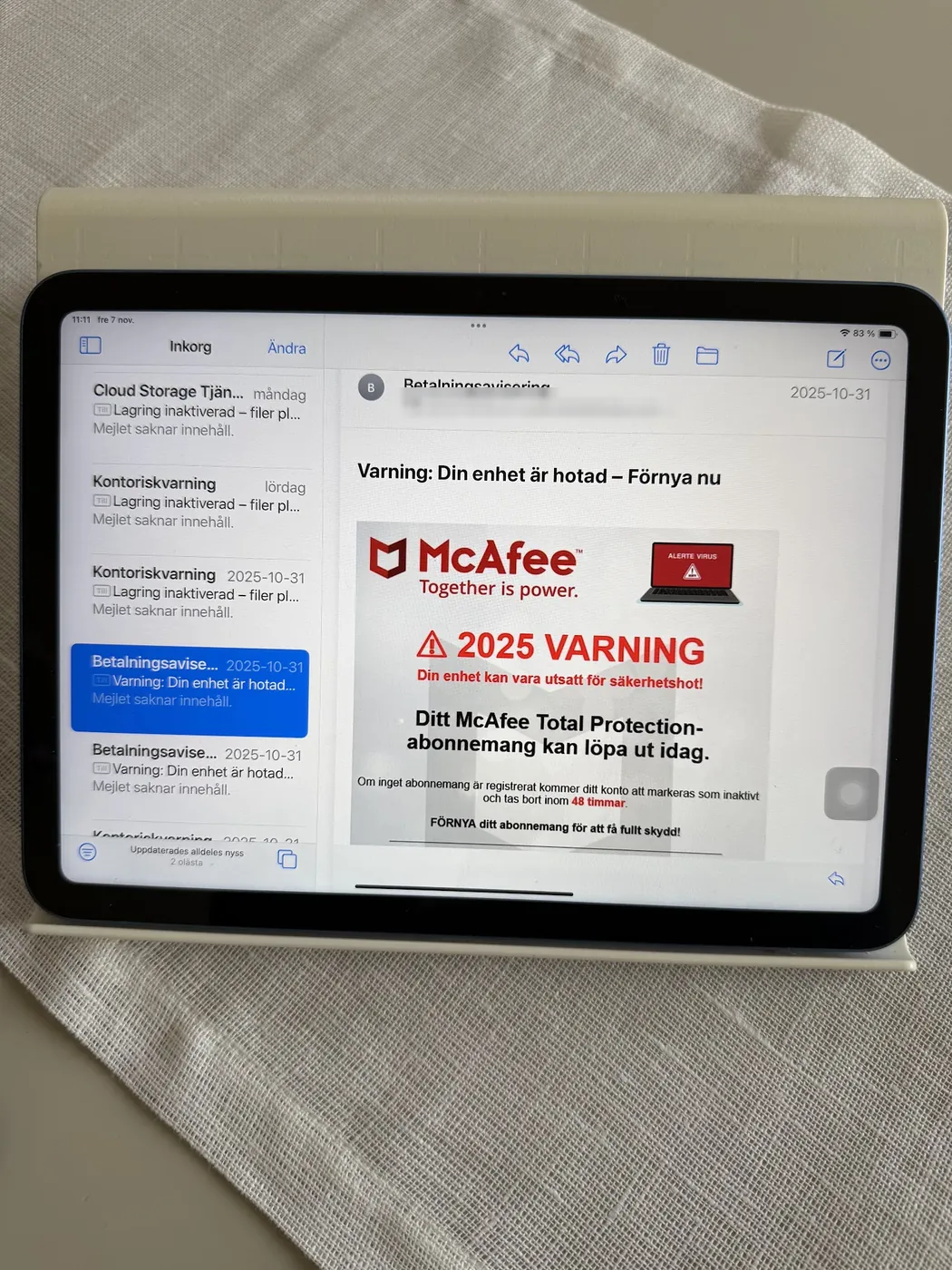
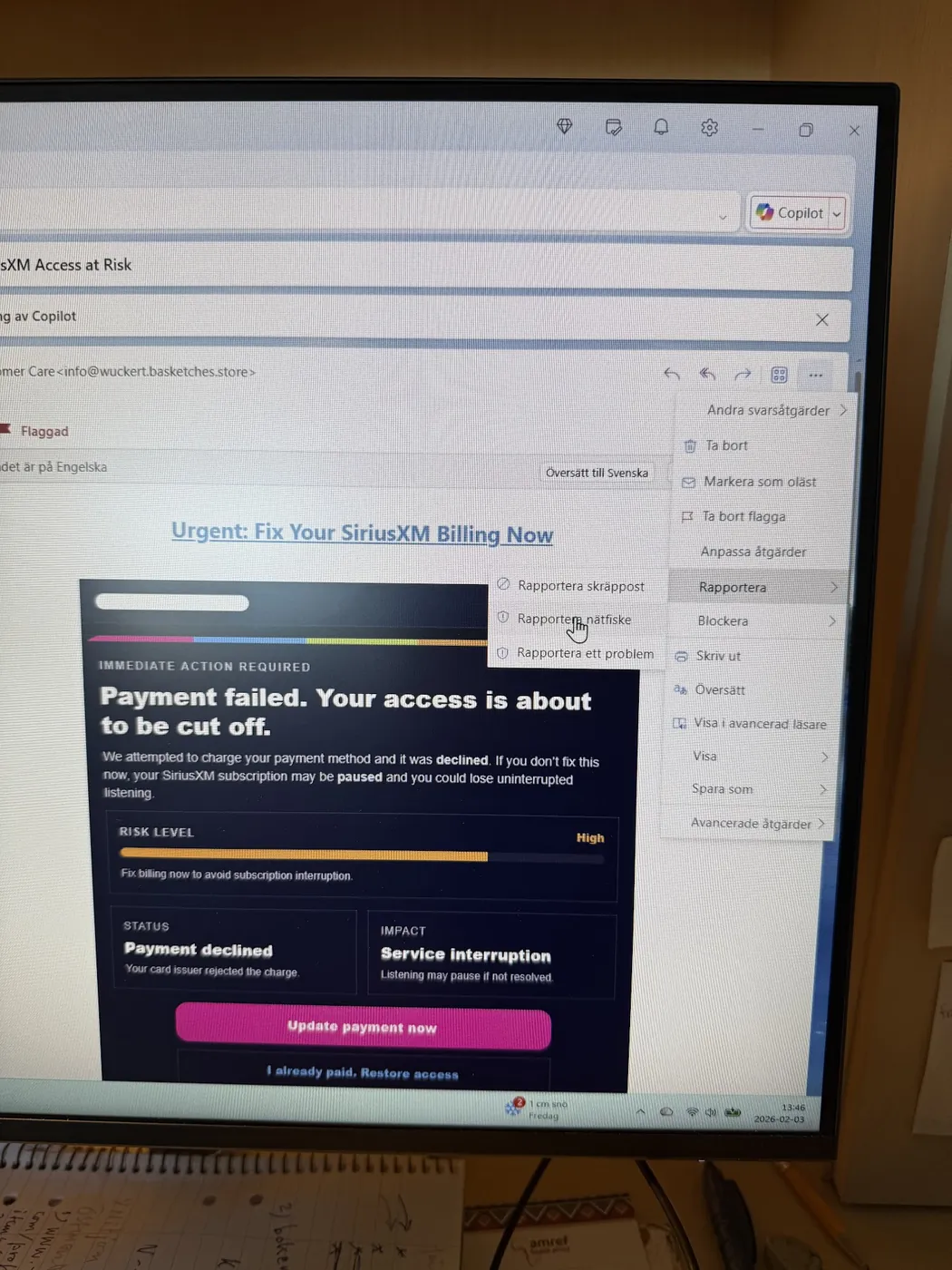
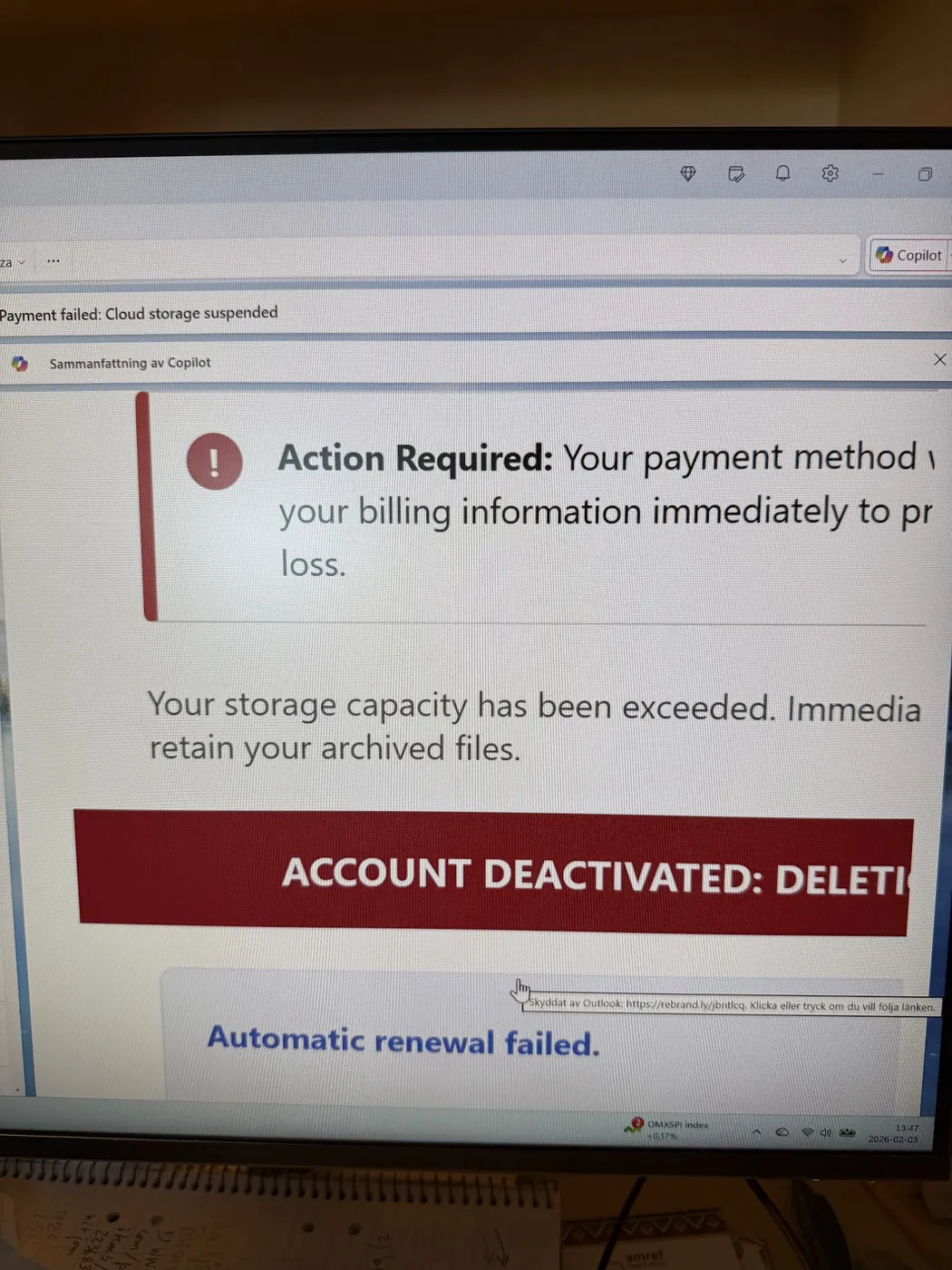
Phishing in your email: as common as viruses
Many problems, however, start in the email. Fraudsters send messages that look as if they come from cloud services, antivirus companies or streaming services. The messages claim that a payment has failed, that the storage is full or that the account is about to close. The aim is to make you click and enter card details. We therefore show you how to recognise the sender, and how to report phishing in Outlook or Gmail. Furthermore, we set up spam filters and two-step verification. In this way, a stolen password alone is not enough for someone to sign in.
Your phone can be affected too
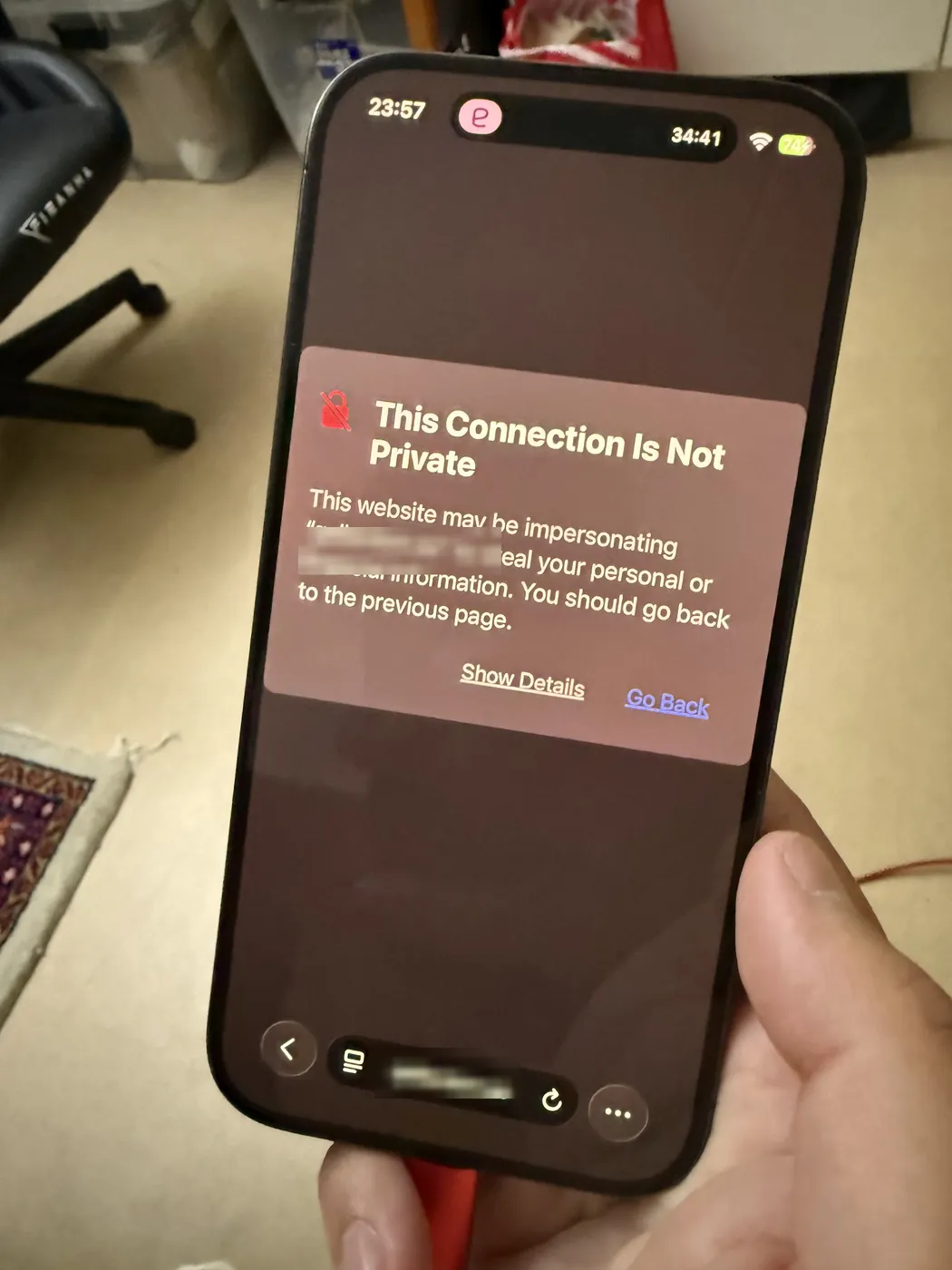
The phone, too, can get intrusive notifications and fake warnings. Usually, they come from websites or apps with excessive permissions. We go through notifications, profiles and apps, and after that we remove whatever does not belong there. When the browser warns about a fake website, you should leave the page immediately. In addition, we help you check whether any passwords have leaked, and then help you change them.
After the clean-up: how to keep the computer clean
Once the computer is clean, we update Windows or macOS, the browsers and the programs. We also remove old programs that no longer receive security updates. On top of that, we create an ordinary user account for everyday use and a separate account for administration. This makes it harder for malicious code to install itself. Lastly, we go through the most common tricks that fraudsters use. Feel free to read Datorkirurgen AB’s article on the lack of cyber awareness in Sweden as well. If the computer is too old for Windows 11, our guide on how to replace Windows 10 with Linux shows an alternative.
Get help to remove trojans
Describe what happens on the screen and when it started, and we will suggest the next step. We clean computers remotely across Sweden and on site in Stockholm. Prices from €200 per hour excluding VAT. Dator Hjälp is part of Datorkirurgen AB.
Frequently asked questions about how to remove trojans
Questions about how to remove trojans and adware
- How do I know whether the computer has a trojan?
- Why do ads appear when the browser is closed?
- How do I turn off notifications from websites?
- Are warnings that McAfee has expired genuine?
- Can an antivirus program remove everything?
- Where do trojans hide in the computer?
- Why do the ads come back after a clean-up?
- Can trojans steal my passwords?
- Do I need to reinstall Windows?
- Can a Mac get adware?
Phishing and fraud
- How do I recognise a phishing email?
- What do I do when I have clicked a link?
- What do I do when I have entered card details?
- How do I report phishing in Outlook?
- Why do I get emails saying that my cloud storage is full?
- Should I call the number shown on the screen?
- What is two-step verification?
- How do I know whether my passwords have leaked?
- Can the phone also get viruses?
- How do I remove fake notifications on the phone?
Price, remote help and prevention
- Can you clean the computer remotely?
- How long does a clean-up take?
- What does it cost to remove trojans?
- Can you clean several computers in an office?
- How do I keep the computer clean afterwards?
- Do I need a paid antivirus program?
- Why should I have a separate administrator account?
- Can you train the staff on phishing?
- What do you do if you find signs of an intrusion?
- Can you help if my email account has been hijacked?