
Backing up your photos is the most important thing you can do with your phone. The photos of the children, the trips and the parents who are no longer with us cannot be taken again, but a phone can break, disappear or get stolen in a second. With the right settings, the copying happens automatically, without you having to think about it.
Why you should back up photos in several places
Many people believe, for example, that their photos are safe because they are in the cloud. The cloud often syncs in both directions, however, and therefore a photo that you delete on the phone also disappears from the cloud. In addition, the free space runs out quickly: iCloud gives 5 GB, Google 15 GB and OneDrive 5 GB, while an ordinary family has several hundred gigabytes of photos and videos.
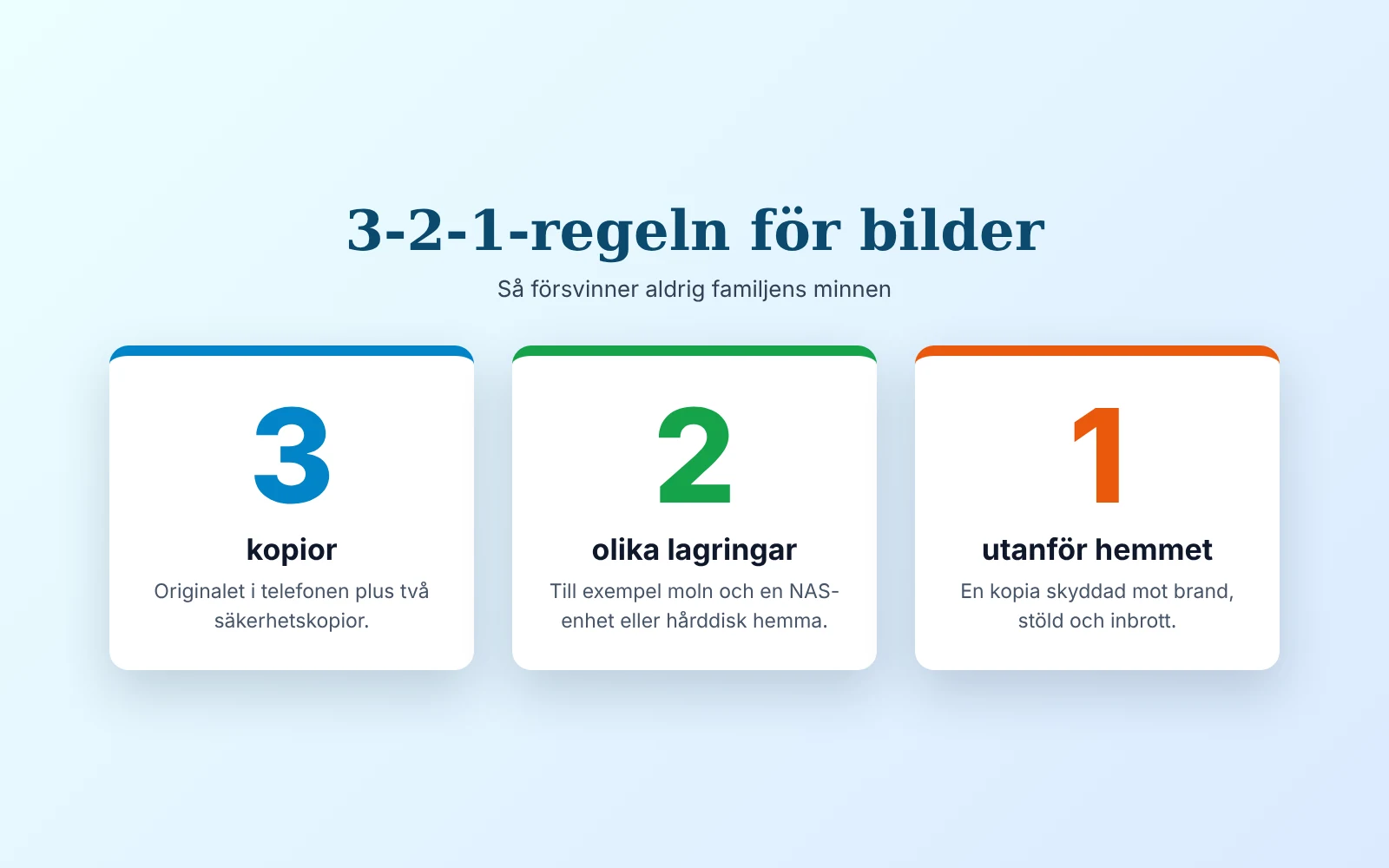
That is why we work according to the 3-2-1 rule. In other words, it means three copies of every photo, on two different kinds of storage, with one of them outside the home. The rule protects against broken phones, mistakes, theft, fire and also ransomware that encrypts the files.

How we back up photos automatically
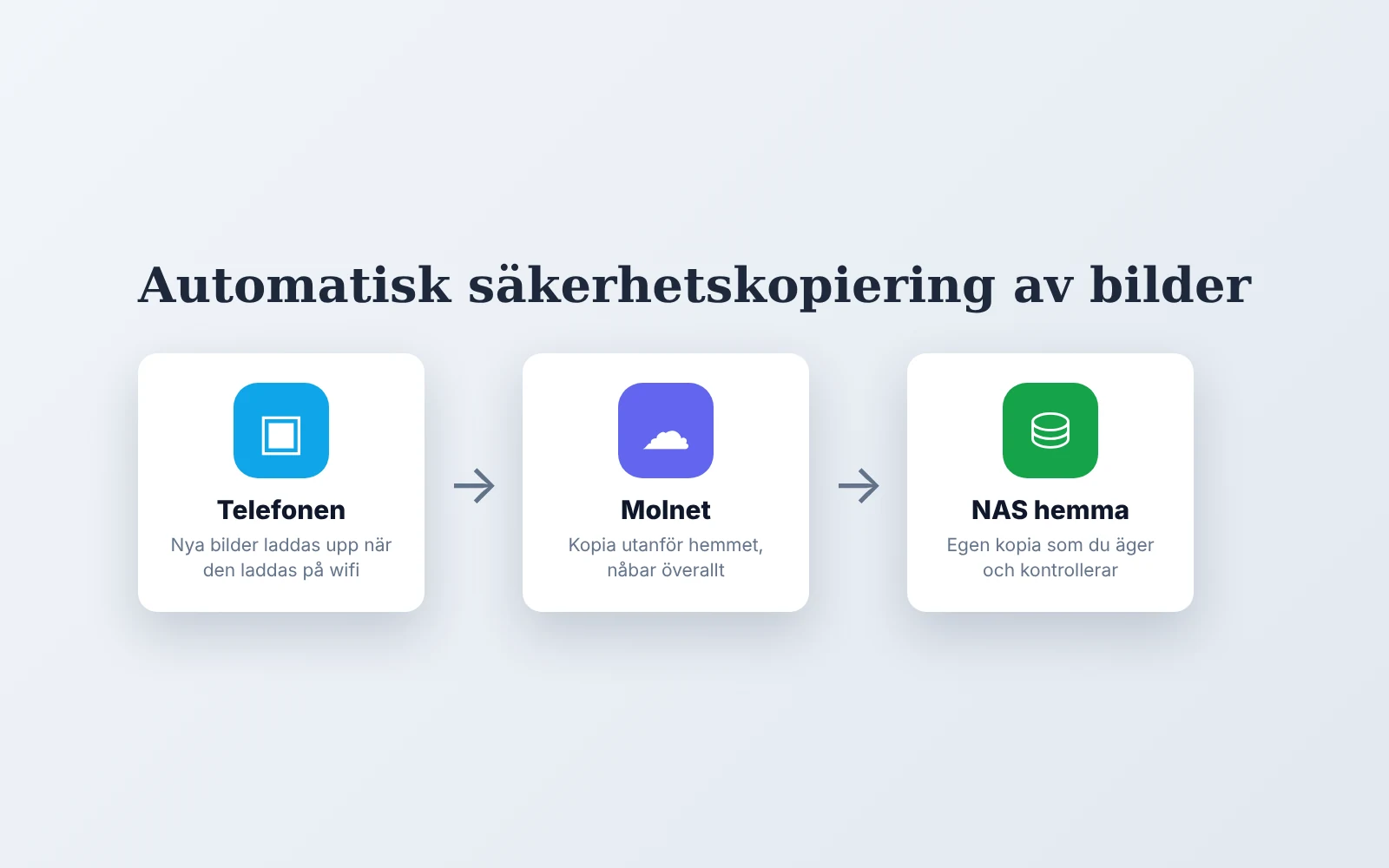
First, we set up the phone so that it uploads new photos to the cloud when it is charging and on Wi-Fi. Next, we install a NAS drive at home, a small server with two hard drives that mirror each other. The NAS drive then fetches the photos from the phones or from the cloud, so that the family has a copy of its own that no company can switch off.
We also create a folder for each family member and a shared archive. At the same time, we turn on the recycle bin and snapshots on the NAS drive, which means that you can retrieve a deleted or encrypted photo afterwards.
A photo archive that lasts for many years
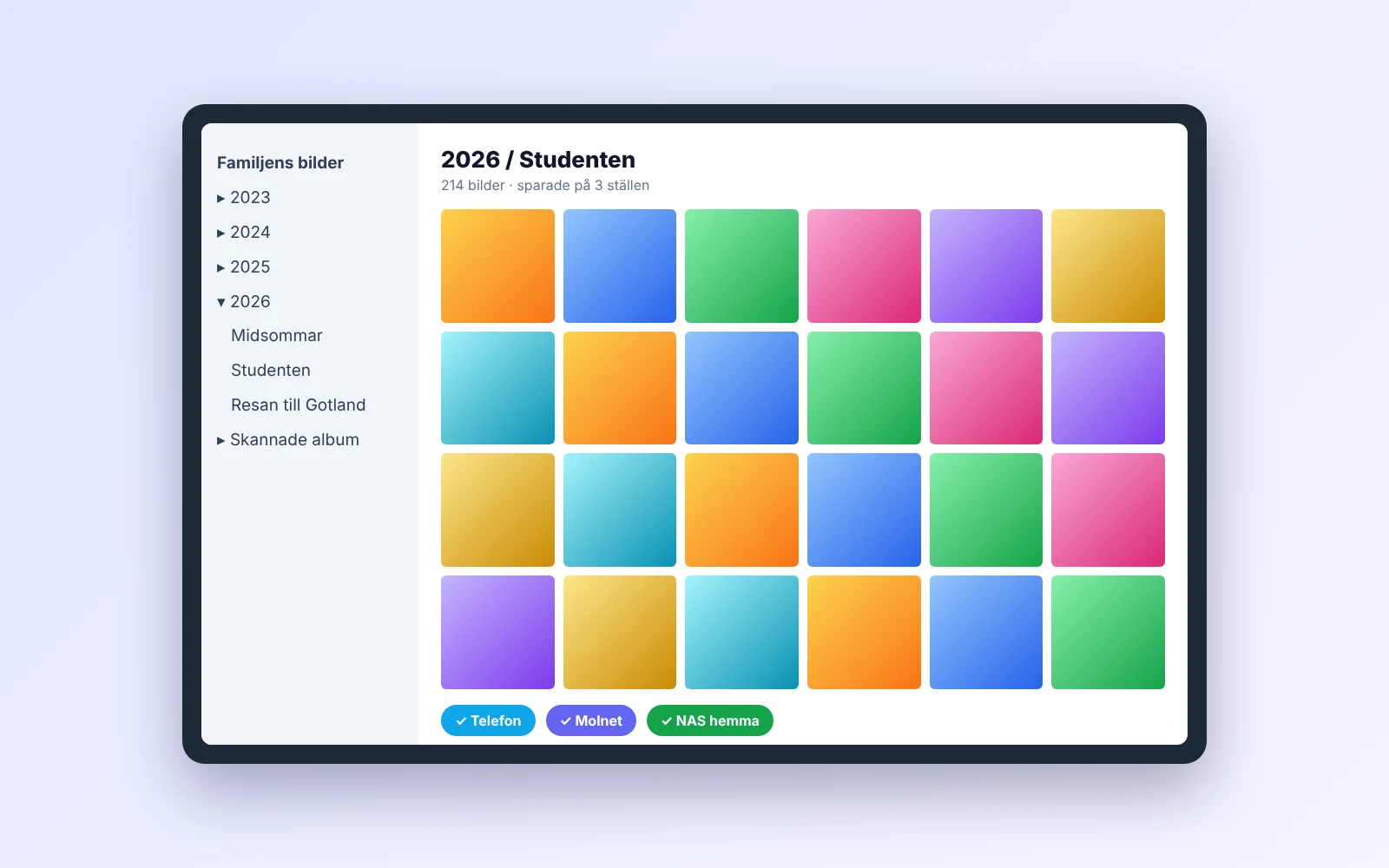
Thousands of photos in one long roll, however, are hard to search. We therefore sort the archive by year and event, for example 2026, Graduation or The trip to Gotland, and we remove duplicates and screenshots that nobody wants to keep.
We also gather photos from old phones, computers and memory cards, so that everything ends up in one place. If you change phone, we move the photos as described in the article on how to switch phones and move photos, and if you want to change cloud service, we help with a move from iCloud to OneDrive, for example.
Old photo albums go digital
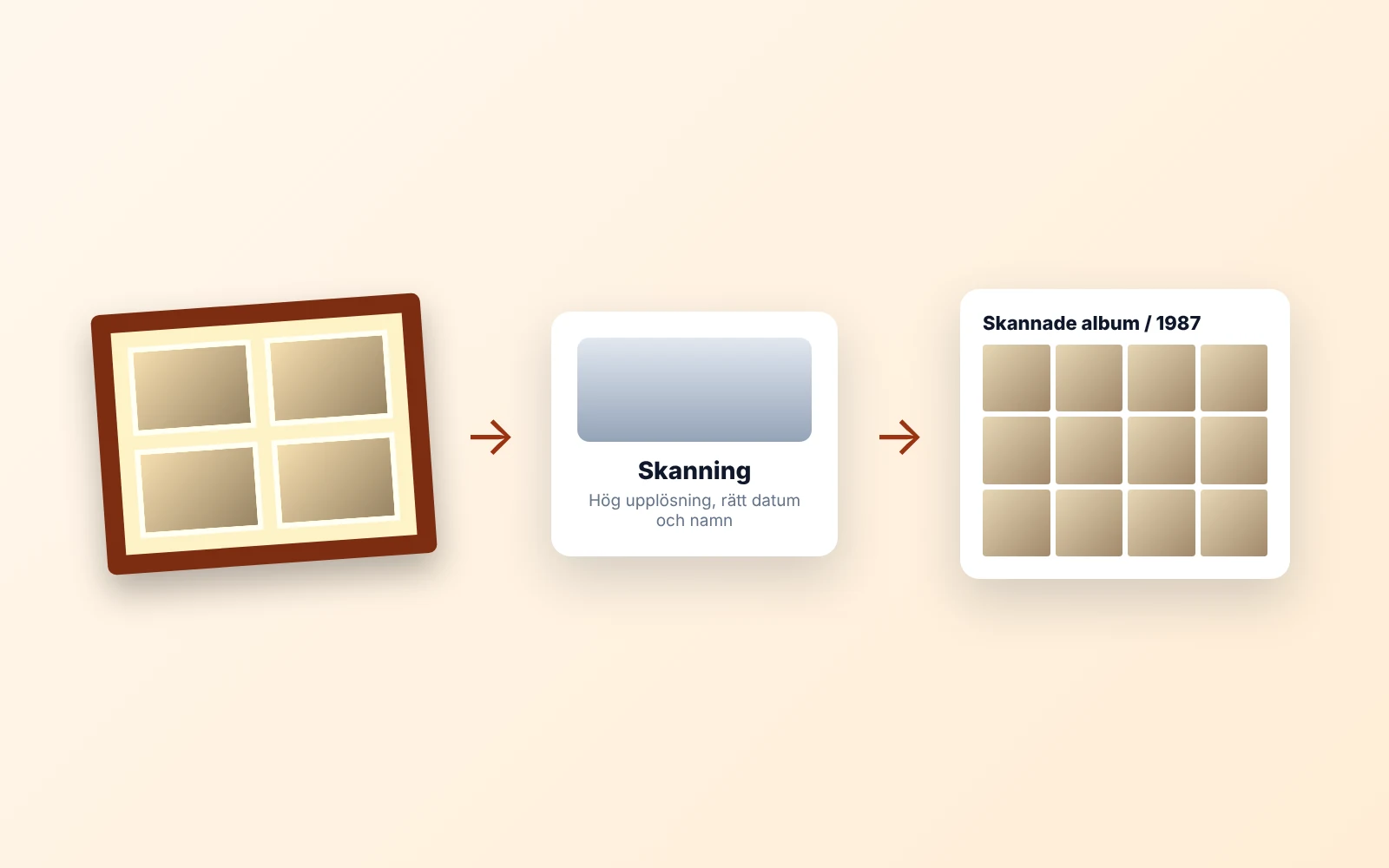
Paper prints fade, and water or fire can destroy them. We therefore scan old photo albums in high resolution, correct the colours and set the right year on each photo, so that they end up in the archive next to the digital photos.
After that, the whole family can get access to the photos, and the scanned photos can also become material for a memorial film or a memorial page. We describe this in the article on a QR code on a headstone and memorial pages.
Check the backup every month
A backup that nobody checks may have stopped working long ago. Once a month, therefore, look at the date of the latest upload, compare the number of photos and restore a randomly chosen photo to see that it opens.
Finally, keep the passwords and codes for the cloud and the NAS drive with a relative you trust. If the accident has already happened and the photos sit on a broken computer or disk, we can often help with data recovery.

Get help to back up photos
We come to your home in the Stockholm area, go through where the photos are today and set up the cloud, the NAS drive and automatic copying. Finally, we test a restore together, so that you know it works.
Prices start from €200 per hour excluding VAT, and as a private individual in Sweden you can claim the RUT tax deduction for work in the home. Sweden’s civil defence authority (formerly MSB) gives advice on backing up important files in its guidance on information security (in Swedish). Dator Hjälp is part of Datorkirurgen AB.
Frequently asked questions about how to back up photos
Back up photos in the cloud and on the phone
- Is it enough that the photos are in iCloud?
- How much free storage do iCloud and Google include?
- Does the photo disappear from the cloud if I delete it on the phone?
- How do I see that the phone uploads the photos?
- Can several people in the family share the same storage?
- What does extra cloud storage cost?
- Can I back up photos from an Android phone?
- Is it possible to have both iCloud and Google Photos?
- How do I move photos between two cloud services?
- What do I do when the phone says that the storage is full?
NAS drive and archive
- What is a NAS drive?
- Do we need a NAS drive if we already have the cloud?
- How many hard drives do we need?
- Does a NAS drive protect against ransomware?
- Can we see the photos on the NAS drive when we are away?
- How do you sort the family’s photo archive?
- Can you remove duplicates?
- Can you retrieve photos from old phones and memory cards?
- Can you scan old photo albums?
- How long does a hard drive last?
Checks, help and price
- How often should we check the backup?
- How do I test that a photo can be restored?
- Where should we keep the passwords?
- Can you rescue photos from a broken computer?
- What do we do if the phone gets stolen?
- Can you help elderly parents with their photos?
- Does the RUT tax deduction apply to your help?
- What does the help cost?
- Will you come to our home in Stockholm?
- How do we get started?