
Fraud attempts today come just as often by phone as by email. Someone calls and says they are from the bank, a text message claims that a parcel is waiting, or an email that looks as if it comes from Telia threatens to close the account. What they all have in common is urgency, which is why the most important advice is to stop and think before you do anything.
How a fraud attempt works
Fraudsters almost always build on the same three parts, first of all: a familiar sender, a problem that you must solve at once and a request to sign in, click or pay. The sender may be, for example, the bank, the police, Telia, Microsoft, Apple or a relative. The problem may be a hacked account, a virus or a payment that you must stop.
Consequently, the fraud attempts look different, but the signs are the same. An unexpected message, a deadline and a request for BankID, codes or card details should always raise suspicion, even when the sender seems familiar.
Fake calls from the bank, the police and support
Phone fraud is, for example, the most common form aimed at older people, but fraudsters call people of all ages. The caller may say that someone has used your card, that unauthorised people have used your BankID or that the computer has a virus. After that, the person wants you to sign in with BankID, hand over codes or let someone control the computer remotely.
The Swedish Police are clear, however: never sign in with BankID because someone has called and asked you to, and do not hand out codes from the bank’s security token. The police do not call and ask you to identify yourself with BankID either. Hang up, even if the caller knows things about you, and then call the bank yourself on the number on its website or on the card.
Fraud attempts by text message and email
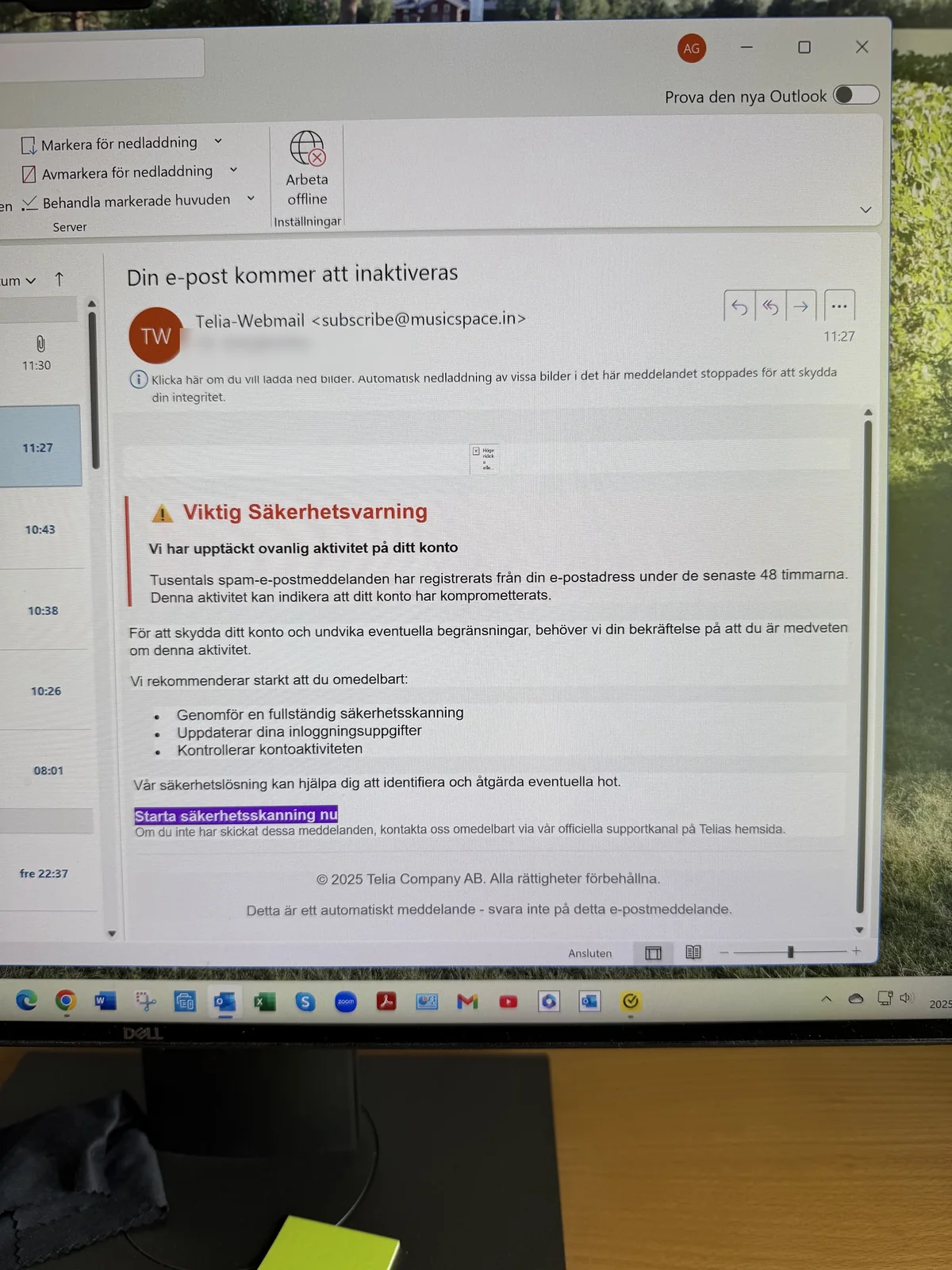
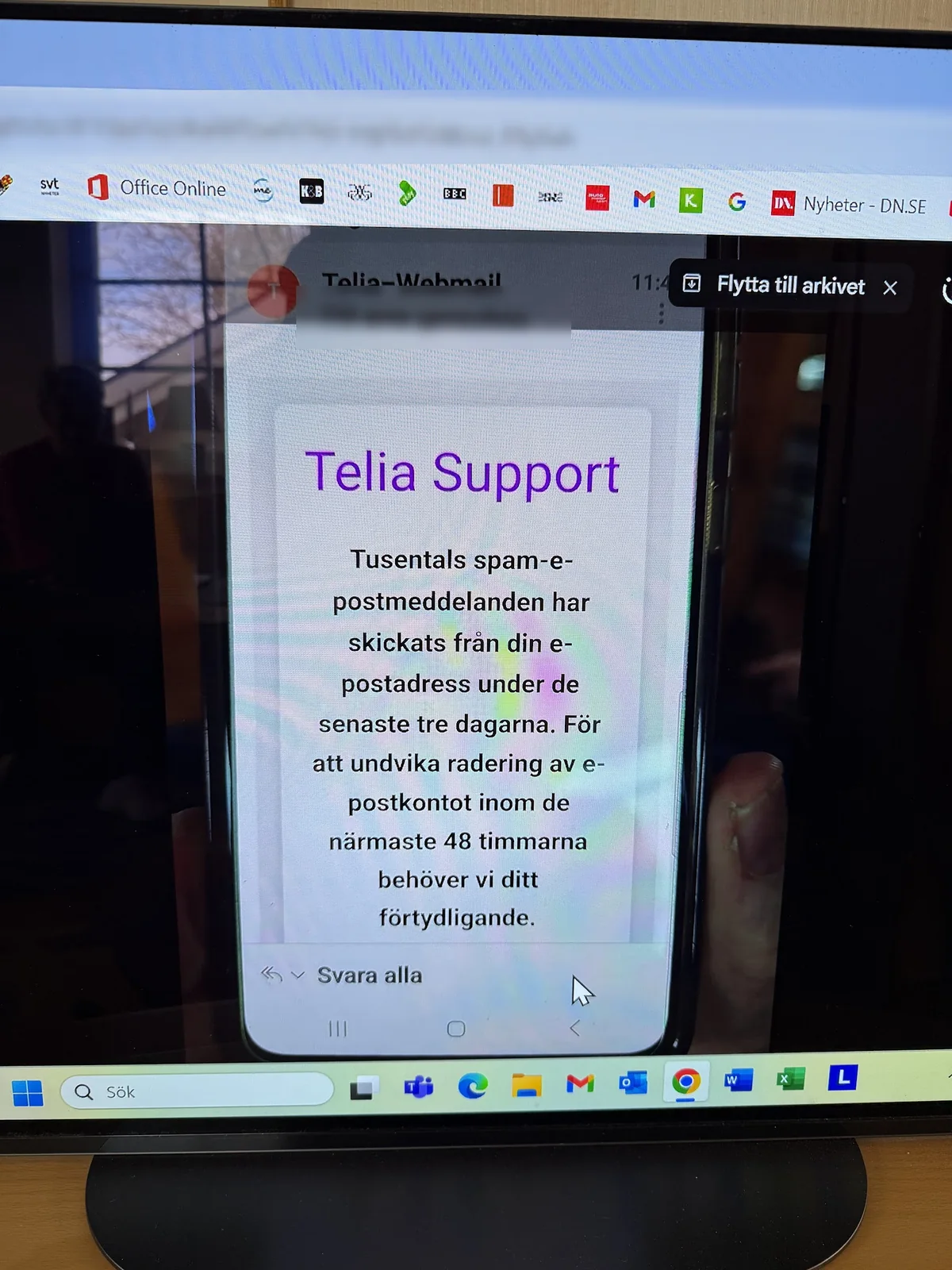
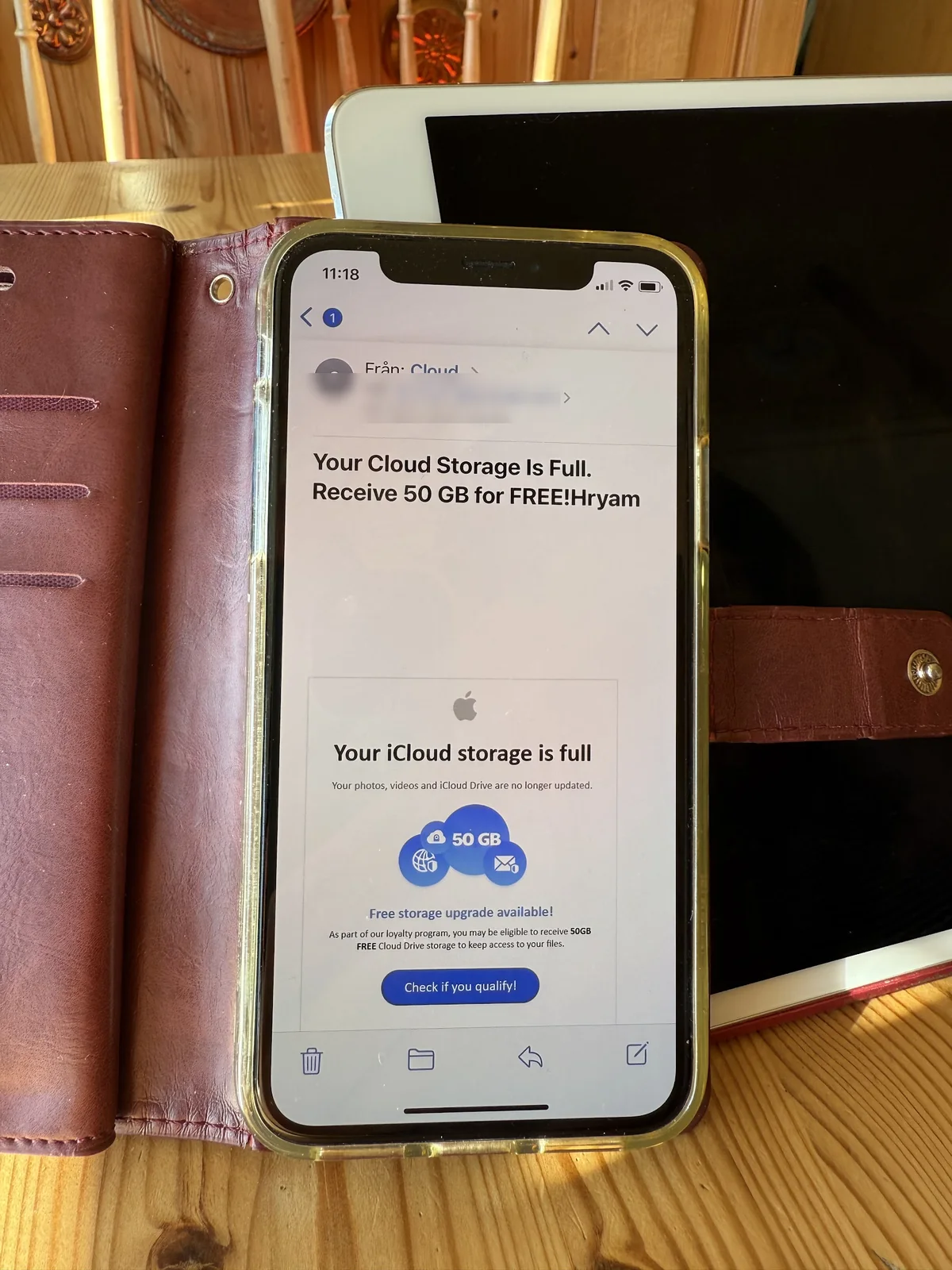
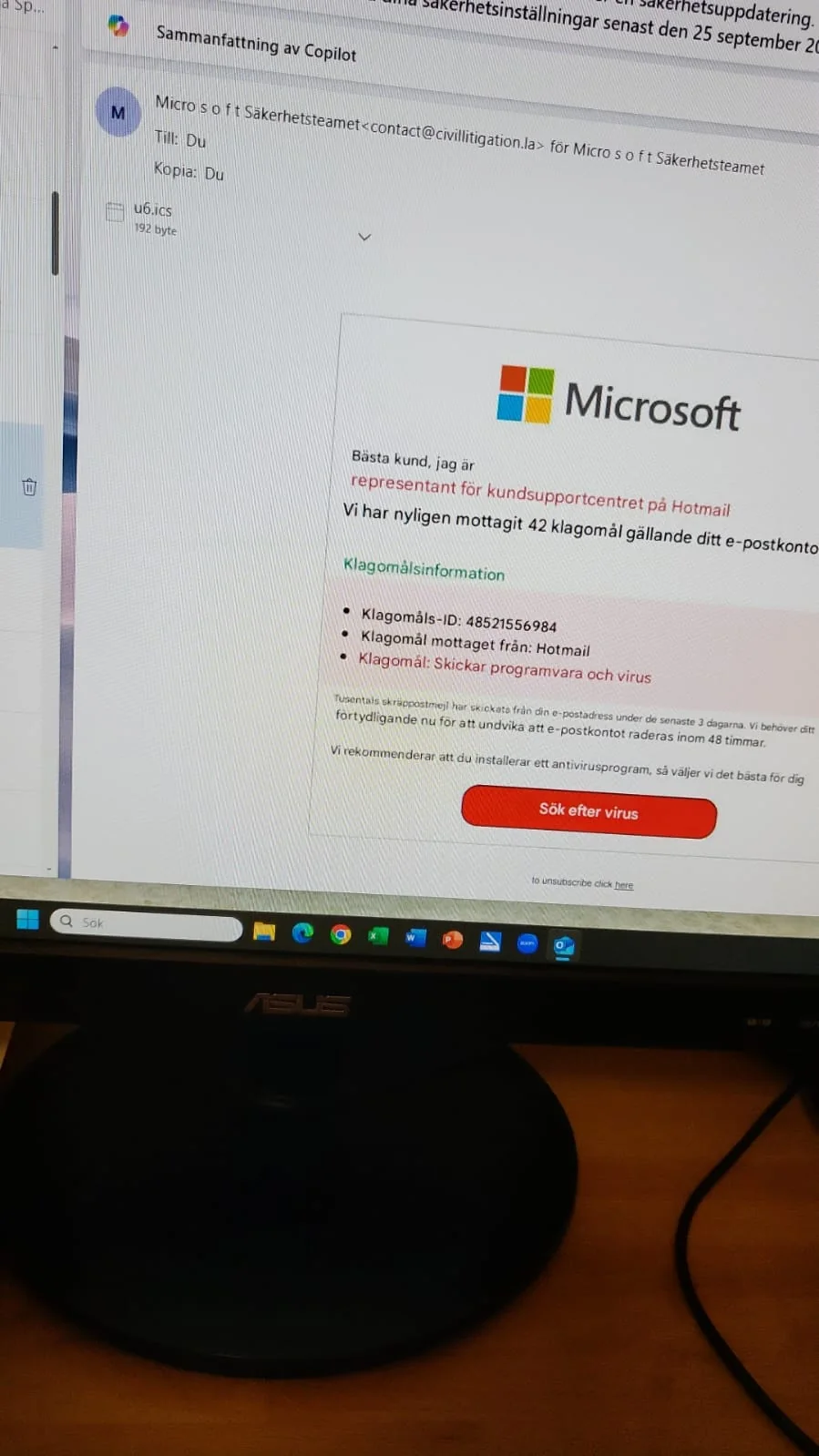
In text messages and emails, the method is called phishing. The message looks as if it comes from Telia, Apple, Microsoft, PostNord or the bank, for example, and contains a link to a fake sign-in page. The fraudsters want to get hold of passwords, card details or an account that they then use for new frauds, after all.
Therefore, check the sender’s real address, not just the name that shows. Also be suspicious of threats that the company will close the account, promises of free storage and messages in English from Swedish companies. Finally, never click the link; open the app instead or type in the company’s address yourself.
Fake virus alarms in the browser
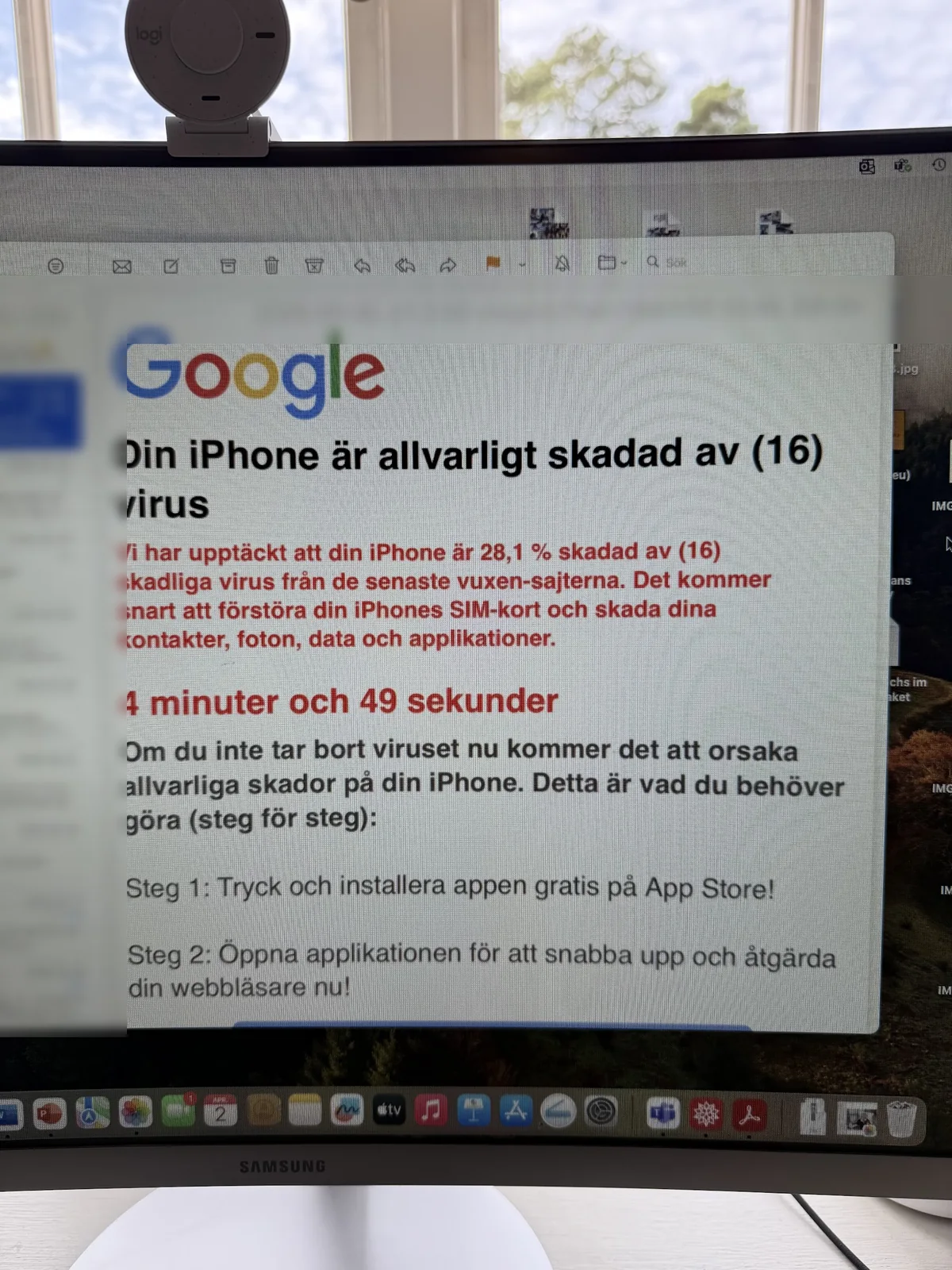
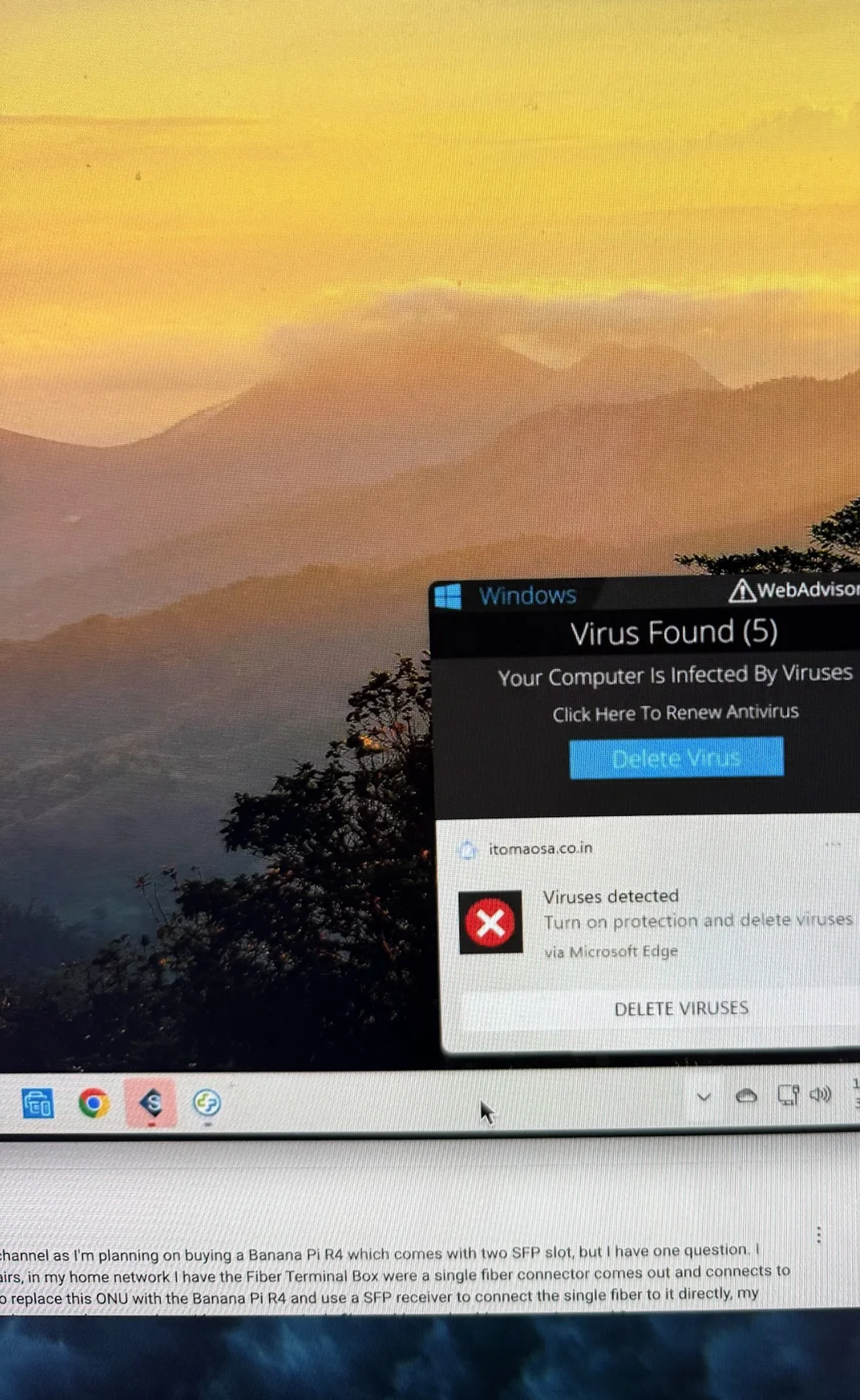
Another common variant is boxes in the browser that claim the computer or phone has a virus. They often show a countdown, sometimes play sounds and urge you to call a number or install a program. The boxes come from a web page, so closing the tab or the whole browser is usually enough.
For this reason, never call the number and install nothing. If you have already installed something or let someone control the computer remotely, we need to check and clean the computer, which we describe in the article on how to remove trojans and ads.
Have you already clicked or signed in?
Act immediately, because time is crucial. First, contact the bank to block cards and stop payments, and then also change the passwords on the accounts that may be affected. If you have handed out codes or signed in with BankID, the bank must know about it at once. At the same time, save the phone numbers, text messages and emails, because the police need them for a report.
In Sweden, you report the crime to the police on 114 14 or on the police website, and you call 112 if a crime is in progress. After that, we help you check the computer and phone, turn on two-step verification and go through which accounts need extra protection. Also talk about fraud with elderly relatives, because a conversation in advance is the best protection.
Get help after a fraud attempt
We come to your home in the Stockholm area or help you remotely. Then we check the computer, phone and email, change passwords, turn on two-step verification and show you how to recognise the next attempt.
Prices start from €200 per hour excluding VAT, and as a private individual in Sweden you can claim the RUT tax deduction for work in the home. The police’s advice is on the page about phone fraud (in Swedish). Dator Hjälp is part of Datorkirurgen AB.
Frequently asked questions about fraud attempts
Calls and BankID
- How do I recognise a fake call from the bank?
- Do the police call and ask me to sign in with BankID?
- What do I do if someone wants to control my computer remotely?
- Can fraudsters show a real phone number?
- Why does the fraudster know my name and address?
- What is vishing?
- How do I hang up without seeming rude?
- How do I block unknown numbers on the phone?
- Can you teach my mother or father to recognise fraud?
- Whom do I call if I am unsure?
Text messages, emails and fake alarms
- How do I see whether an email really comes from Telia?
- What is phishing?
- Are text messages about waiting parcels fake?
- Does Apple send offers of free storage?
- How do I close a fake virus alarm in the browser?
- Can a web page install a virus by itself?
- How do I report spam in my email?
- Should I reply to a suspicious email?
- How do I check a link before I click?
- Can a filter stop fake emails?
After a fraud
- What do I do first if I have clicked a link?
- How do I block my bank card?
- Should I change all my passwords?
- How do I turn on two-step verification?
- How do I report the crime to the police?
- Do you need to clean the computer after remote control?
- Can you check my phone?
- Does the RUT tax deduction apply to your help?
- What does the help cost?
- Will you come to my home in Stockholm?