
Do you need to move from iCloud to OneDrive, to Google Drive or the other way round? We move photos, documents and backups between all three clouds, and then we check that every file is still there.
The most common reason for the move is that the storage runs out. Another reason is that the family or the business has Microsoft 365, which already includes OneDrive, or Google Workspace with Google Drive. At the same time, many iPhone owners want to keep iCloud for their photos. For this reason, a migration is rarely just about copying. Rather, it is about deciding where each type of data should live, and then setting up every device so that it saves in the right place. We have more than 30 years of experience with both Apple and Microsoft. In addition, we know the traps that make photos and documents disappear in the middle of a move.
Start with an overview of your iCloud storage
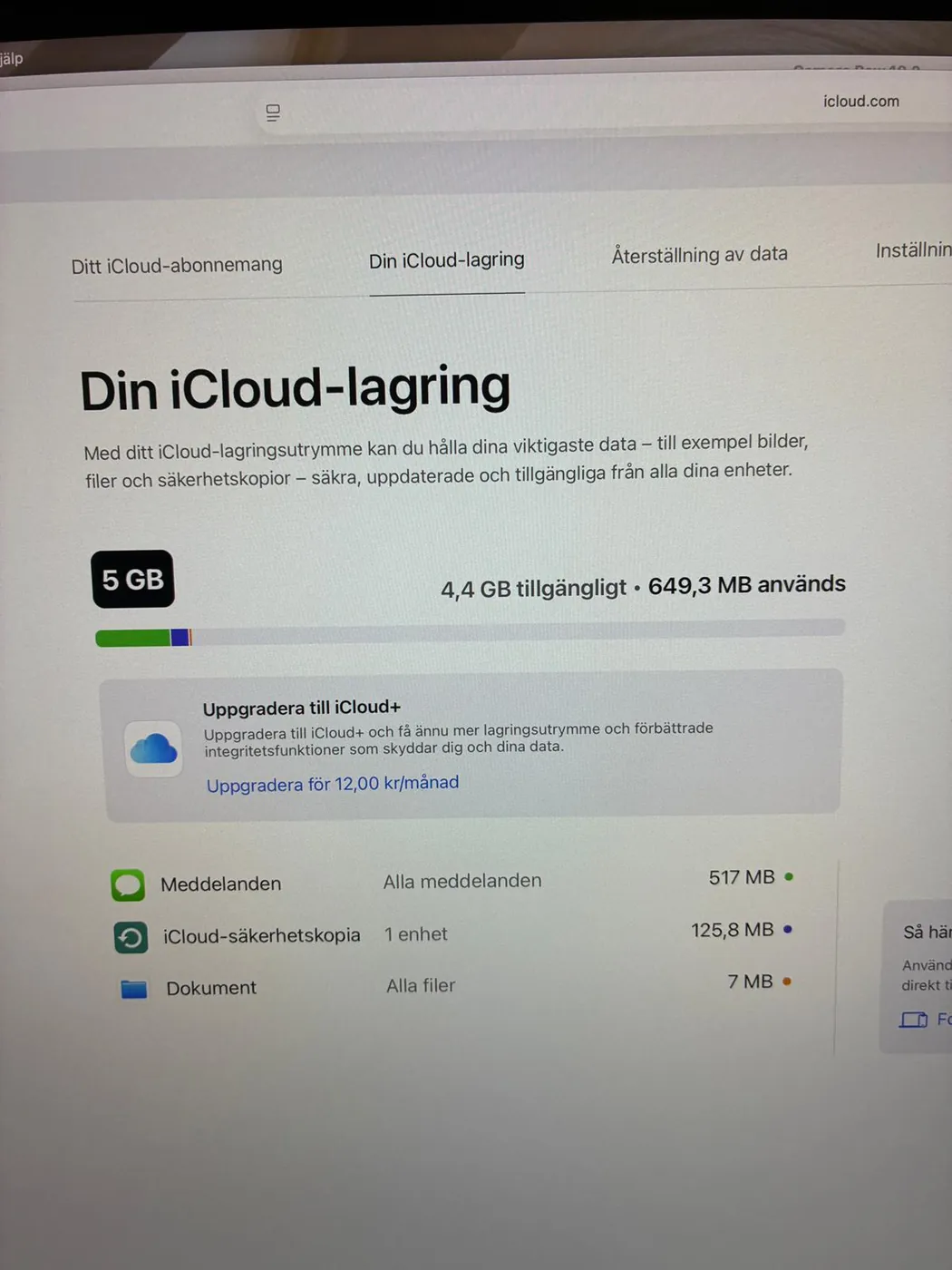
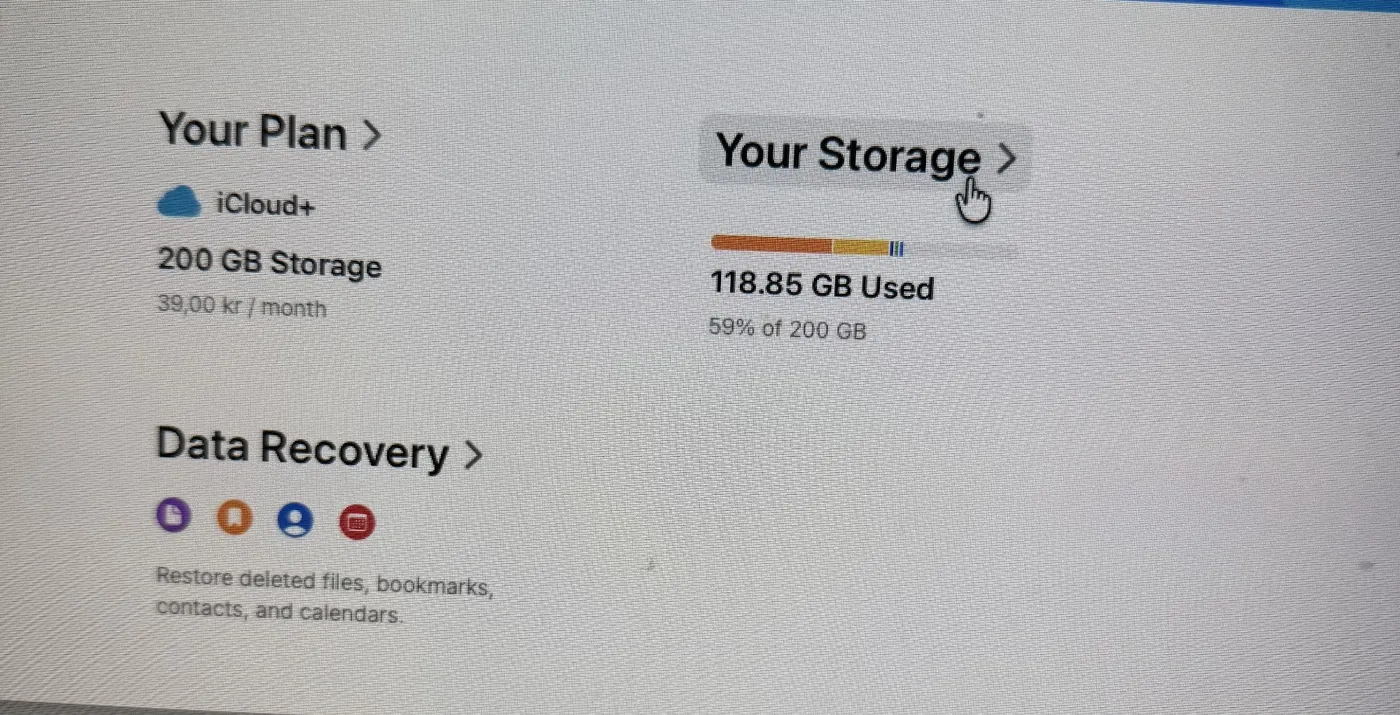
First, we look at what actually sits in iCloud. Often, it holds backups of old phones, messages with attachments and thousands of photos. We clear out what you do not need and download the rest to a computer or an external disk. In this way, you always have a local copy before we move anything. After that, we work out how much space you need in OneDrive. Microsoft 365 Personal and Family, for example, give 1 TB per person, while iCloud offers several tiers to choose from. We therefore compare the cost before you decide.
How we move photos and videos from iCloud to OneDrive
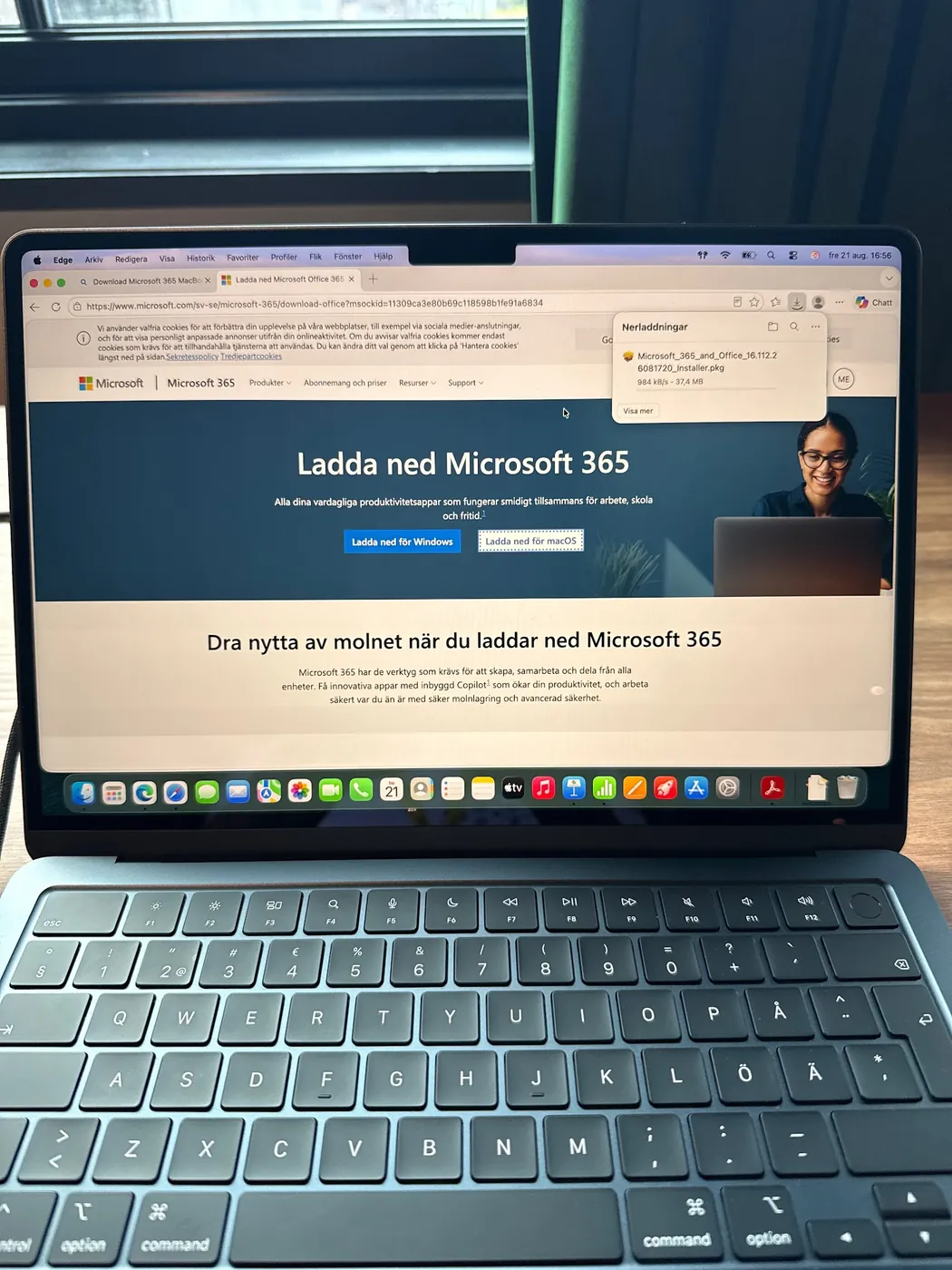
Photos are the most sensitive part. When you move from iCloud to OneDrive, the originals must come along, including dates, locations and videos. Apple has its own service to transfer a copy of iCloud Photos to another service, but OneDrive is not among the recipients. That is why we download the photos in their original format and upload them to OneDrive from a computer. Moreover, we set up the OneDrive app on the phone, so that it backs up new photos automatically. Live Photos and some formats can lose features on the way. We explain this before we start, and as a result there are no surprises afterwards.
Documents, contacts and calendars from iCloud to OneDrive
We move the documents in iCloud Drive to OneDrive folder by folder, and then we compare the number of files and their size. Where needed, we also convert Pages, Numbers and Keynote files to Word, Excel and PowerPoint when you are going to work in Microsoft 365. Contacts and calendars go from iCloud into Outlook through an export and an import. At the same time, we make sure that your iPhone shows the same contacts as the computer. You can keep the passwords in iCloud Keychain, or else we move them to another password manager. Finally, we check shared folders, because sharing settings do not come along automatically.
Google Drive and Google Photos: from iCloud to OneDrive and back
Google Drive and Google Photos form the third big cloud, so we also move data there and back from there. Apple’s service can send a copy of your iCloud photos directly to Google Photos. In addition, Google offers a transfer from Google Photos to iCloud Photos. For documents in Google Drive, we use Google Takeout instead, which exports the files in a single package. At the same time, we convert Google Docs, Sheets and Slides to Word, Excel and PowerPoint when they are heading for OneDrive. For businesses with Google Workspace, we move Drive to OneDrive and SharePoint with Microsoft’s migration tool, and after that we check the permissions.
From OneDrive to iCloud: equally thorough in the other direction
Sometimes the move goes the other way. This can apply, for example, to someone who leaves a company and wants to take private photos along, or to someone who cancels Microsoft 365. In that case, we download everything from OneDrive, including files that only exist in the cloud. Next, we move the photos to Photos on the Mac and the documents to iCloud Drive. Before you cancel the subscription, we check that nothing remains. Microsoft freezes OneDrive after a period of inactivity, and after that Microsoft deletes the content. It is therefore important to finish the move in time.
Common mistakes when changing cloud service
The biggest mistake is deleting in the old cloud before anyone has checked the copy. Another is syncing instead of copying, because a deletion then disappears in both places. Furthermore, the computer’s disk often fills up when you download everything at once. We therefore use an external disk as an intermediate store. Lastly, many people forget to turn off the old backup on the phone. As a consequence, iCloud keeps filling up, even though you pay for OneDrive.
- Copy first, delete last: we only empty the old cloud once we have checked everything.
- Original format: we move photos and videos without compression.
- One place per data type: photos, documents and backups each get a fixed place of their own.
For businesses with Microsoft 365
When a business gathers all its files in OneDrive and SharePoint, we first move each user’s iCloud data. After that, we set the right permissions, so that private and shared files do not get mixed up. For larger environments, we work together with Business IT Support, which handles Microsoft 365 and cloud for businesses. If you are also changing computer, our guide on how to move from Windows to Mac covers that step.
Get help with the move
Tell us how much you have in iCloud or OneDrive and which devices you use, and we will suggest a plan. We help you remotely across Sweden or on site in Stockholm. Prices from €200 per hour excluding VAT. Dator Hjälp is part of Datorkirurgen AB.
Frequently asked questions about moving from iCloud to OneDrive
Questions about the move
- How do I move photos from iCloud to OneDrive?
- Do dates and locations come along with the photos?
- Can you move from OneDrive to iCloud as well?
- How long does a move between clouds take?
- What happens to Live Photos when we move them?
- How do I move Google Drive to OneDrive?
- Is it possible to move Google Photos to iCloud?
- Can you move contacts and calendars to Outlook?
- What do you do when the computer’s disk is too small?
- Can I delete iCloud when the move is complete?
Storage and subscriptions
- How much storage does Microsoft 365 include?
- Should I keep iCloud when I have OneDrive?
- Why is my iCloud full even though I have cleared it?
- What takes up the most space in iCloud?
- What happens to OneDrive when the subscription ends?
- Can the whole family share OneDrive?
- Does OneDrive work well on an iPhone?
- Can OneDrive back up photos automatically?
- Is OneDrive safe for private photos?
- What is Google Takeout?
Price, businesses and remote help
- What does help with moving between clouds cost?
- Can you carry out the move remotely?
- Do you help businesses gather their files in OneDrive?
- Can you move files to SharePoint as well?
- How do you protect my files during the move?
- Can you move passwords from iCloud Keychain?
- What do you do with shared folders?
- Can you help several family members at the same time?
- How do I know that all the files came along?
- Can you help after the move as well?