
Parental controls are not about watching over the children, but about giving the phone and tablet the same boundaries as the rest of everyday life. With the right settings, the children can use the screen for the things that are good, while late evenings, unsuitable content and unexpected purchases stay outside.
Why parental controls matter
The Public Health Agency of Sweden has issued advice on children’s screen time: children under two should preferably not use screens at all, children aged two to five at most one hour a day, children aged six to twelve one to two hours and teenagers two to three hours in their free time. The agency also recommends that children leave the phone outside the bedroom at night.
The advice is hard to follow with willpower alone, however, because apps are built to keep the user hooked. Technical limits therefore help, so that the parent avoids being the one who nags and the child knows what applies.
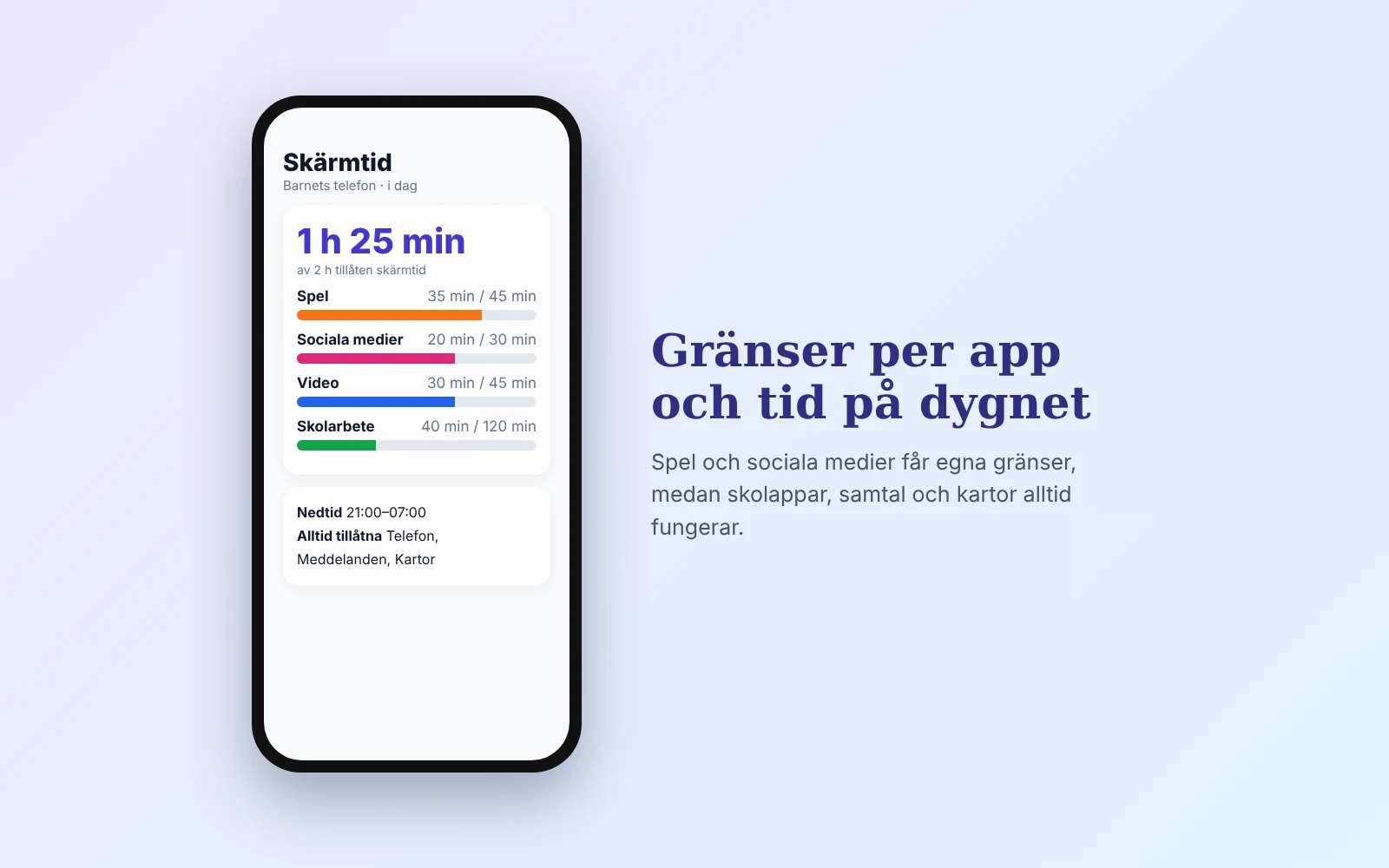
Screen Time and Family Link on the children’s phones
On the iPhone and iPad, we use Screen Time together with Family Sharing, and on Android we use Google Family Link. The parent then manages the settings from their own phone. We set daily screen time, limits per category such as games and social media, downtime in the evening and which apps are always allowed, for example the phone, messages and maps.
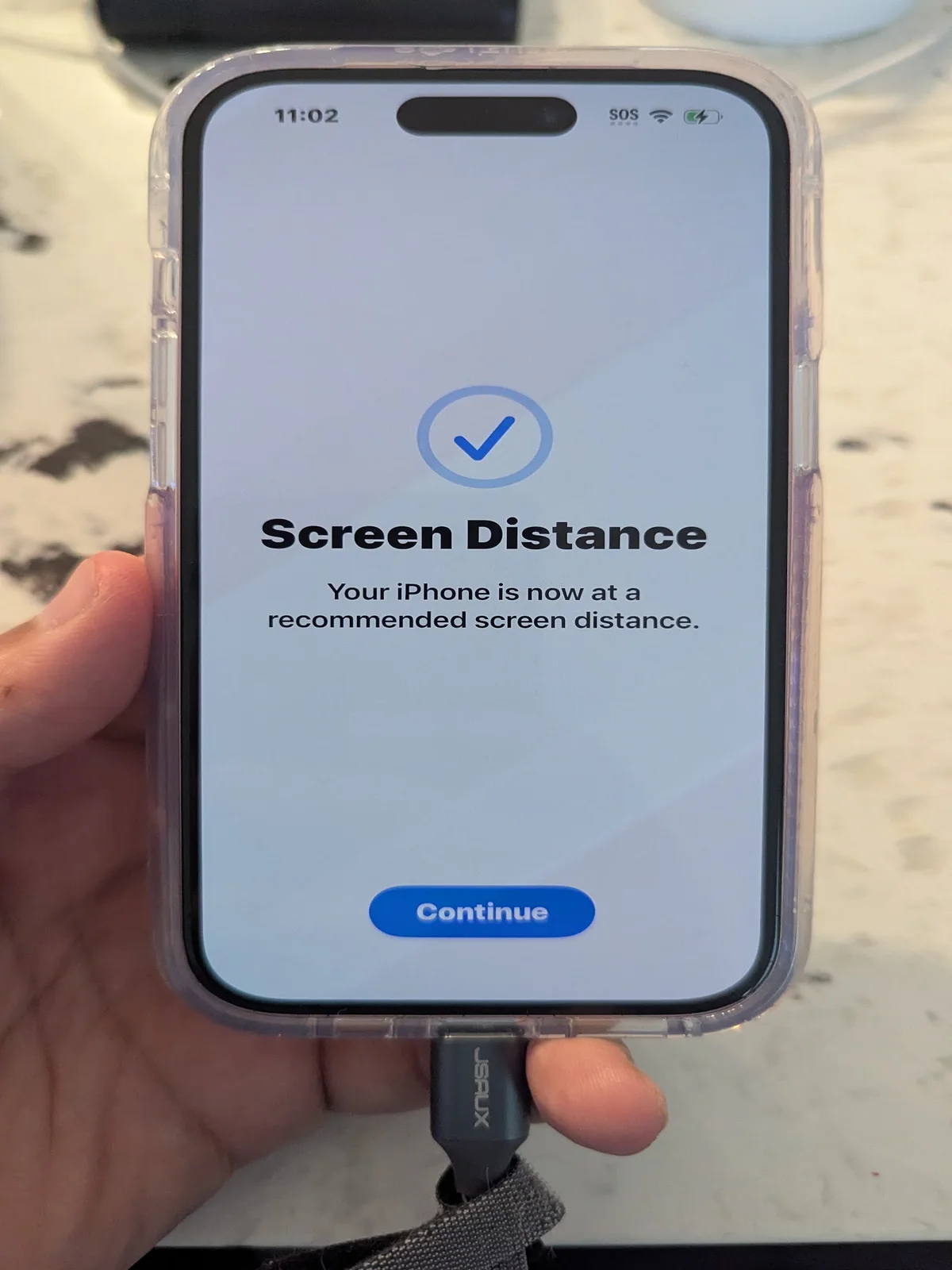
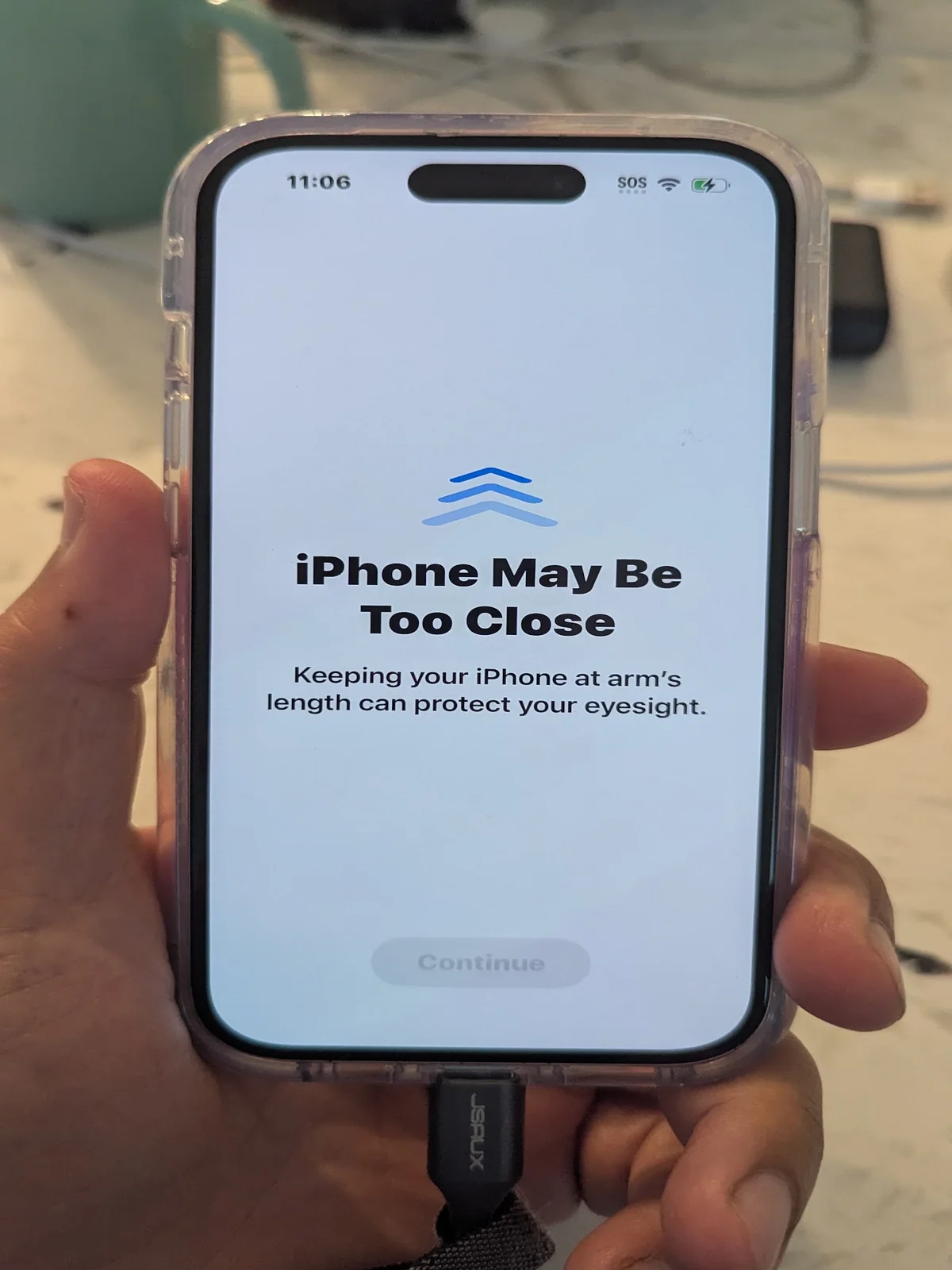
The iPhone also has Screen Distance, which warns when the child holds the phone too close to their eyes. The feature is particularly useful for younger children, because it teaches them to keep the screen at a suitable distance without an adult having to say anything.
Content filters and purchases that need a yes
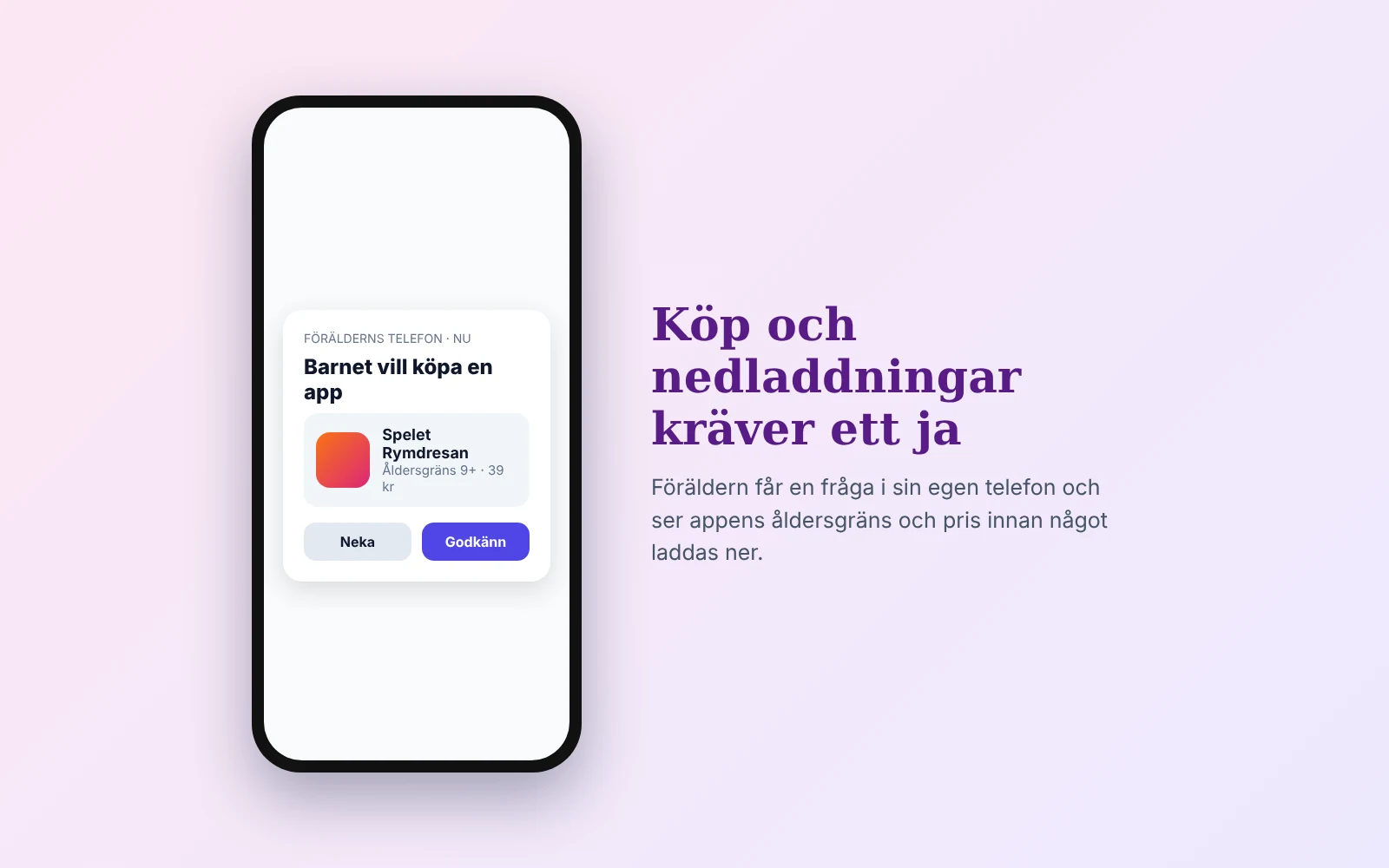
We set age ratings for apps, films and music as well as filters for the browser, so that the filter stops unsuitable websites. In addition, we turn on purchase approval, which means that the child sends a request to the parent before downloading an app or game or making an in-app purchase.
At the same time, we go through the privacy settings in the children’s apps, for example who can send messages, see the location and add the child as a friend in games. Many apps have an age limit of 13, so we also review which accounts the child actually has.
Parental controls in the home network
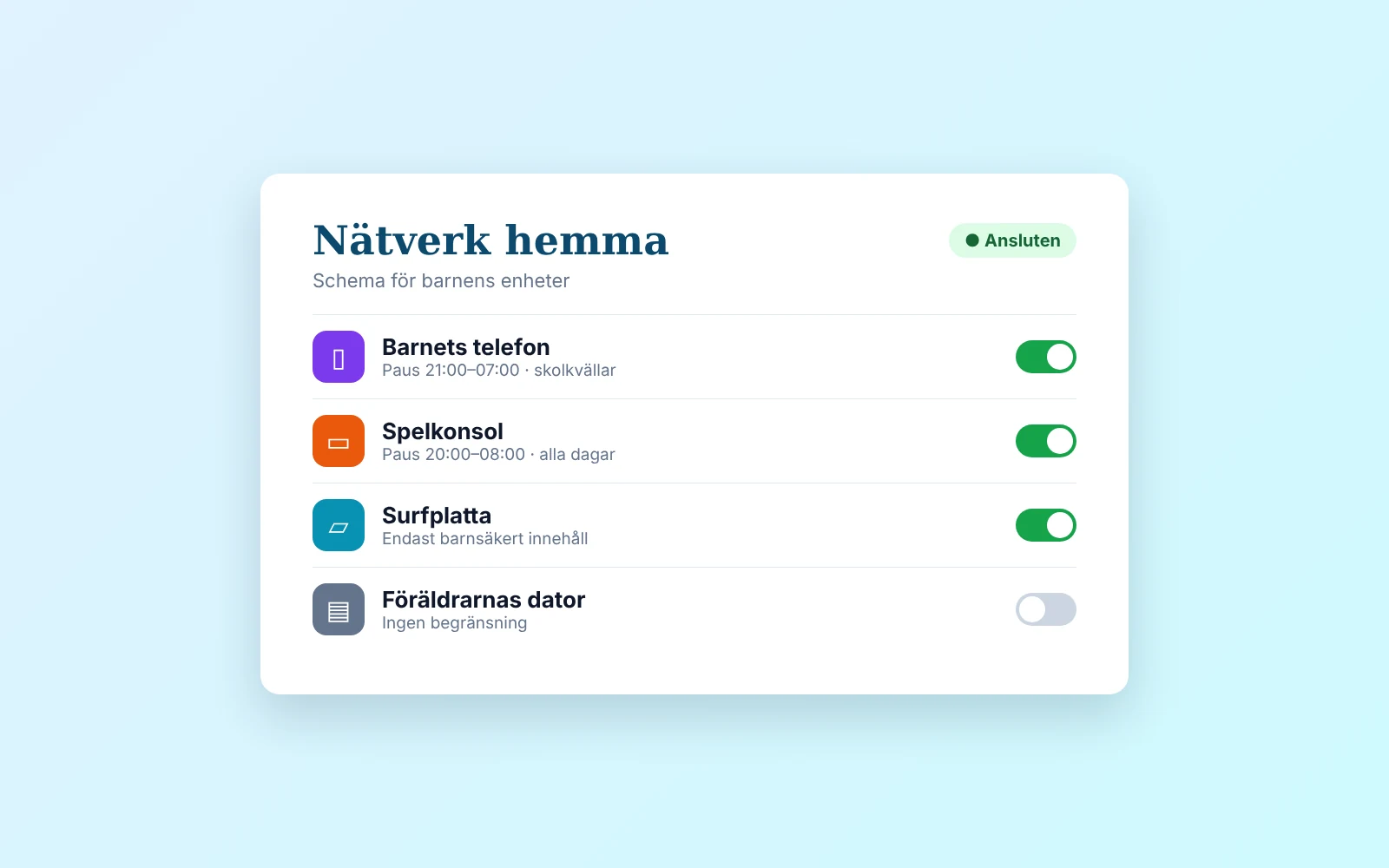
Games consoles, smart TVs and older tablets often lack screen time of their own. In the router or mesh system, we can therefore schedule breaks for each device, for example no internet connection for the children’s devices between 9 pm and 7 am on school nights.
We can also add a DNS filter that stops harmful and unsuitable websites for the whole home. The filter applies to every device on the Wi-Fi, even friends’ phones, and as a result the family gets basic protection without anyone having to install anything.
A screen agreement that the whole family follows
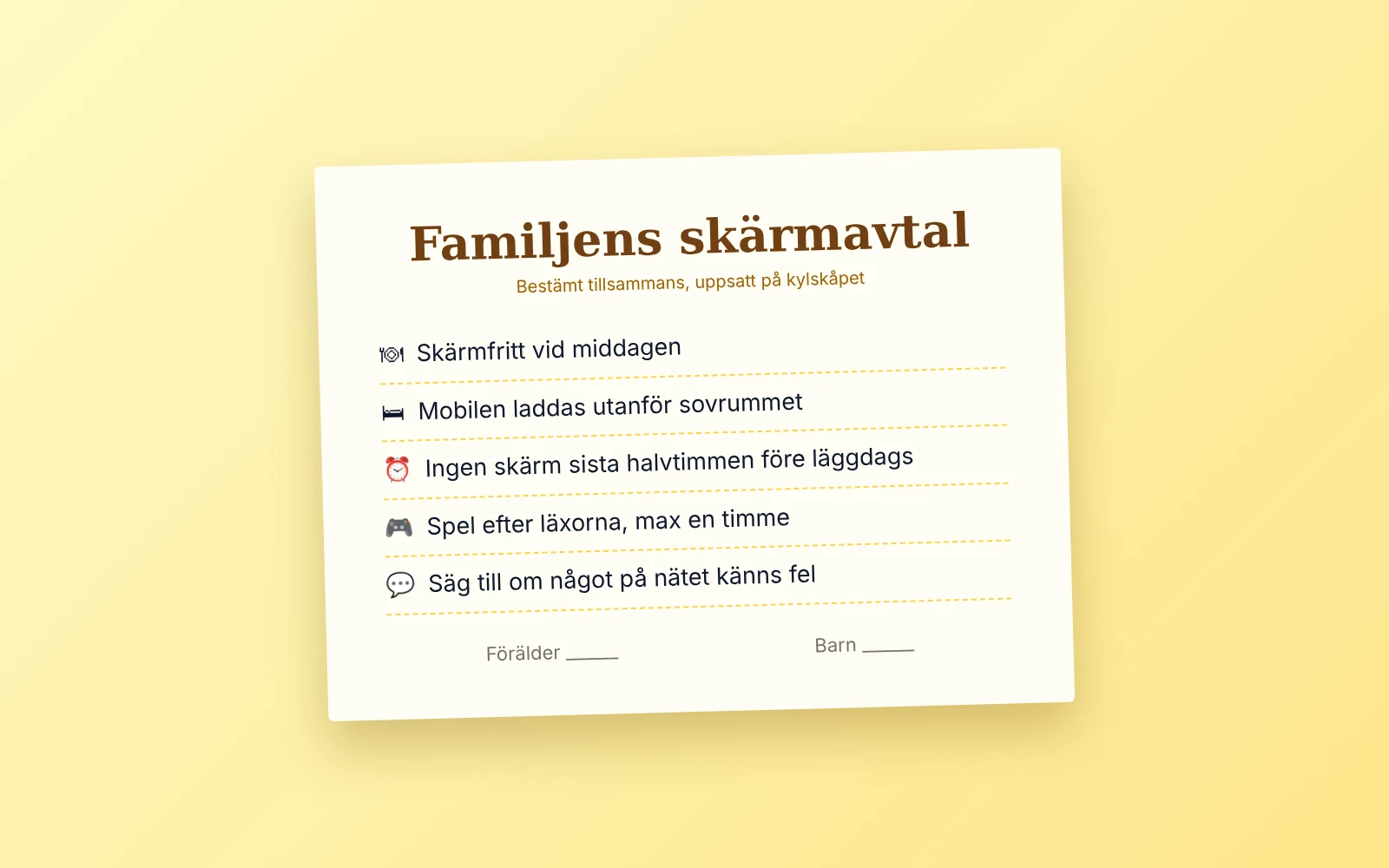
Technology works best together with rules that the children have helped decide themselves. A simple screen agreement on the fridge can say, for example, that dinner is screen-free, that the phone charges outside the bedroom and that the child should speak up if something online feels wrong.
The parents’ own habits also matter, because children do as adults do rather than as they say. We are happy to set the same downtime on the parents’ phones, so that the whole family puts the screens away at the same time.
Get help with parental controls
We come to your home in the Stockholm area and set up parental controls on phones, tablets, computers, games consoles and the router. After that, we show you how to change the limits yourselves as the children grow older.
Prices start from €200 per hour excluding VAT, and as a private individual in Sweden you can claim the RUT tax deduction for work in the home. The Public Health Agency’s advice is on the page about digital media and children’s health (in Swedish). Dator Hjälp is part of Datorkirurgen AB.
Frequently asked questions about parental controls
Screen Time and Family Link
- How do I set up Screen Time on my child’s iPhone?
- What is Google Family Link?
- Can I control the child’s phone from my own?
- How much screen time does the Public Health Agency recommend?
- How does downtime in the evening work?
- Can certain apps always be allowed?
- What is Screen Distance on the iPhone?
- Can the child turn off Screen Time themselves?
- Do parental controls work on the tablet?
- Can we have different rules for weekdays and weekends?
Content, purchases and social media
- How do I block unsuitable websites?
- How do I set age ratings for apps and films?
- How do I make purchases require my approval?
- What age limit do social media have?
- Can I see who sends messages to my child?
- How do I turn off location sharing in apps?
- How do I protect the child in online games?
- Can parental controls stop in-app purchases?
- Should the child have an account of their own?
- How do I talk to my child about the internet?
Wi-Fi, help and price
- Can the router pause the internet for the children’s devices?
- What is a DNS filter?
- Do parental controls work on games consoles?
- Does the filter also apply to friends’ phones?
- Can you set the same rules on several devices?
- Can you show us how to change the limits ourselves?
- Does the RUT tax deduction apply to your help?
- What does the help cost?
- Will you come to our home in Stockholm?
- How do we book help?