
Do you need to move Mobile BankID to a new phone? We install the app, order the new BankID from your bank and make sure that you have a backup. It works with a Swedish passport or national ID card and also without them, as long as the old BankID still works.
Mobile BankID does not come along, however, when you move apps and data to a new phone. This is a deliberate security feature, because BankID is tied to the exact device where you activated it. You therefore always need to order a new BankID for the new phone. Many people only discover this when they have already reset or sold the old phone. At that point, things become considerably more complicated. We have worked with electronic identification and mobile security for many years, and we also know how the major banks’ apps work. We help private individuals, elderly relatives, newcomers to Sweden and businesses in Stockholm and across the country.
Before you change phone: keep the old one
The most important advice is simple. Do not reset the old phone until BankID works on the new one. The BankID on the old phone is, after all, your key to ordering a new one. Also make sure that you remember the security code, since you need it in several steps. Then update the bank’s app and the BankID app on both phones. Finally, we take the case off the new phone, so that the NFC reader can reach the chip in the passport if needed.
- If you still have the old phone: order the new BankID with the existing one, without a passport.
- If you have a passport or national ID card: carry out a digital ID check directly in the BankID app.
- If you have neither: sign in with a security token or a BankID card, otherwise visit the bank.
Move Mobile BankID with your existing BankID
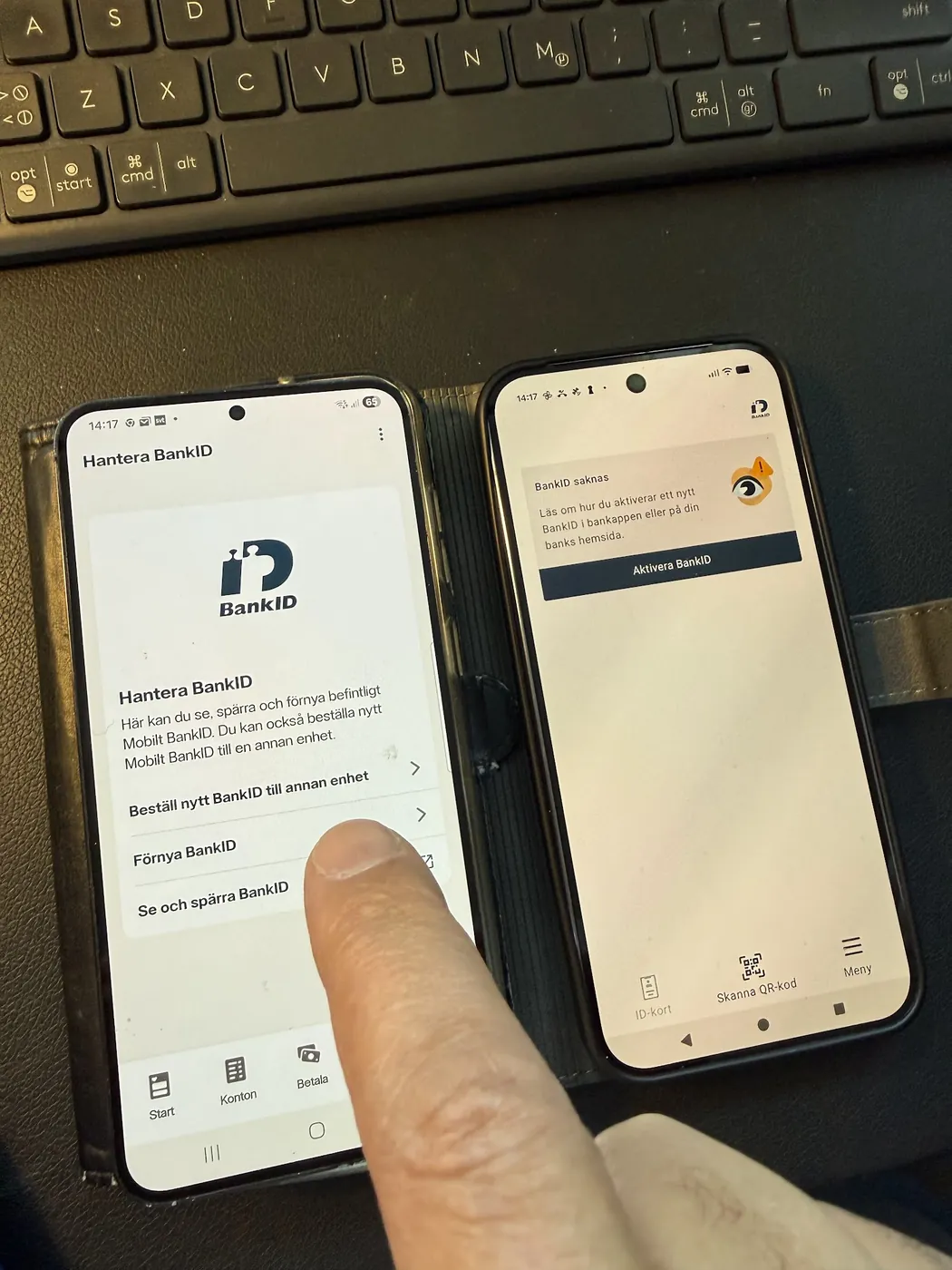
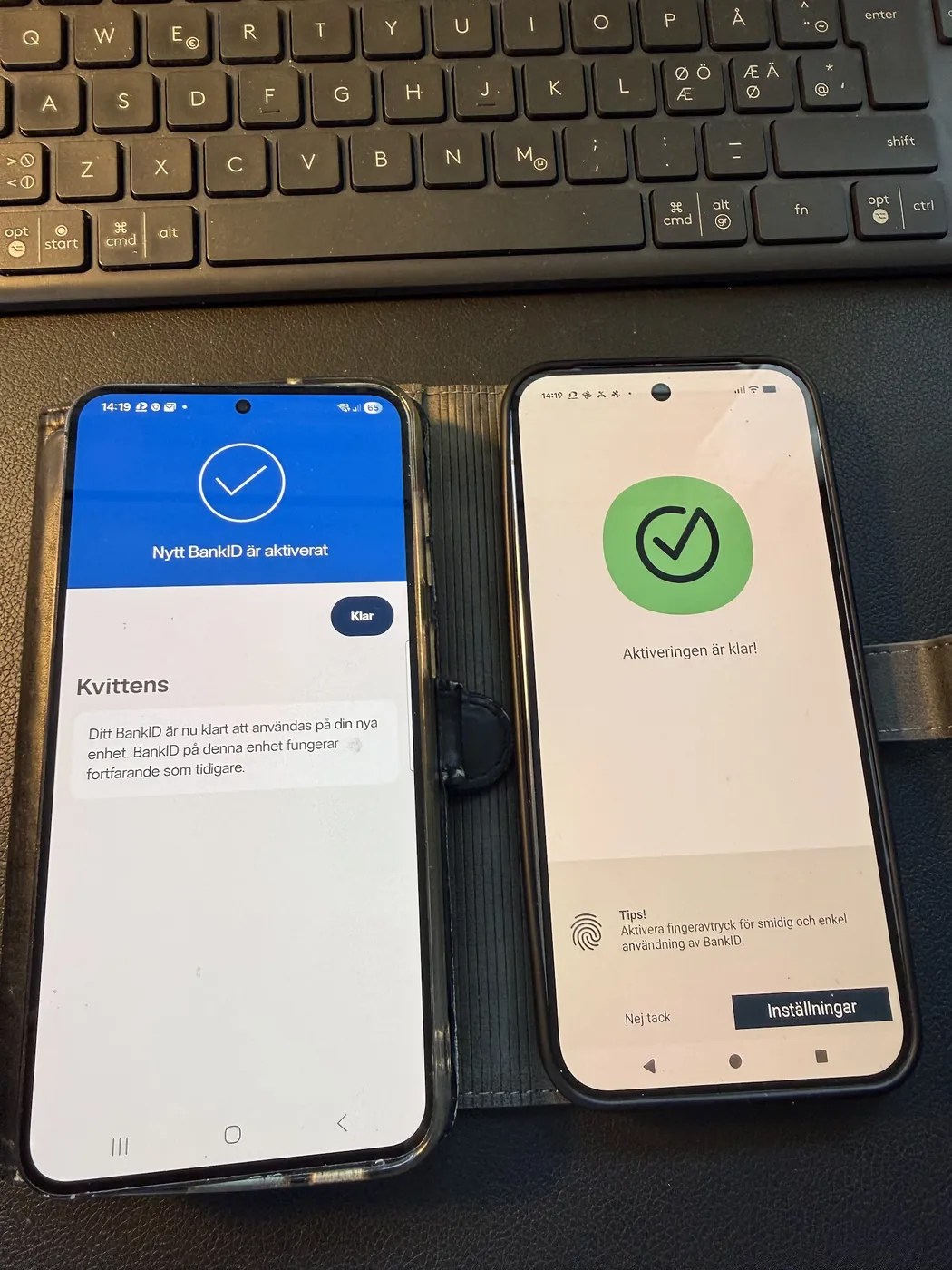
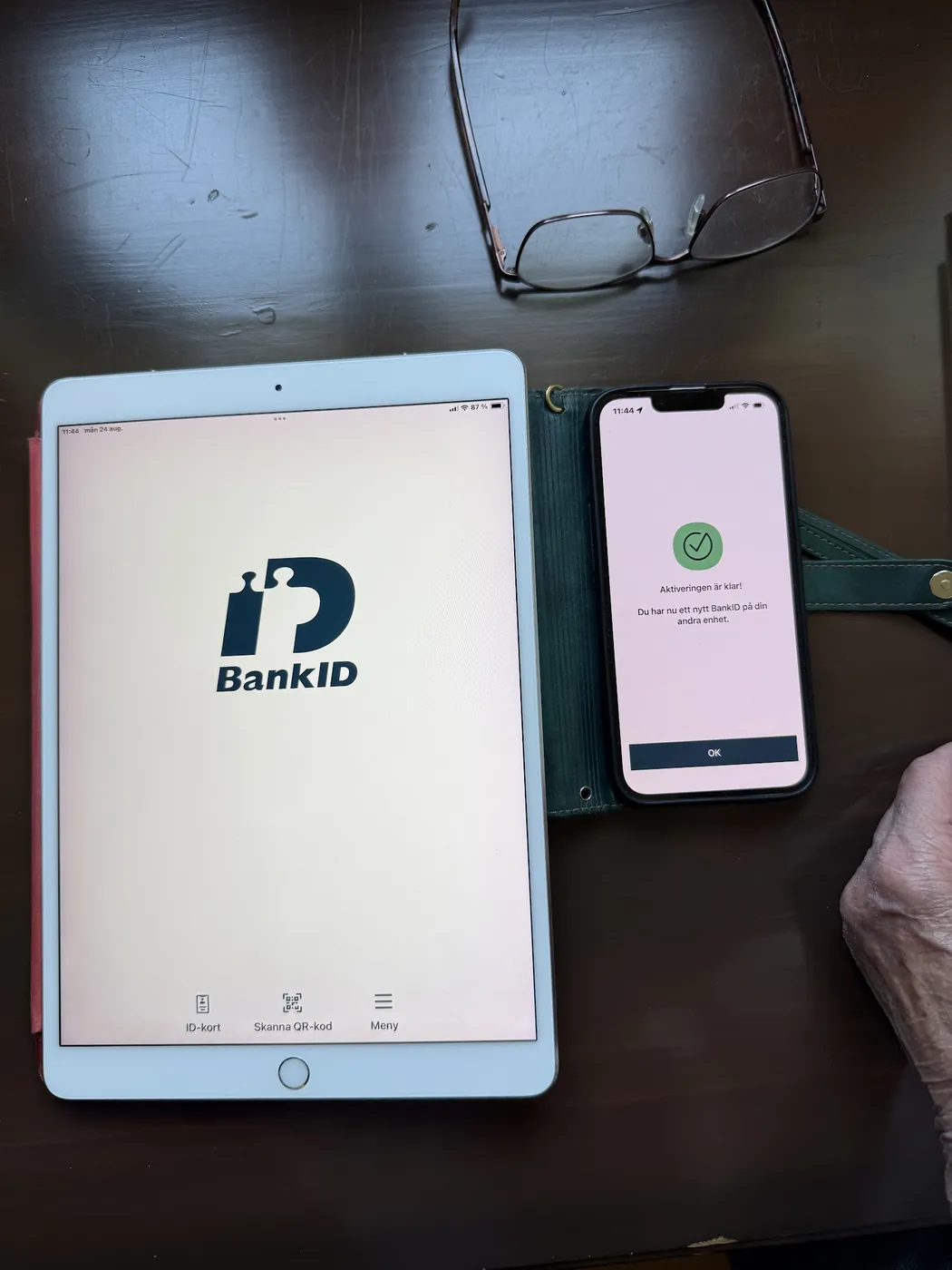
This is by far the most common route. First, we install the BankID app and the bank’s app on the new phone. Next, we open the bank’s app on the old phone and choose to order a new BankID for another device. The bank then shows a QR code or an activation code. The new phone reads the code, and you approve with the security code on the old one. When the activation is complete, the app confirms that the new BankID is active. Depending on the bank, the new BankID replaces the old one, or you keep both for a while.
Move Mobile BankID with a passport or national ID card
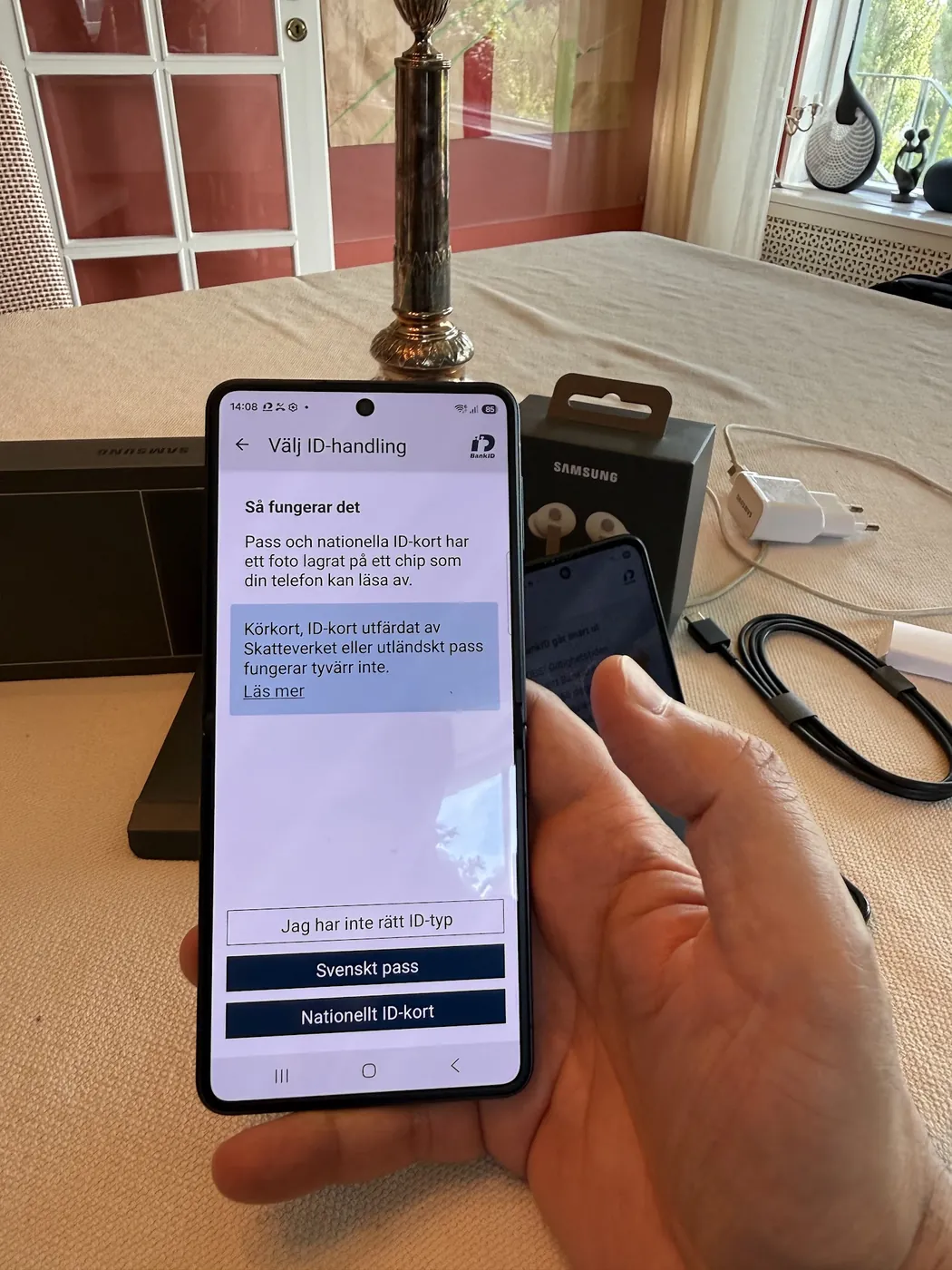
Have you lost the old phone, or is it broken when you need to switch? In that case, you can carry out a digital ID check with a Swedish passport or national ID card instead. You photograph the ID document, hold it against the phone so that the NFC reader reads the chip, and then you complete a face check. Driving licences and the ID card from the Swedish Tax Agency do not work, on the other hand, since they lack a chip. A foreign passport does not work for the check either, which matters if you have moved to Sweden. Several banks also require the ID check even when you have a valid BankID. You can find more about the requirements at BankID and at your bank.
Without a passport, without an ID card and without the old phone
If you have neither a working BankID nor a valid ID document, things get harder, but it is still possible. Some banks let you sign in with a security token or a BankID card and order a new Mobile BankID from there. Otherwise, you need to visit a bank branch with valid identification. We help you find out what your particular bank requires, and then we prepare the phone. At the same time, you can apply for a national ID card from the Swedish Police, because it makes the next switch easier.
Backup and spare options for Mobile BankID
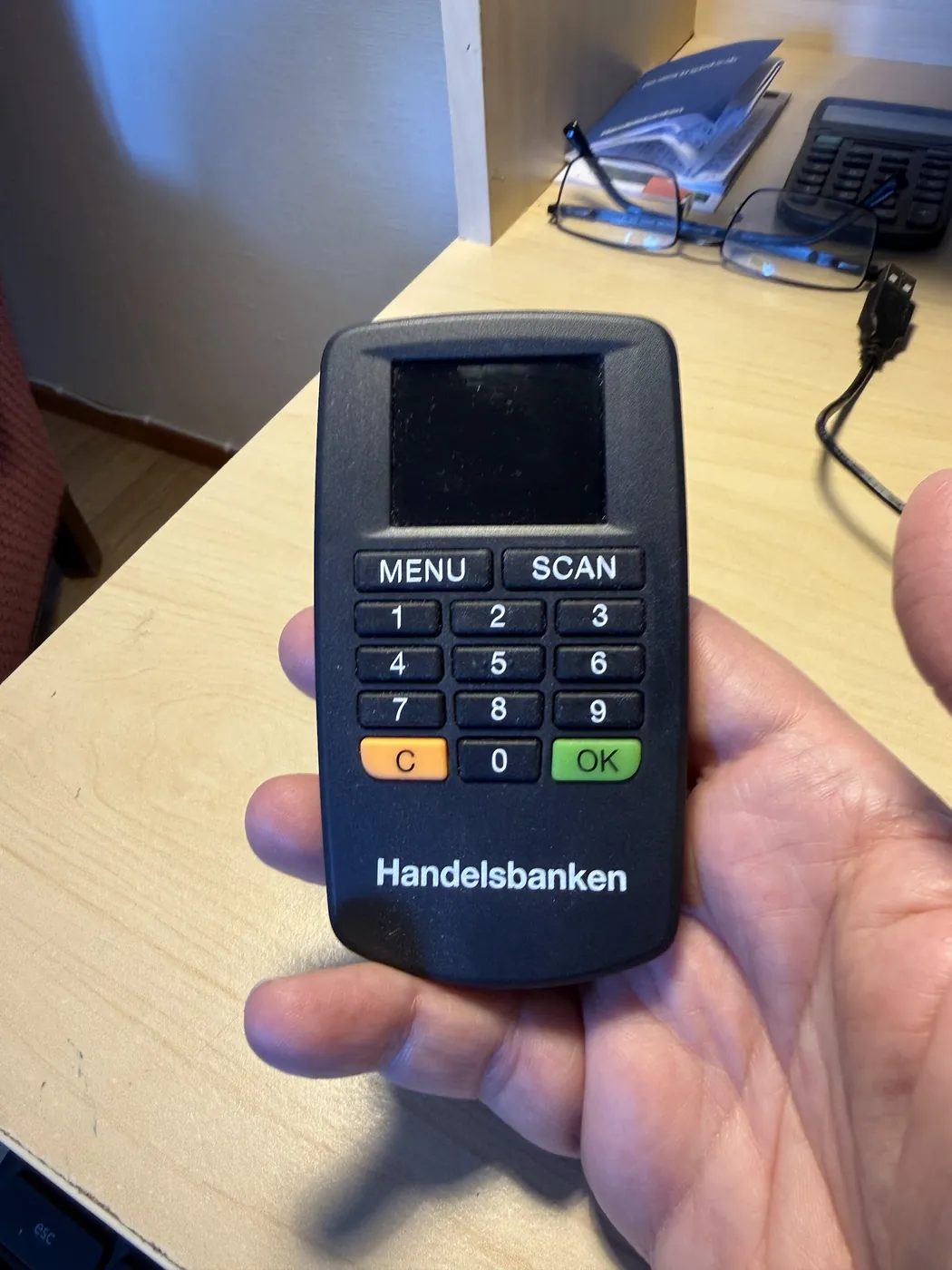
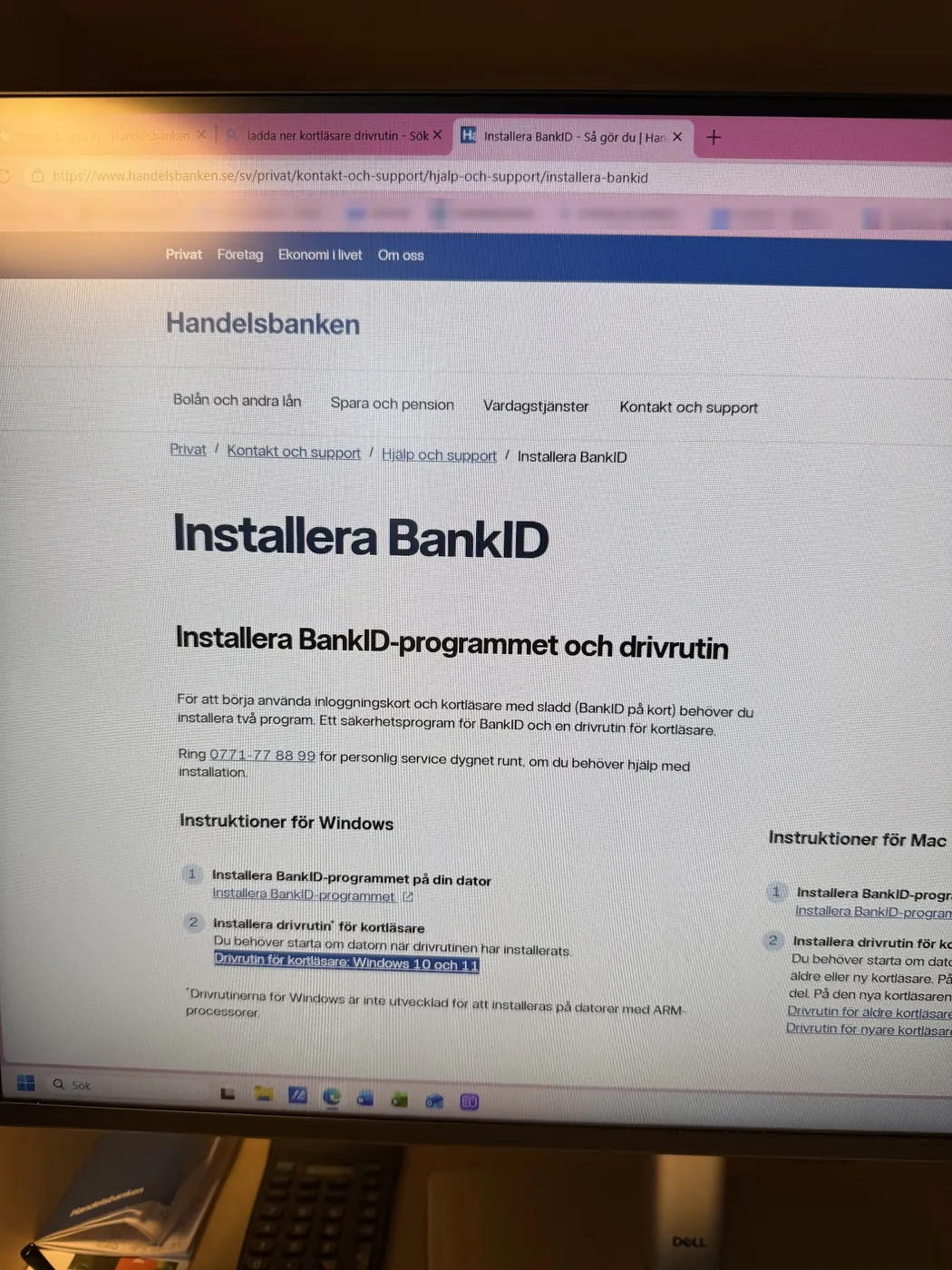
It is not possible, however, to back up the BankID itself. The best backup is therefore a second BankID on another device. Most banks allow Mobile BankID on more than one device, for example both a phone and a tablet. If you keep the tablet at home, you always have a way to order a new one if the phone disappears. In addition, a BankID card or a security token can serve as a backup for online banking. On the computer, we then install the BankID program and the driver for the card reader.
Security: how to protect your BankID
First, use a security code that nobody else can guess, and then turn on Face ID or fingerprint. Moreover, never approve a sign-in that you did not start yourself. Fraudsters often call and ask you to open BankID, for example to stop an alleged fraud. In that case, hang up immediately. If you enter the wrong code too many times, BankID locks, and you then need to order a new one. See also our guide on authenticator apps for other accounts, and on passwords after a death for relatives.
Get help to move Mobile BankID
Tell us which bank you have, which phone you are switching to and whether the old phone works. After that, we suggest the right route. We help you at home in Stockholm or remotely across Sweden. Prices from €200 per hour excluding VAT. Dator Hjälp is part of Datorkirurgen AB.
Frequently asked questions about moving Mobile BankID
Changing phone
- How do I move BankID to my new phone?
- Does BankID come along when I move apps to a new phone?
- Do I have to keep the old phone?
- What do I do if the old phone is broken?
- Does BankID work after I have reset the phone?
- How long does it take to activate BankID?
- Can I move BankID from an iPhone to an Android phone?
- Why can the phone not find the chip in the passport?
- Does a driving licence work for getting BankID?
- Do I need to take off the phone case when the passport is read?
Passport, ID card and no identification
- What is the digital ID check in the BankID app?
- Is it possible to get BankID without a passport?
- How do I get BankID without an old BankID?
- Where do I apply for a national ID card?
- Do I have to visit the bank for a new BankID?
- Can I sign in with a security token instead of the phone?
- Does the BankID card still work?
- Does the new BankID replace the old one?
- Can I have BankID from two different banks?
- Is the face check in the app secure?
Backup, security and help
- How do I back up my BankID?
- Can I have Mobile BankID on the tablet as well as the phone?
- What happens when I forget the security code?
- Why has my BankID been blocked?
- How do I recognise BankID fraud?
- Should I use Face ID or fingerprint for BankID?
- Do you help older people with BankID at home?
- Can you move BankID remotely?
- What does help with BankID cost?
- Do you help businesses with BankID for employees?