
Do your headphones lose sound, can the phone not find your hearing aids or has the keyboard stopped responding? Then we help you pair Bluetooth with the phone, computer and TV, and we solve dropouts, echo and poor sound.
Bluetooth is in almost everything nowadays, from hearing aids and headphones to keyboards, mice, speakers and cars. Even so, things easily go wrong. A device can be connected to several phones at the same time, after all, and other wireless devices also disturb the signal. After iOS, Android or Windows updates, devices often lose the connection too. We have helped private individuals, older people and businesses with wireless devices for many years. For this reason, we know the order in which to troubleshoot.
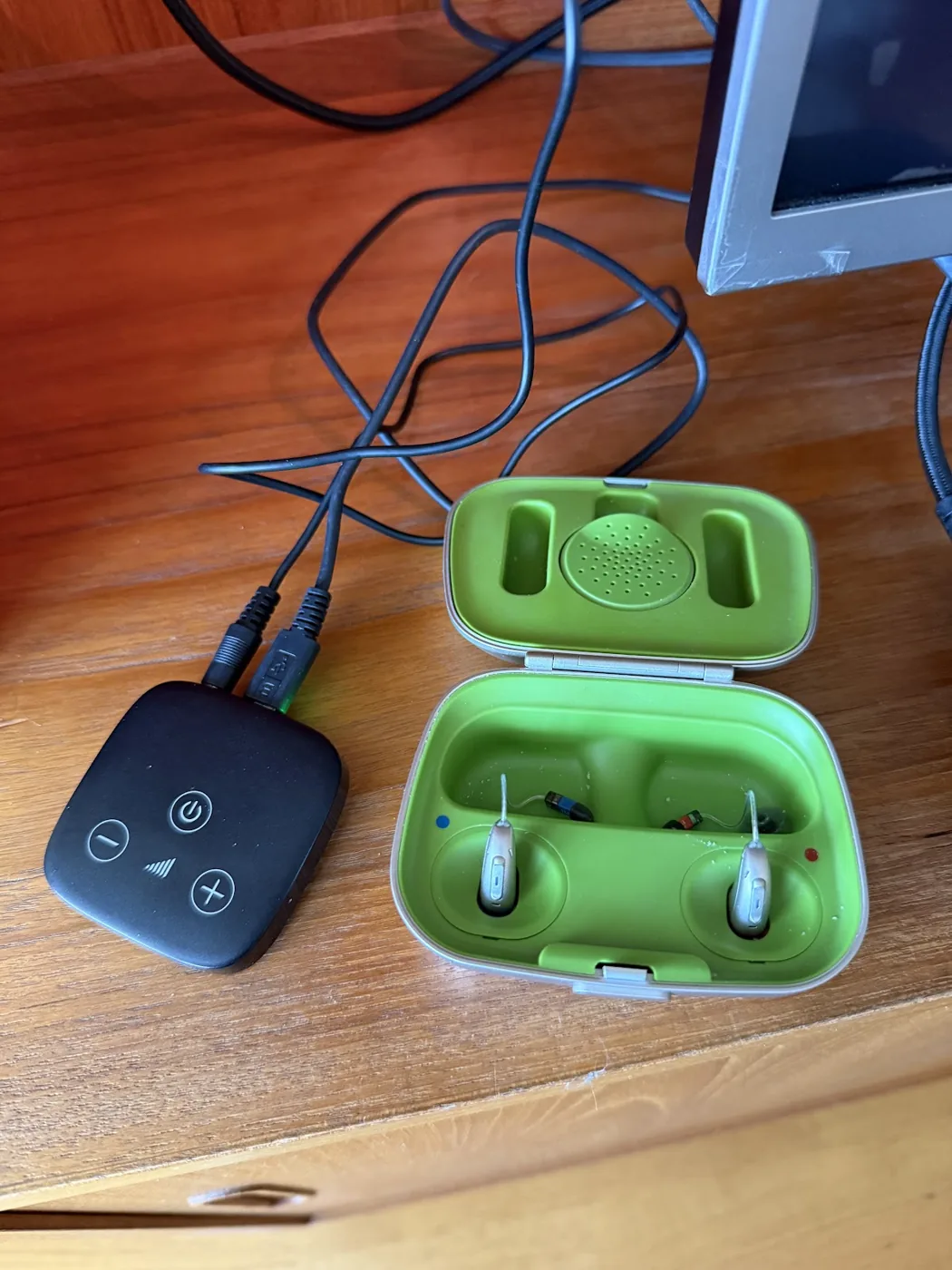
Pair Bluetooth with hearing aids
Modern hearing aids now connect directly to the iPhone and to many Android phones. First, we put the hearing aids in pairing mode, often by opening and closing the charging case. Next, the phone searches for them and shows a pairing request. After that, we install the manufacturer’s app, so that you can control the volume and programs from the phone. Finally, we connect a TV streamer, so that the TV sound goes directly to the hearing aids.
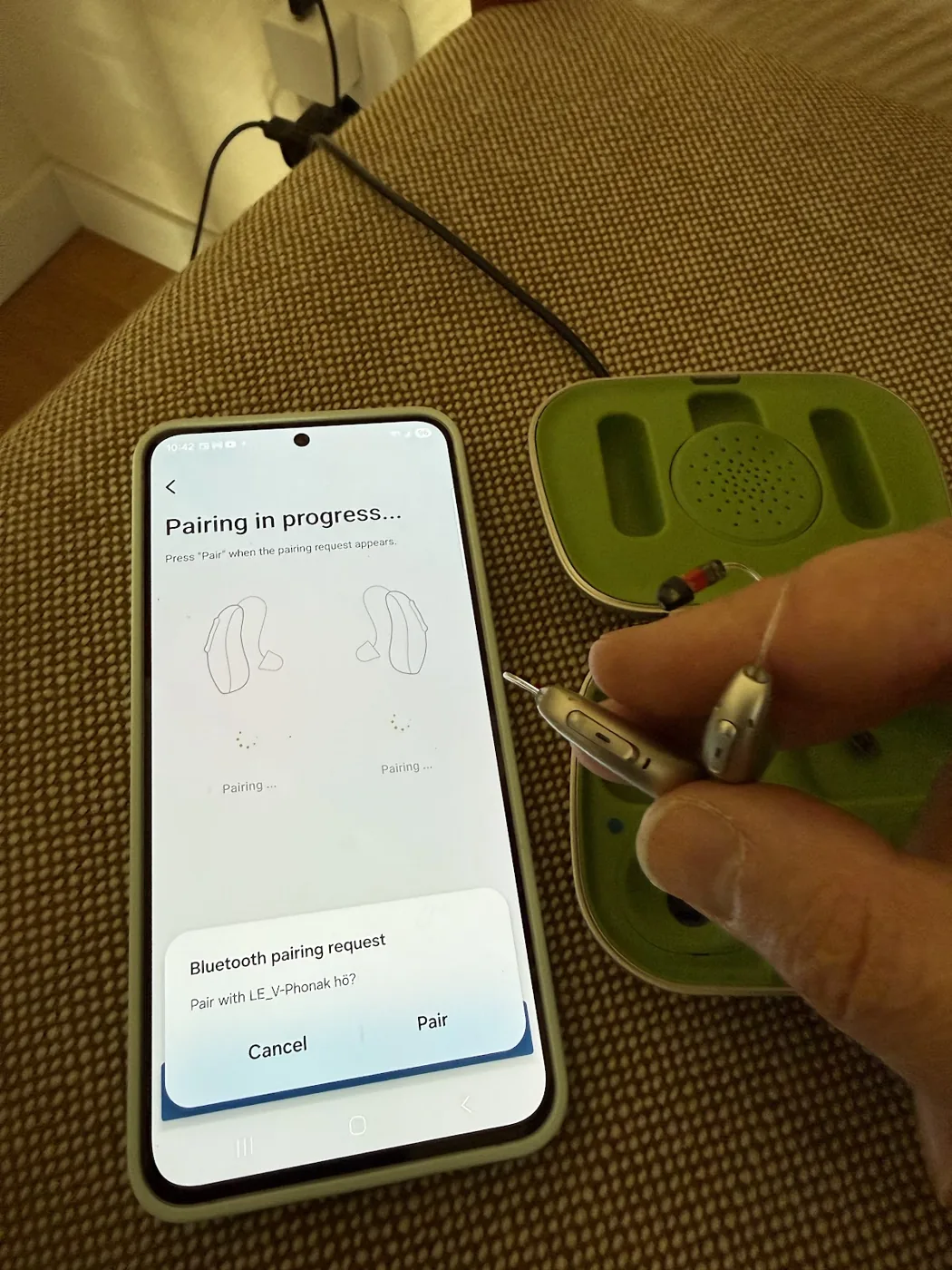
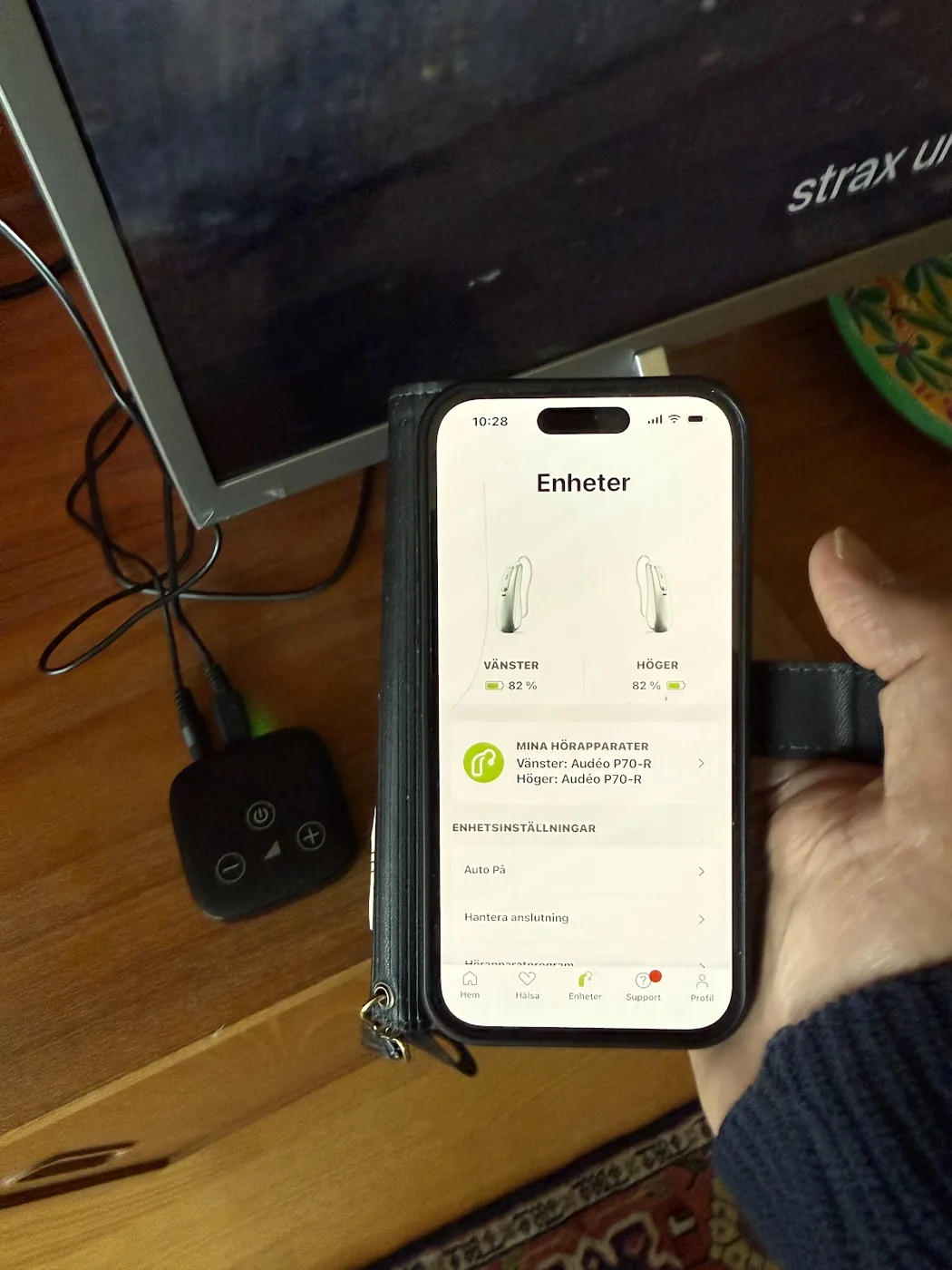
We are not audiologists, so we do not change the hearing settings of the hearing aids. What we do instead is make the phone, the app and the TV streamer work together. If the hearing aids need an adjustment, we therefore refer you to your audiologist.
Headphones, headsets and speakers
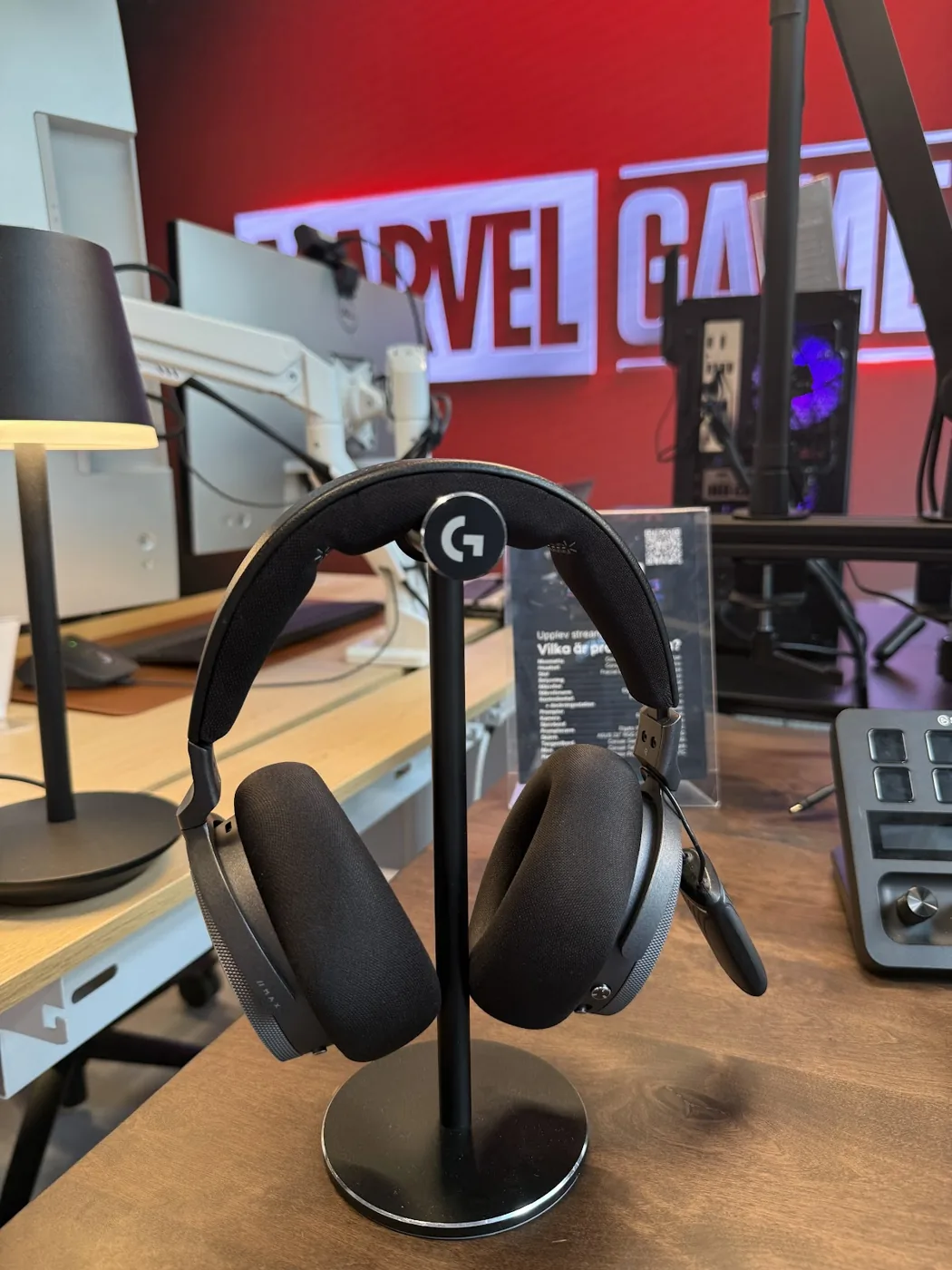
Wireless headphones can often connect to two devices at the same time, for example the phone and the computer. This is practical, but it is also a common reason why the sound ends up in the wrong place. We therefore go through which devices are saved and remove the old ones. In the case of echo or poor sound in Teams, we also check that the computer uses the headset’s microphone and not the built-in one.
- The sound stutters: the distance is too great or Wi-Fi interferes on the same frequency.
- Nobody hears you in calls: the computer or the app uses the wrong microphone.
- Connects to the wrong device: the headphones remember a previous phone or computer.
- Short battery life: old batteries or audio formats that draw a lot of power.
Pair Bluetooth with a keyboard and mouse
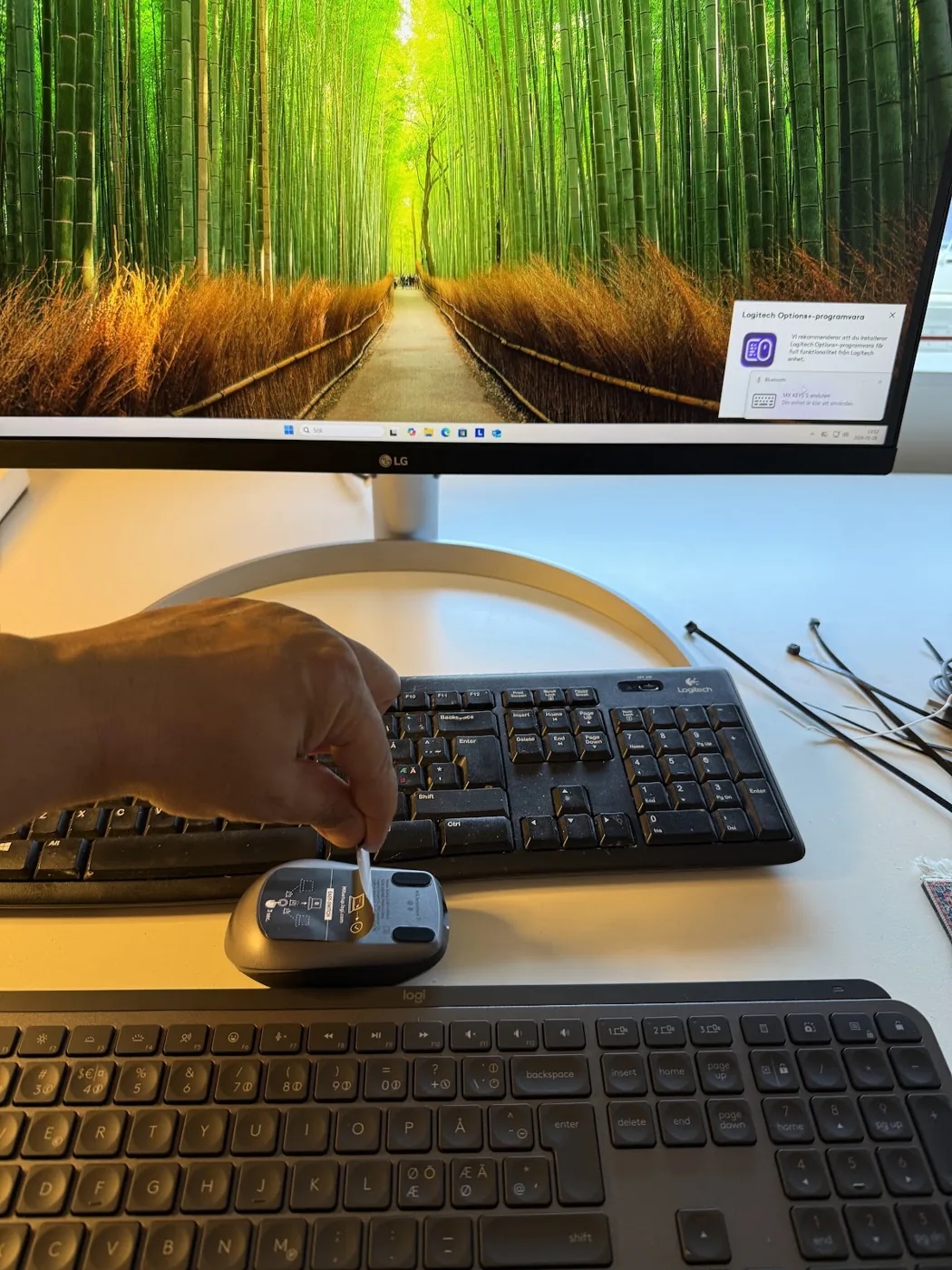
Wireless keyboards and mice connect either with Bluetooth or with a small USB receiver. First, we check the batteries. Next, we remove the device in the computer’s Bluetooth settings and pair it again. If the keyboard lags, we move the receiver closer, for example with an extension cable. In this way, most interruptions disappear.
Bluetooth in the car and on the TV
Cars and TVs also use Bluetooth. In the car, the same principles apply, but the menus differ between brands. That is why we have a separate article on how to connect the phone to the car. To the TV, we connect headphones or a soundbar, and in addition we check that the sound stays in sync with the picture. See also the article on TV and home cinema.
Get help to pair Bluetooth
We come to your home in the Stockholm area, and we are especially glad to help elderly relatives with hearing aids and TV sound. Prices start from €200 per hour excluding VAT, also for remote help. Dator Hjälp is part of Datorkirurgen AB.
Frequently asked questions about how to pair Bluetooth
Hearing aids and TV sound
- How do I connect hearing aids to my iPhone?
- Do hearing aids work with Android phones?
- What is a TV streamer for hearing aids?
- Why do the hearing aids lose the connection?
- Can I answer the phone with the hearing aids?
- Do I need the manufacturer’s app?
- Can you adjust the sound of the hearing aids?
- How do I charge the hearing aids correctly?
- Do the hearing aids work with the computer?
- Will you visit an elderly parent at home?
Headphones, headsets and speakers
- Why does the sound stutter in my headphones?
- How do I connect headphones to two devices?
- What do I do if there is echo in Teams?
- Which headset suits video meetings?
- Are wireless headsets good for gaming?
- How do I remove an old device from the list?
- Can Wi-Fi interfere with Bluetooth?
- How far does Bluetooth reach?
- Do Bluetooth speakers work with the TV?
- What is LE Audio?
Keyboard, mouse and price
- Why does the keyboard stop responding?
- How do I pair a mouse in Windows?
- Should I choose Bluetooth or a USB receiver?
- Do wireless keyboards work with a Mac?
- How do I change the battery in a wireless mouse?
- What do I do if the computer lacks Bluetooth?
- What does help with Bluetooth cost?
- How long does it take?
- Do you help businesses with headsets for the staff?
- How do I book help with Bluetooth?