
Is the computer slow, hot or broken? Upgrading it often pays off more than buying a new one. That is why we switch to an SSD, add memory, fit graphics cards and repair keyboards, fans and power supplies.
A computer that is five years old often has a good processor but a slow disk or too little memory. As a result, an upgrade often makes a bigger difference than people expect. In addition, it is cheaper and better for the environment than a new computer. We have built, repaired and upgraded computers for more than 30 years. For this reason, we know which parts fit, and we handle them with an anti-static wrist strap and the right tools.
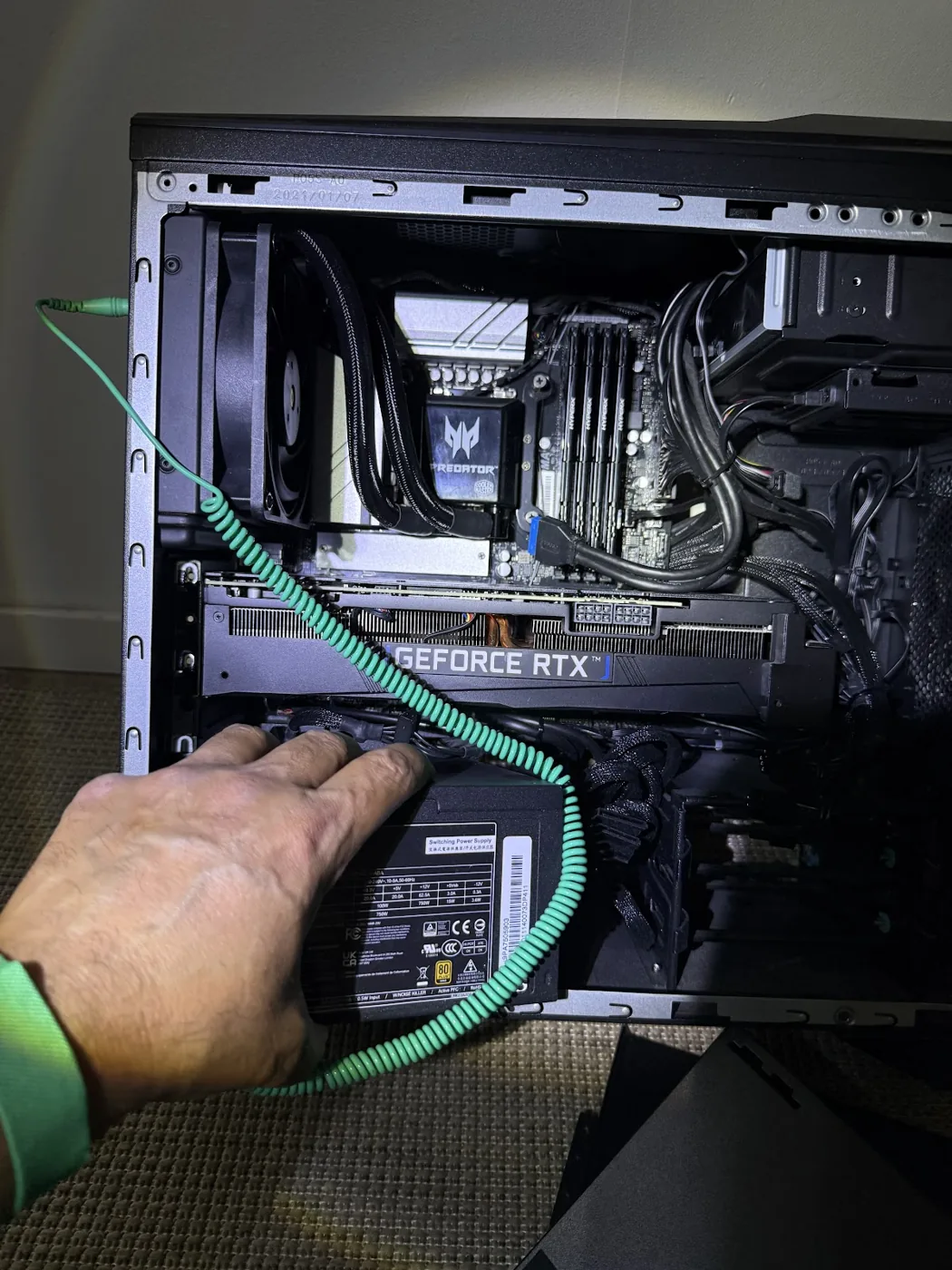
Does it pay off to upgrade the computer?
First, we check the condition of the computer and what you use it for. After that, we compare the cost of an upgrade with the price of a new computer. If the computer cannot run Windows 11 and you mainly use it for the web and email, another option is to go from Windows 10 to Linux.
- SSD instead of a hard drive: the biggest gain in speed for older computers.
- More memory: fewer freezes when many programs and tabs are open.
- New graphics card: above all better performance in games, video editing and 3D.
- Cleaning and new thermal paste: lower temperatures and a quieter fan.
Switching to an SSD and adding memory
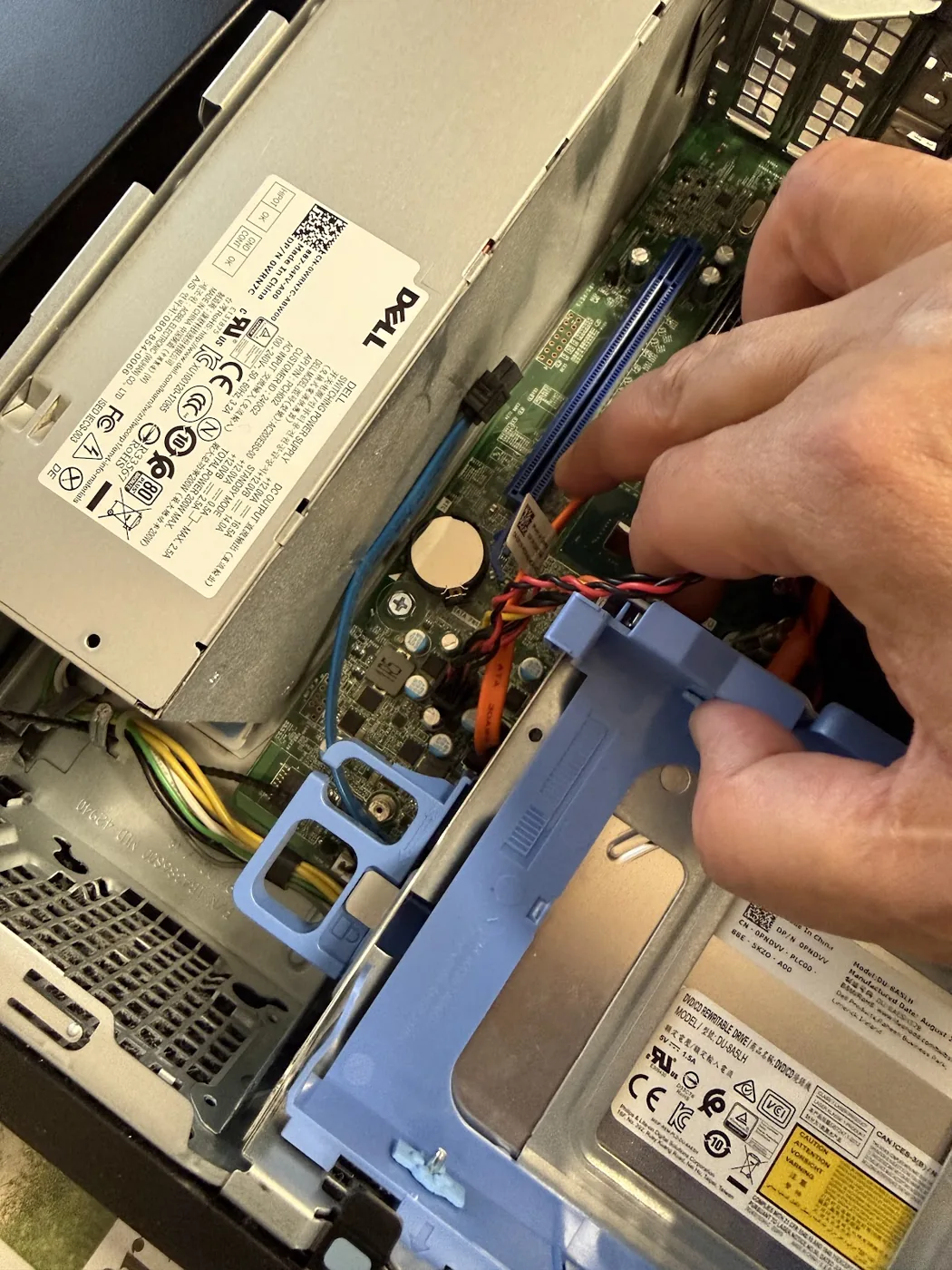
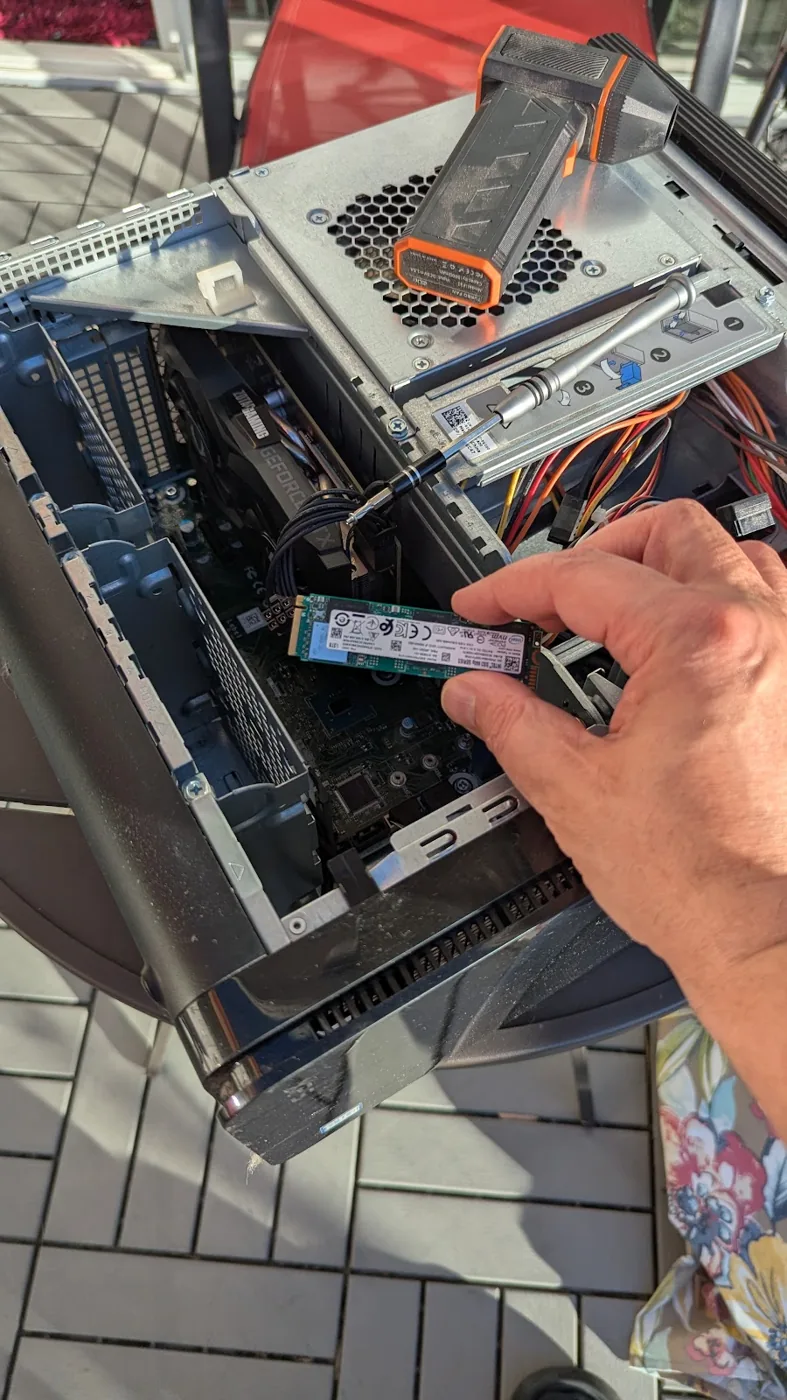
A mechanical hard drive is, after all, the most common bottleneck in older computers. We therefore replace it with an SSD and clone the entire content, so that Windows, programs and files remain. In newer computers, we fit an M.2 drive, which is even faster. At the same time, we check whether the computer has free memory slots. Eight gigabytes is rarely enough today, so we prefer to upgrade to sixteen.
Upgrade the computer for gaming and creative work
In a gaming computer, we replace the graphics card, processor or power supply, for example. First, we check that the power supply is strong enough for the new graphics card, and also that the card fits in the case. Next, we fit the card, connect the power and install drivers. Finally, we test the computer under full load and check the temperatures. If you also need a wireless headset or a controller, our guide on how to pair Bluetooth devices explains the steps.
Laptop repair: keyboard, fan and screen
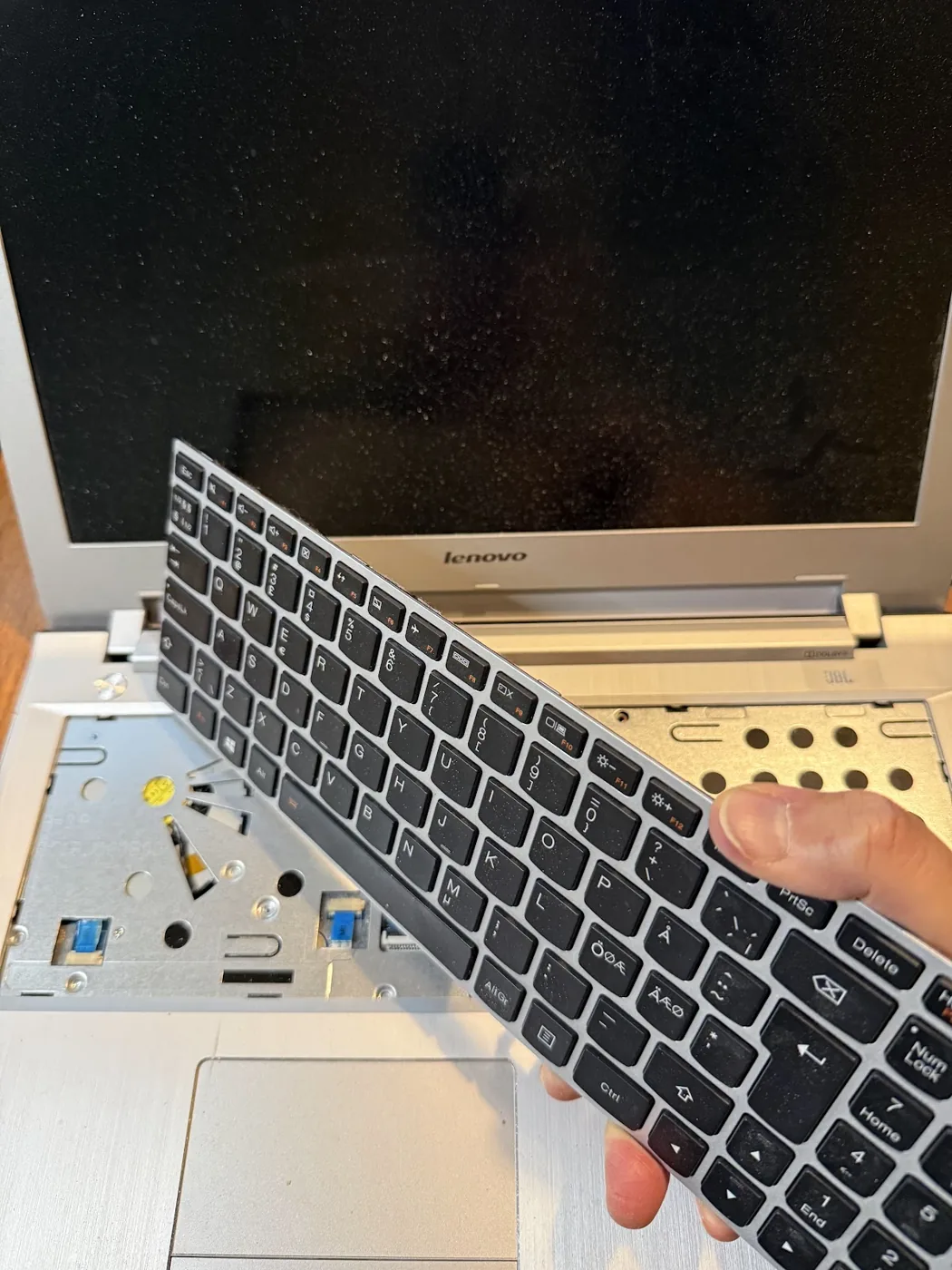
In a laptop, we also replace keyboards, batteries, fans, charging ports and screens. Many keyboards are fixed to the frame of the computer, so we take the computer apart step by step. When a fan makes noise or the computer runs hot, we clean it and then replace the thermal paste. At the same time, we check the battery health and charge cycles.
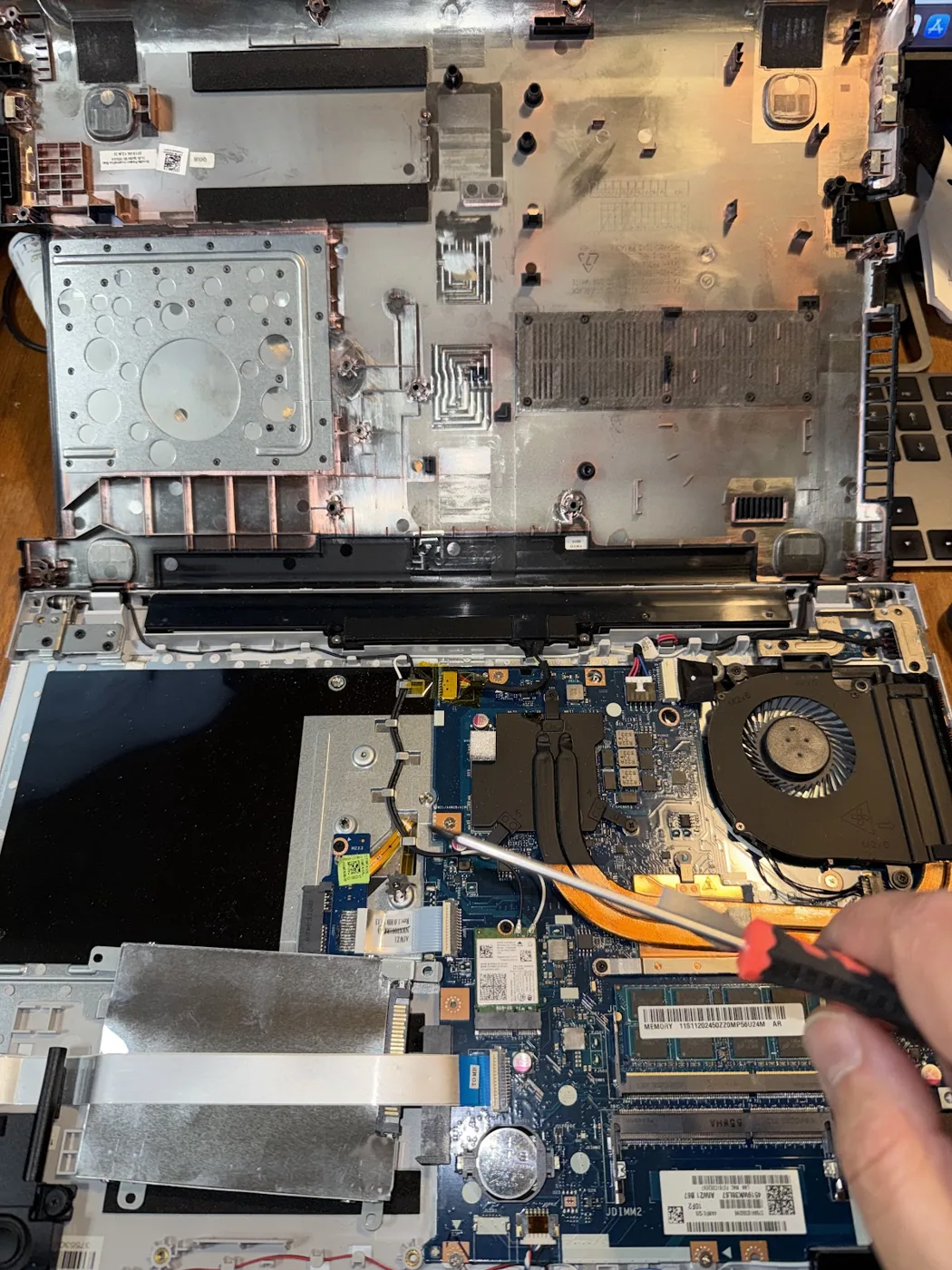
Before we open the computer, we always take a backup. If the computer does not start at all, we begin with data recovery instead, so that the files are safe before the repair.
Upgrade the computer with us
We collect and return computers in Stockholm and also receive computers by courier from all over Sweden. You can buy the parts yourself, or we order them for you. Prices start from €200 per hour excluding VAT, plus any parts. Dator Hjälp is part of Datorkirurgen AB.
Frequently asked questions about how to upgrade the computer
SSD, memory and performance
- Does the computer become faster with an SSD?
- Does Windows come along to the new disk?
- What is the difference between a SATA SSD and M.2?
- How much memory do I need?
- Can every laptop get more memory?
- Does it pay off to upgrade a five-year-old computer?
- How do I know which parts fit?
- Can you clone a disk that is starting to fail?
- What happens to the old hard drive?
- Does the computer become quieter after cleaning?
Gaming computer and graphics card
- Is my power supply strong enough for a new graphics card?
- Will a bigger graphics card fit in the case?
- What is an anti-static wrist strap?
- Can you replace the processor and motherboard?
- How do you test the computer after the upgrade?
- Why does the gaming computer run hot?
- Does new thermal paste help?
- Can you build a gaming computer from scratch?
- Do you install drivers for the graphics card?
- Does the upgrade work with Windows 11?
Laptop repair and price
- Can you replace the keyboard on a laptop?
- What do I do when the fan is loud?
- Is it possible to replace the battery in my laptop?
- Can you repair a broken charging port?
- Do you replace laptop screens?
- Do you take a backup before the repair?
- What does it cost to upgrade the computer?
- Can I buy the parts myself?
- Do you collect the computer in Stockholm?
- How do I send the computer by courier?