
Is your printer not working, not showing up on the computer or jamming? We install printers and scanners, connect them to the network and troubleshoot until printing works from both computer and phone.
Printers are actually one of the most common reasons why people call us. This is not because they are bad, though. Instead, they depend on many parts, for example drivers, Wi-Fi, the router, the computer and the phone. When something changes, for example after a Windows update, the printer often stops responding. We have installed printers from Brother, Canon, Epson, HP and Ricoh in homes, offices and clinics, and therefore we recognise most faults straight away.
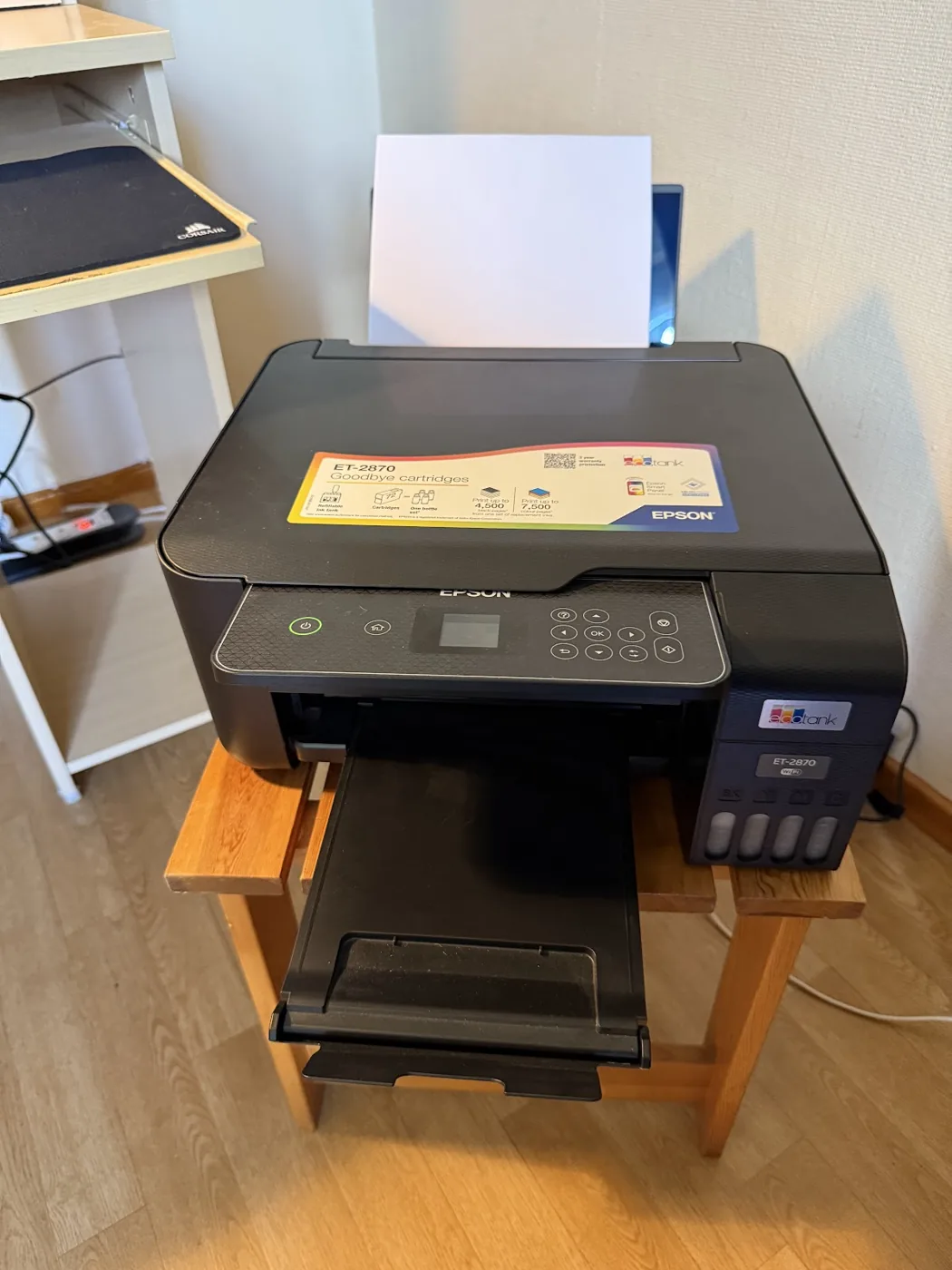
Common reasons why the printer is not working
First, we check the printer itself: paper, toner or ink, and whether the display shows an error. After that, we look at the connection. A printer that has received a new IP address after a router restart often disappears from the computer, after all. Then we go through the driver and the print queue in Windows or macOS.
- Does not show up on the computer: the printer has a new IP address or sits on another network.
- Shows as offline: the print queue has stalled or the driver is wrong.
- Prints blank pages: the nozzles are dry or the toner has run out.
- Feeds at an angle or jams: worn rollers or the wrong paper in the tray.
Installing a new printer
First, we unpack a new printer, remove the transport protection and fill the ink or insert the toner. Next, we connect it to your Wi-Fi or with a network cable. We also give the printer a fixed address in the router, so that it does not disappear after a restart. Afterwards, we install it on every computer, and in addition we set up printing from iPhone, iPad and Android.
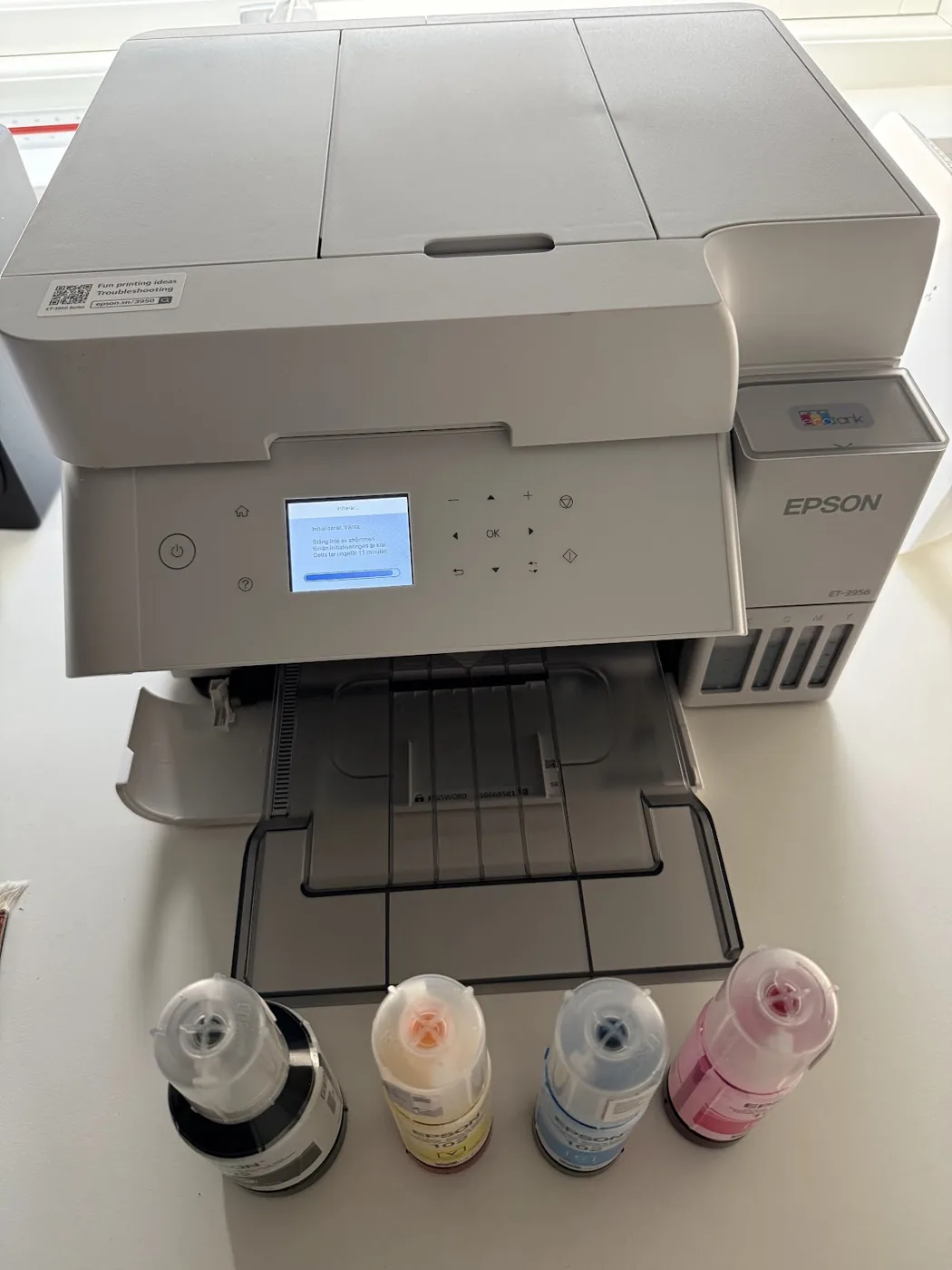
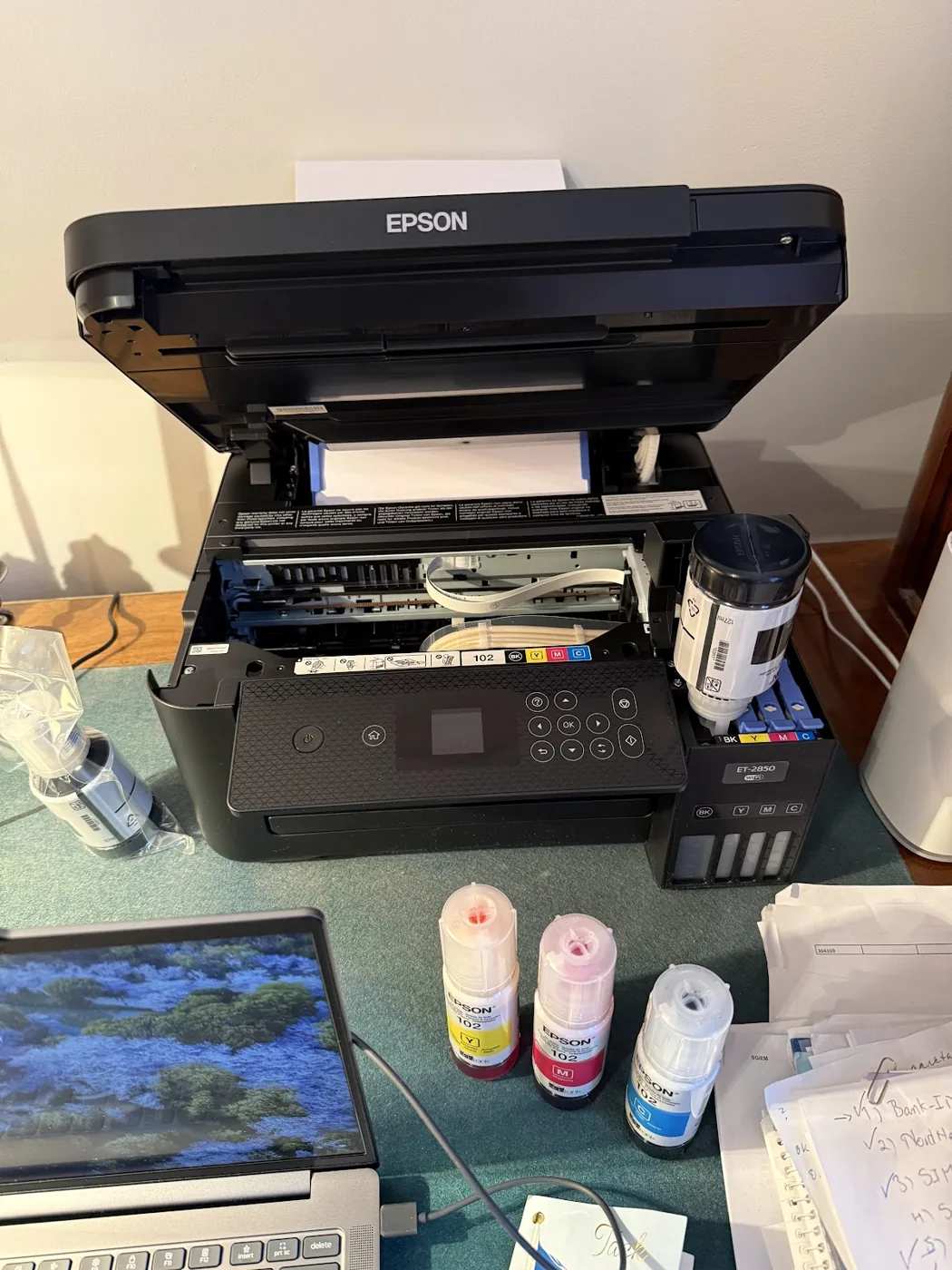
We also set up scanning. With scanning to a folder, to email or to OneDrive, you avoid going through the printer’s own app. At offices and clinics, we also set up scanning directly to the right folder for each department.
Toner, drum and paper jams
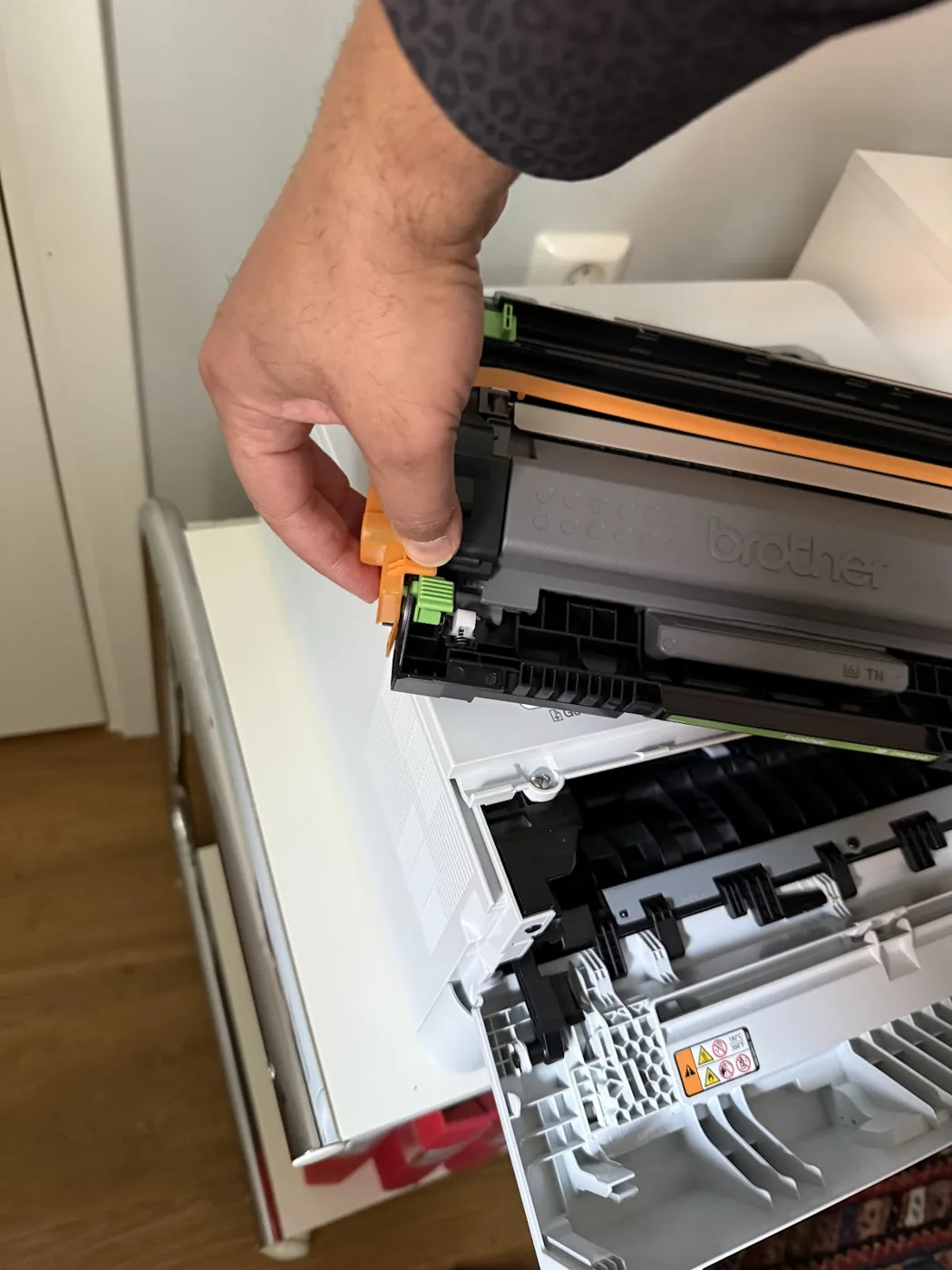
A laser printer, on the other hand, has both toner and a drum. When the prints show streaks or turn pale, replacing the drum is often enough. We also show you how the replacement works and help you choose original or compatible cartridges. In the event of a paper jam, we open the printer carefully and remove the paper without tearing it. Otherwise, a small piece can remain and cause new jams.
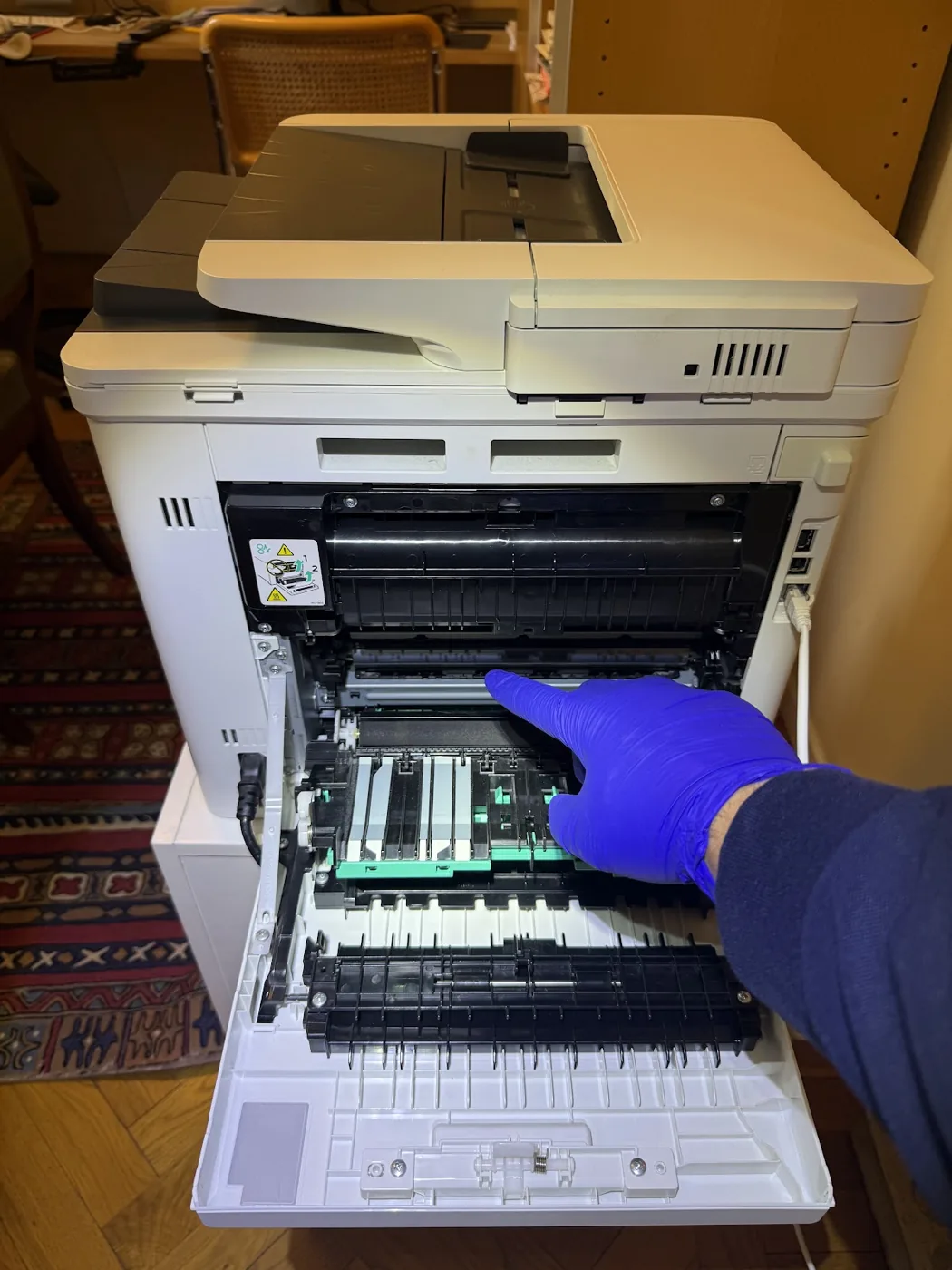
When the printer is not working after an update
After larger updates of Windows 11 or macOS, however, the driver can stop working. In that case, we install the manufacturer’s latest driver, or we use the built-in support in Windows for IPP and AirPrint instead. Sometimes, though, it is enough to clear the print queue and restart the print service. If the computer works poorly in other ways too, you can find help in our guide on troubleshooting Windows 11.
Printer not working? Book help
We come to your home or office in Stockholm and troubleshoot the printer on site, but we also solve many faults remotely. Prices start from €200 per hour excluding VAT, also for remote help. Dator Hjälp is part of Datorkirurgen AB.
Frequently asked questions when the printer is not working
When the printer does not print
- Why does my printer show as offline?
- What do I do when the printer does not show up on the computer?
- How do I clear the print queue in Windows?
- Why does the printer print blank pages?
- How do I clean the nozzles on an inkjet printer?
- Can a Windows update stop the printer?
- Do I need the manufacturer’s driver?
- Why does the paper keep jamming?
- What do streaks on the prints mean?
- How often do I need to replace the drum?
Installation and network
- How do I connect the printer to Wi-Fi?
- Why should the printer have a fixed IP address?
- Can I print from an iPhone with AirPrint?
- Does printing from Android work?
- How do I set up scanning to email?
- Is it possible to scan directly to OneDrive?
- Does an ink tank printer suit the home?
- Are laser printers better for offices?
- Can you install a printer on several computers?
- Does the printer work with a Mac too?
Toner, ink and price
- Should I choose original or compatible toner?
- How do I refill ink in an EcoTank?
- What do I do if the wrong colour ended up in the tank?
- How long does a bottle of ink last?
- What does help with the printer cost?
- Will you come and install the printer at home?
- Can you help remotely?
- Do you help offices with large multifunction printers?
- Can you take care of the old printer?
- How do I book help with the printer?