
Is the computer slow, does it restart without warning or does it lose the network? Our Windows 11 troubleshooting finds the cause and fixes the fault, while keeping your files, programs and settings.
Windows 11 is admittedly a stable system at its core. Even so, every computer collects programs, drivers and updates that sometimes clash. In addition, many manufacturers install their own tools that run in the background. The result is often a computer that starts slowly, runs its fan a lot or freezes. We have troubleshot Windows since the first versions, and therefore we always start with the cause instead of reinstalling everything straight away.
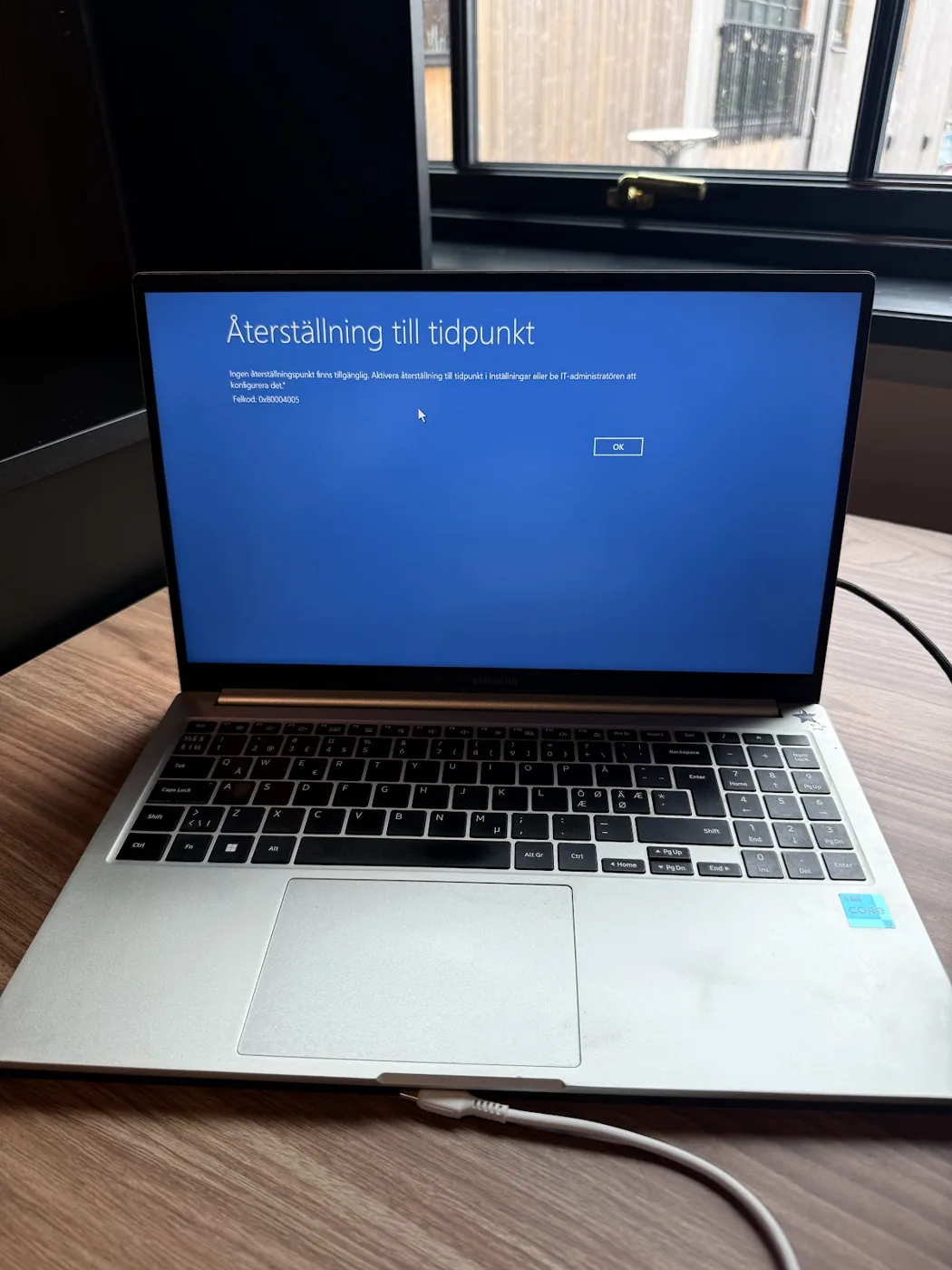
How our Windows 11 troubleshooting works
First, we listen to how the fault shows itself and when it started. Next, we read the Windows event logs and Reliability Monitor, because they often show exactly which program or driver crashes. After that, we check the disk, the memory and the temperature. Finally, we go through the programs that start automatically.
- Slow start-up: too many startup programs or a disk that is almost full.
- Freezes: graphics, audio or network drivers that do not fit.
- Restarts: overheating, faulty memory or a broken update.
- Error messages: damaged system files or a disk with bad sectors.
System files, disk and updates
We repair damaged system files with the SFC and DISM tools, for example, which compare the files with Microsoft’s originals. At the same time, we check the disk with chkdsk and with the disk’s own health report. If the disk shows signs of wear, we first take a backup, and then we replace it with a new SSD. We can also uninstall a failed update, or go back to a restore point.
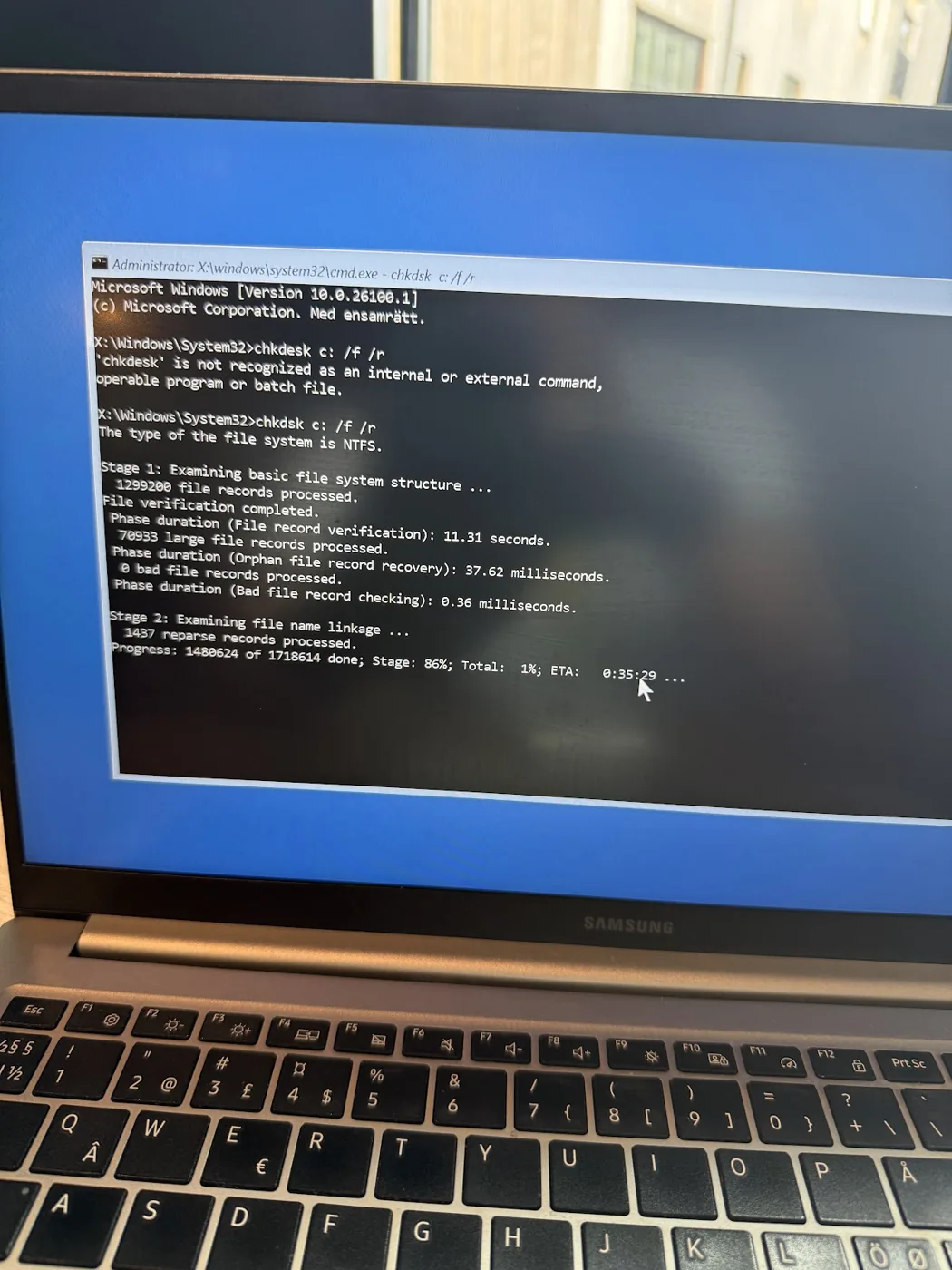
If Windows does not start at all, on the other hand, we use the Windows Recovery Environment. There, we can run Startup Repair, uninstall updates or open the command prompt, for example. If important files sit on a computer that does not start at all, you should first read the article on data recovery before anyone attempts a repair.
Windows 11 troubleshooting when the network acts up
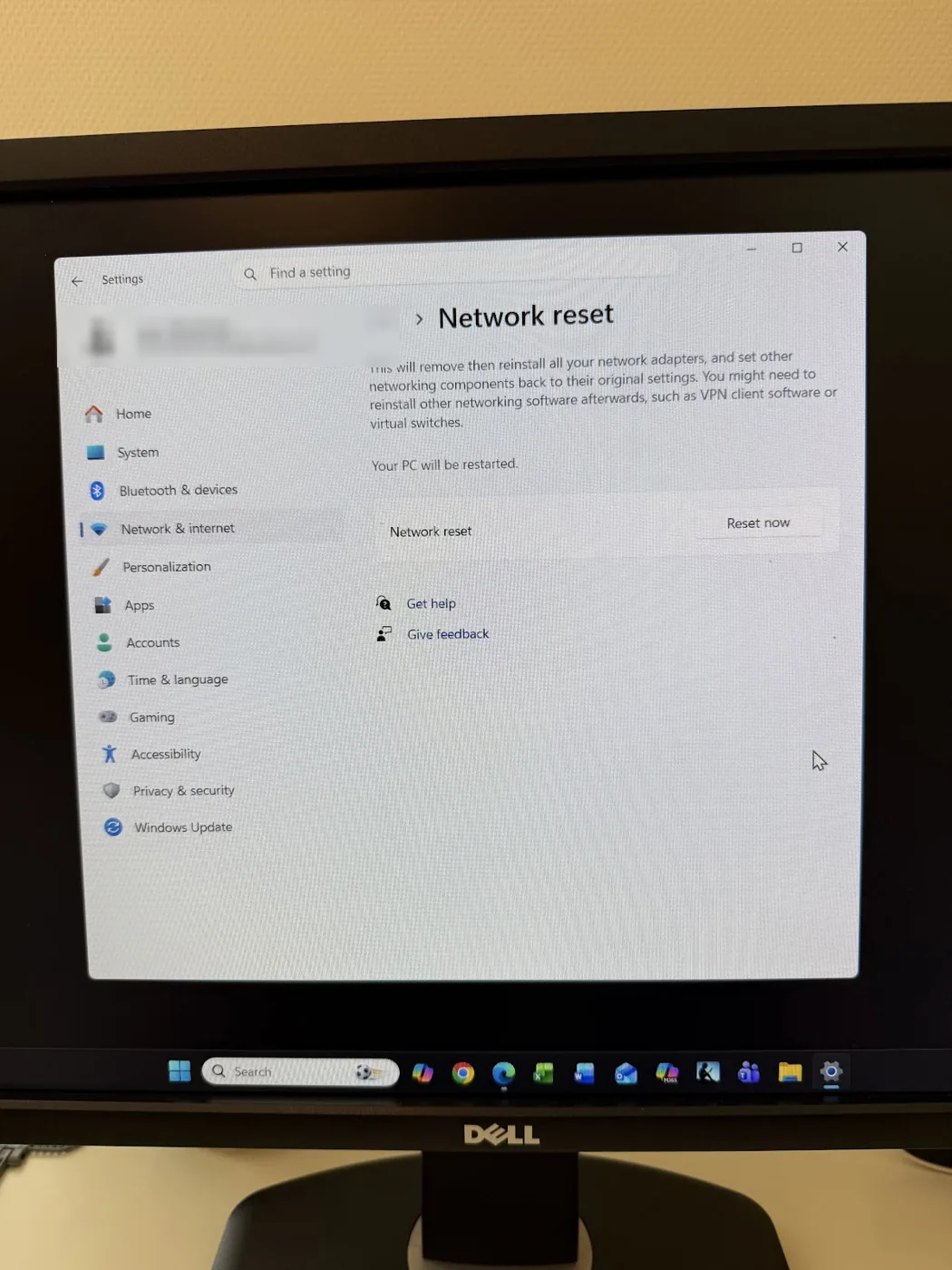
Does the computer lose Wi-Fi or fail to find the printer? Then we first check the network adapter’s driver and power-saving settings. After that, we reset the network settings in Windows, which reinstalls the network adapters and removes old VPN connections. If the fault lies in the router or the coverage, we also work together with Wi-Fi Problem, who specialise in wireless networks.
Unnecessary programs, pop-ups and security
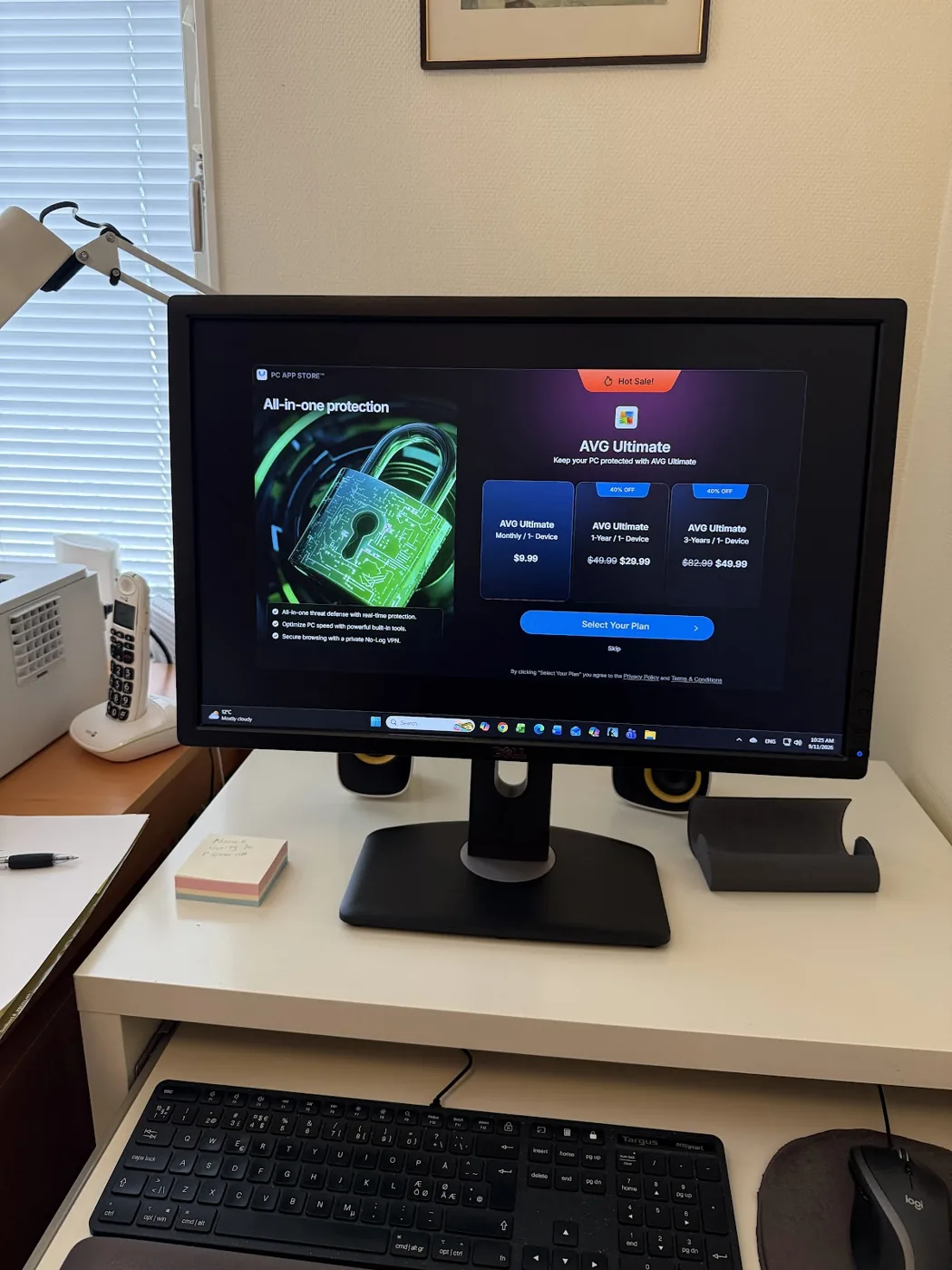
Many computers also have programs that show intrusive offers, for example for antivirus or clean-up. Windows 11 already has built-in protection in Windows Security, so at home it is usually enough without an extra antivirus program. We uninstall such programs, but only once you have approved it. If the computer also shows ads that you cannot close, you can find more about how to remove trojans and ads.
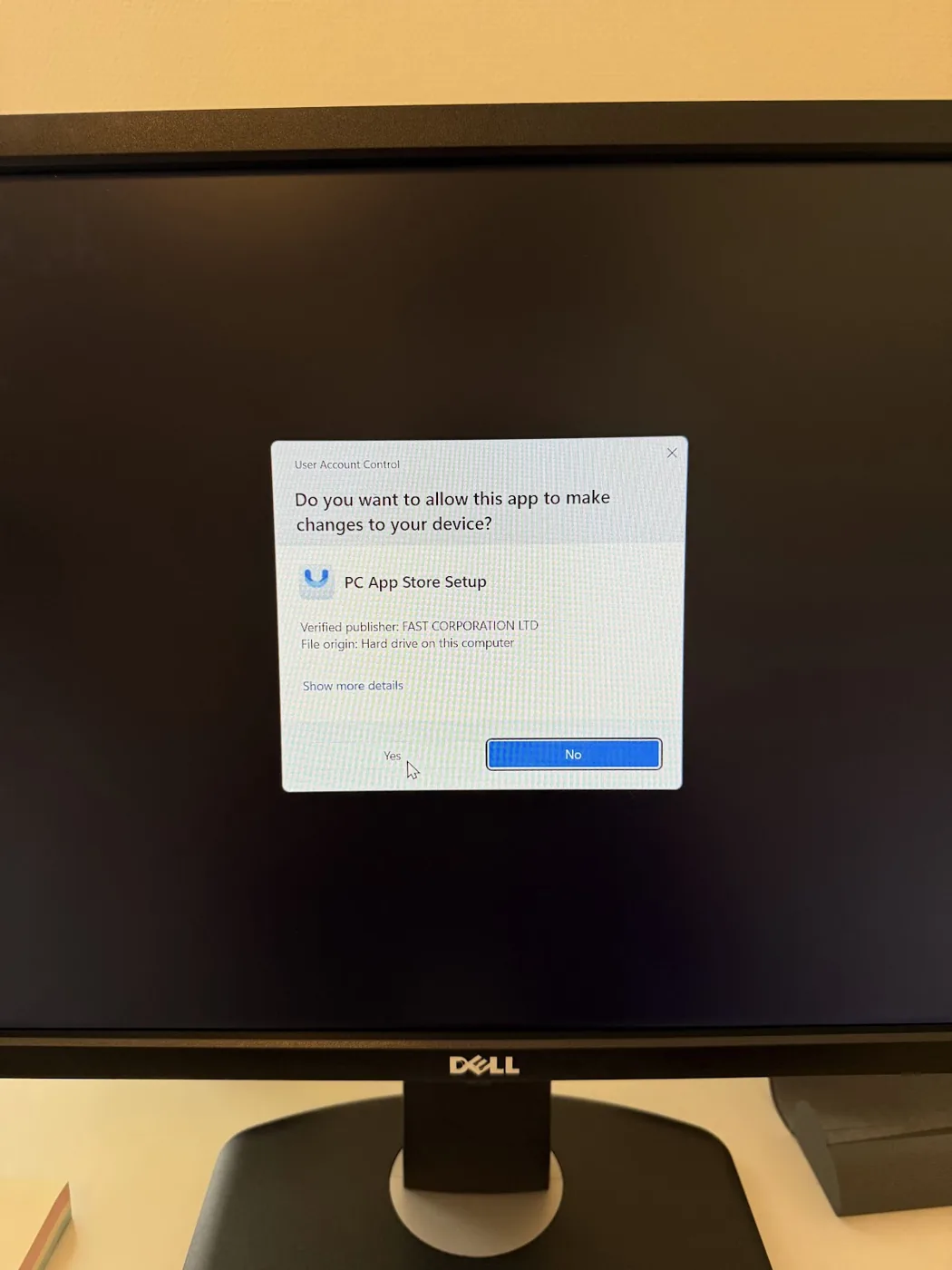
User Account Control also asks for permission when a program wants to change the computer. Only answer yes when you started the installation yourself. We also show you how to recognise a legitimate program and who published it.
When does a reinstall pay off?
Sometimes, however, the faults are so many that a fresh installation is faster than further troubleshooting. In that case, we first take a full backup. Afterwards, we reinstall Windows 11, install your programs and move the files back. The computer then feels like new, but still contains everything you need. If the computer does not meet the requirements for Windows 11, we suggest going from Windows 10 to Linux instead.
Book Windows 11 troubleshooting
We troubleshoot on site in Stockholm, but also remotely through a secure remote connection. One to two hours is often enough to find and fix the fault. Prices start from €200 per hour excluding VAT, also for remote help. Dator Hjälp is part of Datorkirurgen AB.
Frequently asked questions about Windows 11 troubleshooting
Slow and unstable computer
- Why is my computer with Windows 11 so slow?
- What do I do when the computer restarts by itself?
- How do I see which programs start automatically?
- Can a full disk make the computer slow?
- Why does the fan run all the time?
- Does it help to switch to an SSD?
- What does a blue screen with a stop code mean?
- Can faulty memory cause crashes?
- How do you read the event log in Windows?
- Is Reliability Monitor useful?
Updates and system files
- How do I uninstall an update that causes errors?
- What do SFC and DISM do?
- When should you run chkdsk?
- What is a restore point?
- Can Windows repair itself at start-up?
- Why does Windows Update get stuck?
- Do my files disappear if I reset the computer?
- How do I reinstall Windows 11 and keep the files?
- Does troubleshooting work remotely?
- Can you troubleshoot a computer that does not start?
Network, security and price
- Why does the computer lose Wi-Fi?
- What happens during a network reset?
- Do I need extra antivirus in Windows 11?
- How do I remove antivirus pop-ups?
- What is User Account Control?
- When should I answer yes to a change request?
- What does Windows 11 troubleshooting cost?
- How long does troubleshooting take?
- Do you help businesses with several computers?
- Can my old computer run Windows 11?