
Do you want to connect the phone to the car, but cannot find the right menu or keep losing the connection? Then we pair the phone with Bluetooth, set up Apple CarPlay or Android Auto and clear old phones out of the car’s memory.
The car’s screen is in fact a computer with its own menus and updates. At the same time, the systems differ a lot between brands. In addition, the phone often changes its settings after every major iOS or Android update. That is why it is common for call audio to turn poor, for music not to play or for CarPlay not to start. We have helped drivers with phones and car systems for many years. For this reason, we know where the settings usually sit, and what stops the connection.
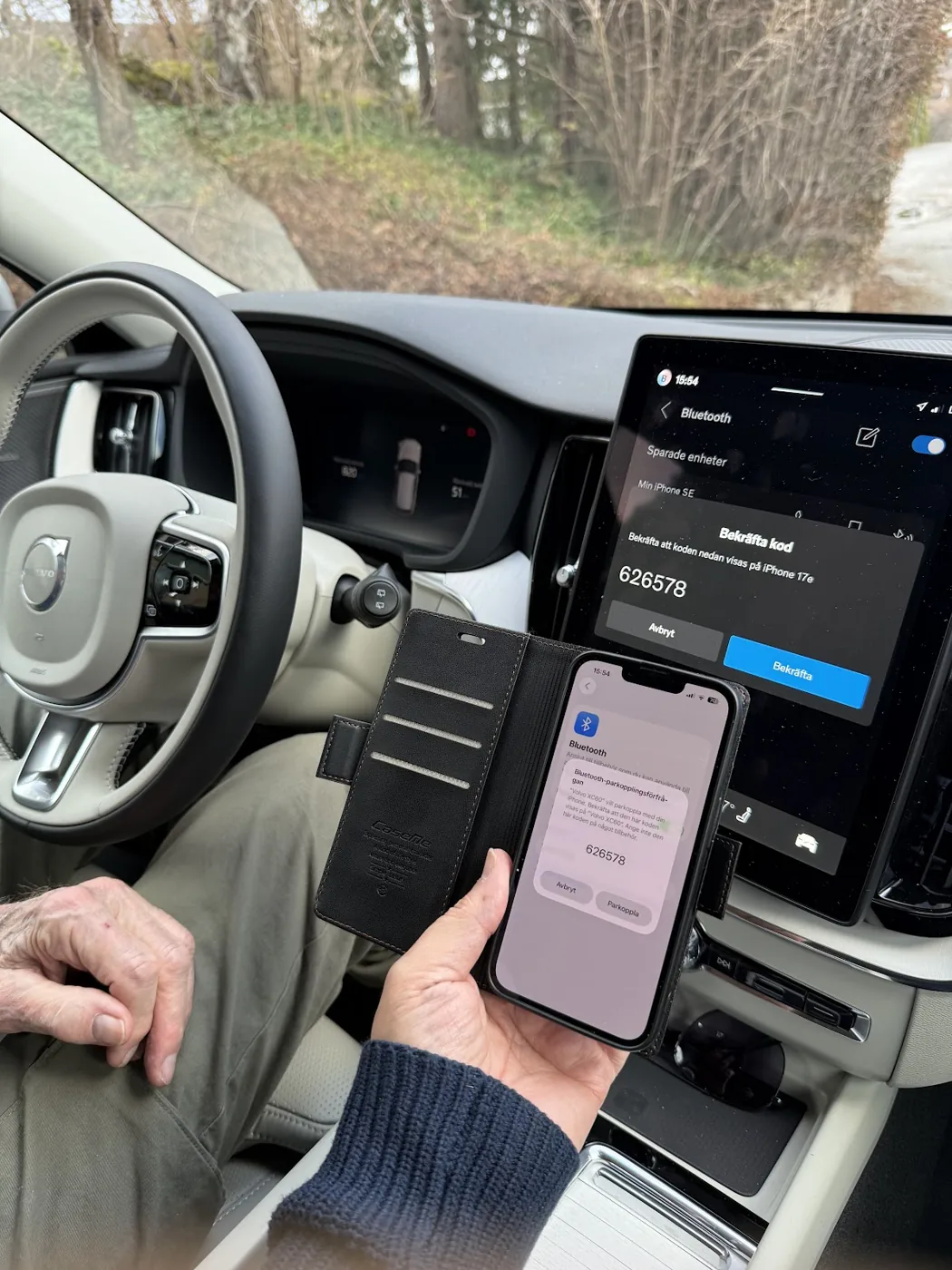
Connect the phone to the car with Bluetooth
Bluetooth actually works in almost every car from the last fifteen years. First, we open the Bluetooth menu in the car and choose to add a new device. Next, the phone searches for the car and shows a code. You then confirm the code on both screens. Finally, we allow the car to fetch contacts and call history, so that you can make calls by voice.
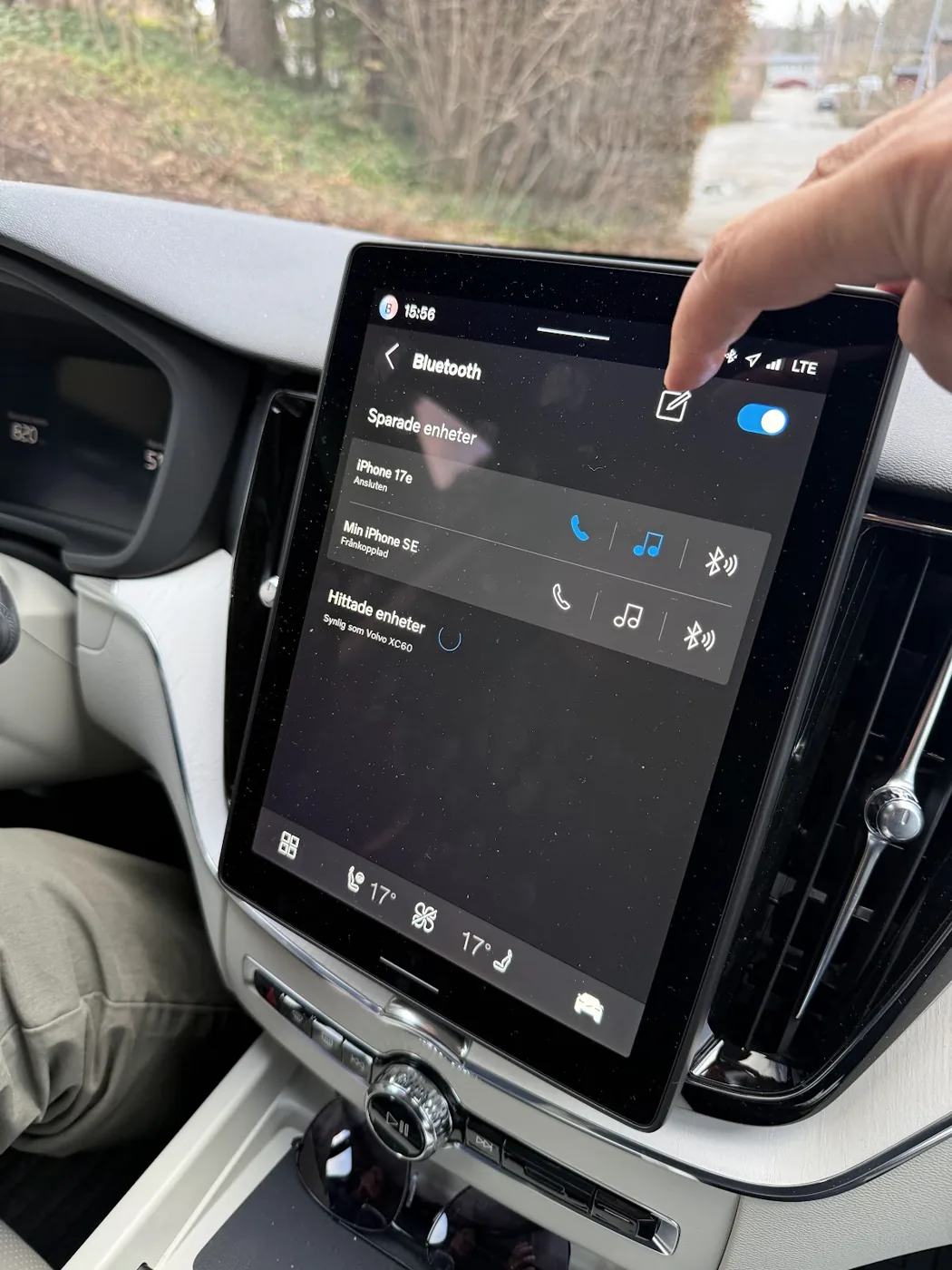
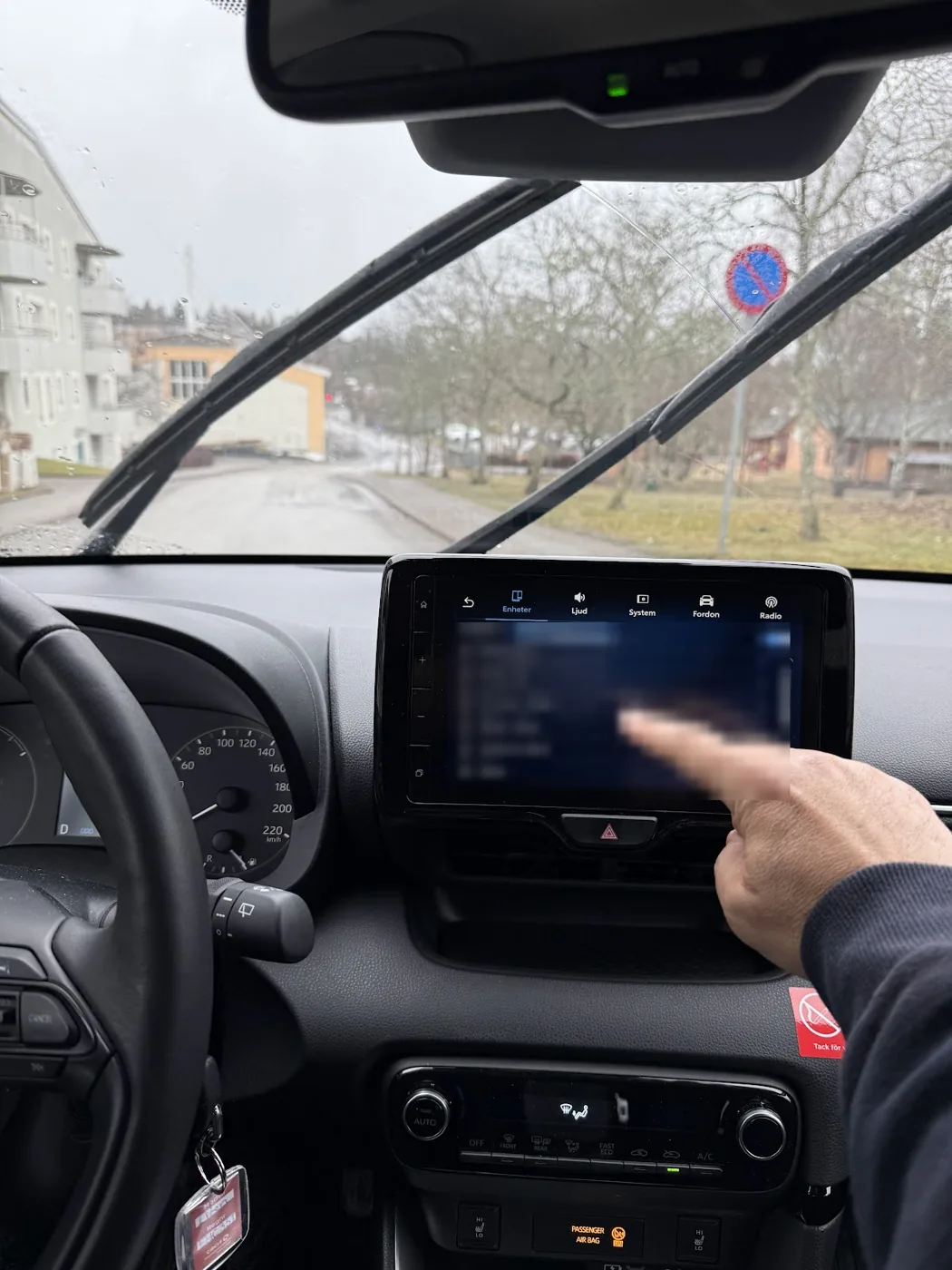
Connect the phone to the car with Apple CarPlay and Android Auto
Apple CarPlay and Android Auto show the phone’s maps, music and messages on the car’s screen, for example. Many cars require a USB cable, while newer cars also work wirelessly. We first check that the car supports the feature and that it is switched on in the car’s settings. After that, we connect the phone and allow CarPlay or Android Auto even when the phone is locked. Moreover, we choose which apps should appear on the screen.
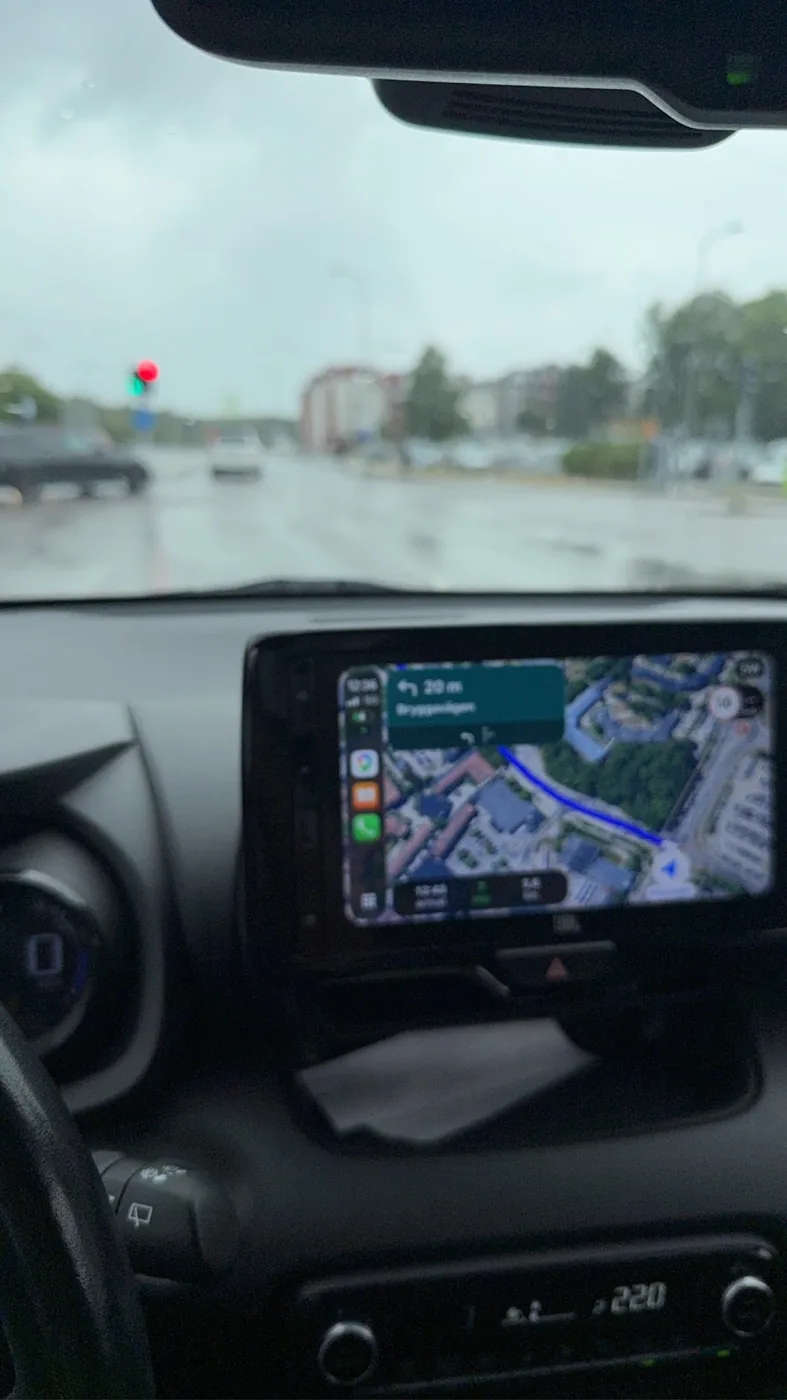
- CarPlay does not start: often the cable is too basic or the feature is off in the phone.
- The music does not play: the phone connects for calls but not for audio.
- The wrong phone connects: several phones sit at the top of the car’s list.
- Poor sound in calls: the microphone is blocked or the noise reduction is off.
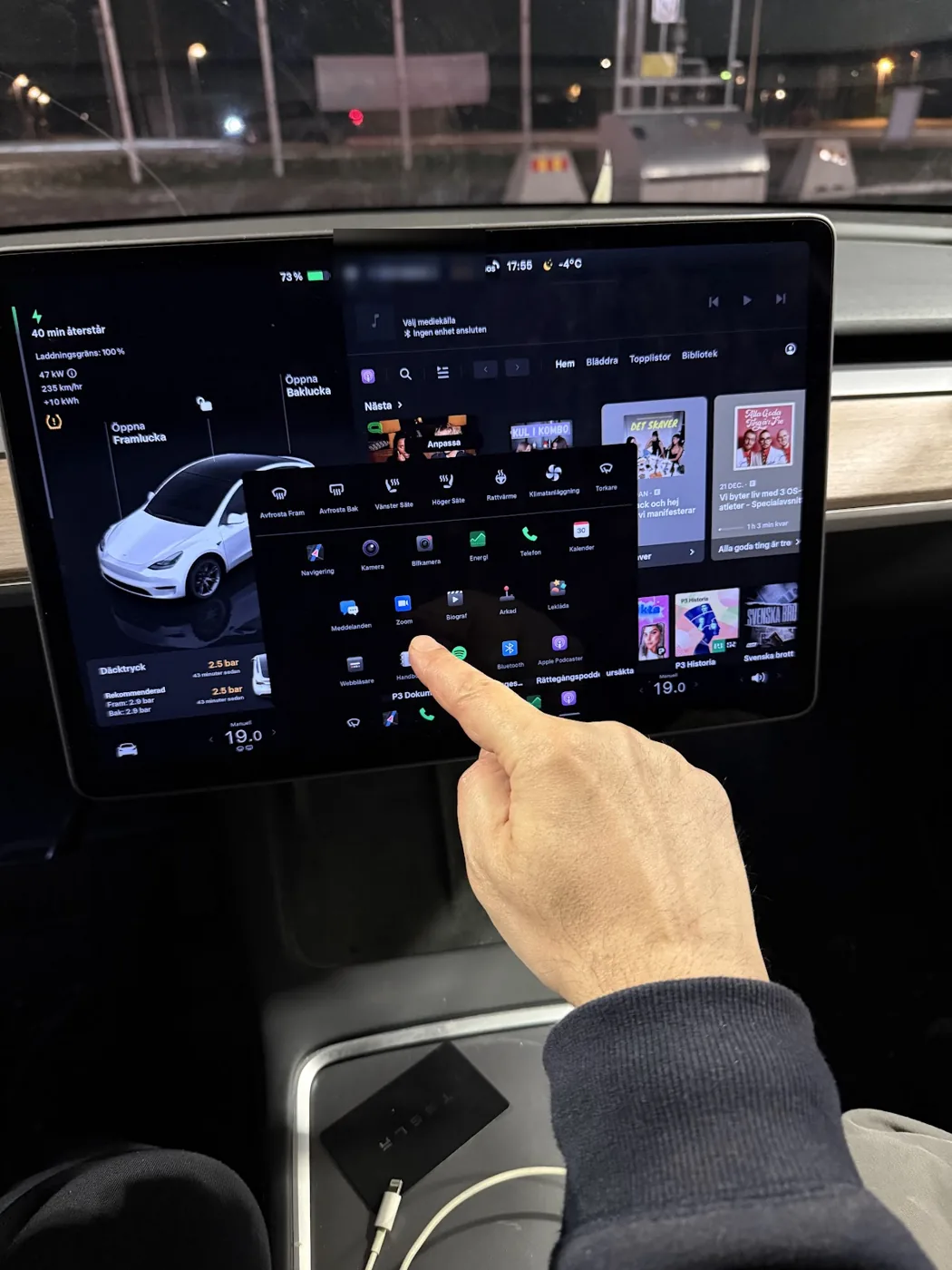
Cars with their own system, for example Tesla and Volvo
Some cars, on the other hand, have an entirely separate system, or a system built on Google. There, you sign in with an account of your own in the car. Tesla, for example, uses Bluetooth for calls and music, while you control the car’s functions with the Tesla app. In cars with Google built in, you can also sign in with your Google account for maps and apps. We also help you set up profiles, so that each driver gets their own settings.
Selling the car or changing phone?
When you sell or return a car, you should remove the phone from the car’s memory. Otherwise, contacts and call history remain. We therefore clear the car and remove the car from the phone’s list. If you are changing phone, we also help you switch phones and connect the new one to the car at the same time.
Get help to connect the phone to the car
We come to you in the Stockholm area and work directly in the car. As a result, it often takes less than an hour. Prices start from €200 per hour excluding VAT, also for remote help. Dator Hjälp is part of Datorkirurgen AB.
Frequently asked questions about how to connect the phone to the car
Bluetooth in the car
- How do I pair my iPhone with the car?
- Why can the phone not find the car?
- What do I do when the car drops calls?
- How do I remove old phones from the car?
- Can two phones be connected at the same time?
- Why does the car not play music through Bluetooth?
- How does the car get access to my contacts?
- Does Bluetooth work in older cars?
- What does the code mean during pairing?
- Can you help directly in the car?
Apple CarPlay and Android Auto
- What is the difference between CarPlay and Android Auto?
- Why does CarPlay not start?
- Do I need a cable for CarPlay?
- Does wireless Android Auto work in my car?
- How do I choose which apps appear on the screen?
- Can the car read messages aloud?
- Why does Google Maps not show up in CarPlay?
- How do I turn off CarPlay for another driver?
- Can you update the car’s system?
- Does CarPlay work when the phone is locked?
Special cars, selling and price
- How do I connect the phone to a Tesla?
- Can I use the phone as a car key?
- What is Google built-in in the car?
- How do I create my own driver profiles?
- What should I delete before I sell the car?
- Do my contacts remain in a rental car?
- What does help with the phone in the car cost?
- How long does it take?
- Will you come to me in Stockholm?
- How do I book help with the car?