
Are you about to switch phones? We move photos, contacts, messages, WhatsApp and apps to the new phone, and we also make sure that Mobile BankID, email and two-step verification work before we reset the old one.
Switching phones admittedly looks easy in the adverts. Even so, not everything comes along automatically. Mobile BankID, two-step verification apps and some banking apps need a new activation, after all. WhatsApp also needs a backup of its own, especially when you switch between iPhone and Android. We have helped private individuals, elderly relatives and businesses change phones for many years. That is why we go through everything in the right order, so that nothing disappears on the way.
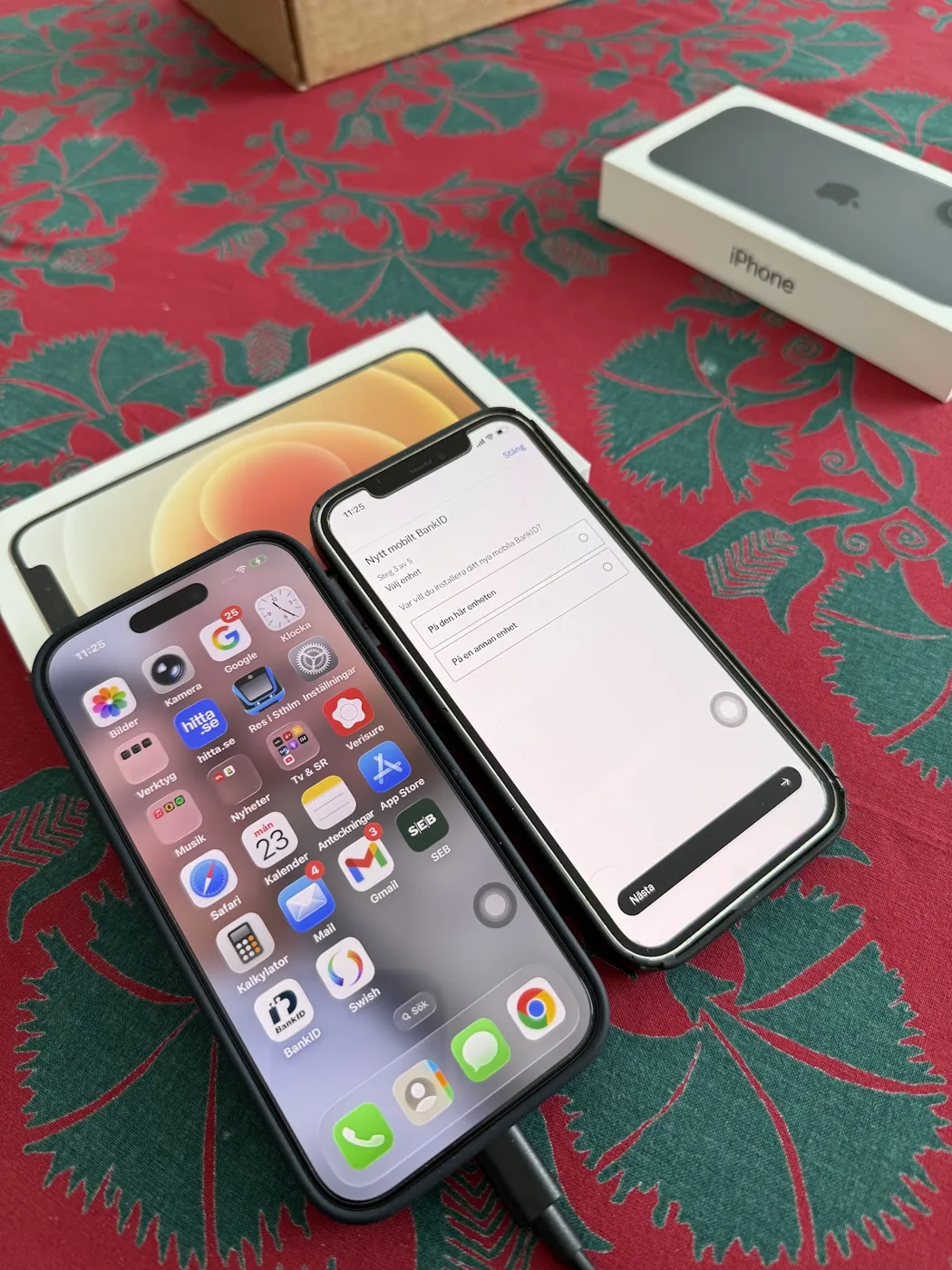
Before you switch phones
First, we check that the old phone is up to date and has a recent backup in iCloud or Google. Next, we note which apps need a special move. After that, we charge both phones, because the transfer can take an hour or more. Most important of all, keep the old phone until everything works on the new one.
- Mobile BankID: needs a new order for the new phone.
- Authenticator apps: need a move or a new activation for every account.
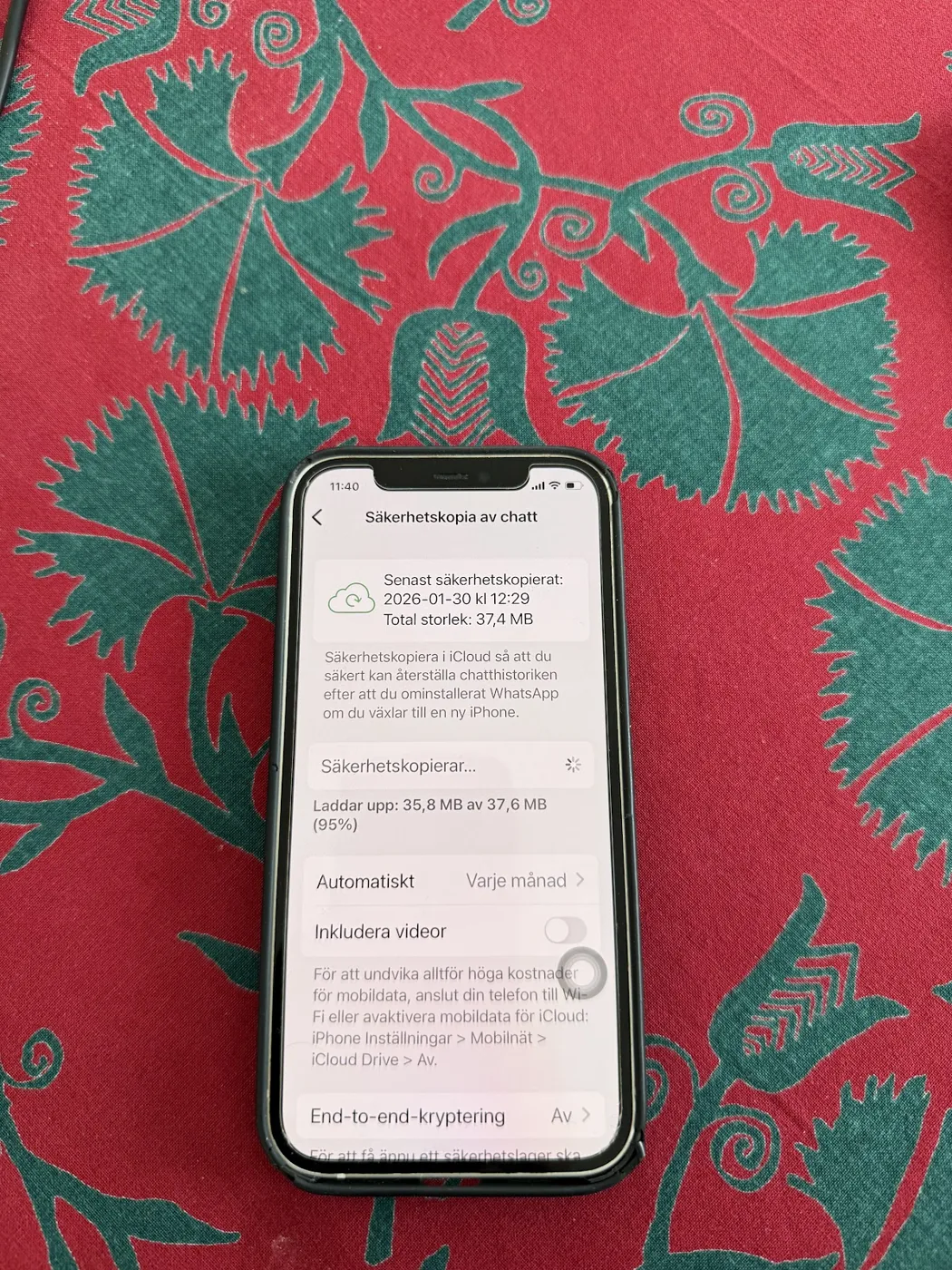
- WhatsApp: needs either a backup or a direct transfer.
- eSIM: comes along through the operator or directly between two iPhones.
Switch phones from iPhone to iPhone
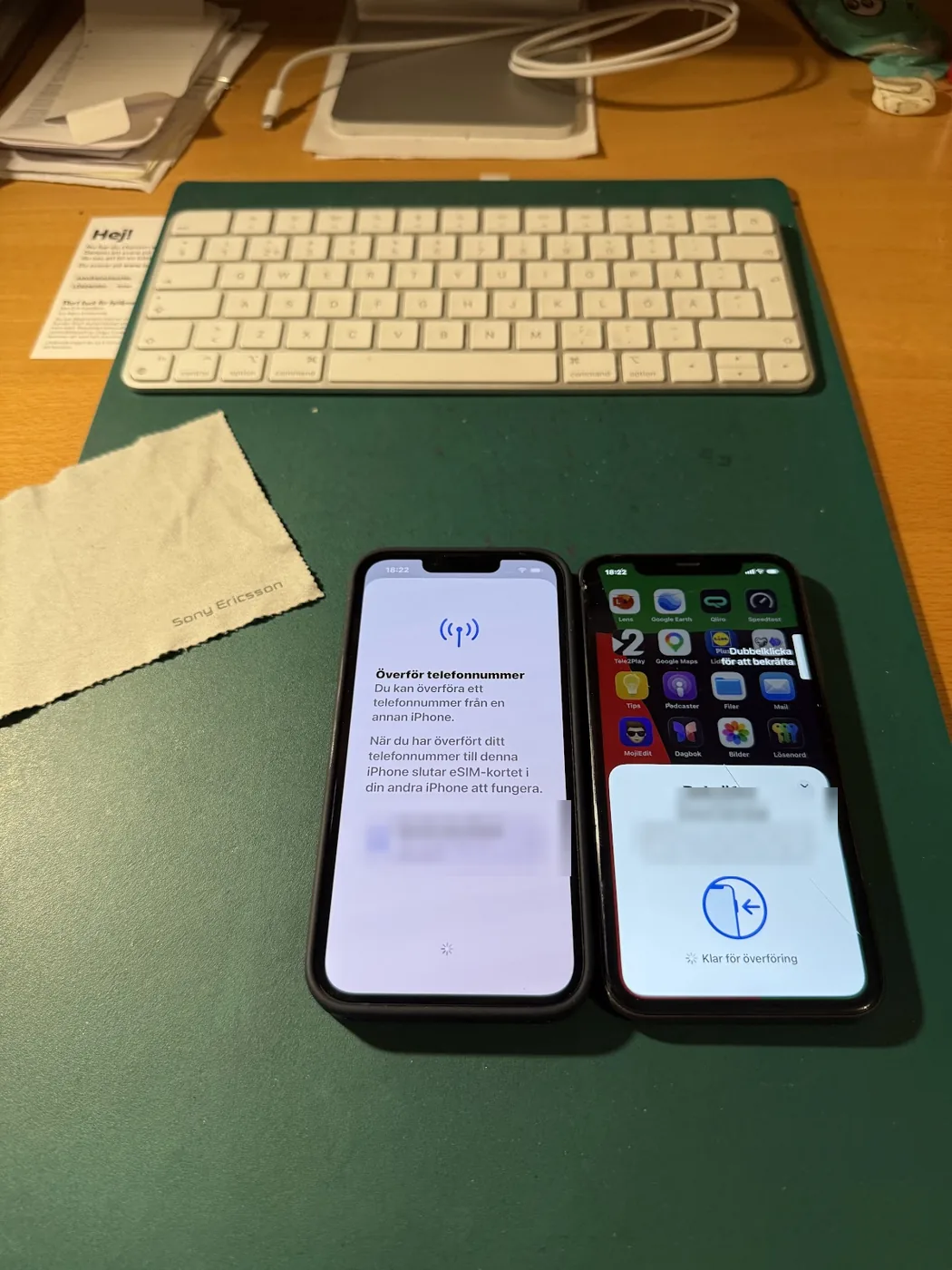
Between two iPhones, we first and foremost use Quick Start. You place the phones next to each other, and then the new phone moves settings, apps, photos and messages. At the same time, you can move your eSIM, so that the phone number comes along. Afterwards, we check that iCloud Photos, contacts and calendars have synced.
Switch phones between Android and iPhone
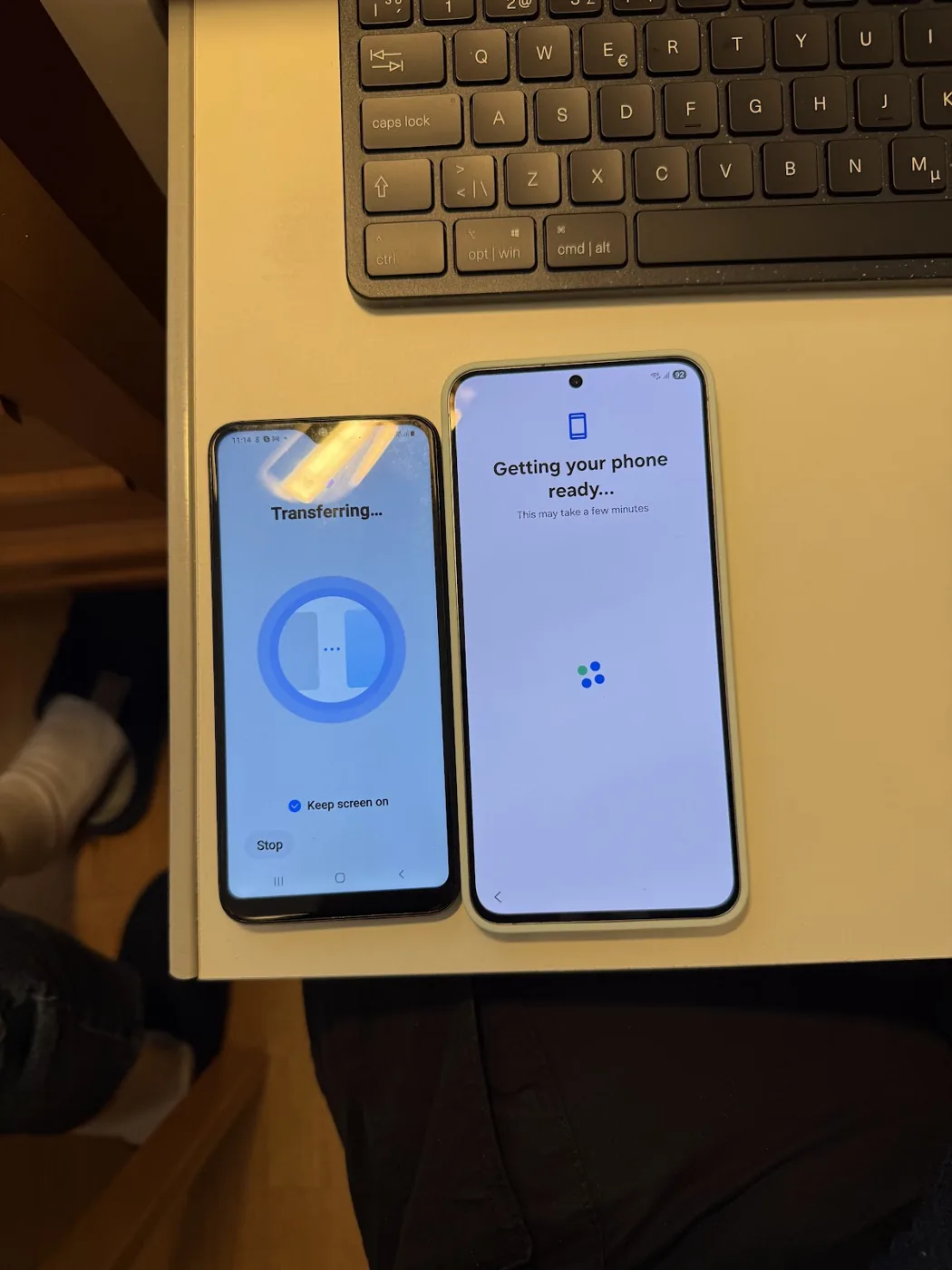
From Android to iPhone, we use Apple’s Move to iOS app. It moves contacts, messages, photos, calendars and WhatsApp, for example. From iPhone to Samsung, we use Smart Switch instead, either with a cable or wirelessly. Between two Android phones, Google’s own transfer works just as well as Smart Switch. However, apps from Apple do not come along to Android, and vice versa. We therefore install the equivalent apps and sign in to them.
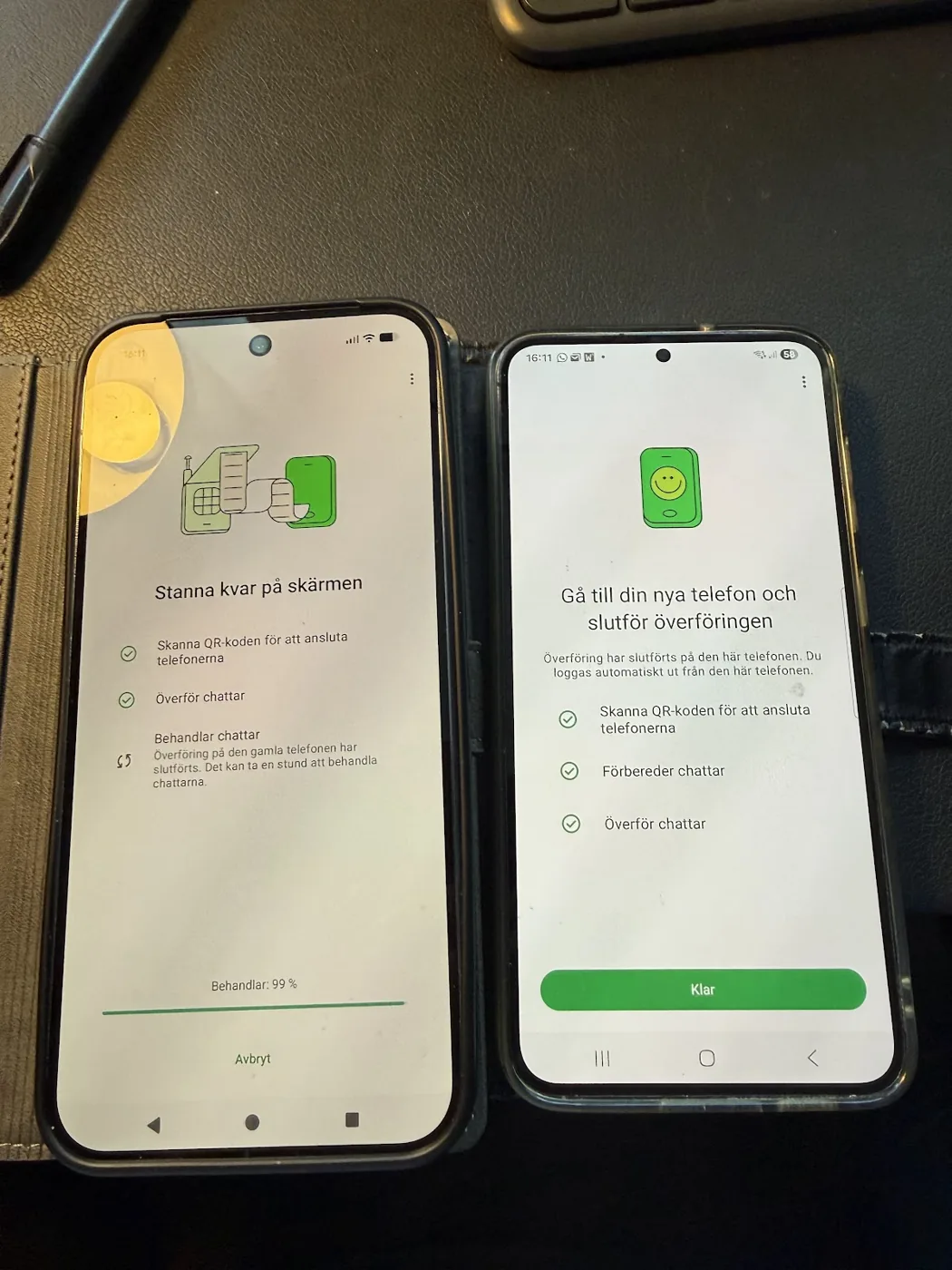
Mobile BankID, banking apps and two-step verification
Once the photos are in place, we order a new Mobile BankID with the existing one on the old phone. Feel free to read our guide on how to move Mobile BankID before you start. After that, we move Microsoft Authenticator, Google Authenticator and other apps for one-time codes. We also describe how this works for each service in the article on authenticator apps. Finally, we sign in to banking apps, Swish, email and social media.
Wipe the old phone securely
When everything works on the new phone, we sign out of the Apple Account or Google account on the old one. Otherwise, the phone remains locked to your account and you cannot sell it. Afterwards, we remove it from Find My or Find My Device and reset it. You can then hand it in for recycling, sell it or pass it on.
Get help to switch phones
We help you switch phones at home, at the office or with us in Stockholm. An ordinary switch, on the other hand, only takes one to two hours. Prices start from €200 per hour excluding VAT, also for remote help. Dator Hjälp is part of Datorkirurgen AB.
Frequently asked questions about how to switch phones
Moving photos, contacts and apps
- How do I move photos to a new iPhone?
- What is Quick Start on the iPhone?
- Do all apps come along to the new phone?
- How long does the transfer take?
- Can I use the phone during the move?
- How do I move contacts from Android to iPhone?
- Does Smart Switch work from iPhone to Samsung?
- What happens to my text messages and iMessage?
- Do the calendar and notes come along?
- Can you move photos from a phone with a broken screen?
WhatsApp, eSIM and BankID
- How do I move WhatsApp to a new phone?
- Is it possible to move WhatsApp from iPhone to Android?
- What is an eSIM and how do I move it?
- Do I need to contact the operator when changing eSIM?
- Does Mobile BankID come along automatically?
- How do I move Microsoft Authenticator?
- What happens to Swish on the new phone?
- Do I have to sign in to the banking app again?
- Can you help an elderly parent change phone?
- Does two-step verification work after the switch?
The old phone and the price
- How do I wipe the old phone securely?
- Why should I sign out of the Apple Account first?
- What is Activation Lock?
- Can I sell the phone after a reset?
- Where do I hand in an old phone for recycling?
- What does help with changing phone cost?
- Will you come and help at home?
- Do you help businesses with several phones?
- Can you move data from a very old phone?
- How do I book help to switch phones?