
Is Outlook acting up, is email disappearing or do you want to install Microsoft 365 on a new computer? Then we install the programs, set up email and calendars and protect the account against phishing, for both homes and businesses.
Email is in fact still the hub of most businesses. Even so, it is easy to lose track. Microsoft has two versions of Outlook for Windows, and there is also Outlook on the web, on the Mac and on the phone. At the same time, more and more fake emails look as if they come from the bank, the operator or Microsoft. We have worked with Exchange, Outlook and Microsoft 365 since the programs arrived, and therefore we know how the parts fit together.
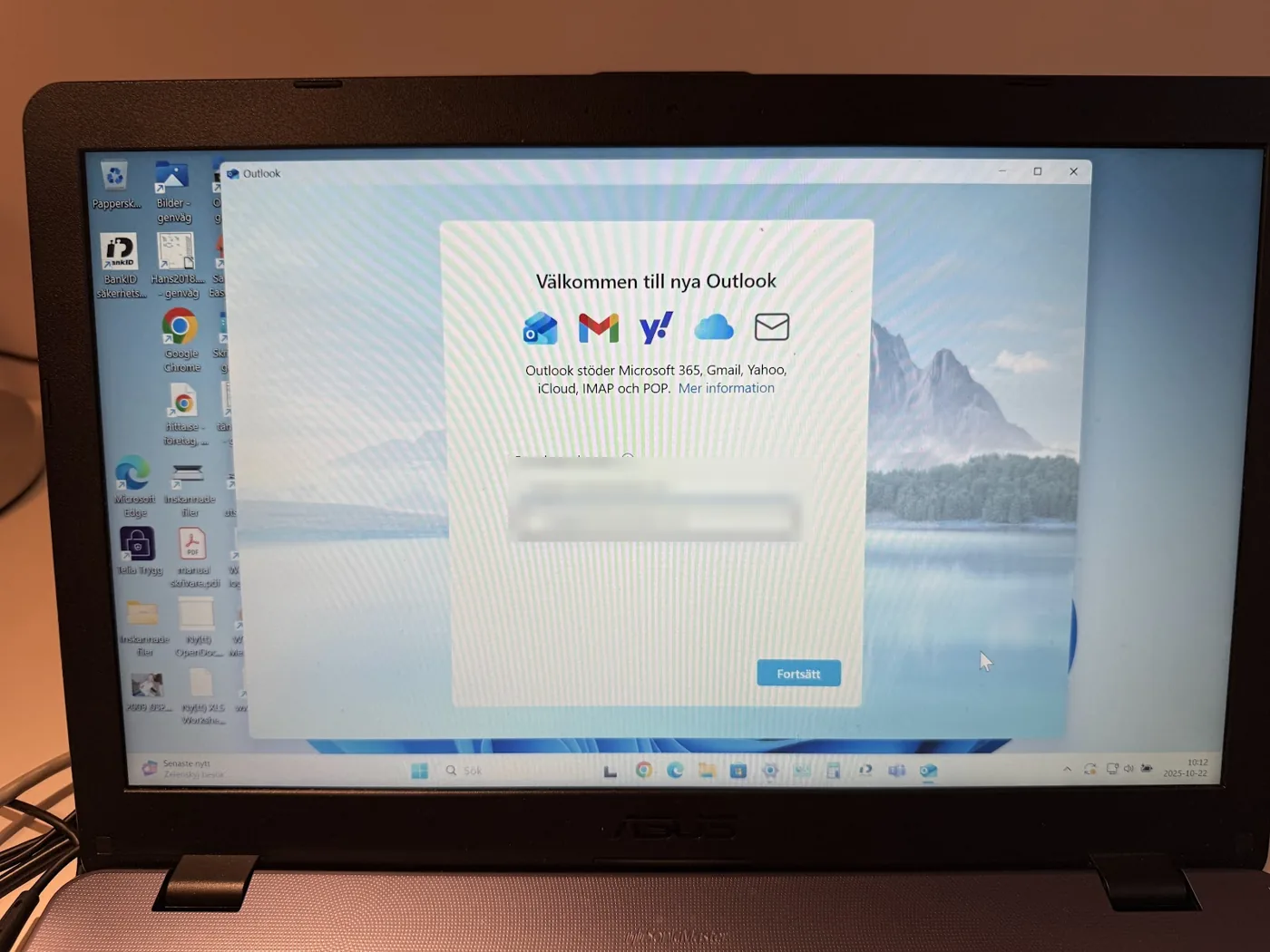
Installing Microsoft 365 on a PC and a Mac
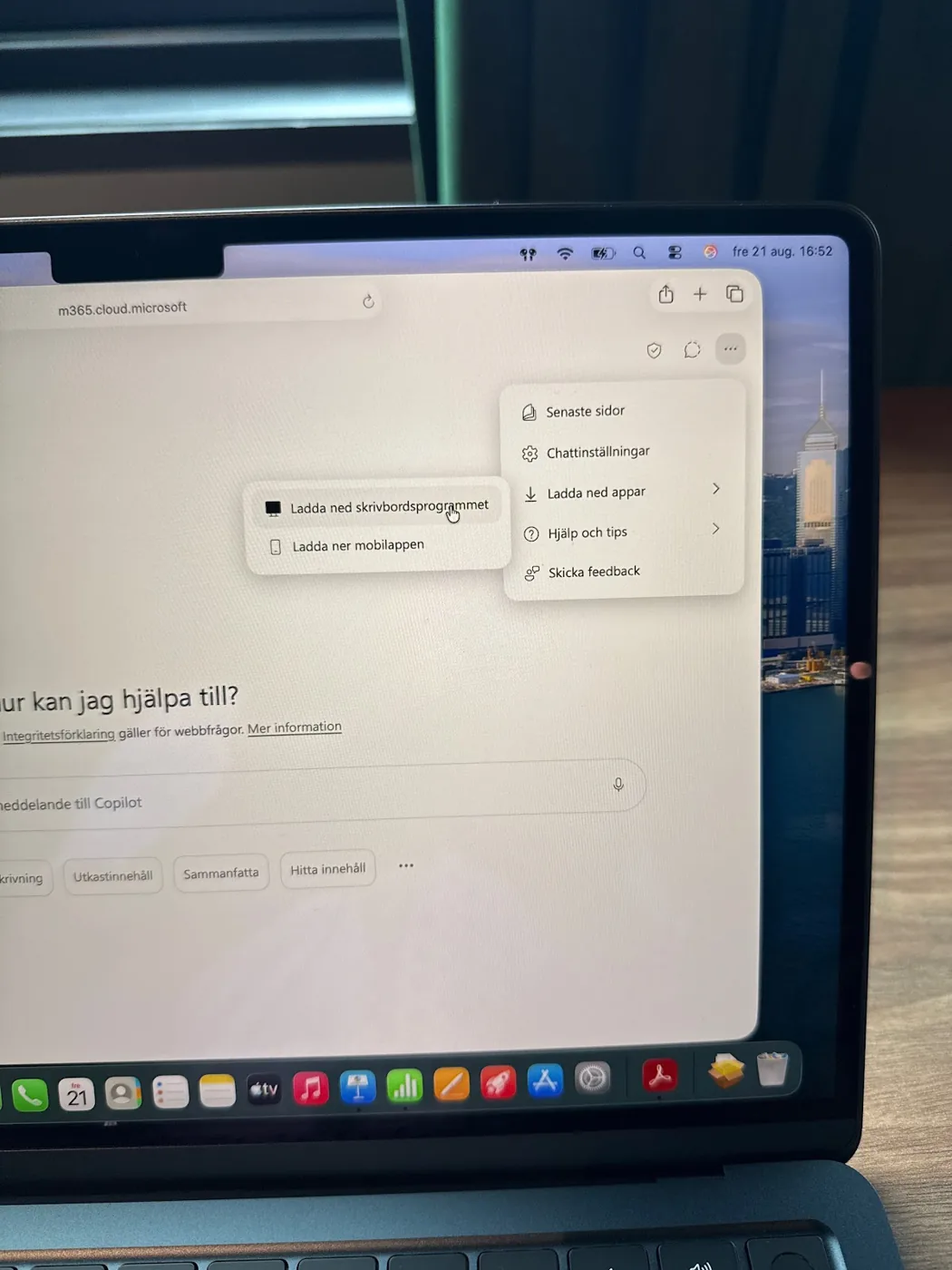
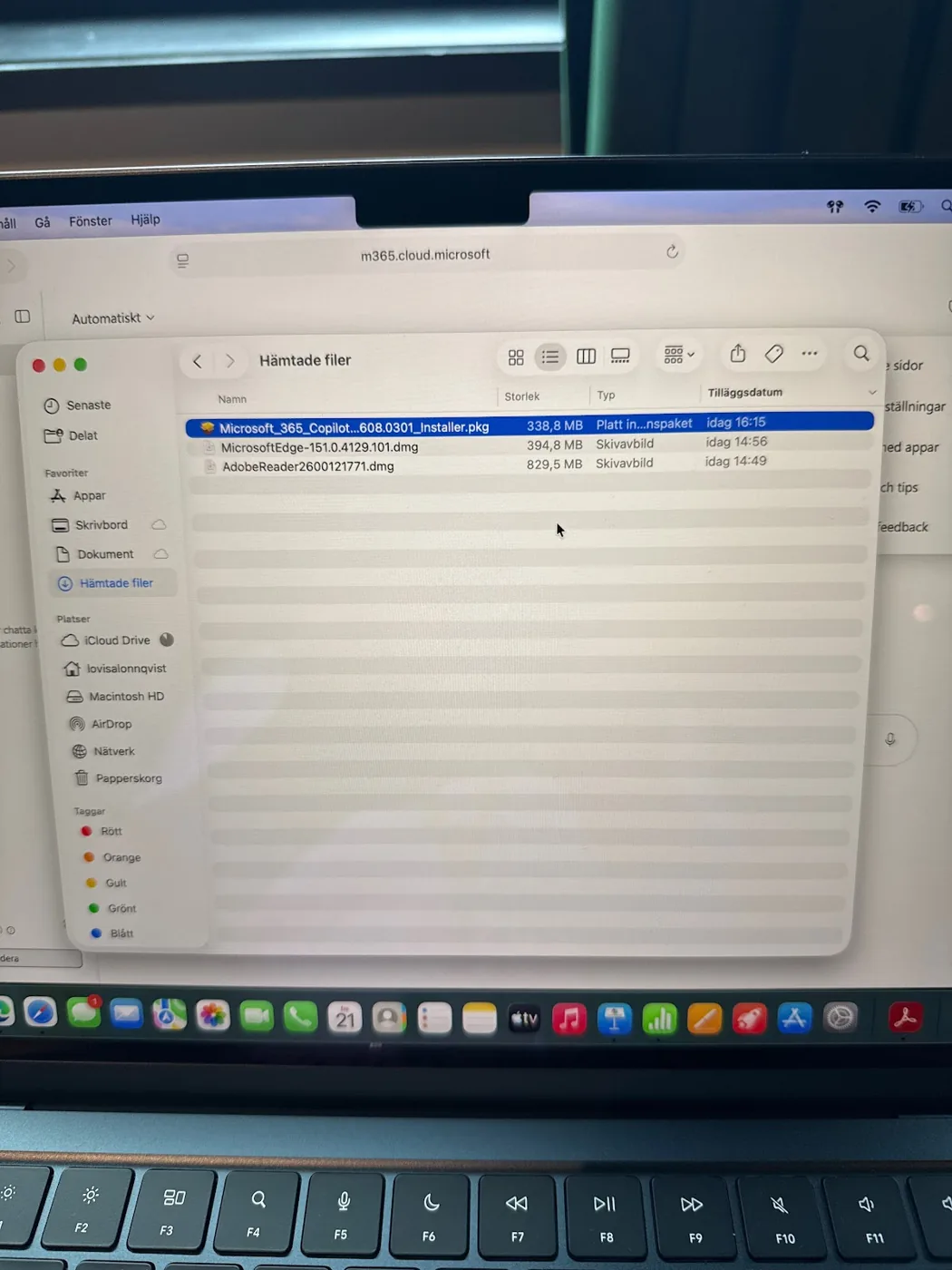
First, we sign in to your Microsoft account and check which licence you have. Next, we download and install Word, Excel, PowerPoint and Outlook. On a Mac, on the other hand, we fetch the installer from Microsoft and run it as an administrator. After that, we activate the licence and check that OneDrive syncs your documents. If you have several computers in the family or at the office, we also assign the licences correctly.
New and classic Outlook
To begin with, new Outlook replaces the old Mail and Calendar app in Windows. It suits Microsoft 365, Outlook.com and Gmail particularly well. However, you still need classic Outlook for certain add-ins, shared mailboxes and older PST files. We therefore choose the version according to how you work. We also move old email from PST files, so that it shows up in the right mailbox.
- Microsoft 365 and Exchange: email, calendar and contacts stay in sync on all devices.
- IMAP: email follows you everywhere, but calendars and contacts often do not.
- POP3: email ends up on a single computer, so we prefer to switch to IMAP.
- Shared calendars: particularly suitable for families, practices and smaller offices.
Phishing and fake emails in Outlook and Microsoft 365
Fake emails claim, for example, that the account is blocked, that the storage is full or that a payment failed. The sender looks right, but the address and the link reveal the fraud. That is why we show you what to look for. In addition, we turn on two-step verification and set up spam filters in Microsoft 365. See also the article on authenticator apps, which protect the account even if the password leaks.
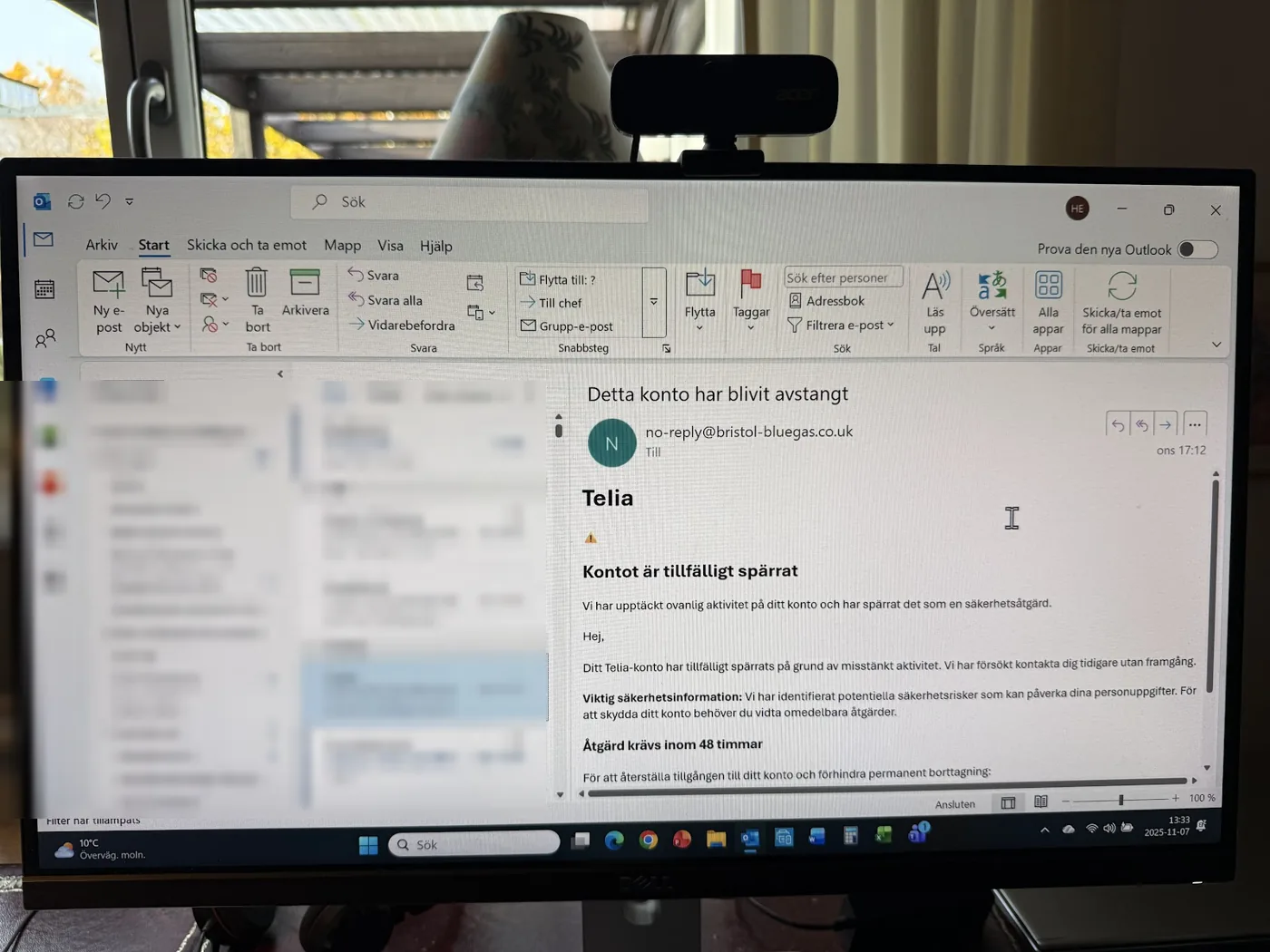
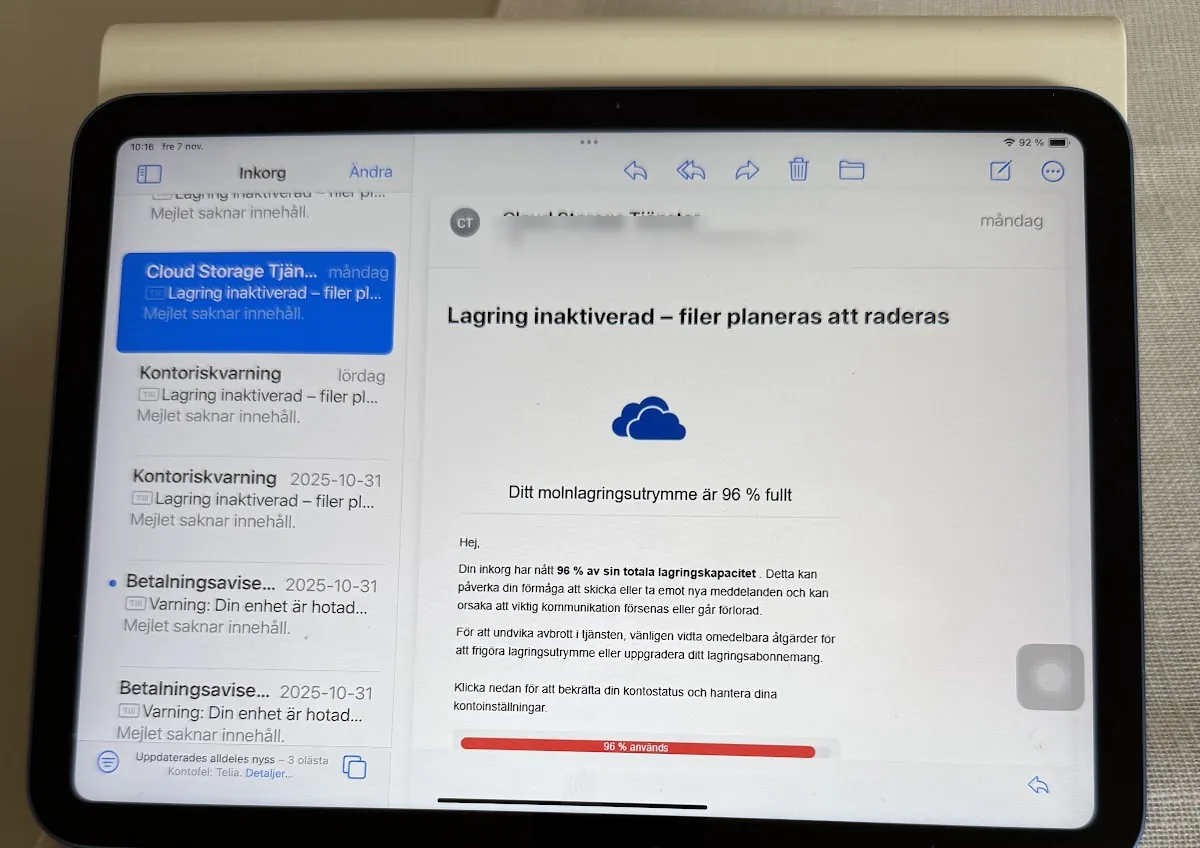
If you have already clicked a link, we first change the password, sign out all sessions and check the forwarding rules. Fraudsters often add a hidden rule that sends copies of your email onwards, after all. If the computer has also picked up ads or unknown programs, we help you remove trojans and ads.
Microsoft 365 for small businesses and clinics
For businesses, we also set up shared mailboxes, shared calendars and permissions for the staff. Moreover, we connect the computers to Microsoft 365 and make sure that the email has SPF, DKIM and DMARC, so that your messages do not end up in the recipient’s junk folder. When an employee leaves, we block the account and move the email to the right person. If you are also moving files between clouds, you can read more about going from iCloud to OneDrive.
Get help with Outlook and Microsoft 365
We help you on site in Stockholm, but also remotely. Prices start from €200 per hour excluding VAT, also for remote help. Dator Hjälp is part of Datorkirurgen AB.
Frequently asked questions about Outlook and Microsoft 365
Installation and licences
- How do I install Microsoft 365 on a new computer?
- Does Microsoft 365 work on a Mac?
- How many computers may I install it on?
- What is the difference between Microsoft 365 Family and Personal?
- Why does Word say that the product is not activated?
- Can I move the licence to another computer?
- Does Microsoft 365 include OneDrive?
- Do businesses need a different licence than homes?
- How do I uninstall an old version of Office?
- What is Copilot in Microsoft 365?
Outlook and email in Microsoft 365
- Should I use new or classic Outlook?
- Why did the Mail and Calendar app disappear?
- How do I add Gmail to Outlook?
- What is the difference between IMAP and POP3?
- How do I open an old PST file?
- Why does the phone not show the calendar?
- Can I share a calendar with the family?
- How do I set up a shared mailbox?
- Why do my emails end up in the recipient’s junk folder?
- What do SPF, DKIM and DMARC mean?
Phishing, security and price
- How do I recognise a phishing email?
- What do I do if I have clicked a fake link?
- Can fraudsters forward my email in secret?
- How do I turn on two-step verification in Microsoft 365?
- Are emails about full storage always fake?
- Do you help when an employee leaves?
- What does help with Outlook cost?
- Can you help remotely?
- Do you help clinics with email and permissions?
- How do I book help with Microsoft 365?