
Have you bought a new computer? We install it, move files, email, bookmarks and programs from the old computer and make sure that printers and backups work from the very first day.
A new computer should also feel like your own from the start. Simply signing in is therefore not enough. Files are often scattered across several places, for example on the desktop, in Documents, in OneDrive and in old folders on the disk. In addition, passwords sit in the browser, alongside licences for programs and email settings. We have installed computers for homes, offices and clinics for more than 30 years. For this reason, we know where things tend to hide, and we check that everything really comes along.
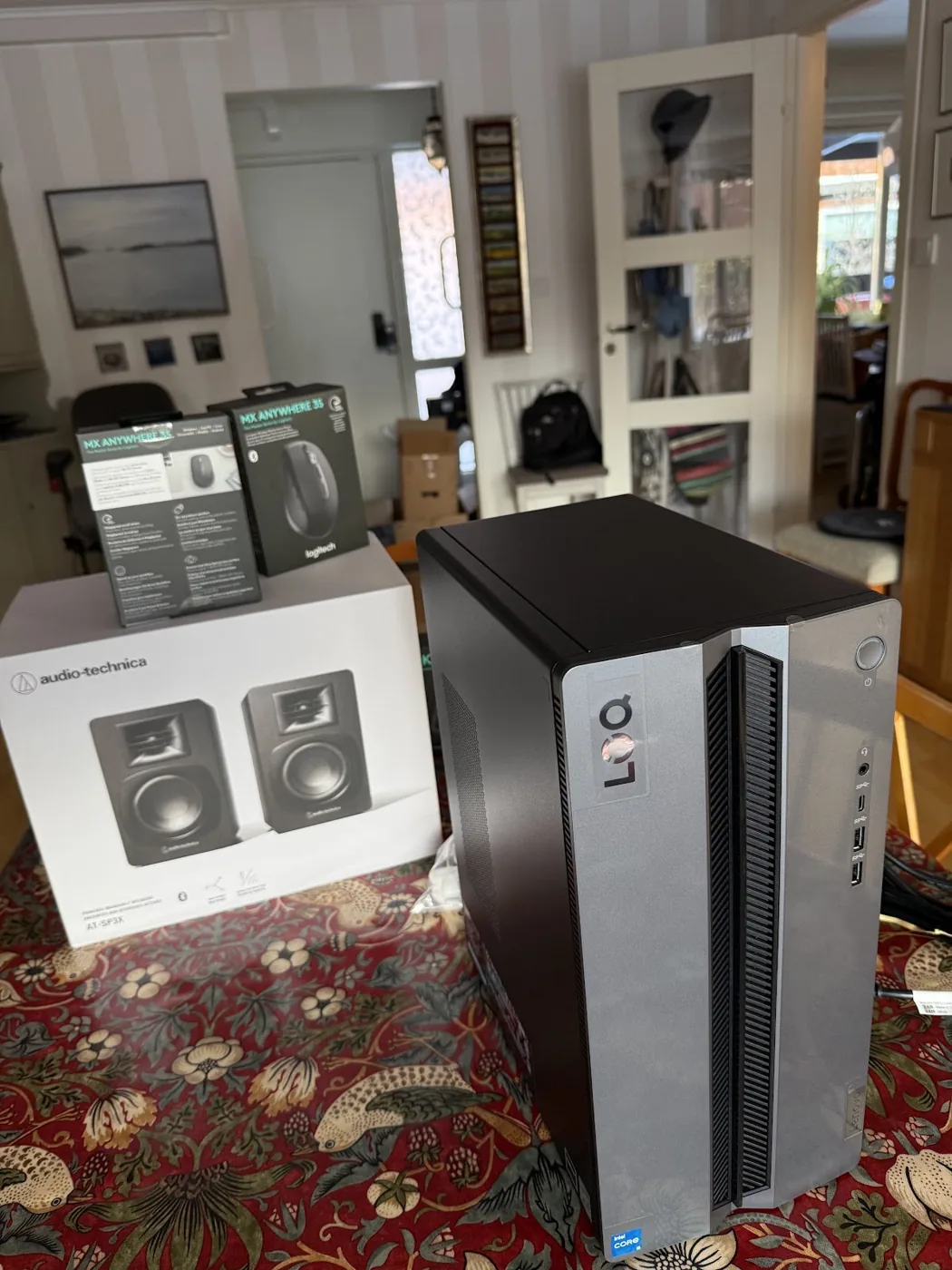
Before the installation starts
First, we go through the old computer together with you. For example, we note which programs you use, which accounts are signed in and where your files are. After that, we take a full backup, so that nothing can disappear during the move. If BitLocker or FileVault encrypts the old computer, we also find the recovery key. Otherwise, you risk getting locked out if something goes wrong.
- Accounts: Microsoft account, Apple Account, Google and email accounts.
- Programs: Microsoft 365, accounting, photo programs and printer software.
- Licences: product keys, subscriptions and sign-ins to the manufacturers’ websites.
- Passwords: saved passwords in the browser and in the password manager.
Installing a new computer with Windows
When we start a new computer with Windows 11, we first choose the language, keyboard and network. Next, we sign in with your Microsoft account, or create a local account if you prefer. Afterwards, we run all updates, both for Windows and for the manufacturer’s drivers. At the same time, we remove the trial versions and adware that come with many computers. As a result, the computer starts faster and shows fewer disruptive messages.
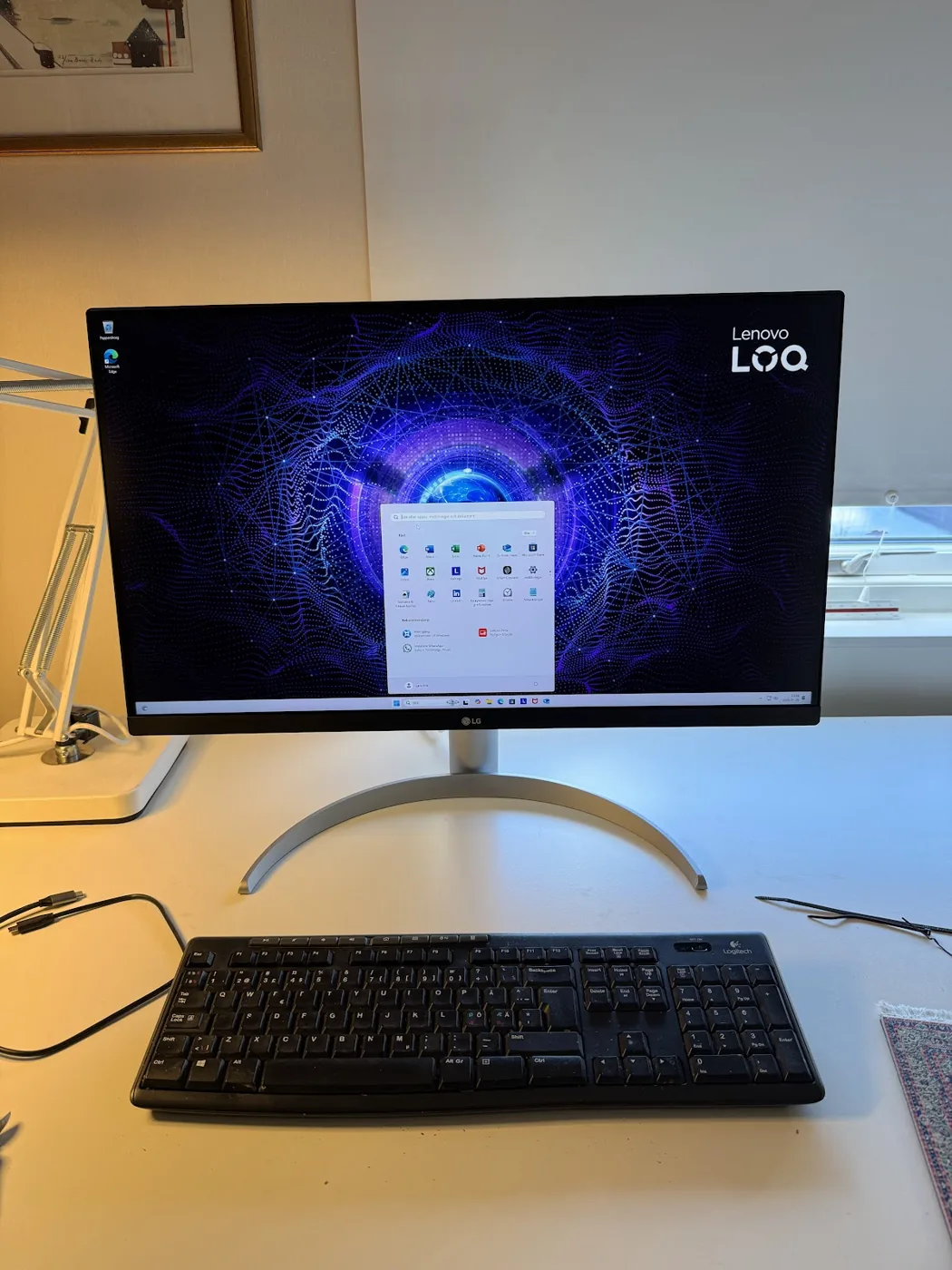
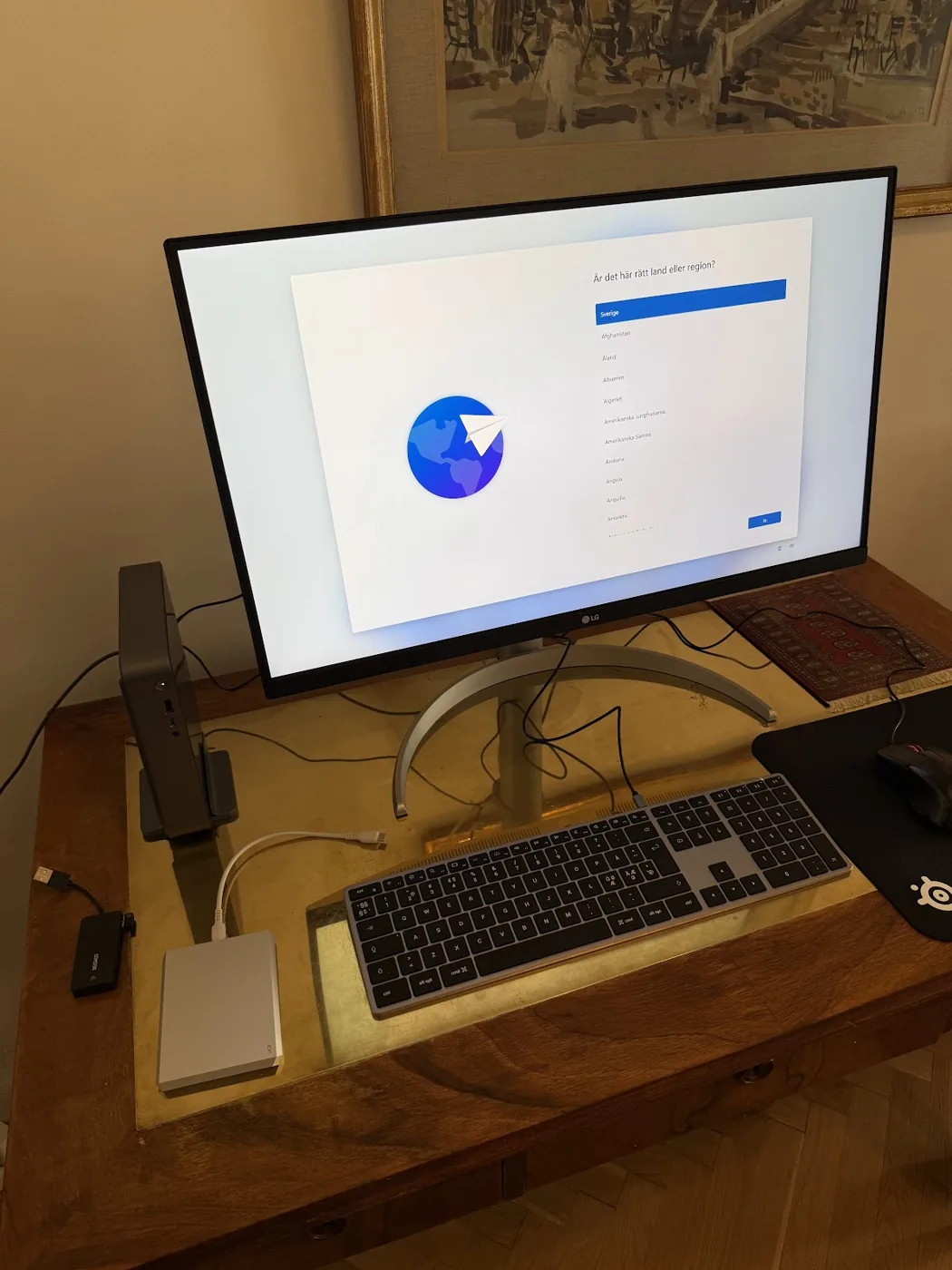
We also check that device encryption is switched on. We store the recovery key in a safe place, for example in your Microsoft account and on paper. Finally, we set up Windows Hello with a PIN or facial recognition, so that signing in is both fast and secure.
Moving files and programs to the new computer
Then we move your files. We primarily use an external disk or the network, since it is fast and easy to check. When the files already sit in OneDrive or iCloud, we simply sign in and wait until everything has synced. After that, we compare the number of files and folders on the old and the new computer.
Programs, on the other hand, do not come along automatically. We therefore install them again from the manufacturer’s website and activate them with your licences. We set up email, calendars and contacts in Outlook or in the program you prefer. Bookmarks and saved passwords come along when you sign in to the browser. If you are switching from Windows to Mac at the same time, our article on going from Windows to Mac tells you more.
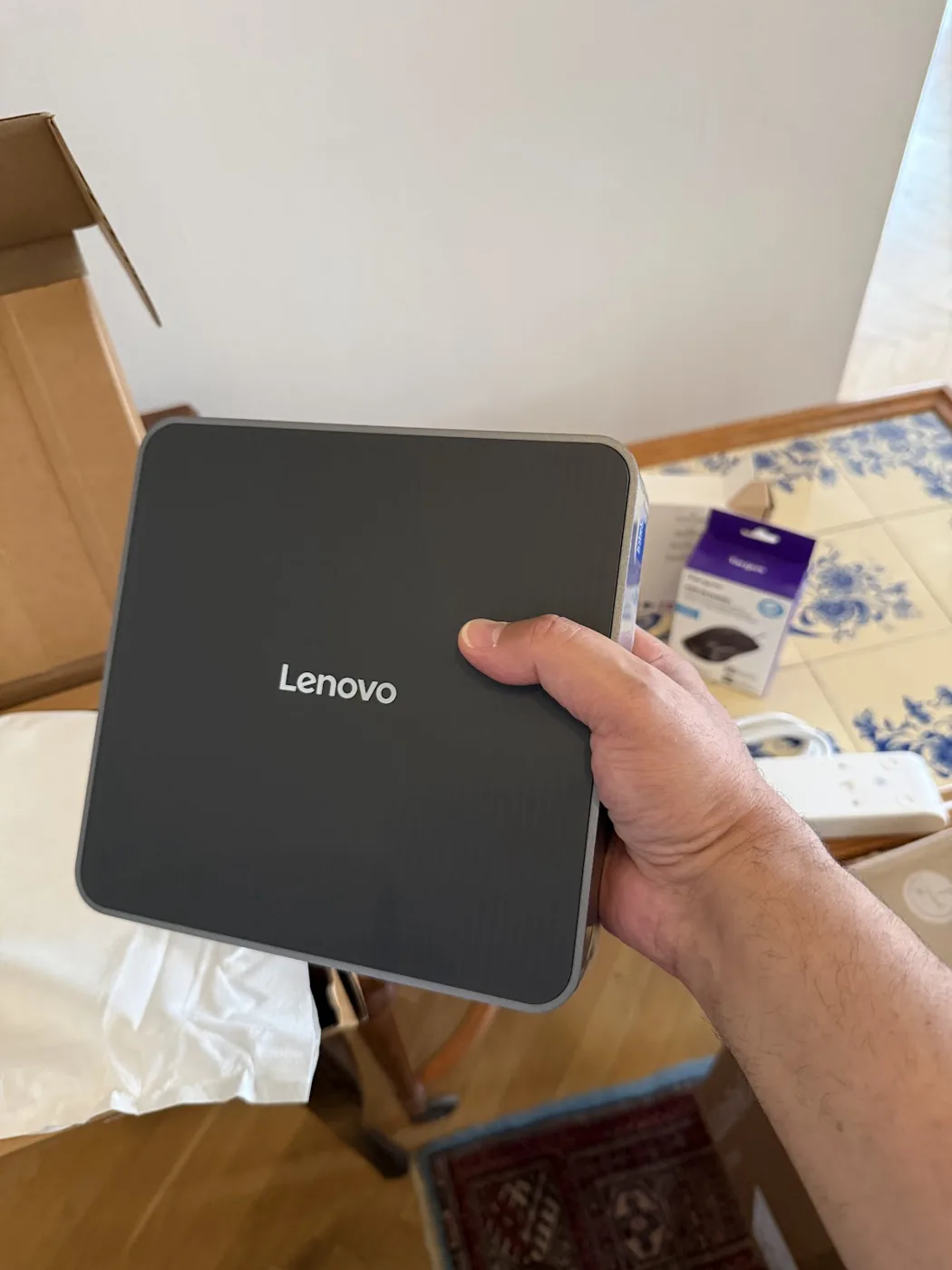
A new computer for Mac users and businesses
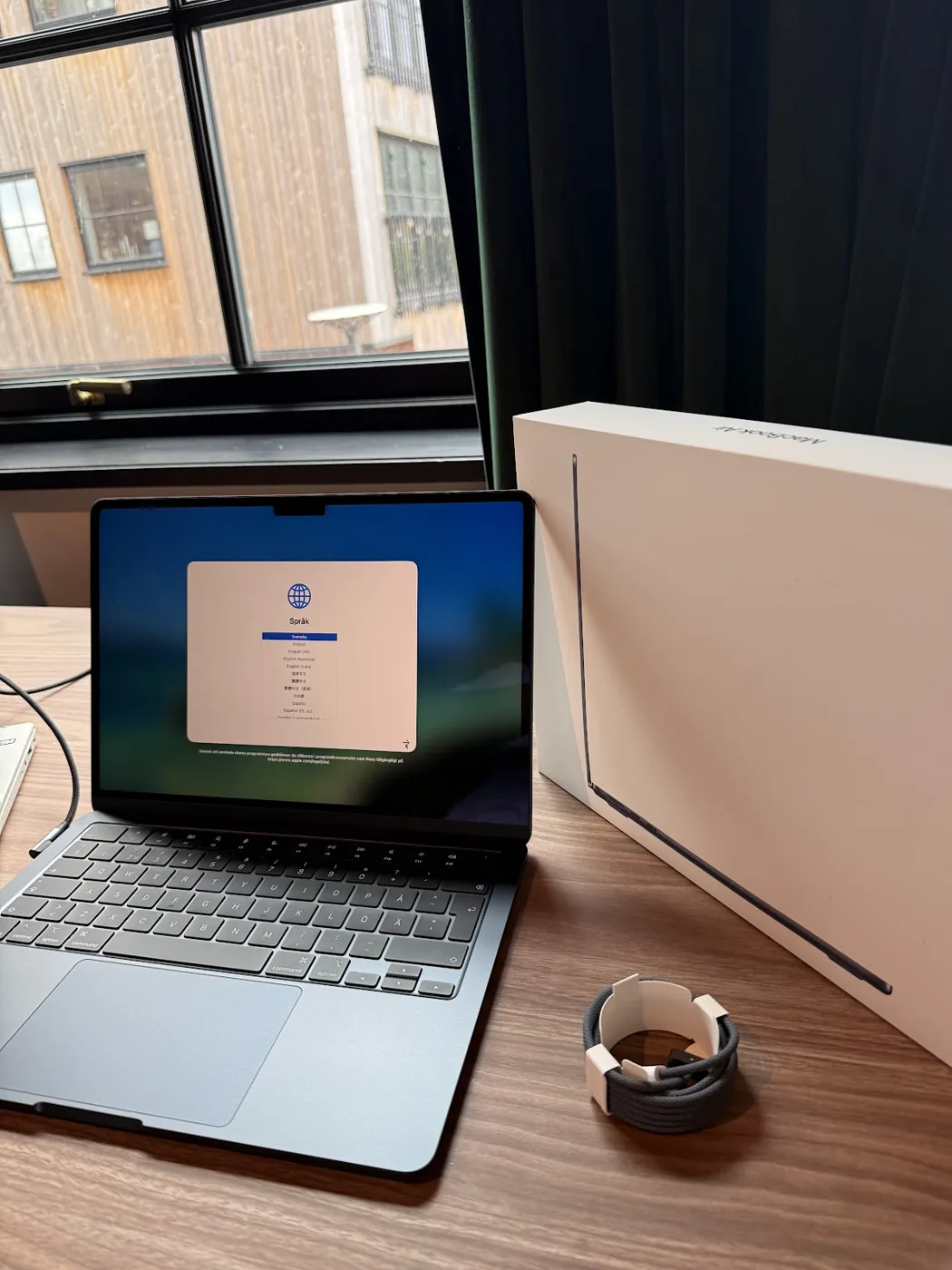
For a new Mac, we use Migration Assistant, which moves accounts, files and programs from the old Mac. After that, we check iCloud, Find My and FileVault. For businesses, we also connect the computer to Microsoft 365, shared folders and printers. We can also enrol the computer in Intune or in Apple’s device management, if you use it.
What happens to the old computer?
Once the new computer works, we wipe the old one securely. First, we sign out of all accounts and remove the computer from Find My or from your Microsoft account. Then we reset it and overwrite the storage. Afterwards, you can sell it, give it away or hand it in for recycling without anyone reaching your data. If the old computer does not start, we first help you with data recovery.
Get help with your new computer
We install a new computer in your home or office in Stockholm, and we can also receive the computer by courier. An installation with a transfer often takes two to four hours, depending on how much needs to come along. Prices start from €200 per hour excluding VAT, also for remote help. Dator Hjälp is part of Datorkirurgen AB.
Frequently asked questions about a new computer
Questions about the installation
- How long does it take to install a new computer?
- What should I do before I start the new computer?
- Do I need a Microsoft account in Windows 11?
- Can you remove pre-installed programs and adware?
- What is device encryption and where is the key stored?
- Which updates does a new computer need?
- Can you install the computer in my home?
- Does Windows 11 include antivirus?
- Should I choose Windows or Mac?
- Does a mini PC suit the office?
Moving to the new computer
- How do I move files from the old computer?
- Do my programs come along automatically?
- How do I move Microsoft 365 to a new computer?
- What happens to my saved passwords?
- Is it possible to move email from an old Outlook?
- Can you move photos from an external disk?
- How do you check that all the files came along?
- Does Migration Assistant work from Windows to Mac?
- Can you move accounting software with its licence?
- What do I do if the licence key is missing?
The old computer and the price
- How do I wipe the old computer securely?
- Is resetting Windows enough?
- Should I remove the computer from Find My?
- Where do I hand in the old computer for recycling?
- Can you recover files if the old computer does not start?
- What does the installation of a new computer cost?
- Do you help businesses with several new computers at once?
- Can you connect the computer to Intune?
- Do you accept computers by courier?
- How do I book help with a new computer?